Recapture response doesn't work, but workflow does
Status: Closed · Asked by Vincenzo Tortora on · 0 views
Hi dear
a weird thing is happening to one of my workflow.
If I click on "Recapture Response", no value is passed (when a webhook is triggered). But the workflow - well - woks. (It passes data to a Google Sheets.)
Is something to be fixed or "it's ok"?
Hey @Oukside
If you click the "Recapture Webhook Response" button, you should capture the webhook response from the application corresponding to the selected trigger event. Otherwise, the trigger event will remain active until a response is received from the application.
I've done this, the problem is not that the response is not received. Is that all values are void. But in the Google Sheets linked, they are stored correctly.
I've done this, the problem is not that the response is not received. Is that all values are void. But in the Google Sheets linked, they are stored correctly.
Can you please record a short video on your concern how you are actually capturing the response and can share the workflow URL for the same?
Here the video: https://drive.google.com/file/d/1OEBQvi6_-S0Di1-vs8yLmlnwVbH0Bbl0/view?usp=sharing
(Sorry for the English, it was in real time ?)
Workflow url (this?) https://connect.pabbly.com/workflow/mapping/IjU3NmQwNTY5MDYzZjA0MzQ1MjZmNTUzNCI_3D_pc
Hey @Oukside
Here the video: https://drive.google.com/file/d/1OEBQvi6_-S0Di1-vs8yLmlnwVbH0Bbl0/view?usp=sharing
(Sorry for the English, it was in real time ?)Workflow url (this?) https://connect.pabbly.com/workflow/mapping/IjU3NmQwNTY5MDYzZjA0MzQ1MjZmNTUzNCI_3D_pc
I'm able to compare the values from your Google Sheets with the webhook responses captured by your workflow, ensuring that they are passing data correctly.
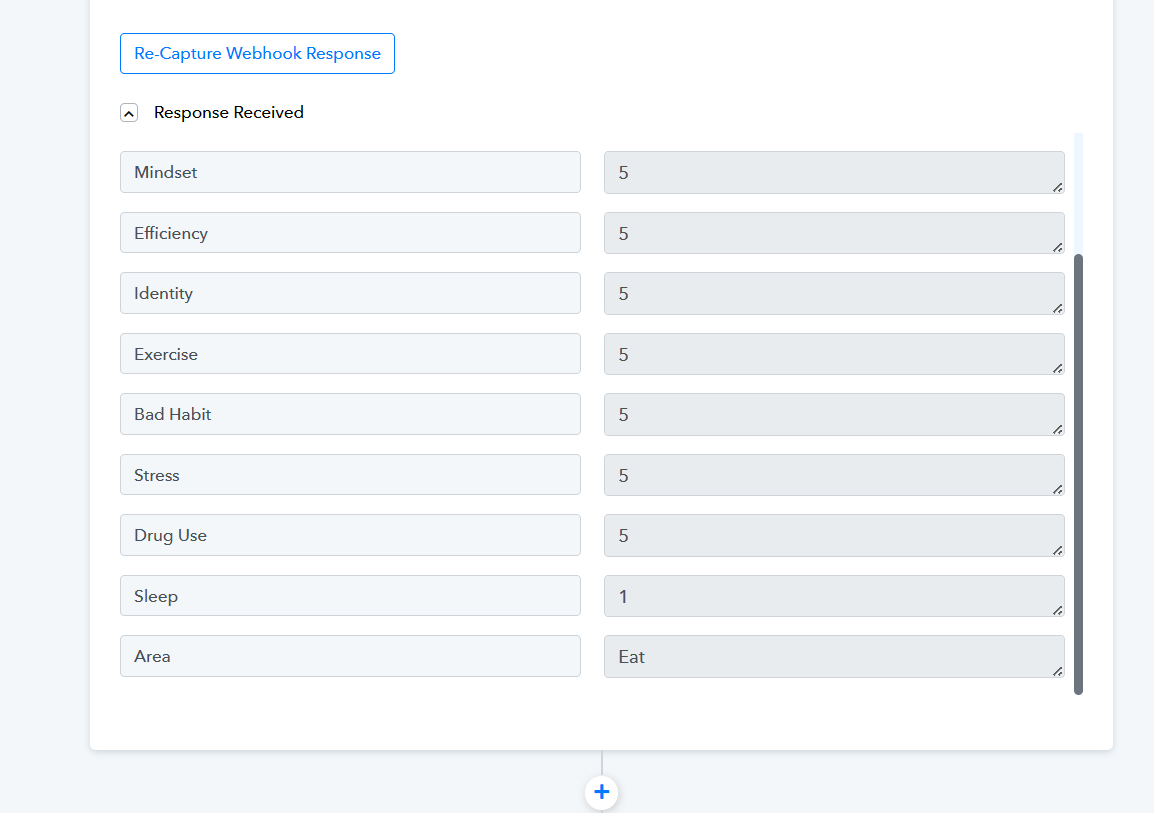
You can check it through a webbooks testing site called webhook.site. Kindly note that the Razorpay trigger event is a webhook-based trigger event that only gets the response once sent by the application.
You can copy the webhook URL provided by Webhook.site inside your application and do the test event inside the application to see if the webhook is being processed inside Webhook.site too. This will double-confirm the issue.
Here is a sample video that you can follow to track the webhook issue:
https://webhook.site/#!/296c8add-efd8-4849-b03e-654fa108793c