recieving waba audio files with cloud API and answering
Status: Closed · Asked by MArin on · 0 views
Hello,
I have connected the new cloud API with pabbly
I have seen your video on how to recieve messages with google sheets.
I need to recieve audio files (voice messages) from my clients
how can i recieve it and save it?
in addition, is there a way to reply afterwards?
THANKS!
Hey @MArin
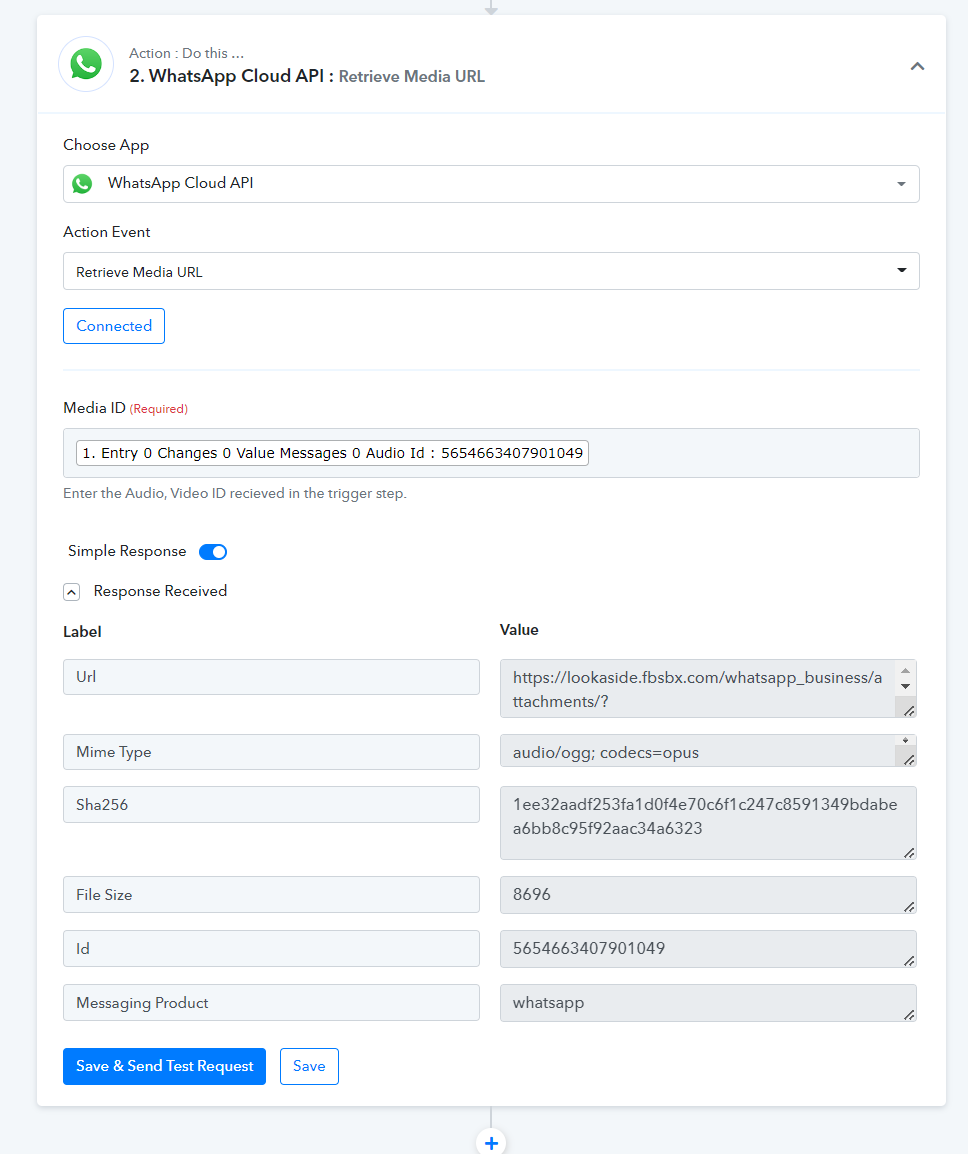
You can use the " WhatsApp Cloud API: Retrieve Media URL" action step in your workflow to retrieve the audio file URL whcih you can further pass it to Google Drive to upload in real-time.
א
Hey @MArinYou can use the " WhatsApp Cloud API: Retrieve Media URL" action step in your workflow to retrieve the audio file URL whcih you can further pass it to Google Drive to upload in real-time.
THANKS!
for some reason I get error number 3 on the google drive action
any advise?
thanks!
Hey @MArin
We have forwarded your concern to our tech team, so kindly allow us some time.
Hey @MArin
We looked into it and seems like the Audio File URL which Cloud API is generated in the "Retrive Media URL" is not publicly accessible and to upload a file in Google Drive you have to pass the media file URL which is publicly accessible.
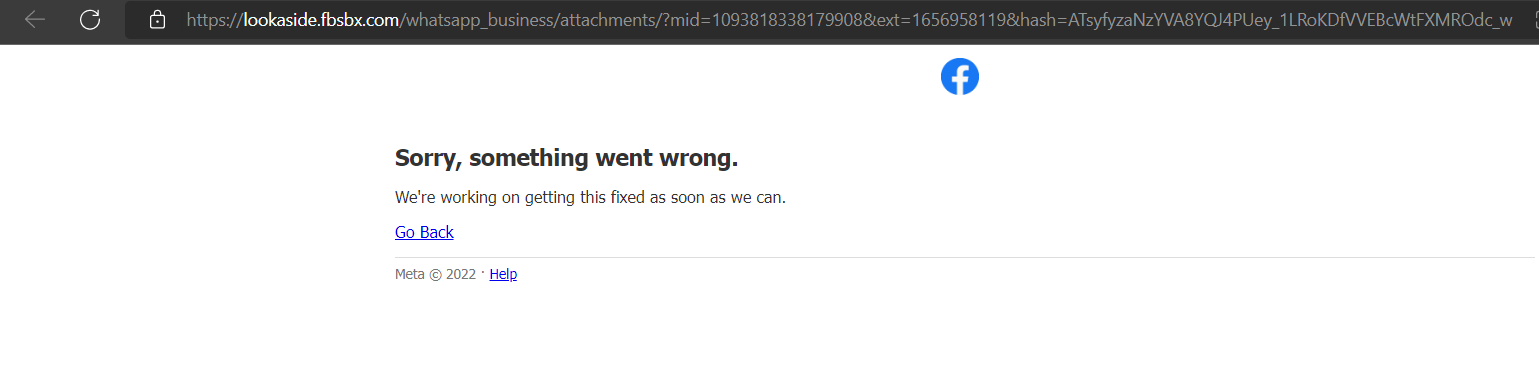
So, it is not possible to retrieve the audio clip from the trigger response of "Cloud API".
thanks
any other solution you can think of maybe?
Hey @MArin
any other solution you can think of maybe?
As of now, there is no workaround available to extract the Media URL from the Cloud API.