Regarding to Chennai Visited Workflow
Status: Closed · Asked by Kohinoor IT on · 0 views
Hi Team, Recently i have made a workflow of Chennai Expo Visited. I have made correctly according to knowledge. When i click on Save and Test request it send the template message. But in actual when i fill the details in google sheets at that time the template is not sending. It is veryimporant we are at the Medical expo most of new clients will come to us to do business. Please resolve this issue or Help me out on this ASAP.
Attachments
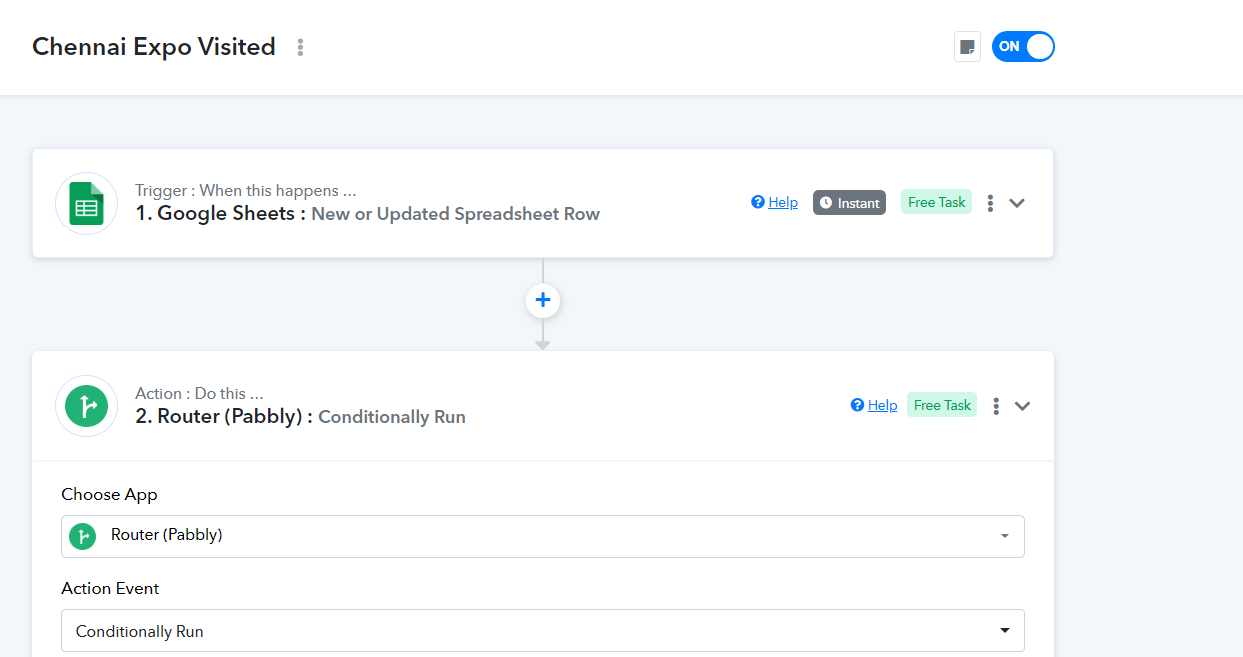
Hi Team, Recently i have made a workflow of Chennai Expo Visited. I have made correctly according to knowledge. When i click on Save and Test request it send the template message. But in actual when i fill the details in google sheets at that time the template is not sending. It is veryimporant we are at the Medical expo most of new clients will come to us to do business. Please resolve this issue or Help me out on this ASAP.
Attachments
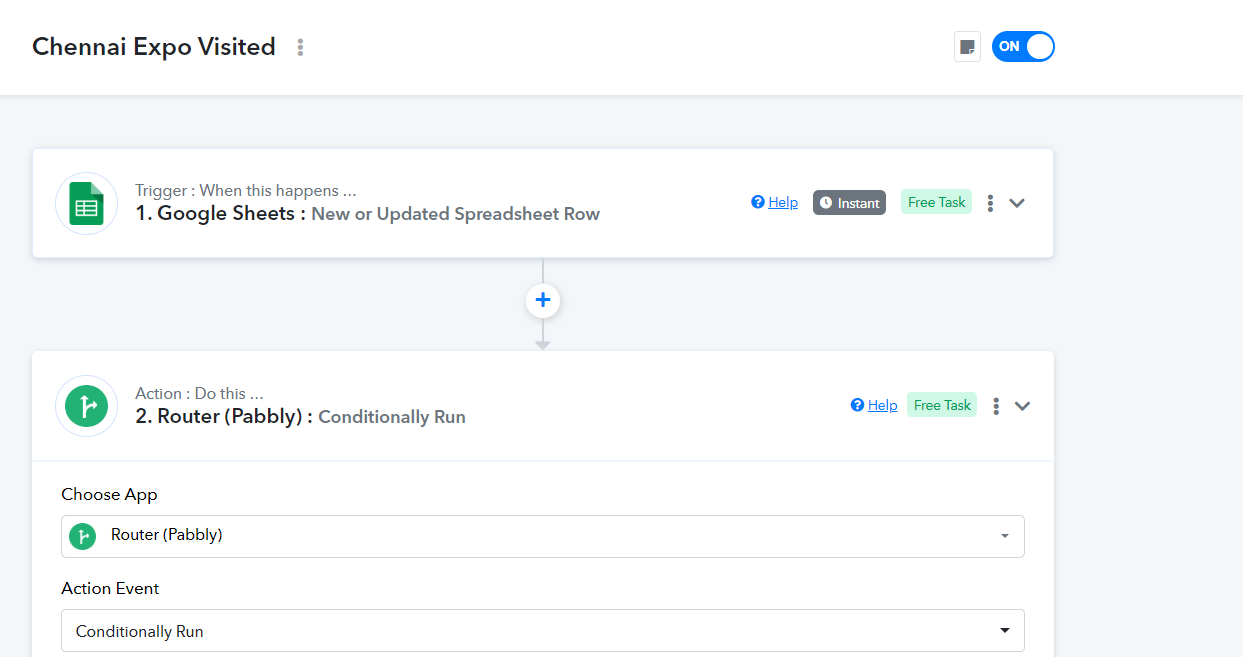

Hey @Kohinoor IT
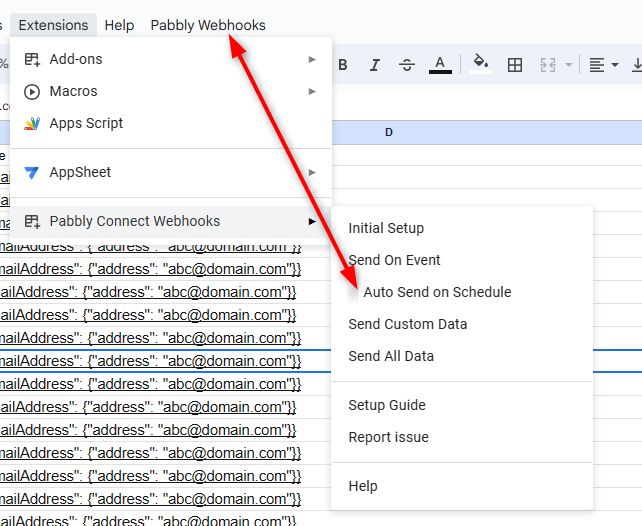
Can you please confirm if you have selected the Pabbly Connects ad ("Send On Event" or "Auto Send On Event").
While setting up the Google Sheets, if you are getting the data from the Google Application or you are feeding the data manually then you can only use "Send On Event" and if the data is coming from a third-party application then you might need to select "Auto Send On Schedule" and "Send on Schedule" which will take exactly 1 hr to forward it.
Also, check whether the data was getting filled till your triggering column or not.
Thank you i forgot it to select the Send on Event. Thanks for your Support