Request failed for https://www.jotform.com returned code 404.
Status: Open · Asked by Bananajuice2002 on · 0 views
Hi everyone,
I'm experiencing an issue with a workflow that I've been following on YouTube, which demonstrates how to automatically download a URL from a received webhook. You can find the tutorial here: [https://www.youtube.com/watch?v=8UYS7ewgOOw].
I'm encountering an error, and I was wondering if you could help me solve the problem.
Thank you!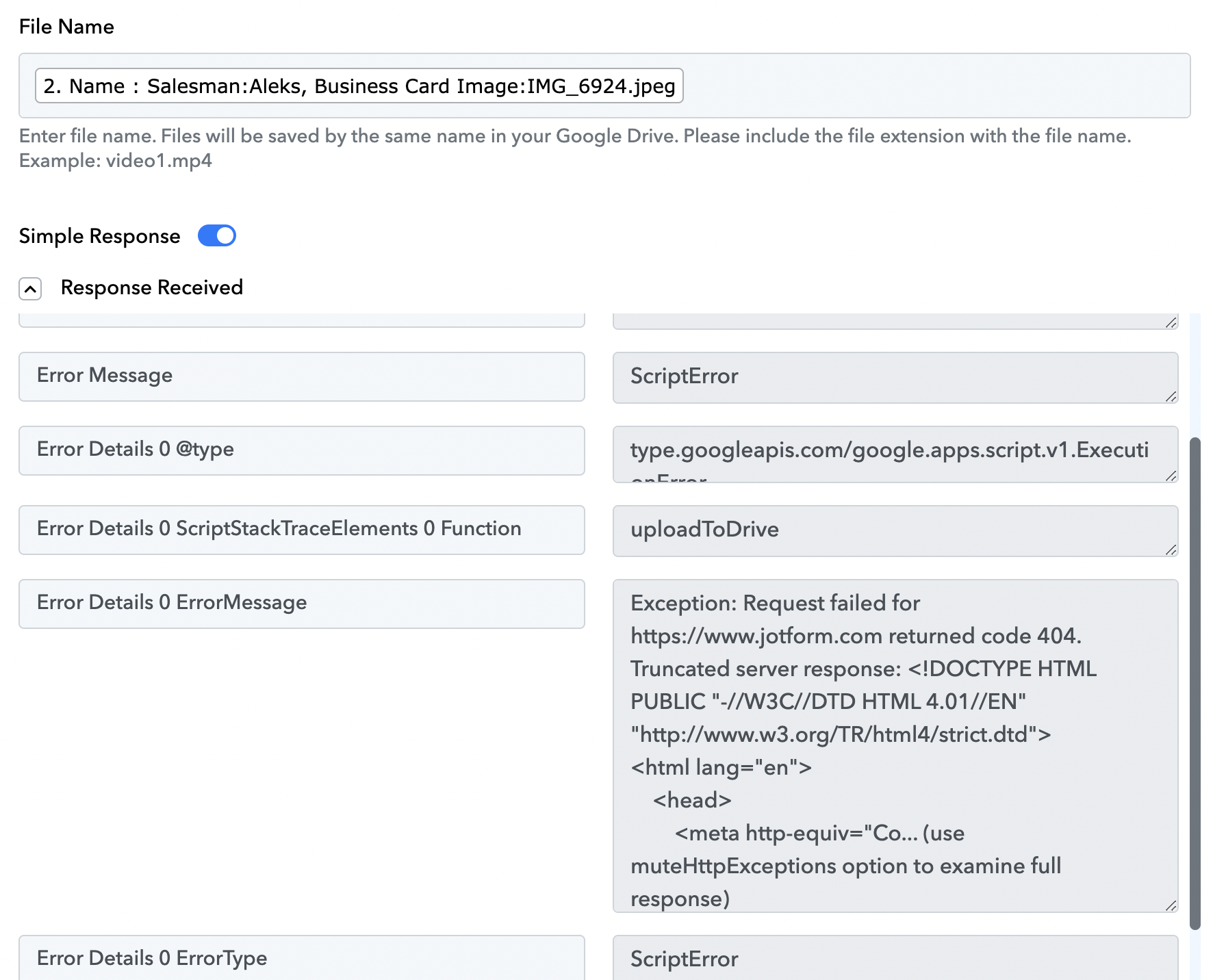
Hi @Bananajuice2002,
It seems like the file you are trying to upload is not valid. Please make sure the file you are trying to upload has a valid downloadable link, as shown at the beginning of this video.
youtube.com/watch?v=8UYS7ewgOOw:25
https://drive.google.com/file/d/1Xv22etDJGA6jM4RlpqCjs-6_P7VF36jw/view?usp=sharing
Thank you for information. The problem is that I am not getting my File Uploud URL from Jotform Webhook Response:
I am only getting Raw Request: Business Card 0: 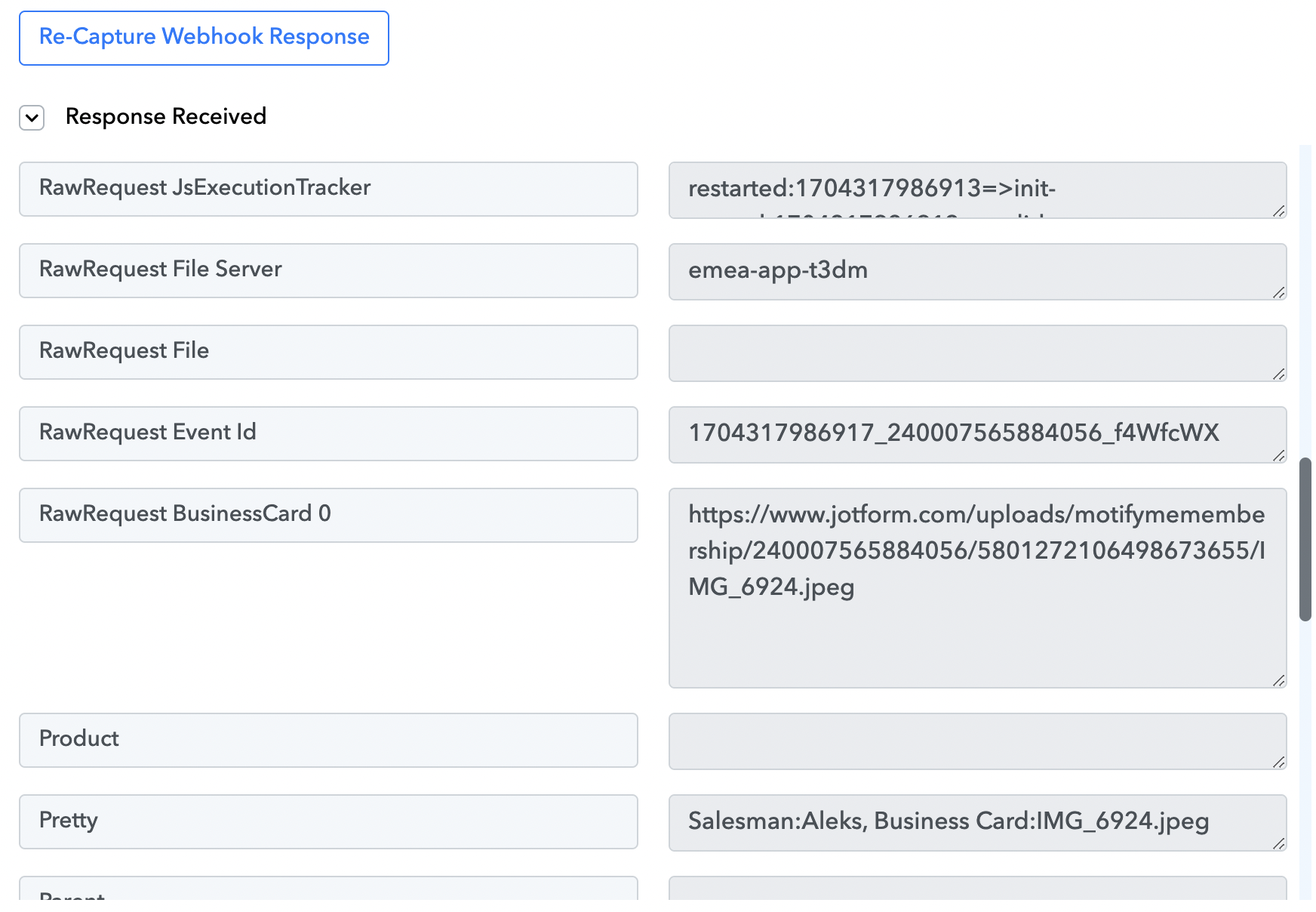
OR I am getting this when I am using Taking Photo Widget in Jotform: 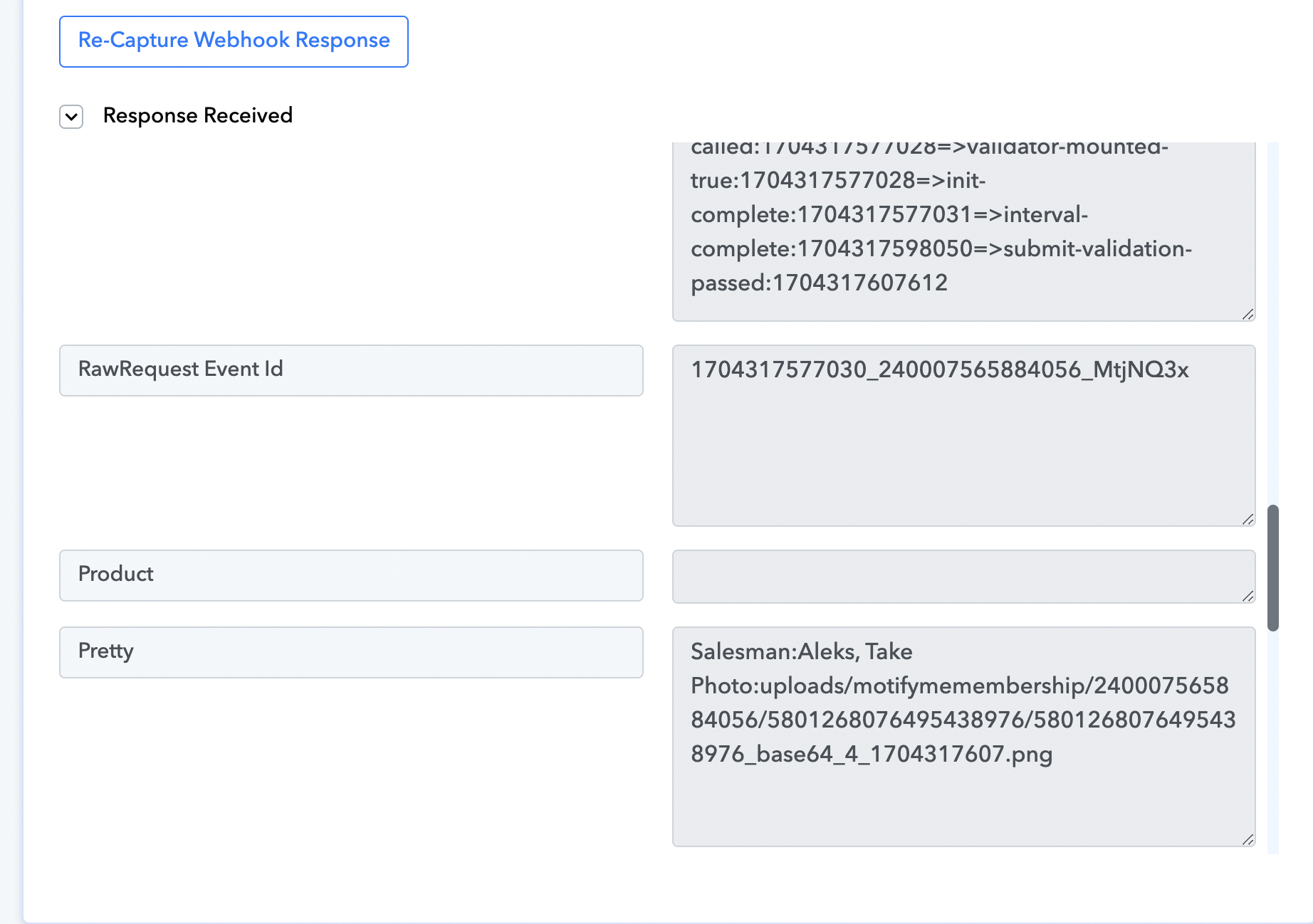
What kind of action should I take in Jotform to get exact the same link as on the video you sent me?
In addition, the first link that I showed you is fully downloadable. I double-checked.
Please watch the first half of the video which shows, how you are supposed to upload the files to Jotform.
I watched and followed all the steps, including creating a new connection, and still, I am getting this error message: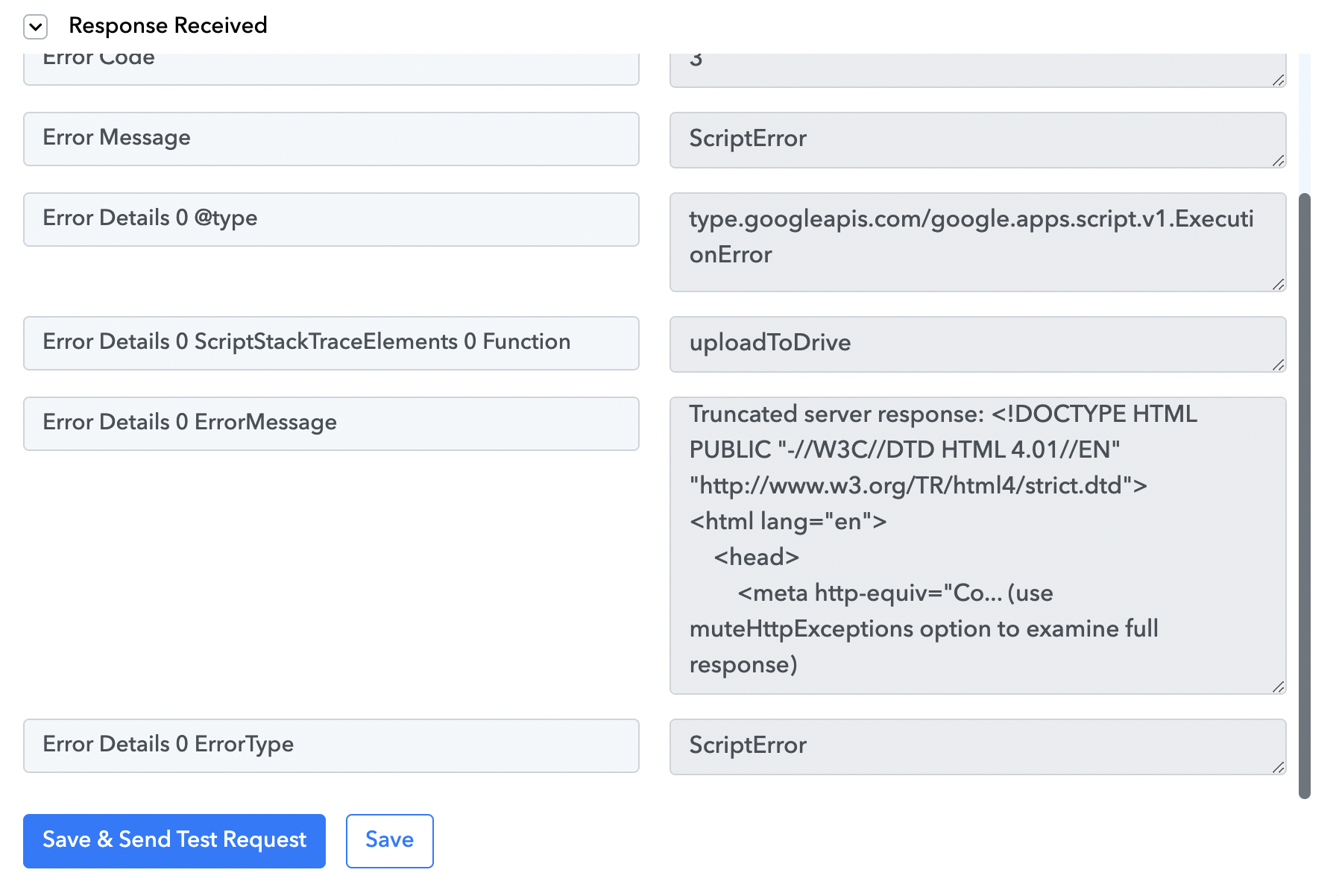
The URL you receive from Jotform doesn't seem to be a downloadable link. Ensure that the obtained link is a valid downloadable URL; otherwise, it will not be uploaded.
https://drive.google.com/file/d/1OO4cIFfW6aEx4rUtrbj0UkD851EnYrdD/view?usp=sharing