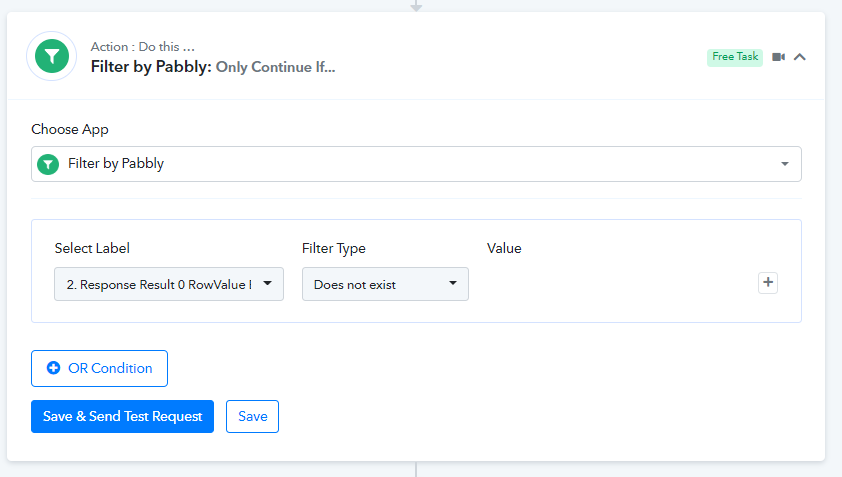
Router problem with new contact check if exists or not exists
Status: Closed · Asked by Andrea Roma on · 0 views
Hallo I am getting new contacts to fire into my Salesforce and when a form is sent I need to verify if it is a new contact or not cheching if email address already exists in my db or not.
It should be a normal and easy condition but it looks impossibile to solve.
I repeat her all steps I did in workflow developing:
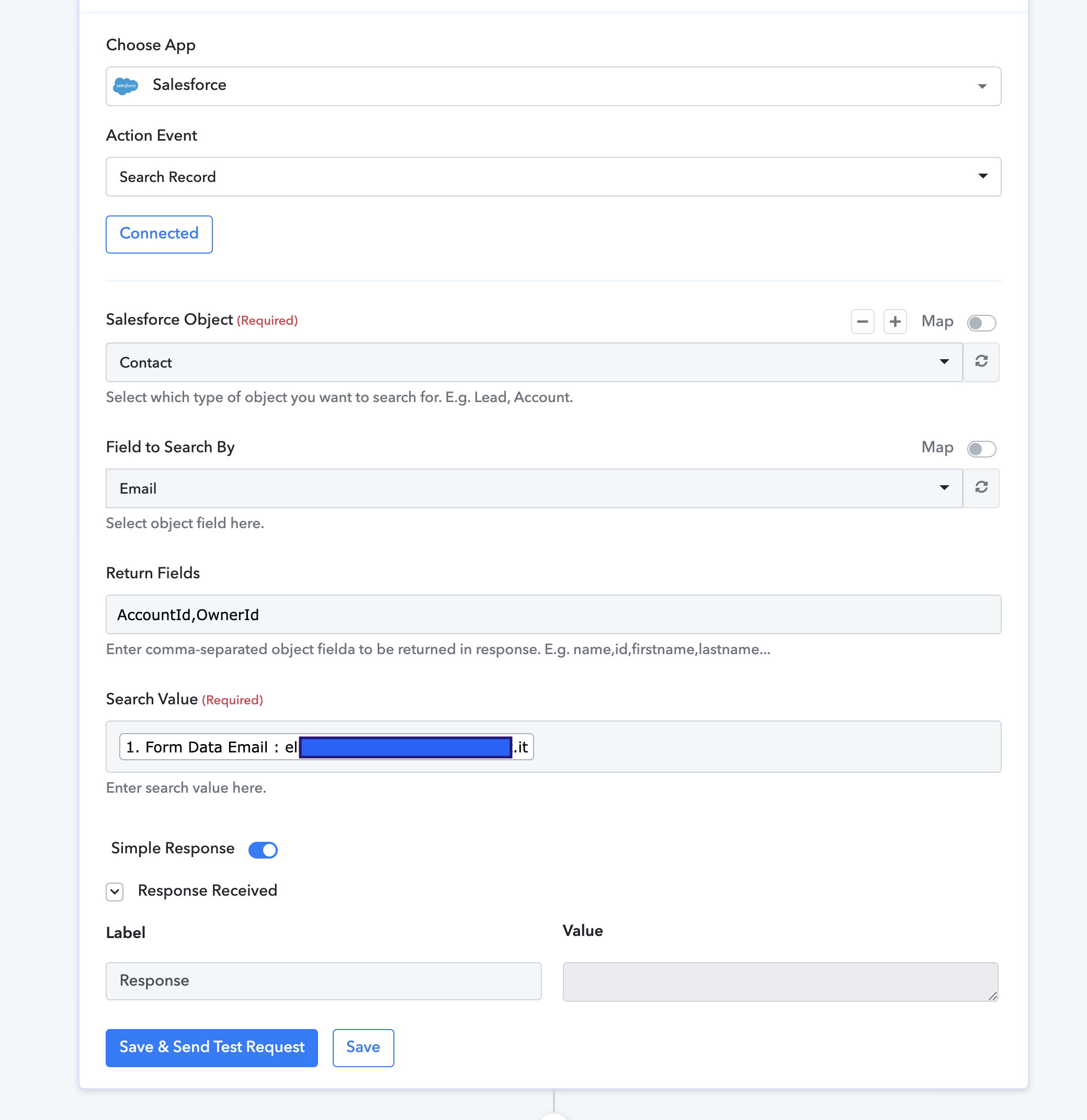
1. Contact chek in Salesforce does not find email:
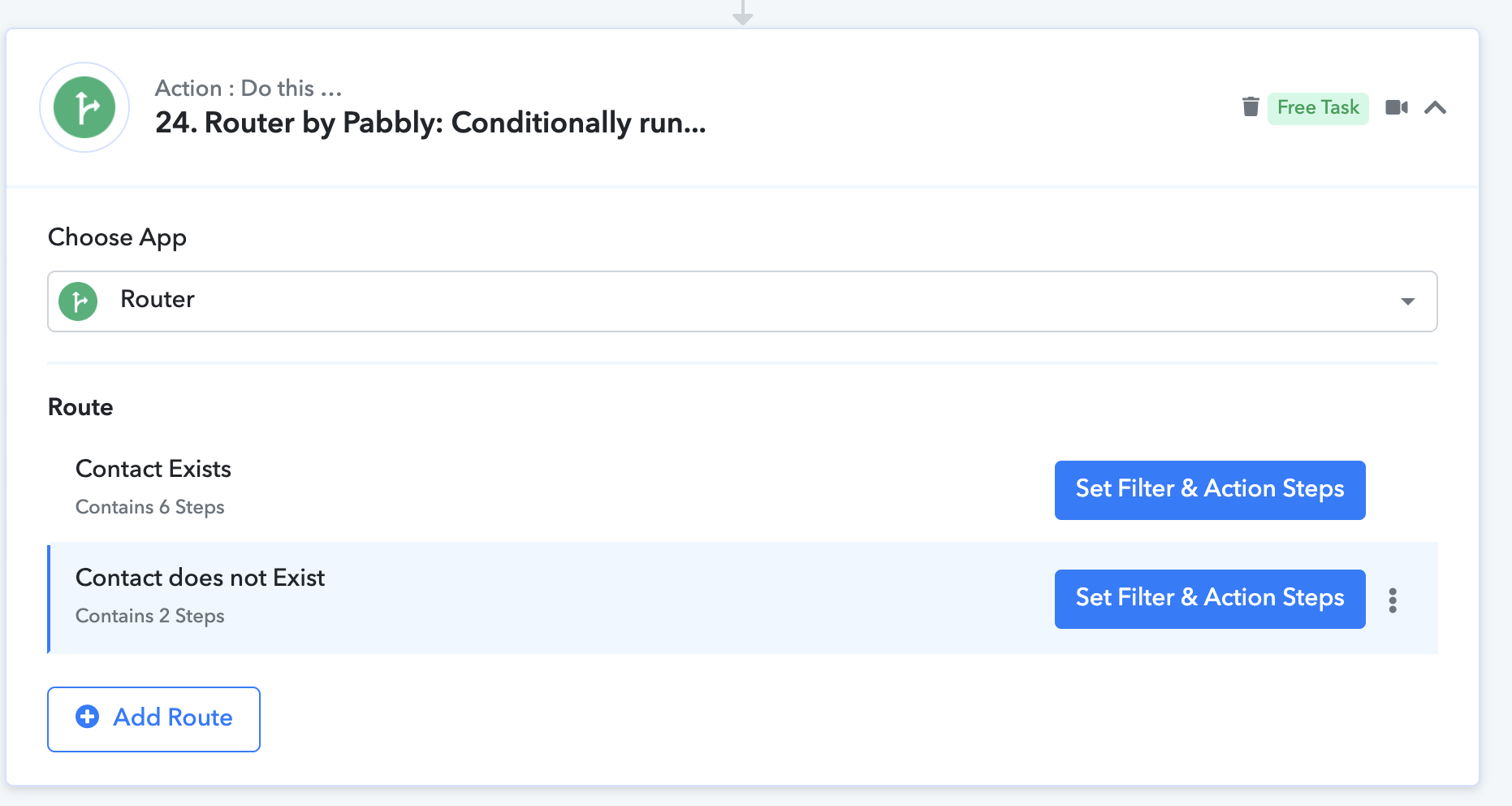
2. Router configuration
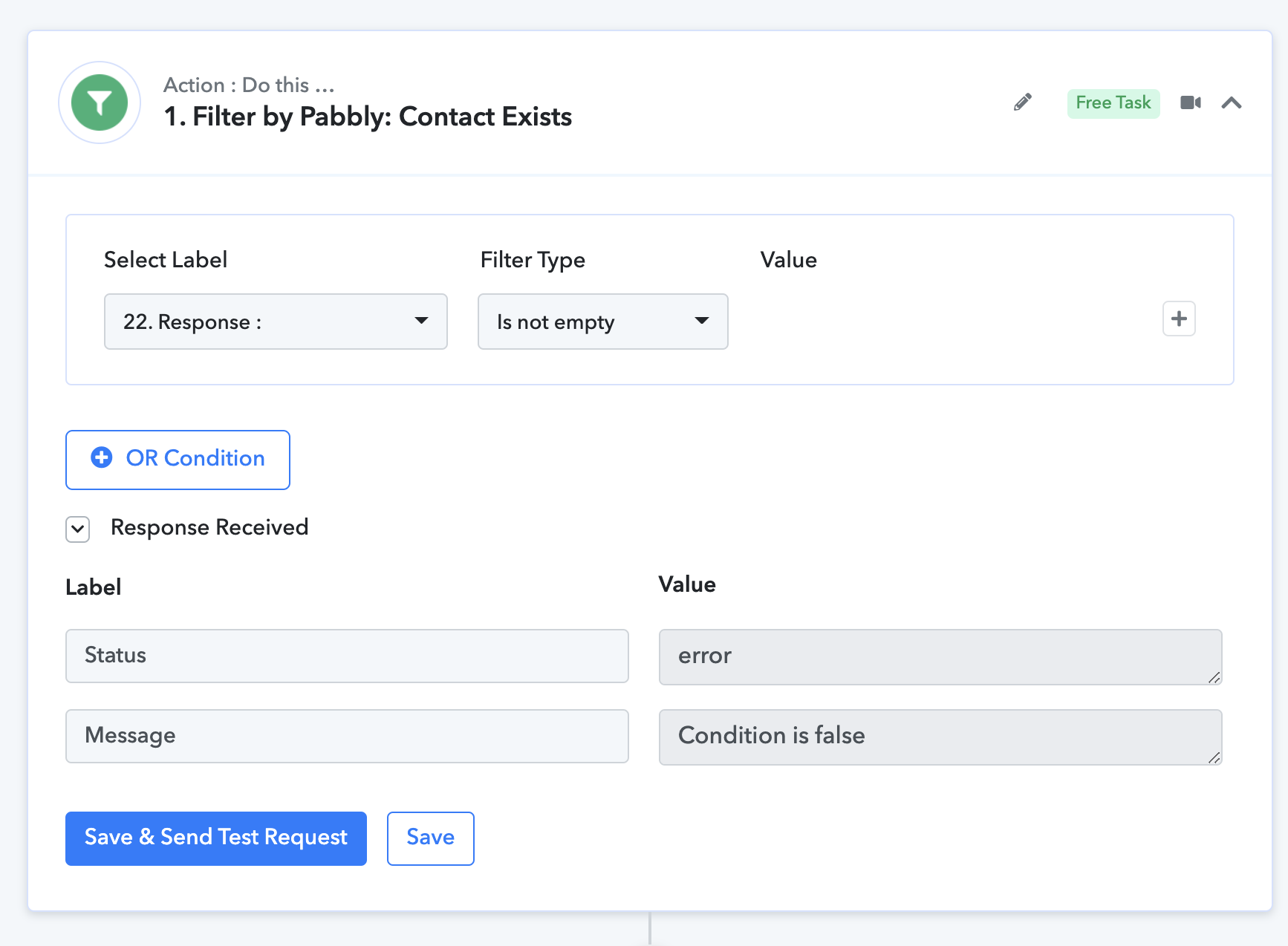
3. Contact Exist rule:
NOW let's see if it works with existing contact, I put an existing email:
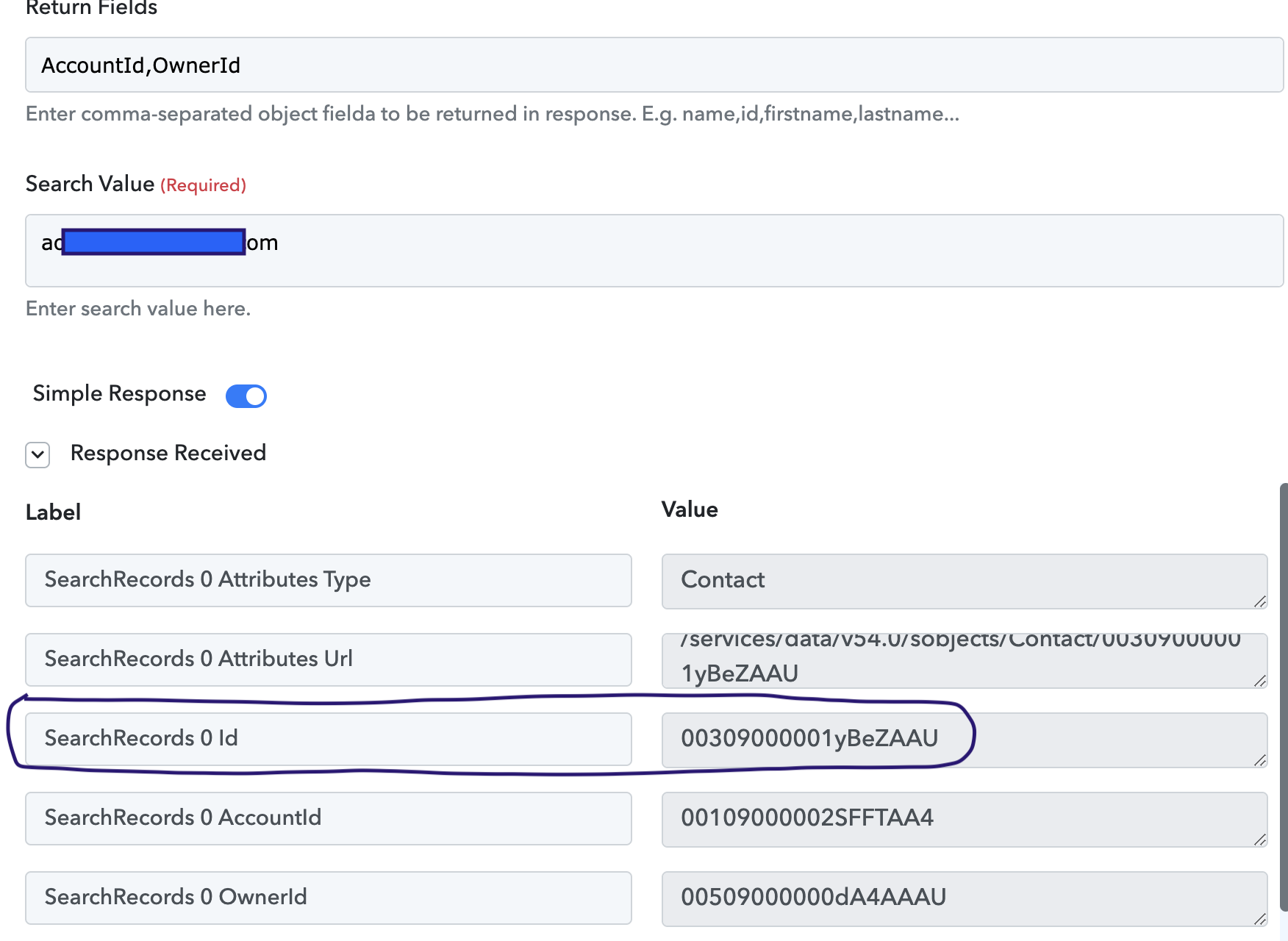
GREAT CONTACT EXIST, now let's try condition:
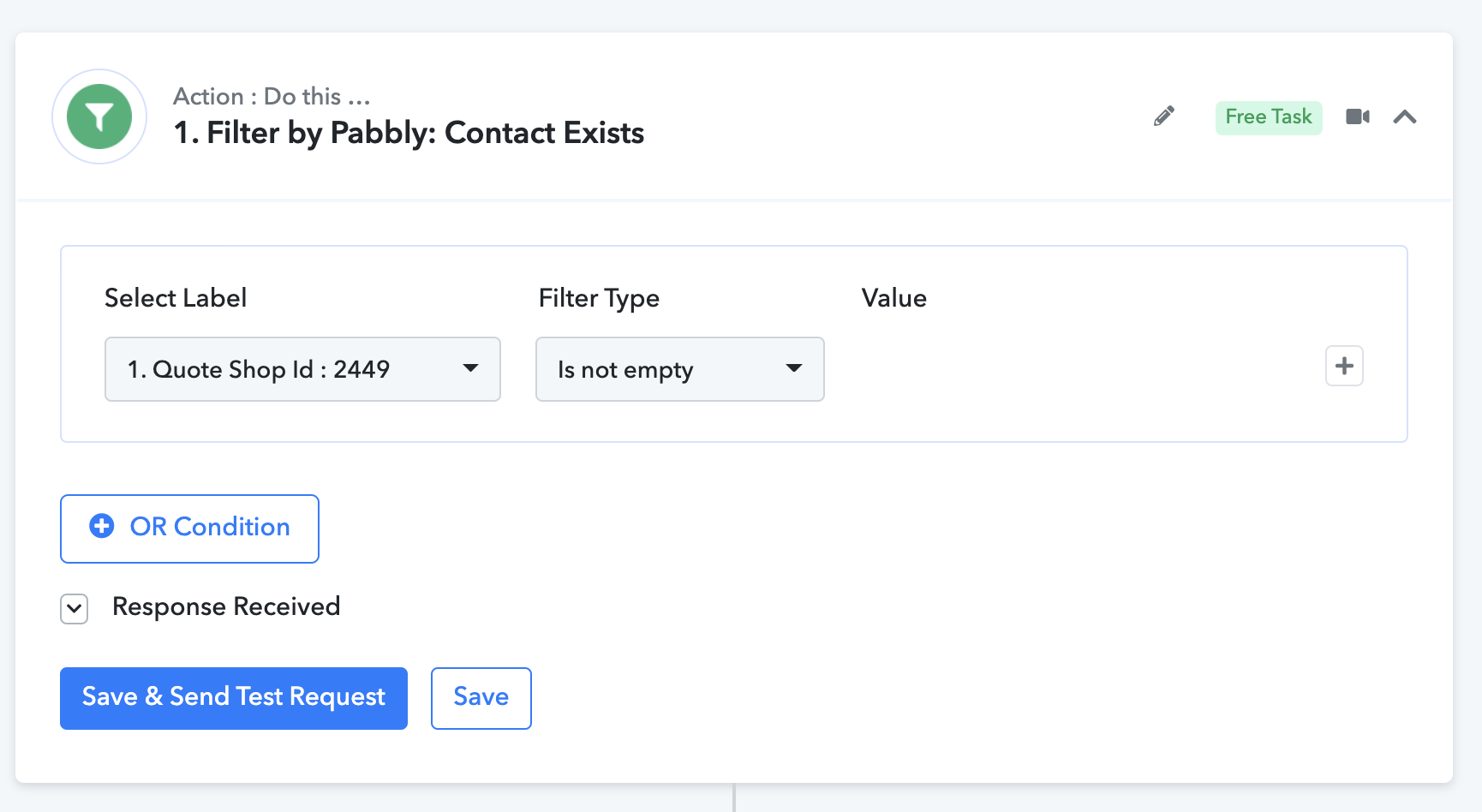
Router does not find "RESPONSE" Field and put first field of workflow in condition...
Let's change logic and let's start from an existing record.
I modified router true rule with record found in Salesforce:
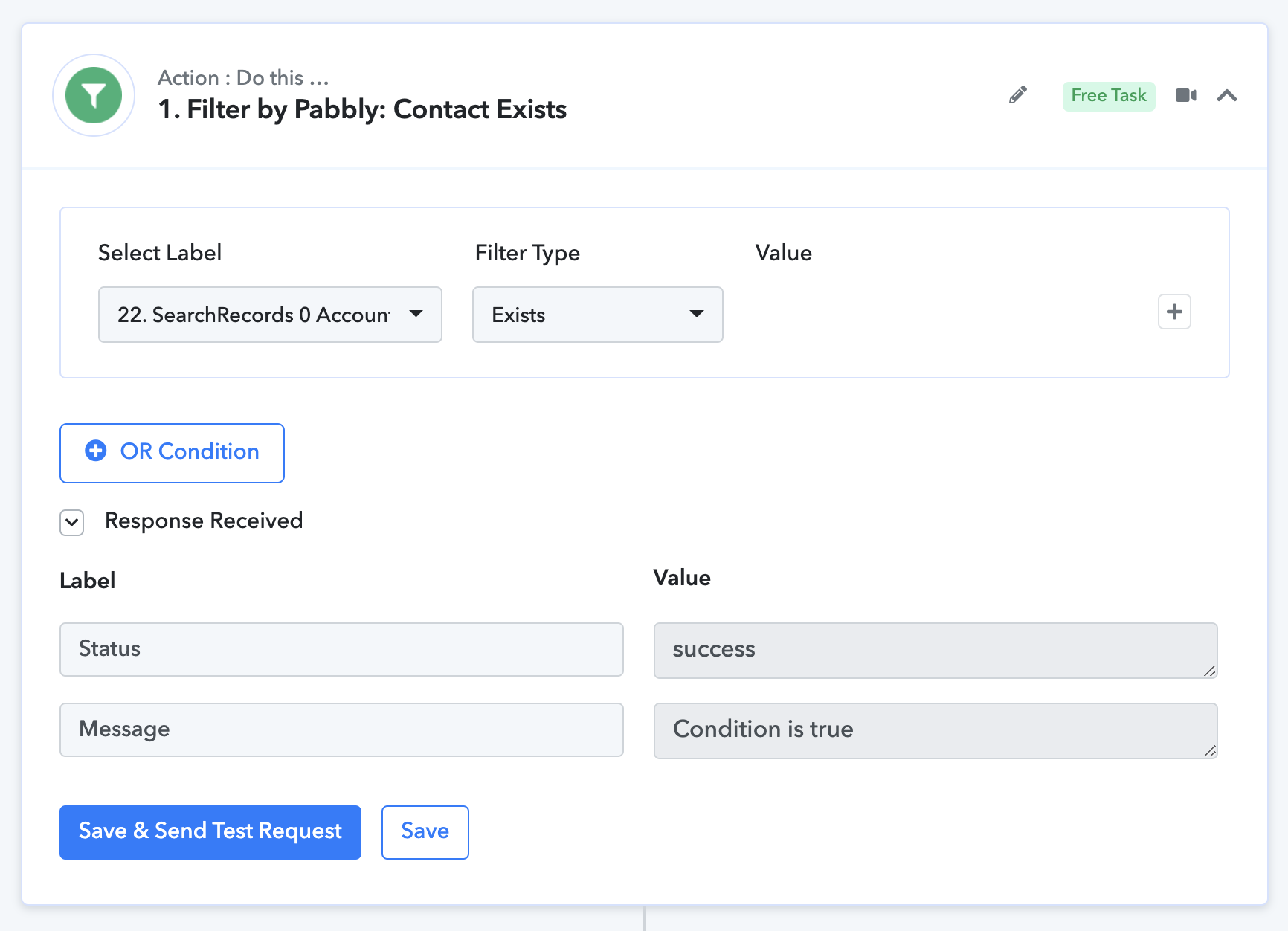
If response exists condition is true.
Let's try again with a non existing record to see if it works:
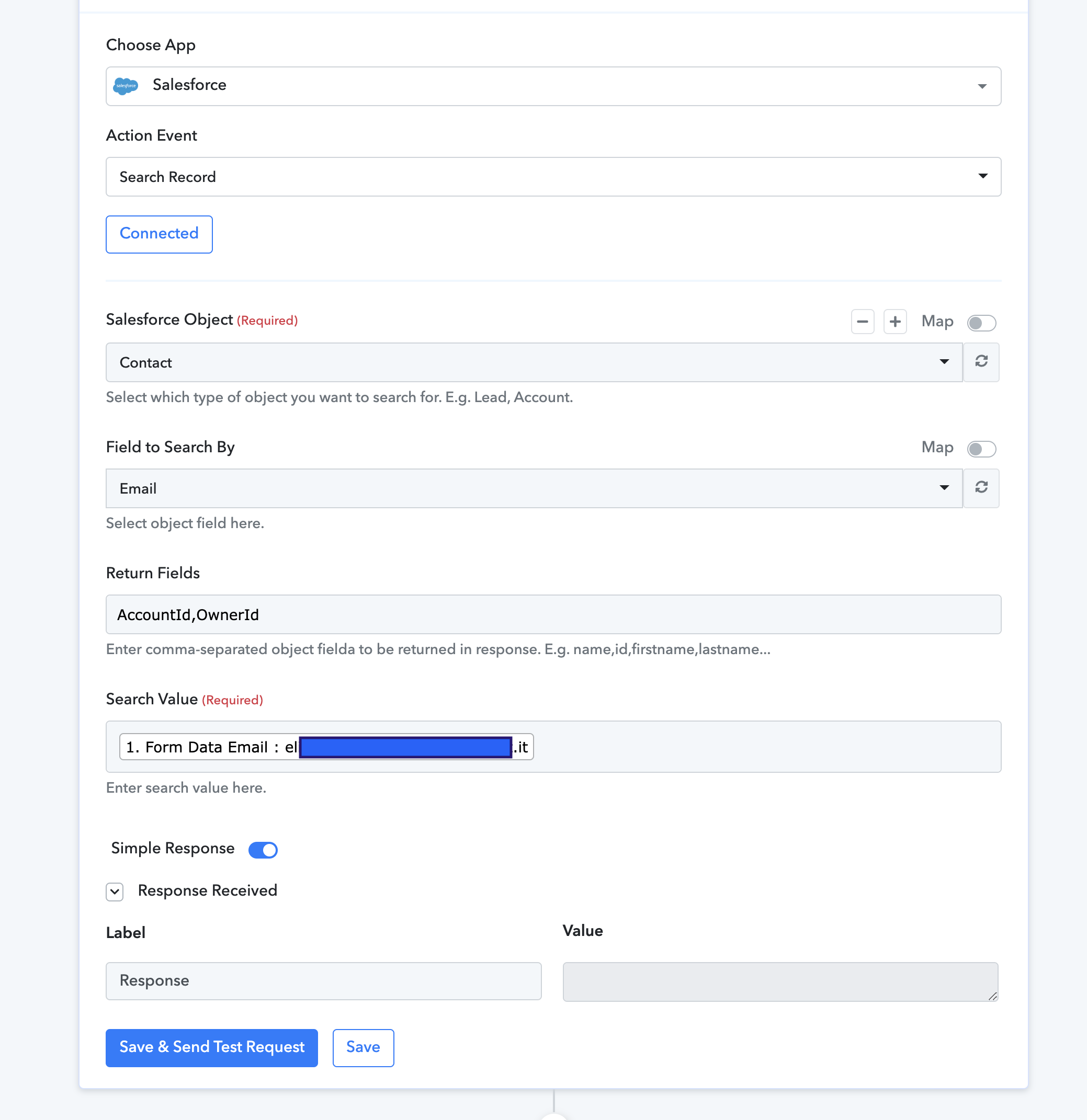
Again with non existing record and let's see router behavior:
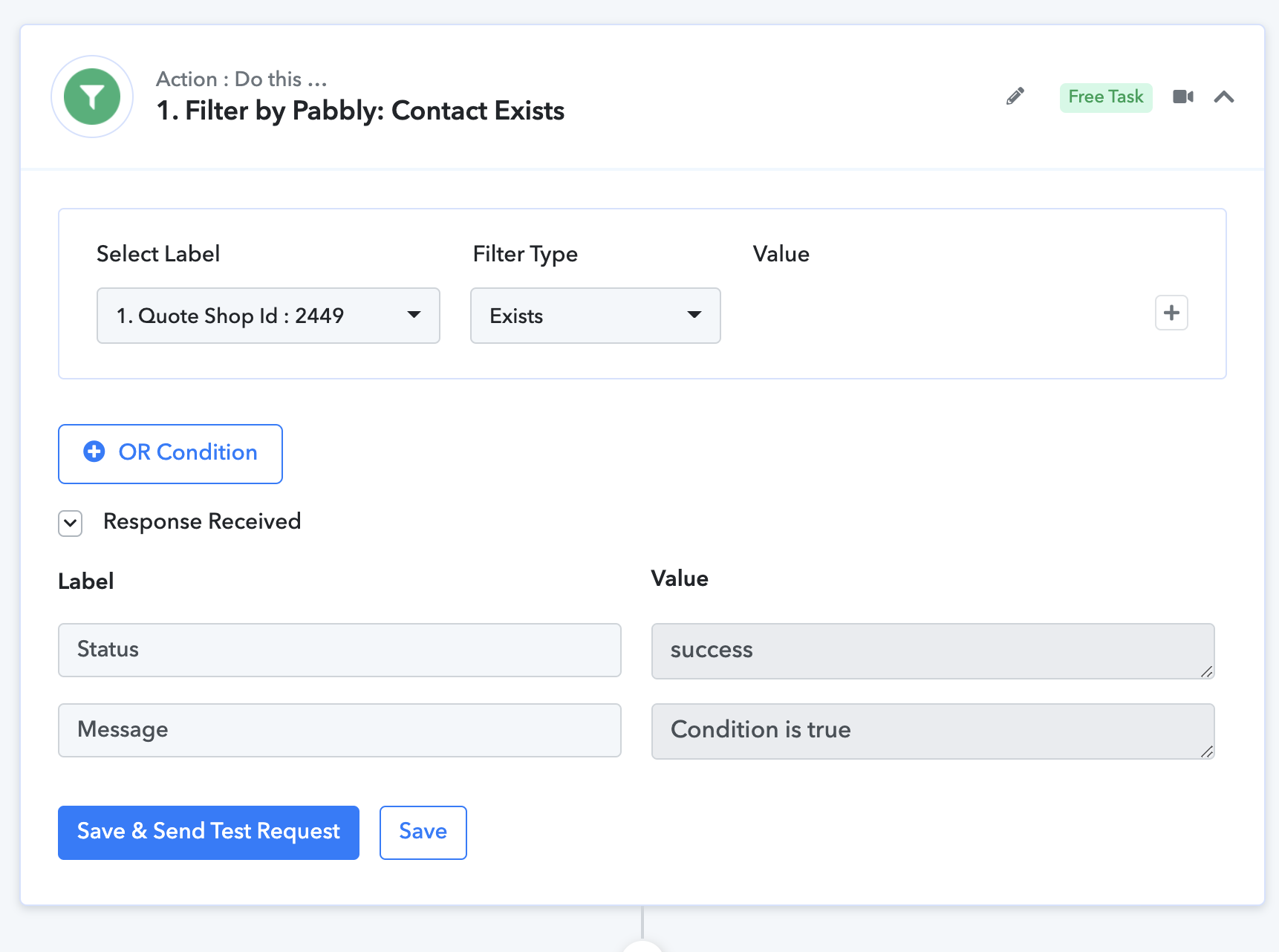
OPSSS again salesforce record does not exist and router put in another field that exist and condition is true while it should be false....
PLEASE help me to understand how to setup this rule.
Thank you
Andrea
Attachments
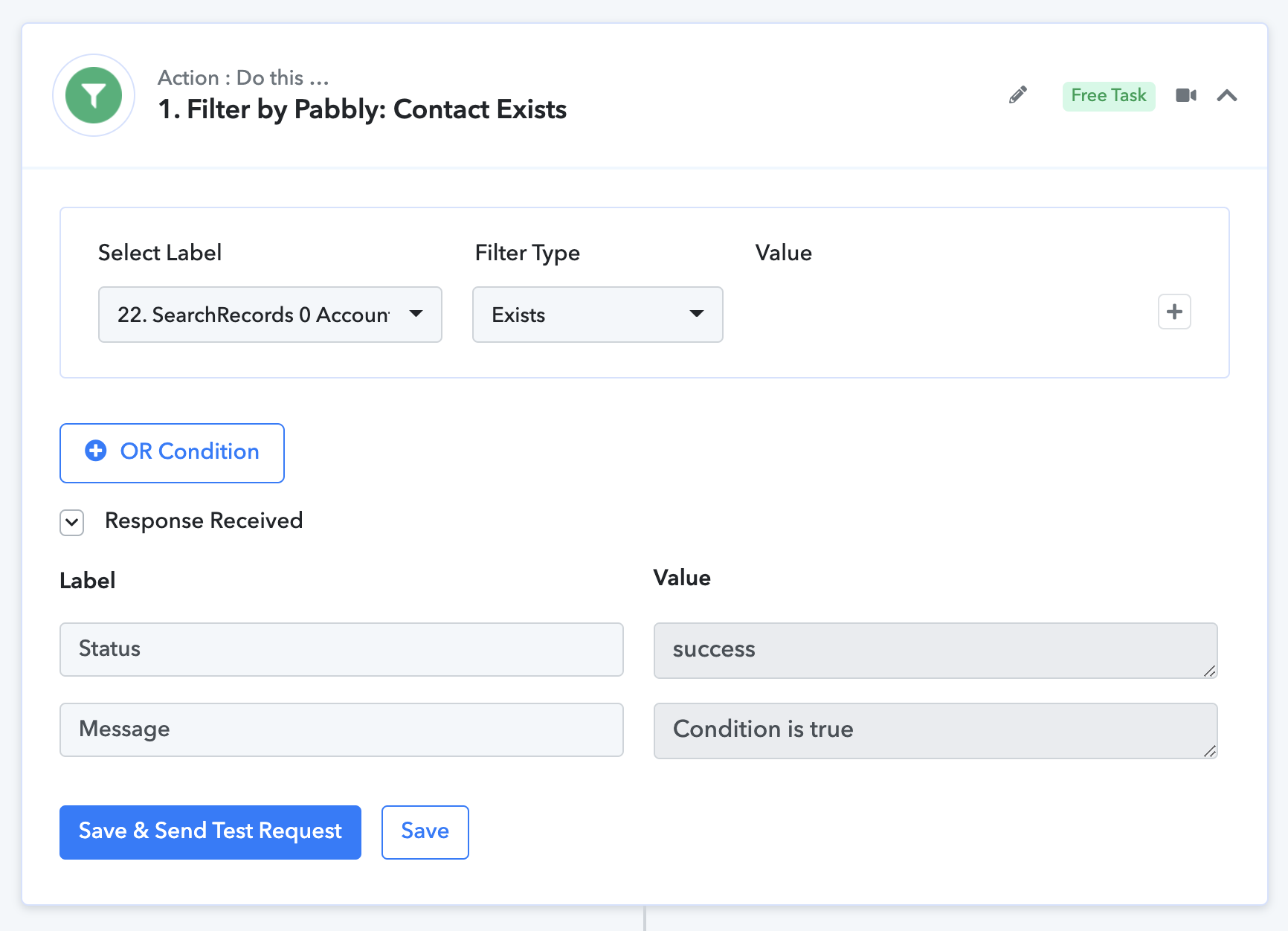
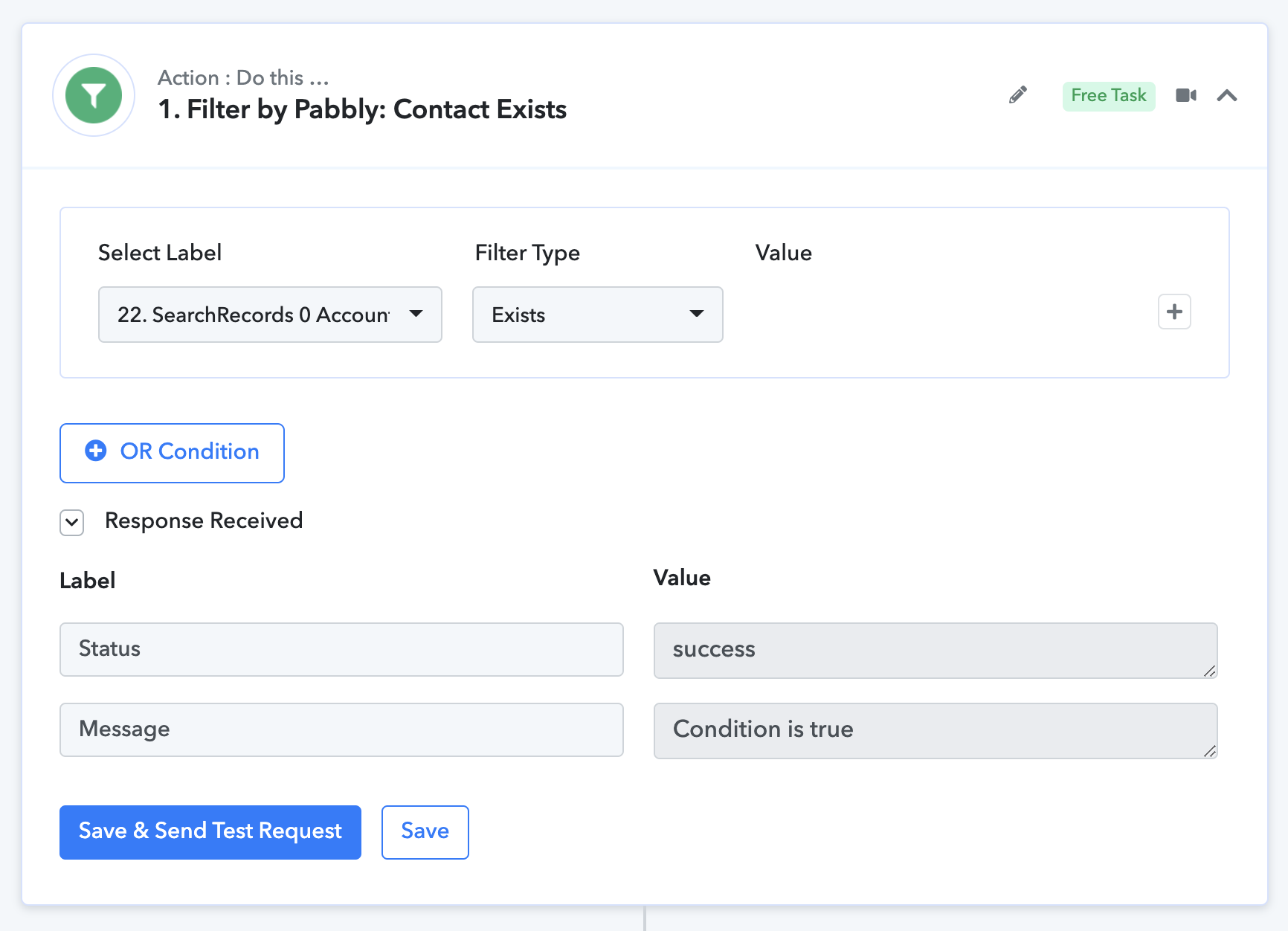
Hey @Andrea Roma
We have checked the action event in your workflow with the different email addresses from the existing one and it is working fine.
So, it seems like the person's email address that you are trying to find doesn't exist in your respective Salesforce account.
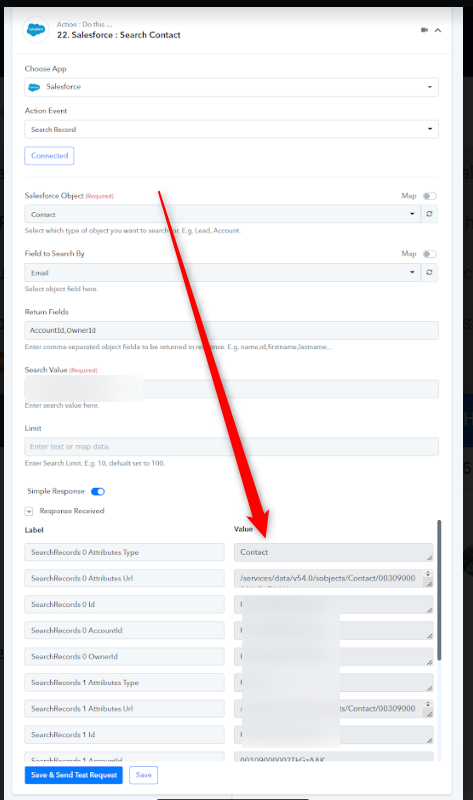
We have 2 possibilities and it it the reason to use router step:
1. Contact already exists in Salesforce and Router will route to UPDATE Salsforce record.
2. Contact DOES NOT EXIST in Salsesforce and Router will route to CREATE new Salesforce record
SO it is perfectly NORMAL the ANSWER from Salesforce could be that record does not exist.
How can I manage these 2 possibilities?
Hey @Andrea Roma
You can use the following router action step in your workflow and set the condition accordingly.
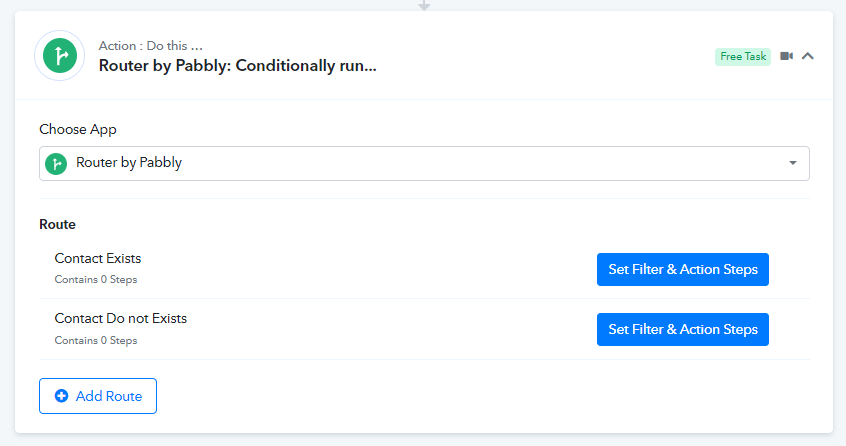
The label should be mapped from the Search Contact's response.
1. Inside first route -
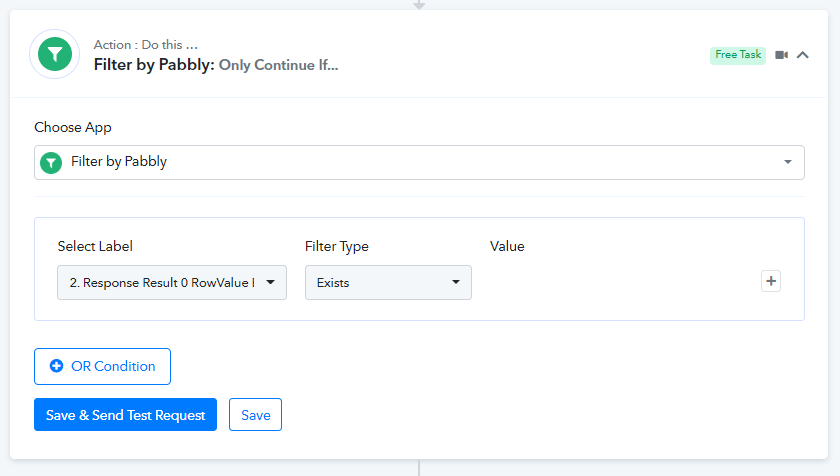
2. Inside second route -