Salesforce Connect Giving Issue
Status: Closed · Asked by utsavchopra on · 0 views
I am trying to connect google sheets to Salesforce, want to create a new lead every time I fill the google sheet. I tried following the guide but getting error when I tried Submit and save.
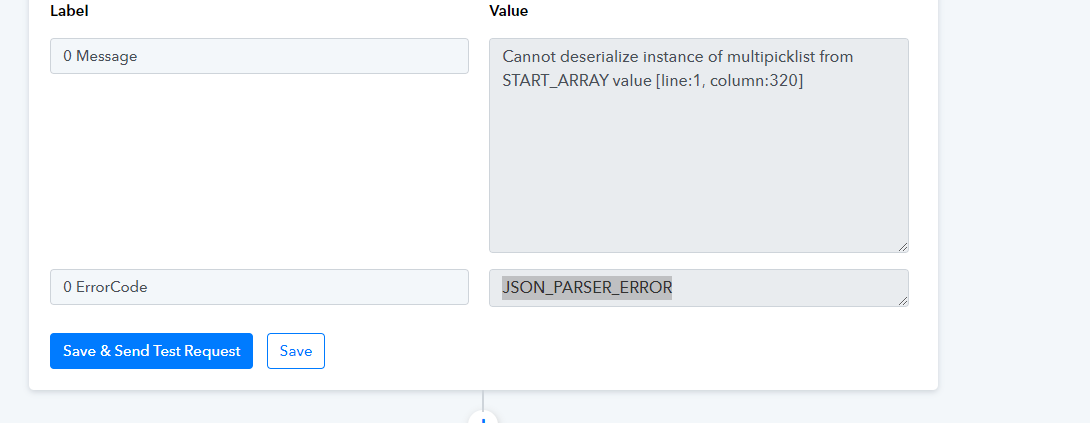
Error message:
0 Message Cannot deserialize instance of multipicklist from START_ARRAY value [line:1, column:320]
0 ErrorCode JSON_PARSER_ERROR
Attachments
Hey @utsavchopra
Kindly avoid using the "None" type field in the action step, so toggle the map button and then leave the field empty.
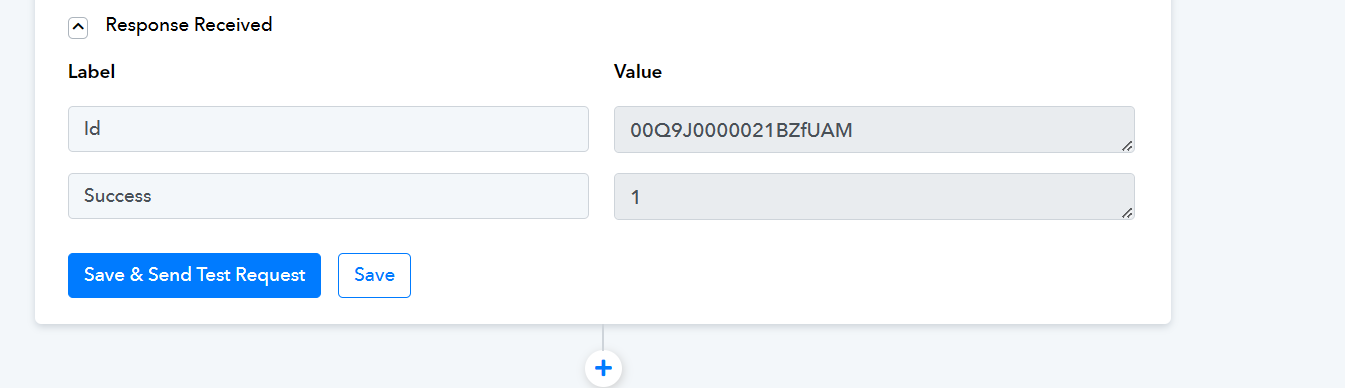
e.g. -

Tried. Again the same problem
You haven't left this field empty -

Okay it worked, thanks. I have another issue.
I want to send that lead to a campaign.
But I don't know what to enter in Lead ID & Status.
Can you please help?
Waiting for someone to revert.
I want to send that lead to a campaign.
But I don't know what to enter in Lead ID & Status.
Kindly explain the process once!
I want to add another step to the same workflow where I can send the lead which I added to an specific campaign.
I tried adding another step but I don't know what to enter in Lead ID & Status.
Attachments
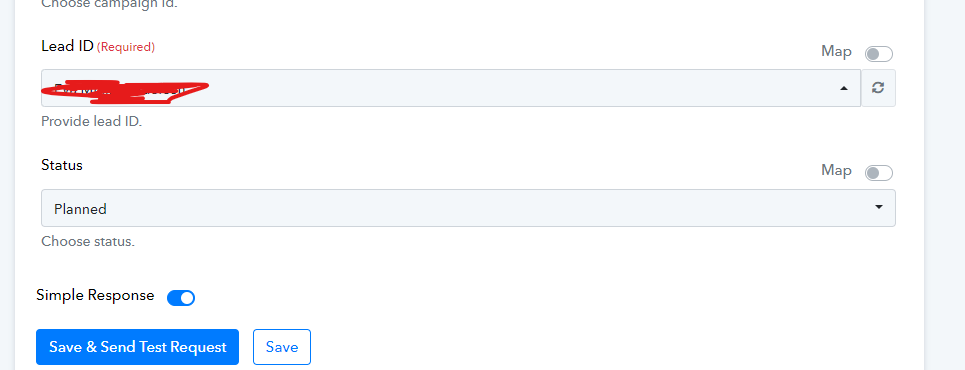
I think I have solved it. Kindly check if everything is correct?
Hey @utsavchopra
Yes, you have mapped the Lead Id correctly in the action step to add the contact to the campaign.
Kindly try the workflow in automation and can check whether the leads are getting created and adding to the campaign accordingly or not.