Salesforce connection custom fields
Status: Open · Asked by Eskinder Assefa on · 0 views
I am trying to create a contact in Salesforce when a new booking happens in Bookeo.
However, I am only seeing a few Salesforce fields:
--I don't see the custom fields in Salesforce that map to the fields in Bookeo
--I don't even see standard fields like State/Province.
How do I retrieve these Salesforce fields in Pabbly so I can map them correctly with the Bookeo fields I see?
Hi @Eskinder,
Please try using the 'Salesforce: Create Record' action event. That should provide you with access to the custom fields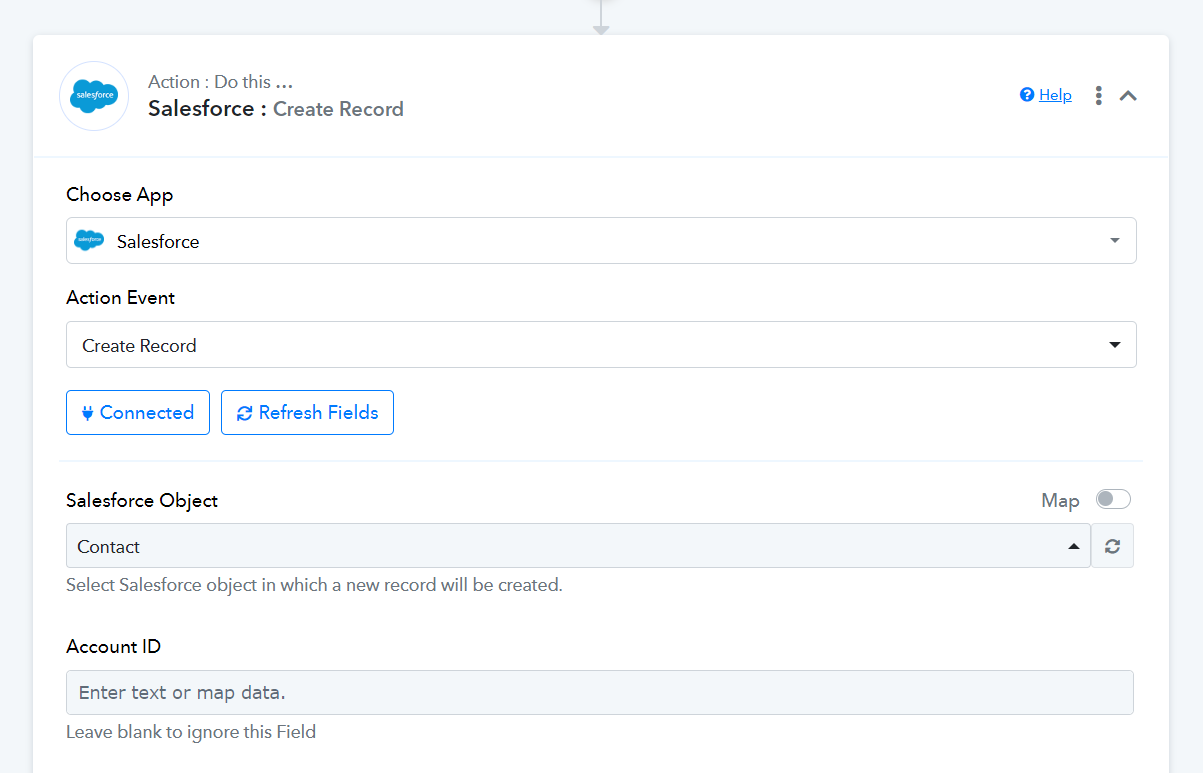
Hi @Eskinder,Please try using the 'Salesforce: Create Record' action event. That should provide you with access to the custom fields
Thanks, Arshil.
I am now receiving an error due to a multi-pickllist field in Salesforce. How do I bypass this field (rather than delete it in Salesforce)?
Please allow us some time to look into this concern. We will get back to you with an update soon.
Please allow us some time to look into this concern. We will get back to you with an update soon.
Just so you know, the error message I am getting is "Cannot deserialize instance of multipicklist from START_ARRAY value [line:1, column:585]"
It won't let me save and send the response until this is resolved.
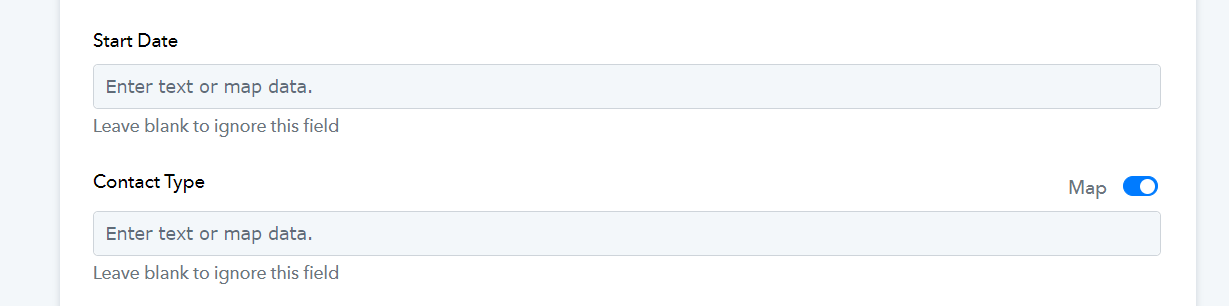
- Could you please state which field is a multi-select field in your 'Salesforce: Create Record' action step?
- Also, please state the format in which you enter the Start Date in your Salesforce account when creating a contact manually. Share a screenshot of the same.

Hi Arshil -
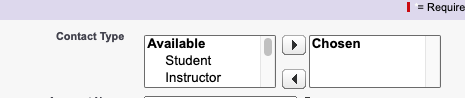
the multi-select field is called "Contact Type"
The date format is mm/dd/yyyy
I have attached screenshots for both
Attachments

The issue appears to be related to addition of Start Date in your 'Salesforce: Create Record' action step. You can skip a multi-select field by enabling the mapping button and clearing the field. I made those changes to your action step, and it appears to be working now.