Schedule Gmail messages shows <br><br>
Status: Open · Asked by SGMG on · 0 views
. Also using %0A did not work to create new line in my email.
Please help me. any help will be highly appreciated.
Thanks & Regards
SG
This is the text i wrote in Pabbly Gmail (Email Message (Required))
going to try writing text from scratch.
entered 2x.
entered 2x again lets see.
This is how to text sent in an email.
going to try writing text from scratch.
entered 2x. />
entered 2x again lets see.
Using a single line of text is not ideal for any recipient wanting to read any email. Can you help me. Thanks!
When we wish to have a new line of text in the message. All the message content was contracted as a single paragraph. When I retried placing spaces between text by using the Enter key, they were replaced by
. Also using %0A did not work to create new line in my email.Please help me. any help will be highly appreciated.
Thanks & Regards
SGThis is the text i wrote in Pabbly Gmail (Email Message (Required))
going to try writing text from scratch.
entered 2x.
entered 2x again lets see.
This is how to text sent in an email.
going to try writing text from scratch.
entered 2x. />
entered 2x again lets see.Using a single line of text is not ideal for any recipient wanting to read any email. Can you help me. Thanks!
Using
should work for new lines. I use it all the time for Gmail email from pabbly connect.
Pabbly Connect :
This Line one
This is Line two
Gmail will show :
This Line one
This is Line two
Pabbly automatically places those
in my emails and it does not create a new line. It’s displays the
as text in every email.
if I manually type
in the email in pabbly before I save it, will it work like this?
If you could include any details, this would be very helpful. Thank you
Yes you need to manually add
for new line. Do not use enter for new line.
Hi. So this
technique does not work to create new lines in pabbly. Maybe I am leaving out some key informations.
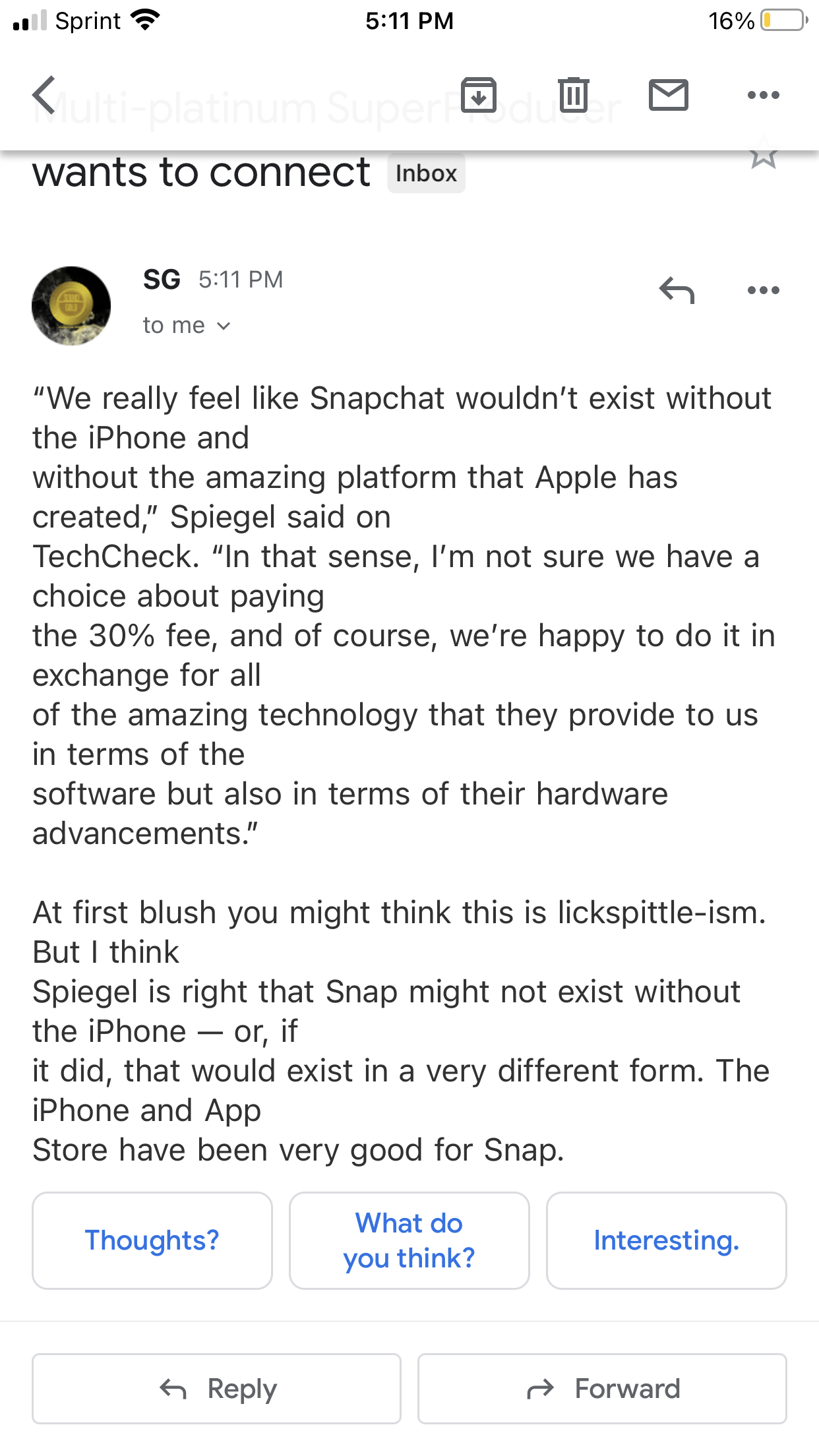
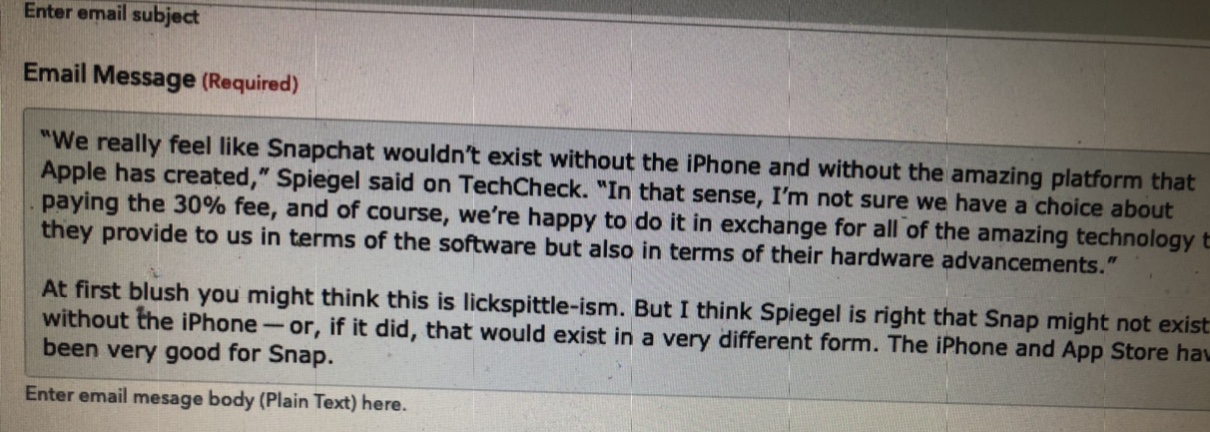
Also the software creates RANDOM new lines when email is viewed in mobile or desktop. See attached screenshot.
My simple emails look extremely spammy. I have tried so many variations to make this work - it has become more of a headache and a waste of time than just copy paste and scheduling the emails.
i am trying to send PLAIN TEXT emails using gmail / pabbly.
I copied or typed all of the text in my message
added a link to the email.
sending from personal gmail account
Using Google chrome on Mac
Also support closed my email ticket without responding to my question
Attachments
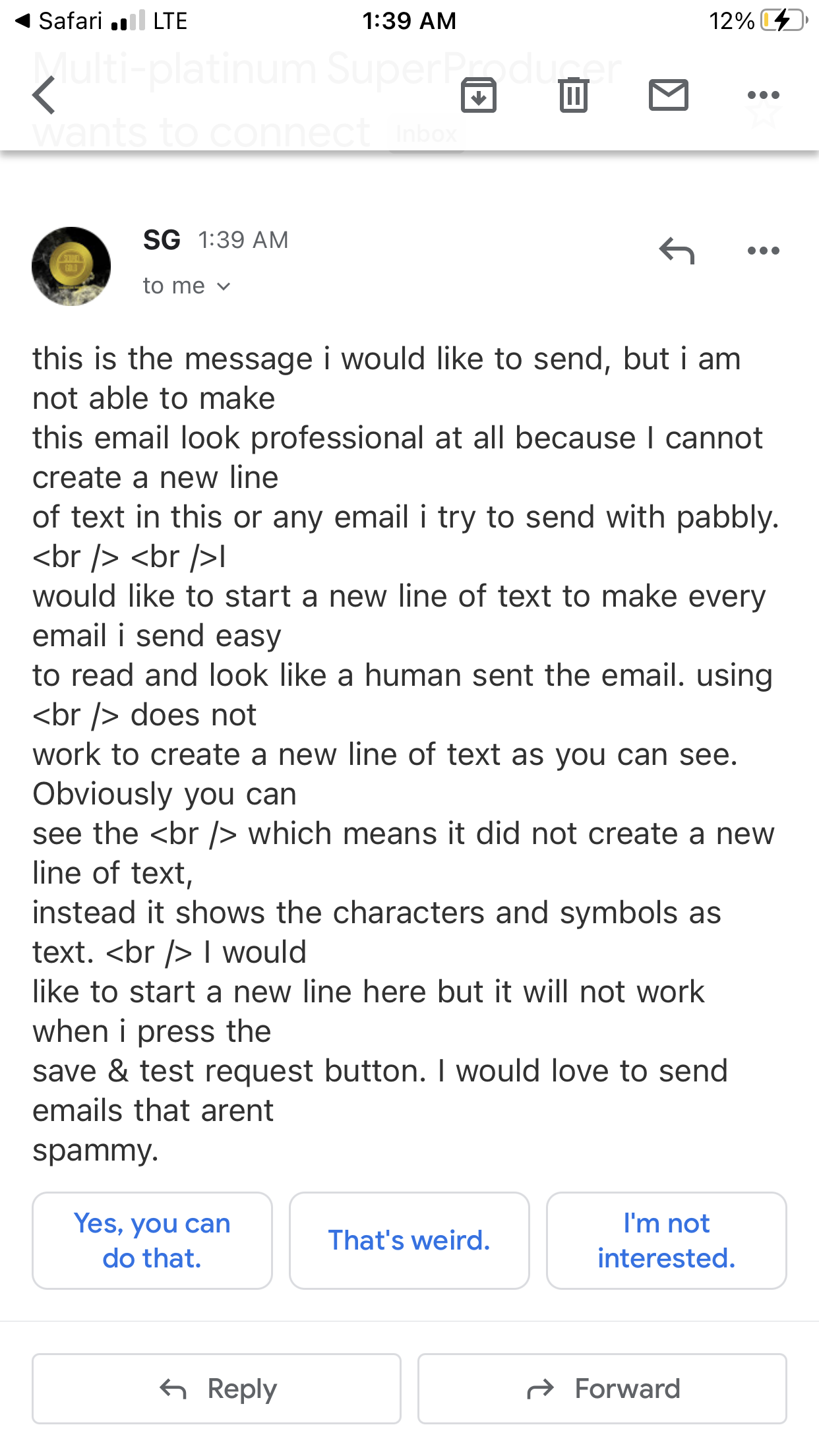
Hi. So this
technique does not work to create new lines in pabbly. Maybe I am leaving out some key informations.Also the software creates RANDOM new lines when email is viewed in mobile or desktop. See attached screenshot.
My simple emails look extremely spammy. I have tried so many variations to make this work - it has become more of a headache and a waste of time than just copy paste and scheduling the emails.
i am trying to send PLAIN TEXT emails using gmail / pabbly.
I copied or typed all of the text in my message
added a link to the email.
sending from personal gmail account
Using Google chrome on Mac
Also support closed my email ticket without responding to my question
Can you please let us know the workflow name so that we can review it once and update you on the same?
Further, if you're using Gmail with an action event as "Send Email (with Plan Text)", then you don't need to use
.
We tested from our end and it's working fine.
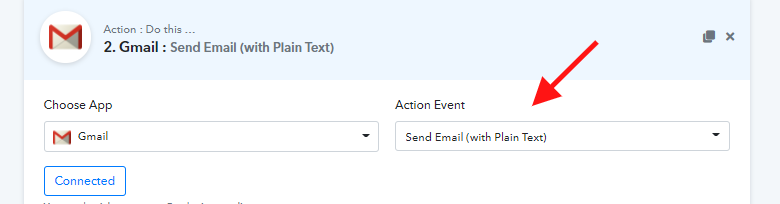
Attachments
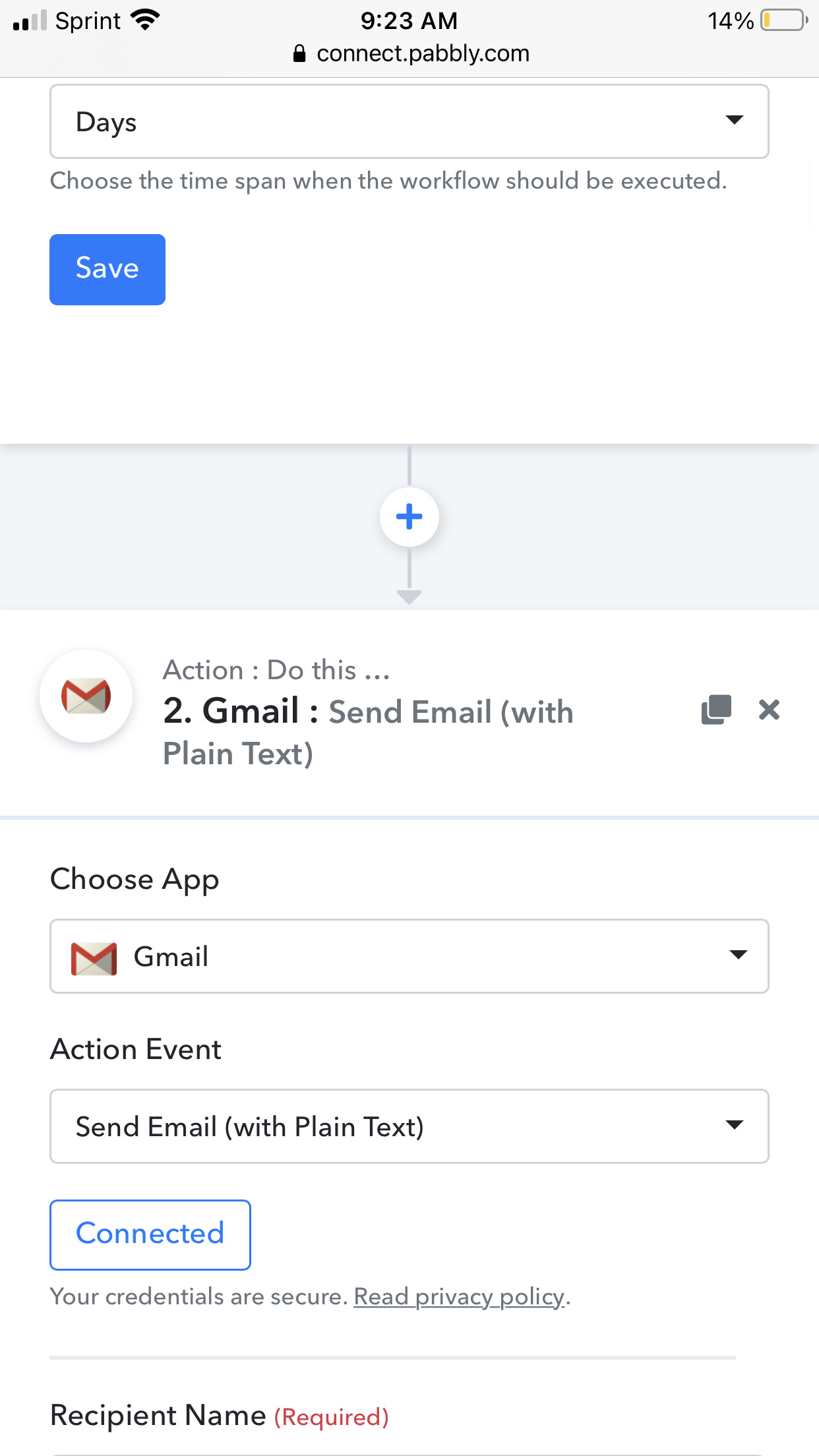
Hey @SGMG
We have tried the Send Email with Plain Text Action event by putting simple text in the "Email Message" box and added a new line (shift+enter) and seems it is working absolutely fine.
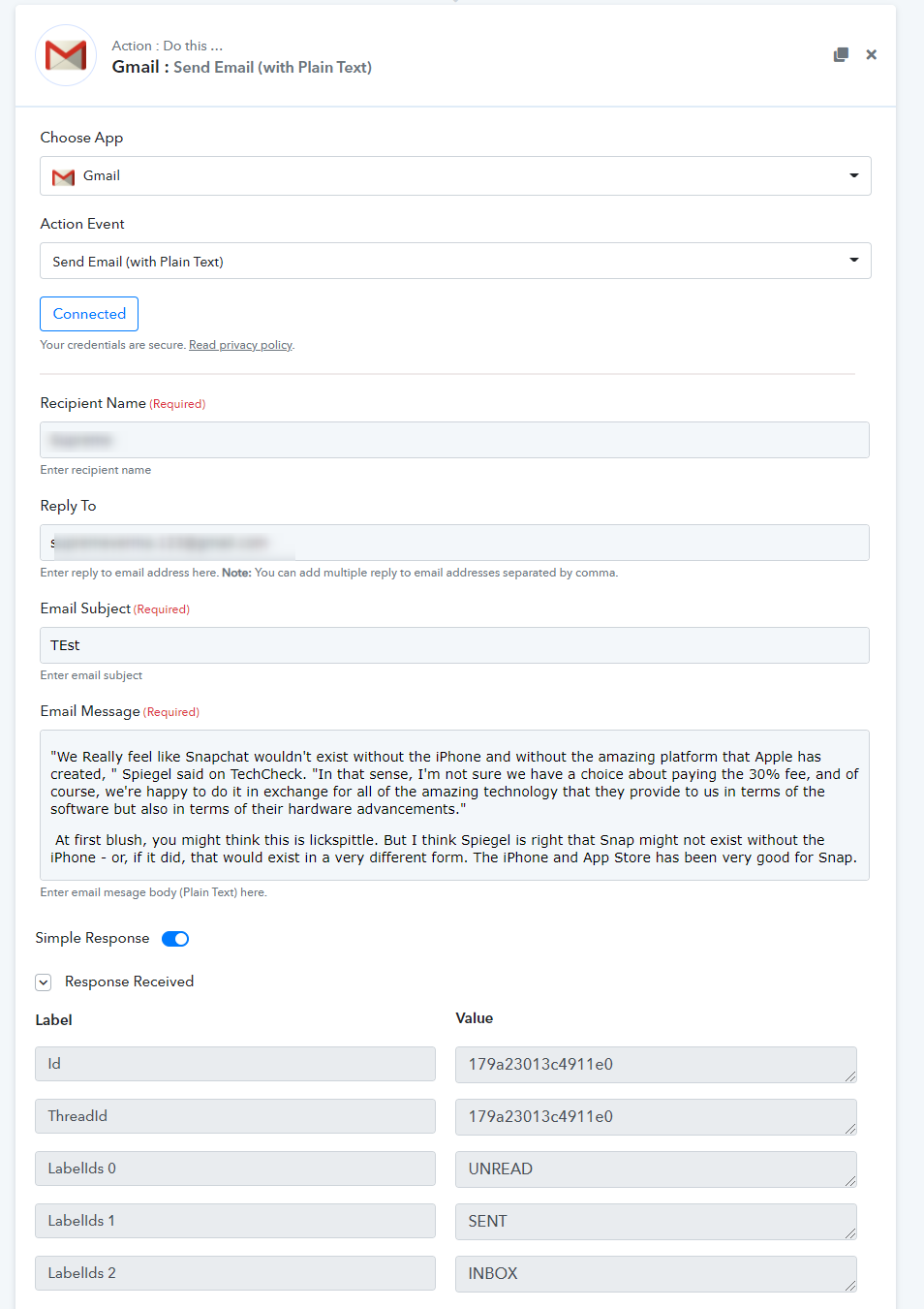
And as a result, no new line was added in the email message -
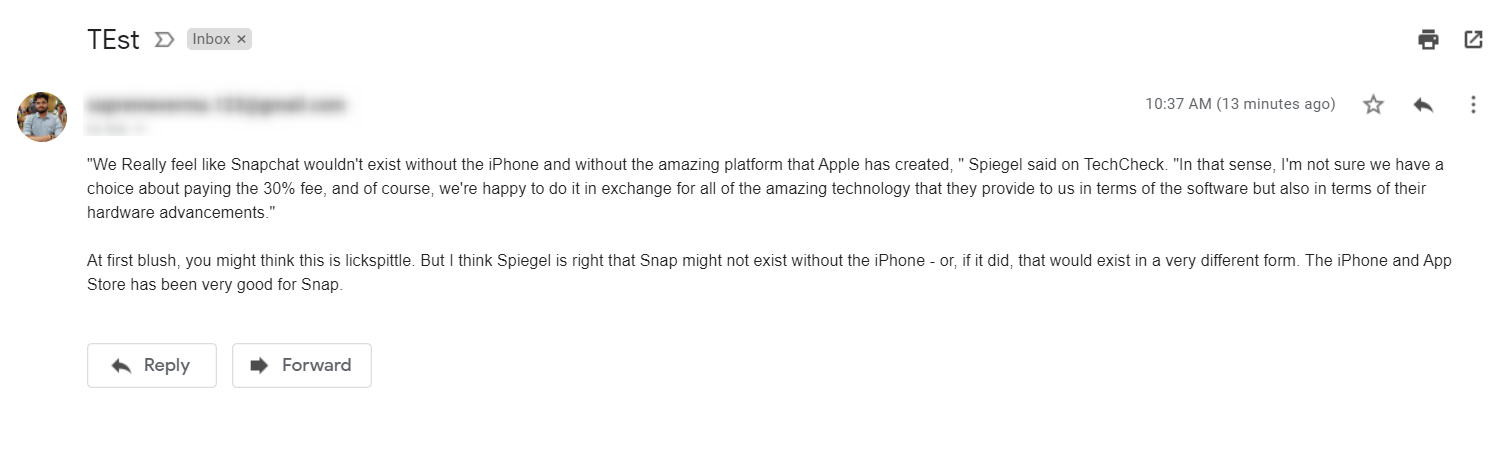
Please try again this at your end and let us know if you face any issues.
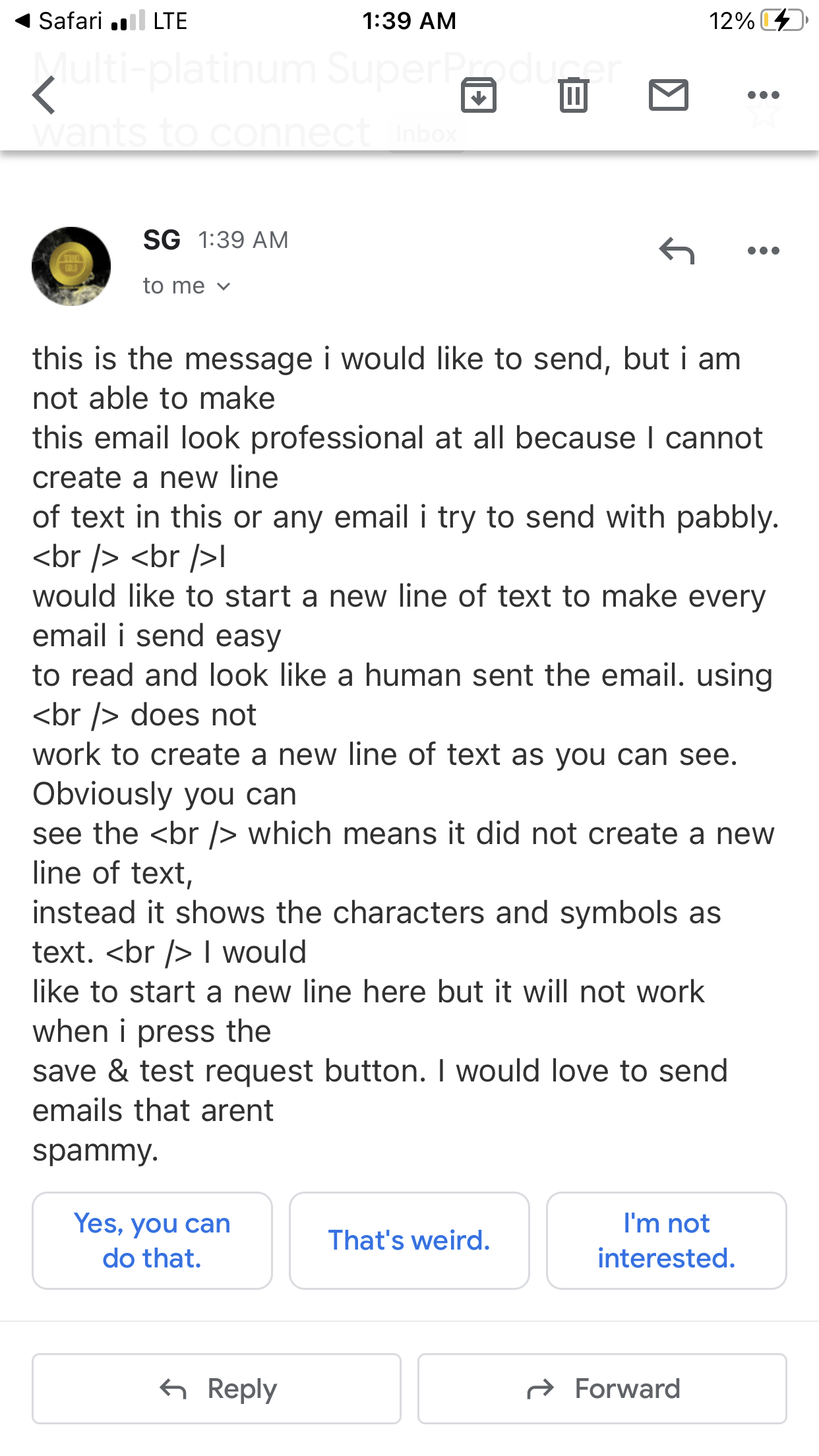
Currently I am still having the issue of getting random breaks in the line and new lines appearing - I didn’t use
Please refer to all of the attachments that show the screenshot of my gmail account.
can you fix this issue? Pabbly is creating new lines randomly. I cannot control how my paragraph will look. If I make 1 single paragraph, it creates random rows when executed in pabbly.
Currently I am still having the issue of getting random breaks in the line and new lines appearing - I didn’t use
Please refer to all of the attachments that show the screenshot of my gmail account.can you fix this issue? Pabbly is creating new lines randomly. I cannot control how my paragraph will look. If I make 1 single paragraph, it creates random rows when executed in pabbly.
I just tried it out myself and no random lines created as shown in your screenshot.
Can you do us a favour and add a new action step altogether and put the text there to see if you are still experiencing the same issue.
Further can you also check whether the same email is also appearing with broken line on another device or another email client?
Also can you confirm if you are using the Gmail app on Mobile or are you using another email client to view the messages?