Schedule meeting based on the email and date
Status: Closed · Asked by Georgiy Guralnik on · 0 views
how to create a workflow that would extract a date from outlook email and schedule an outlook meeting / appointment for that that day? For example: the message reads - Hi George, your paper is due on April 19th.
Then Pablo schedules a meeting / appointment on my calendar for myself for April 19th.
Hello @Lamatao
To extract the date from an Outlook email, you can use the "Microsoft Office 365" application as your trigger step in your workflow.
This will trigger your workflow whenever a new email is received in Outlook. After the trigger, you can use the "Text Formatter to>Find Text" action step to extract the date from the body of the email.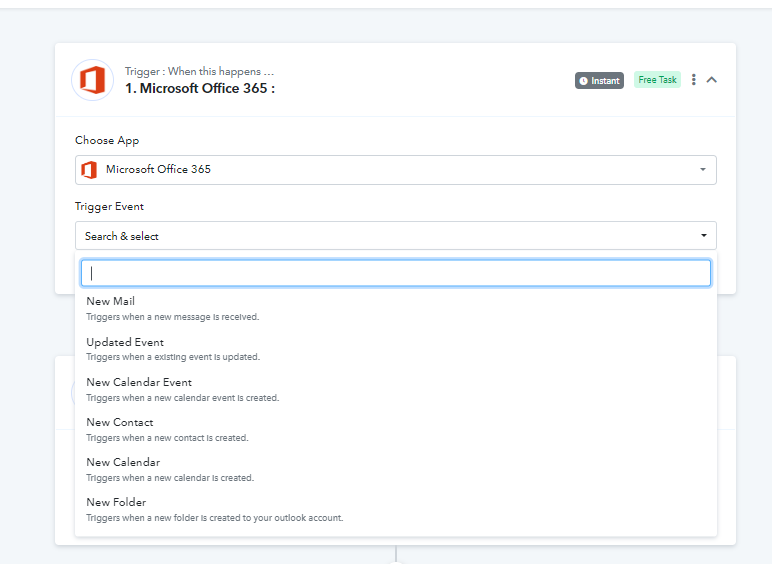
Also, please refer to the following video for a better understanding:
(Watch the first part of the video)