schedule recurring action send google sheet data to Slack
Status: Closed · Asked by lelehelloworld on · 0 views
I would like to schedule send on action everyday in specific time from my google sheet (All row with data to column F)
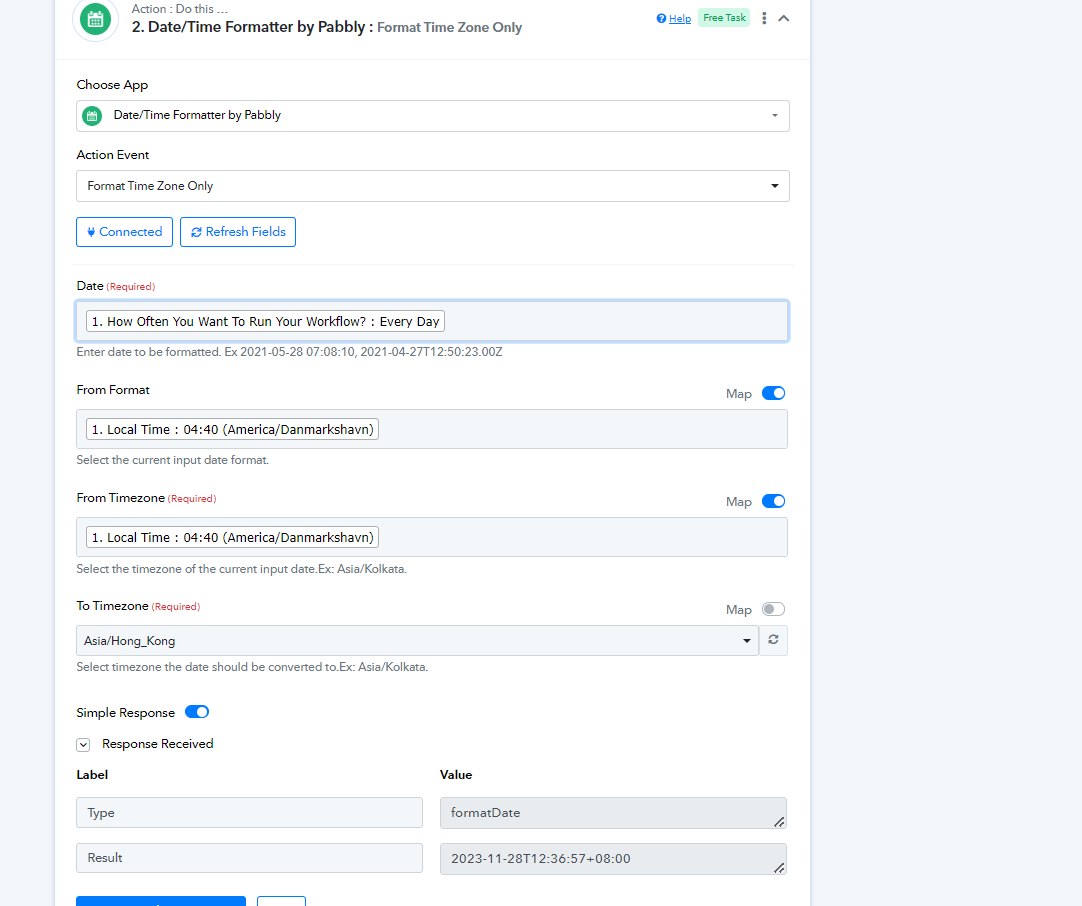
Here is my workflow now, but can't work, I am also not sure if I correctly format the time to my local time (Hong Kong):
Schedule by Pabbly -> Date/Time Formatter -> Google sheet(get row) -> Slack(send channel Message)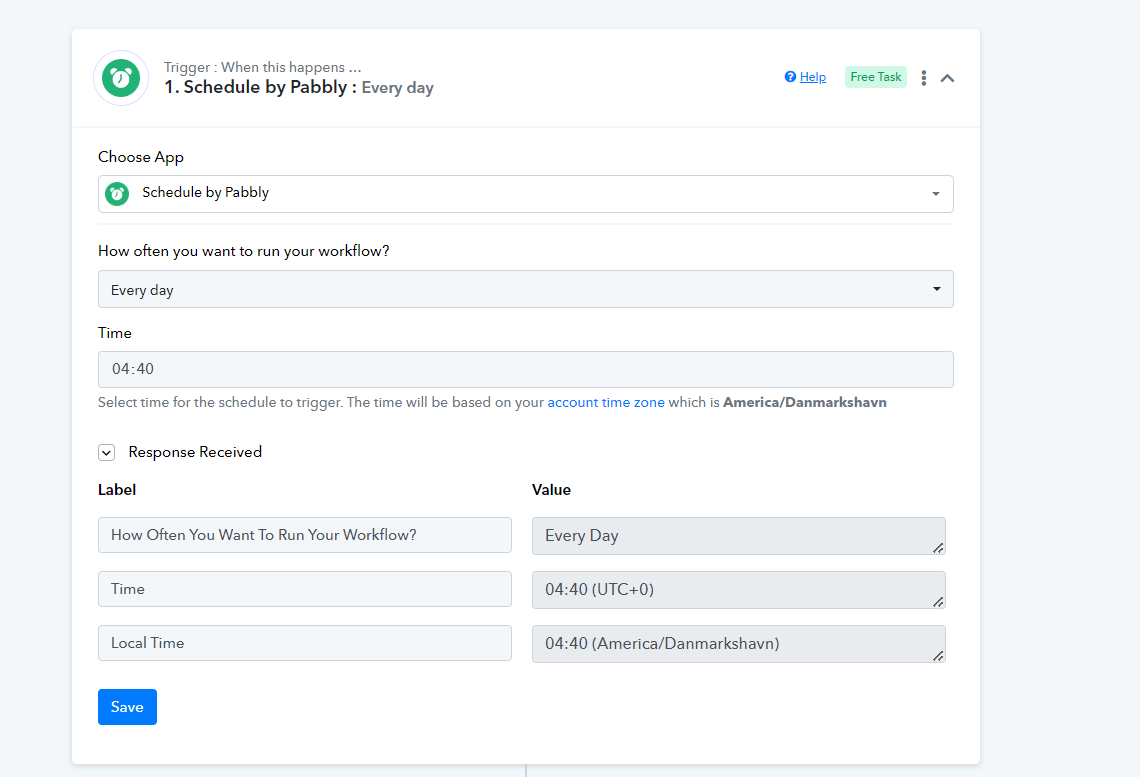
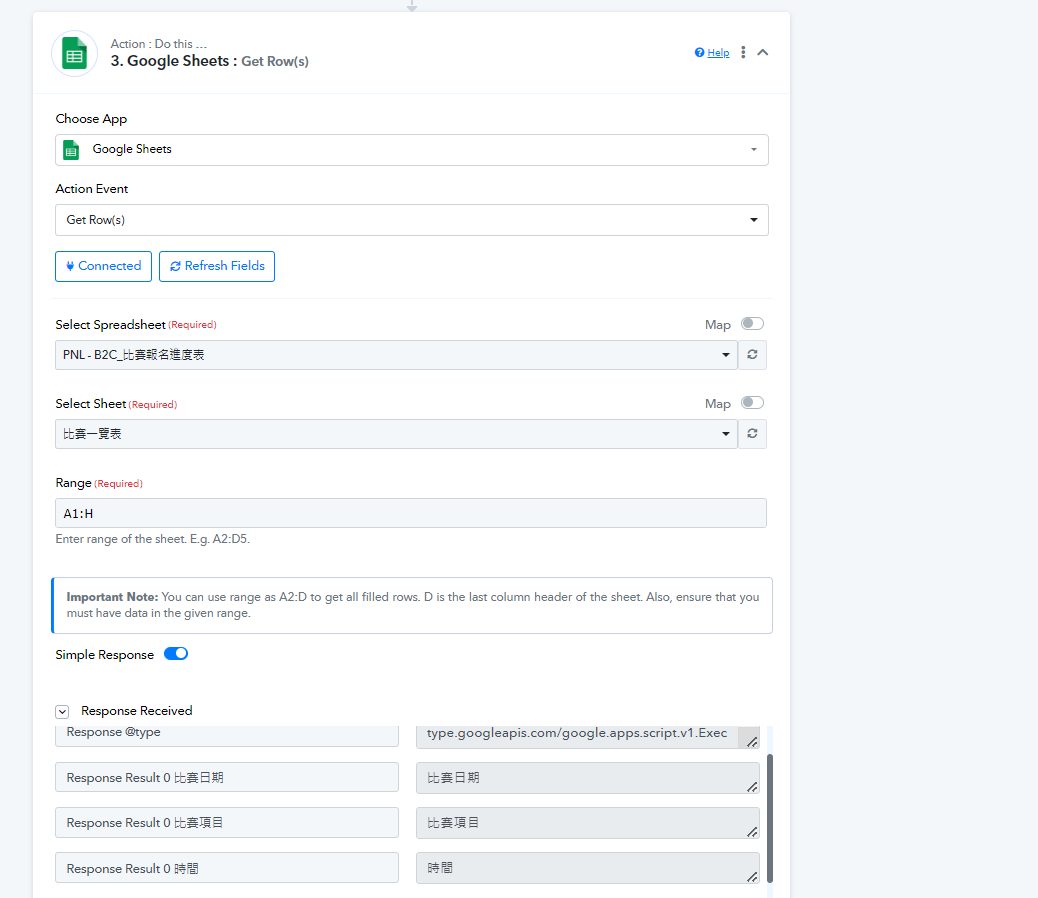
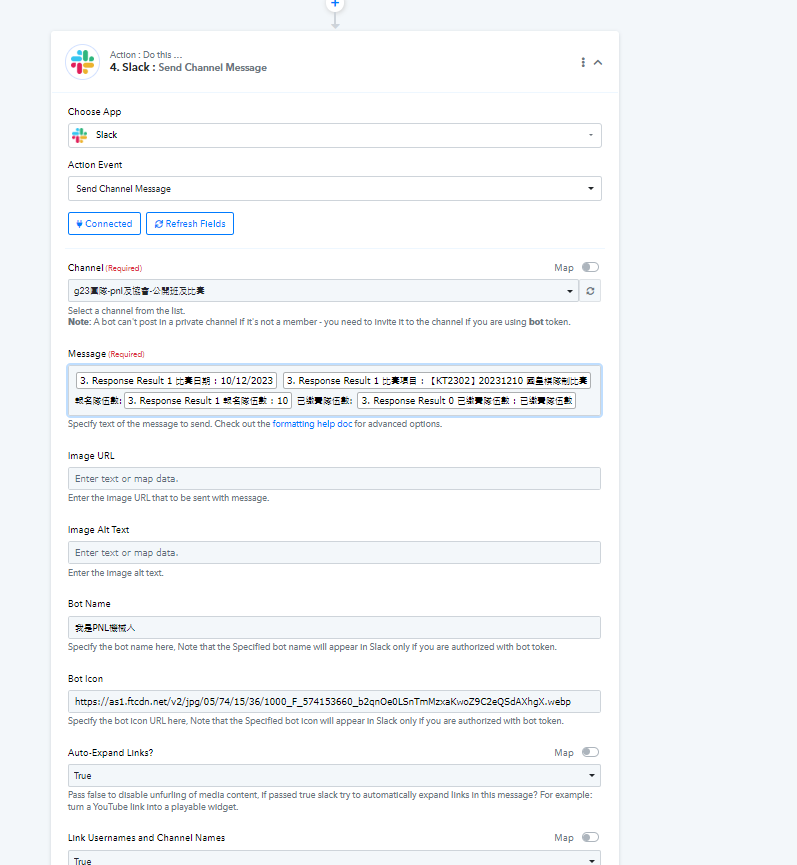
I think I got the issue with input Message in Slack action, How to get the row of every row with data (to column F)?
It seems like now just can get the specific row.
Can some pabbly staff member help me to review my workflow and suggest me to adjust it? I stuck at it few days
Update: I managed to successfully schedule the send on action. Now, I just want to know how can have the message automatically get the data from all row with data of my spreadsheet instead of manually edit the message.
Hey @lelehelloworld
Could you confirm which type of token you chose when authorizing the Slack action step? Did you select the bot token or the user token for establishing the new connection?
Hey @lelehelloworldCould you confirm which type of token you chose when authorizing the Slack action step? Did you select the bot token or the user token for establishing the new connection?
bot token. I successfully send the data to Slack. The issue now I am stuck at is I don't know how to get sheet data of every row. I can now just send data according to what I put in message.
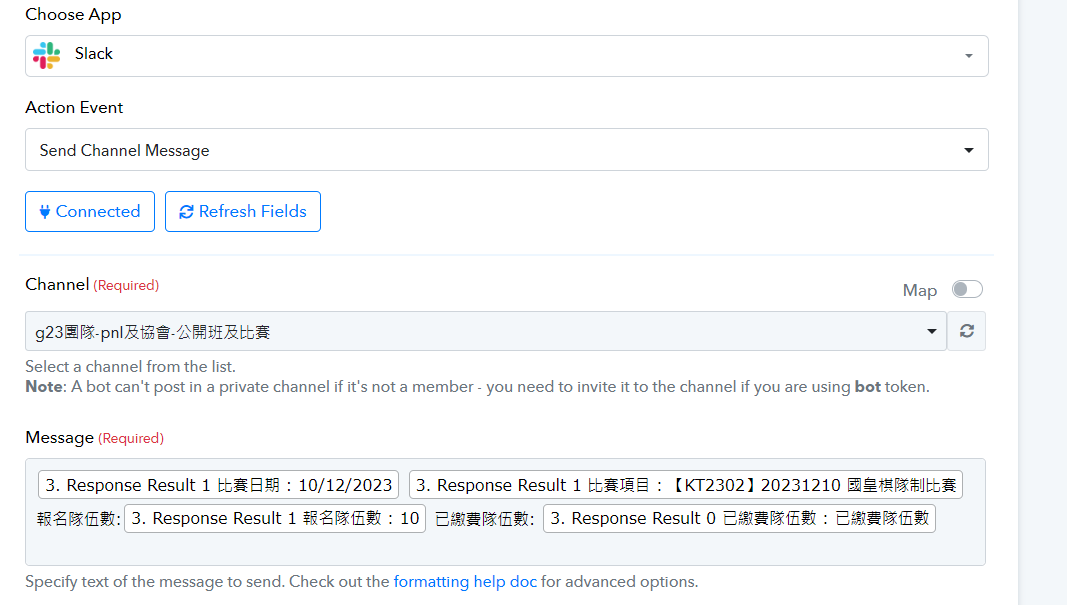
I successfully send the data to Slack. The issue now I am stuck at is I don't know how to get sheet data of every row. I can now just send data according to what I put in message.
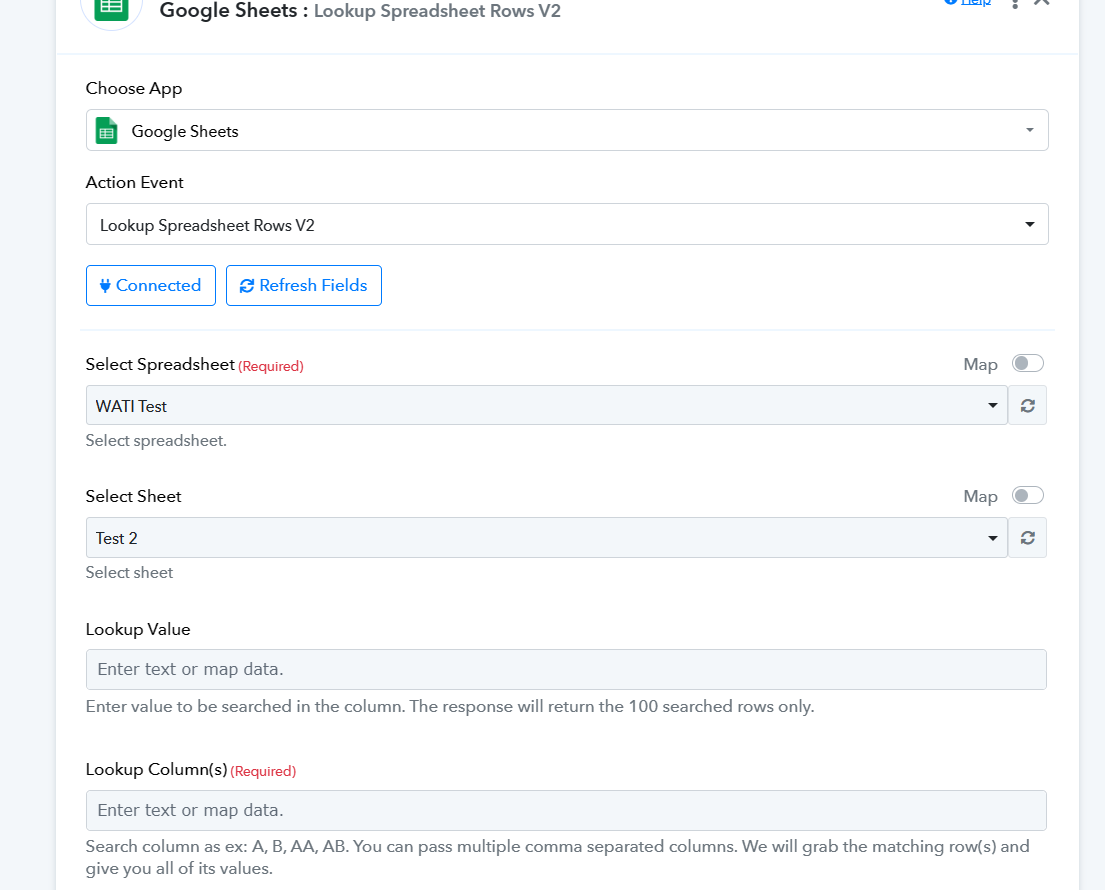
You can try using the "Google Sheets: Lookup Spreadsheet Rows V2" action step to get the particular row data with the help of existing row data.