Scheduler Workflow Issue
Status: Closed · Asked by zest83 on · 0 views
It was supposed to execute as per the Routers but its not working
Attachments
Hey @zest83
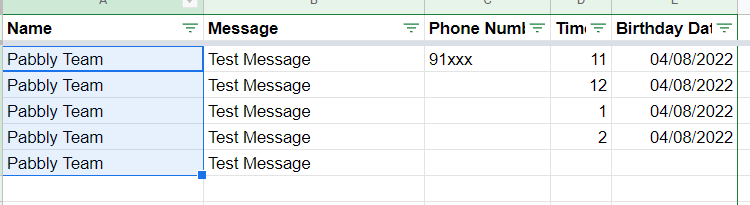
As we can see in your workflow, you are using "Iterator" with a "Delay" inside the "Router" step, which might not iterate the values properly from your Google Sheets as they should be. Since our tech team is currently working on the "Iterator"," Delay" steps inside the "Router" step to make it work together. So it will take the next 2-3 weeks to launch the new iterator and delay the module.
Although as a workaround, you can use Data Forwarder in place of the "Router" which you have placed with Route, and then forward the data to the separate workflow.
So you are saying, i should have different workflows for different timings & use the Data Forwarder to send the Data to that workflow?
Please could you guide me on how I can use this data Forwarder trigger...
There are three options:
1. Forward Webhook
2. Return Workflow response to the Source
3. Redirect to
Please could you guide me on what to do with this Trigger.
Totally confused!
Check this Help Video made by one of your team members... can we use this technique?
If we can use this ... Please guide me on the steps since I have done crazy work already on my workflow
Hey @zest83
Due to some difficulty in Iterator, Delay action step when using together in a single workflow the action steps are not working prominently.
So, the above-mentioned video tutorial might not be possible. as of now. Our tech team is continuously working on it to make it work together ASAP.
As a workaround, we would suggest you make an individual workflow for your every time-variant.