Scheduling reminders based on days
Status: Closed · Asked by Divineinvestor on · 0 views
We are conducting a webinar every Saturday at a defined time, would like to send a series of reminders to the participants, I see options to do these based on dates, is there a way to do these based on days, it will save a lot of time, as with dates we need to change the date and time for every webinar. Any help on this would be really appreciated.
Regards
Vinoth
Check below two tutorials which might help you -
Hi,
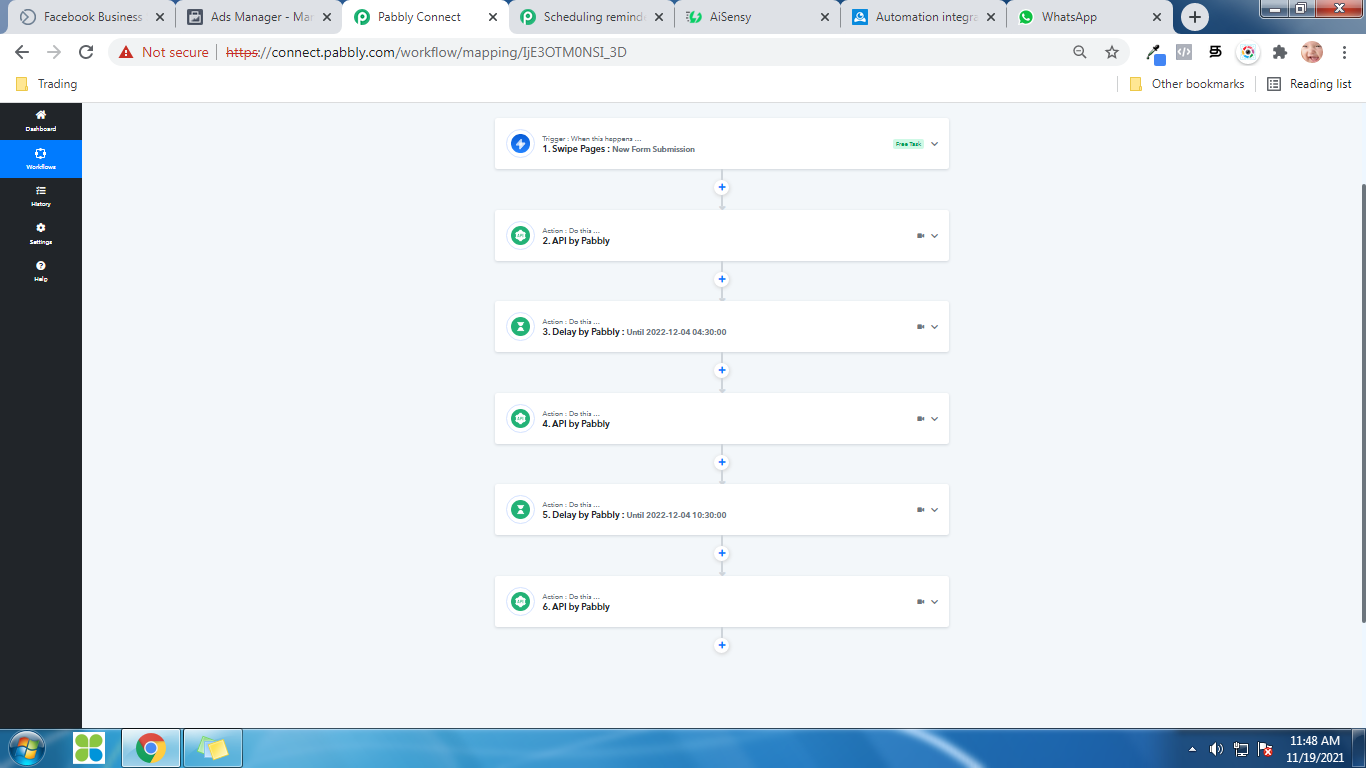
Saw this earlier, We don't use ZOOM, basically, we want to send reminders for new leads we receive on Swipe pages. Trigger a Whatsapp message through aisensy on specific days. Beow is my current flow, instead on delay by date I need to send messages on specific days.
Regards
Vinoth
Hey @Divineinvestor
Kindly allow us some time, we are currently looking into your use case.
Thanks
Sure, thank you for keeping me posted.
Regards
Vinoth
We are conducting a webinar every Saturday at a defined time, would like to send a series of reminders to the participants, I see options to do these based on dates, is there a way to do these based on days, it will save a lot of time, as with dates we need to change the date and time for every webinar. Any help on this would be really appreciated.Regards
Vinoth
Check this -
https://forum.pabbly.com/threads/weekly-monthly-scheduler.2603/#post-12441
Check this -https://forum.pabbly.com/threads/weekly-monthly-scheduler.2603/#post-12441
Scheduler is available as a trigger option, not as an action so not able to use this, as per my flow.
Scheduler is available as a trigger option, not as an action so not able to use this, as per my flow.
Add them to a Gsheet as the last step of your current workflow.
And then create another workflow like the one I shared and pickup all rows(Get Rows action) from gsheet every specific day and time of the week.
Add them to a Gsheet as the last step of your current workflow.And then create another workflow like the one I shared and pickup all rows(Get Rows action) from gsheet every specific day and time of the week.
Perfect, will try that out, thanks :)
Add them to a Gsheet as the last step of your current workflow.And then create another workflow like the one I shared and pickup all rows(Get Rows action) from gsheet every specific day and time of the week.
Finding it really difficult, not a developer so not able to relate the google sheet part, I have cloned your workflow for the Friday reminder, which went smoothly, I am facing difficulty in adding my lead data from swipe pages to your workflow or to goolge sheets.
Managed to do it @Fagun Shah can you please check what I did is right, here is my workflow for Friday reminders https://connect.pabbly.com/workflow/share/AEhYal4ZBmJUHwFFAEcDZl9IAyoJQwZQA2RRQw##
The workflow looks like for Saturday and not friday.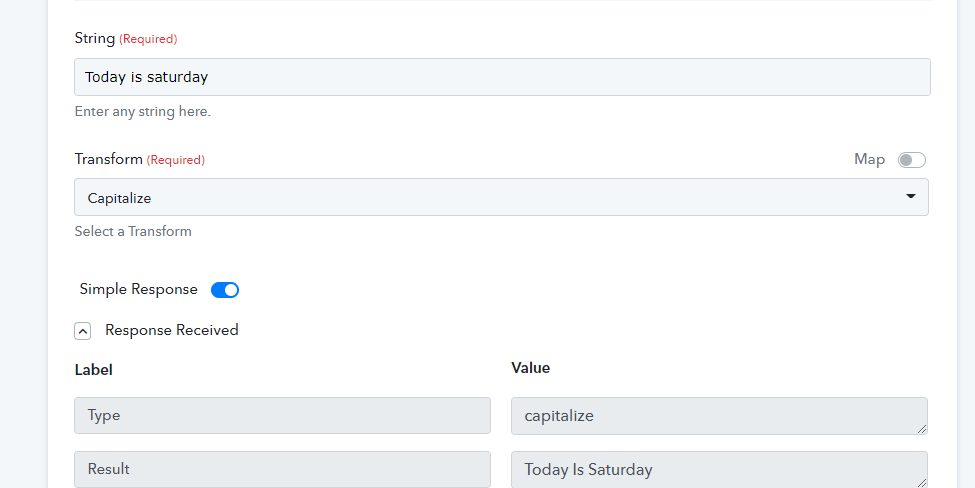
Hi,
Yes i changed it to Saturday, it works fine, thanks a lot for the support.
Hi,Yes i changed it to Saturday, it works fine, thanks a lot for the support.
Superb. You're welcome.