'Search by' is not working
Status: Closed · Asked by Twin on · 0 views
Hi,
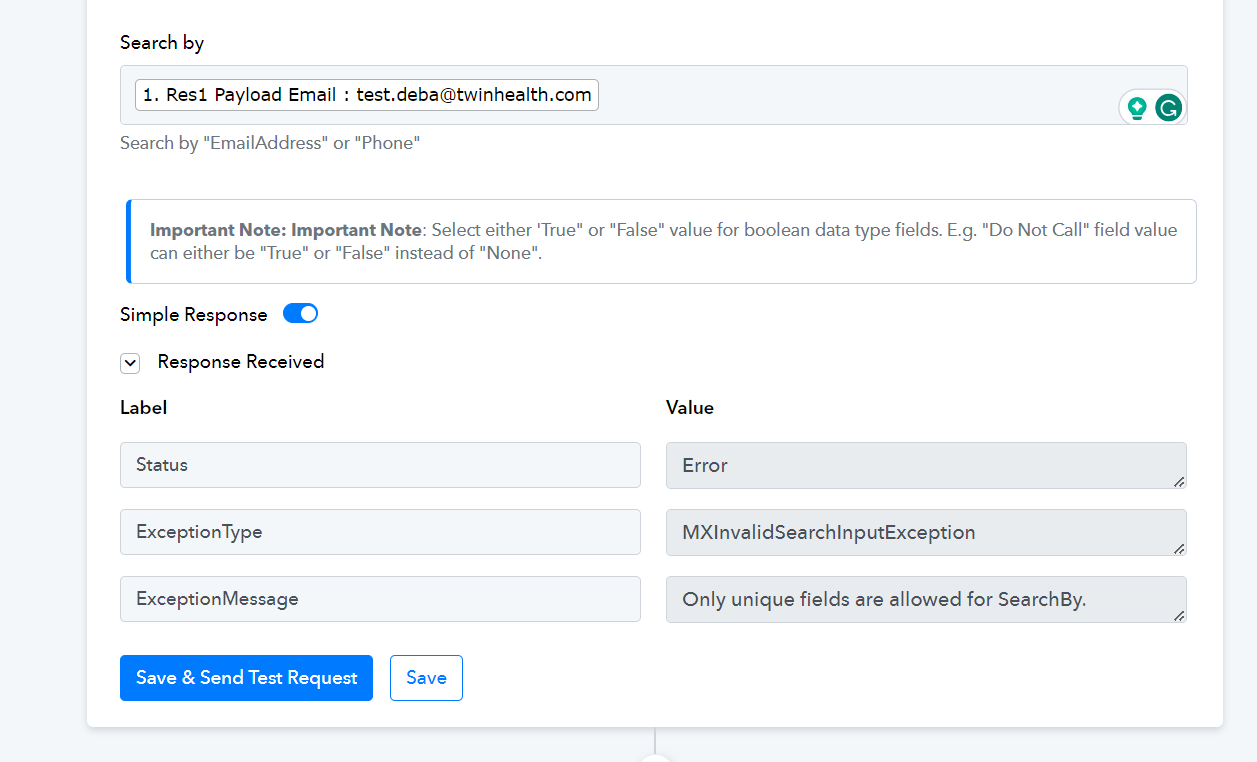
I'm trying to connect Calendly with Leadsquared. While all the setup has been done but on adding 'Search by' as an email it is showing as an error and is being mentioned as 'Only unique fields are allowed for SearchBy.'. Can you help me understand what the issue is as I believe I have added the unique field itself.
Regards
Debasish
Attachments
Hey @Twin
Please read the help text carefully, you need to type either a Phone or EmailAddress as text in the field instead of the email address.

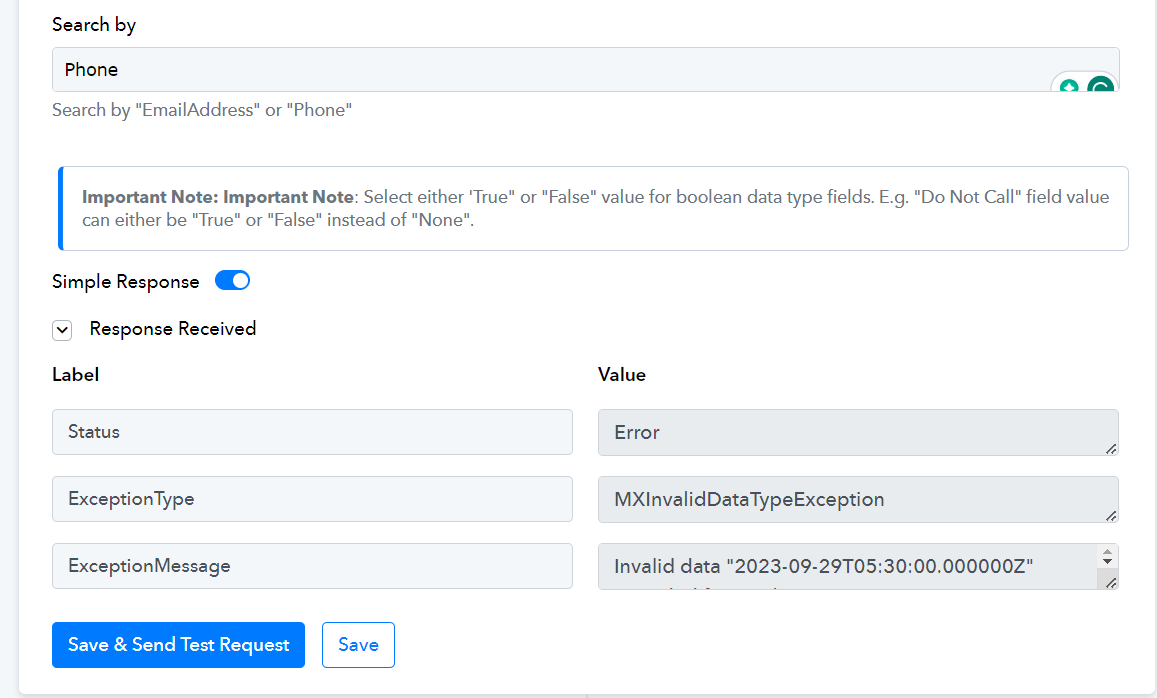
I have added 'phone' but it is still showing error
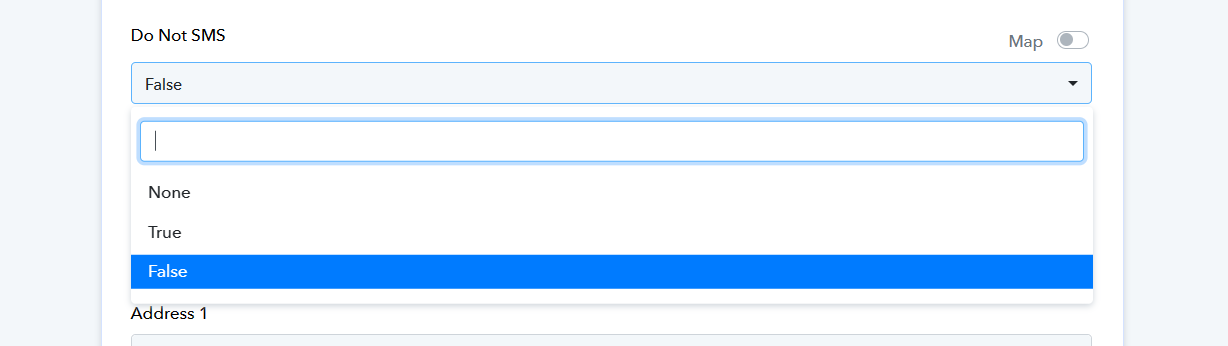
Kindly choose either "True" or "False" as the value for boolean data type fields.
E.g. -
The Boolean type field.
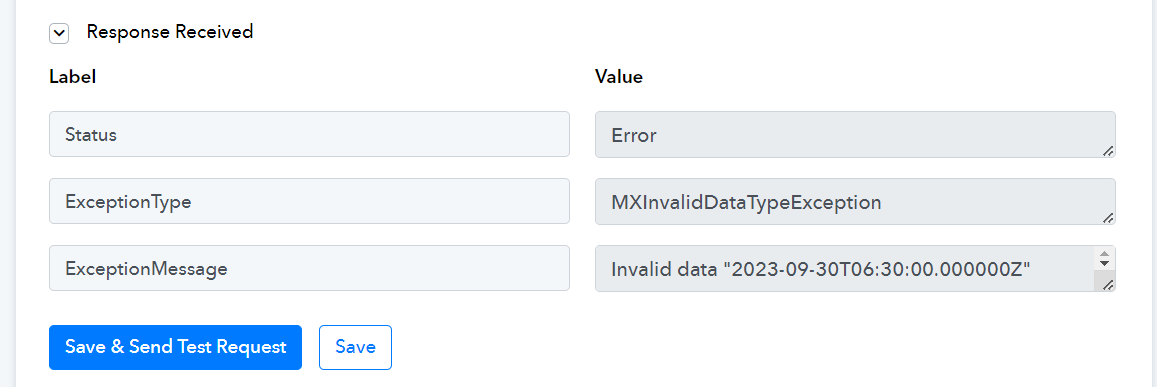
Not sure what is the issue but I'm getting this error now. Also I want the date & time to be captured in indian standard time but it is getting captured in some other timezone even after I changed the settings to indian standard time. Please help asap
Kindly pass the date time in the following manner in the LeadSqaured action step which you can convert with the help of the Date Time Formatter action step.
