Send a message to a customer with Intercom
Status: Open · Asked by inochi on · 0 views
I need to send a message to a customer with Intercom but there is not option into Pabbly App.
Could you please let me show how can I do it?
Thanks
Hi @inochi,
Please try using Intercom: Create a Message action event for this use case.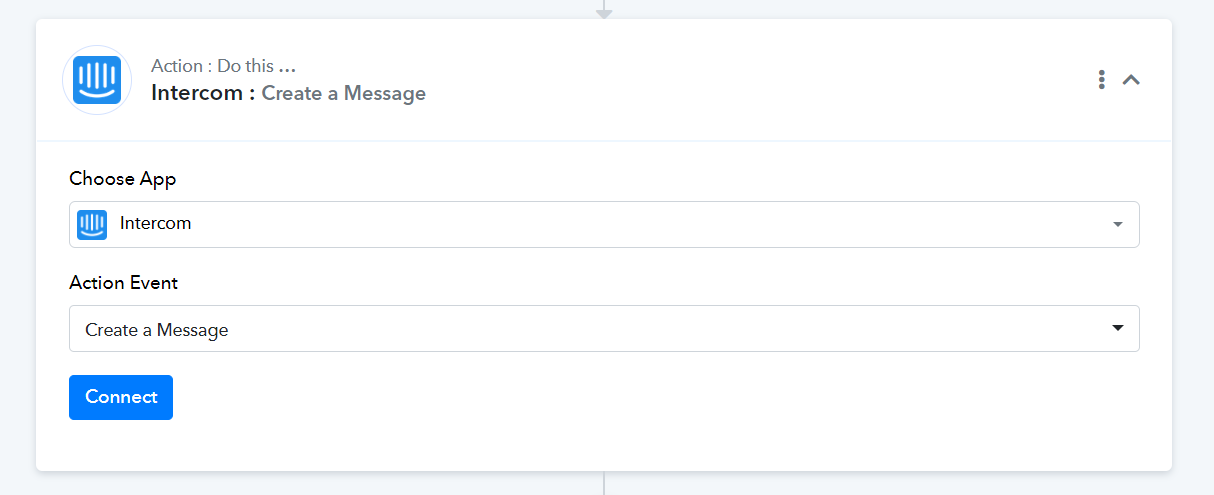
I tried but there is a giant problem. Basically I can't select a dynamic email i.e. one that changes based on the customer I need to contact...I have to necessarily select only one email.
How do I solve this problem?

I would need it to change the email based on the client I got from Stripe
I can't figure out how to identify the user ID and then use it in the mail field via the active "MAP" toggle.
Please grant me access to your workflow by adding me as a team member. This will allow me to gain a better understanding of your issue.
Once you have added me as a Team Member, do let us know the name of your workflow.
Email: arshil.ahmad@pabbly.com
Also, remember to revoke access once your query has been resolved.
Attaching a video for your reference:
I just sent to you the invitation. Did you receive it? ?
Please allow me some time to look into this. I will get back to you with an update soon.
Ok no problem
do you have news?
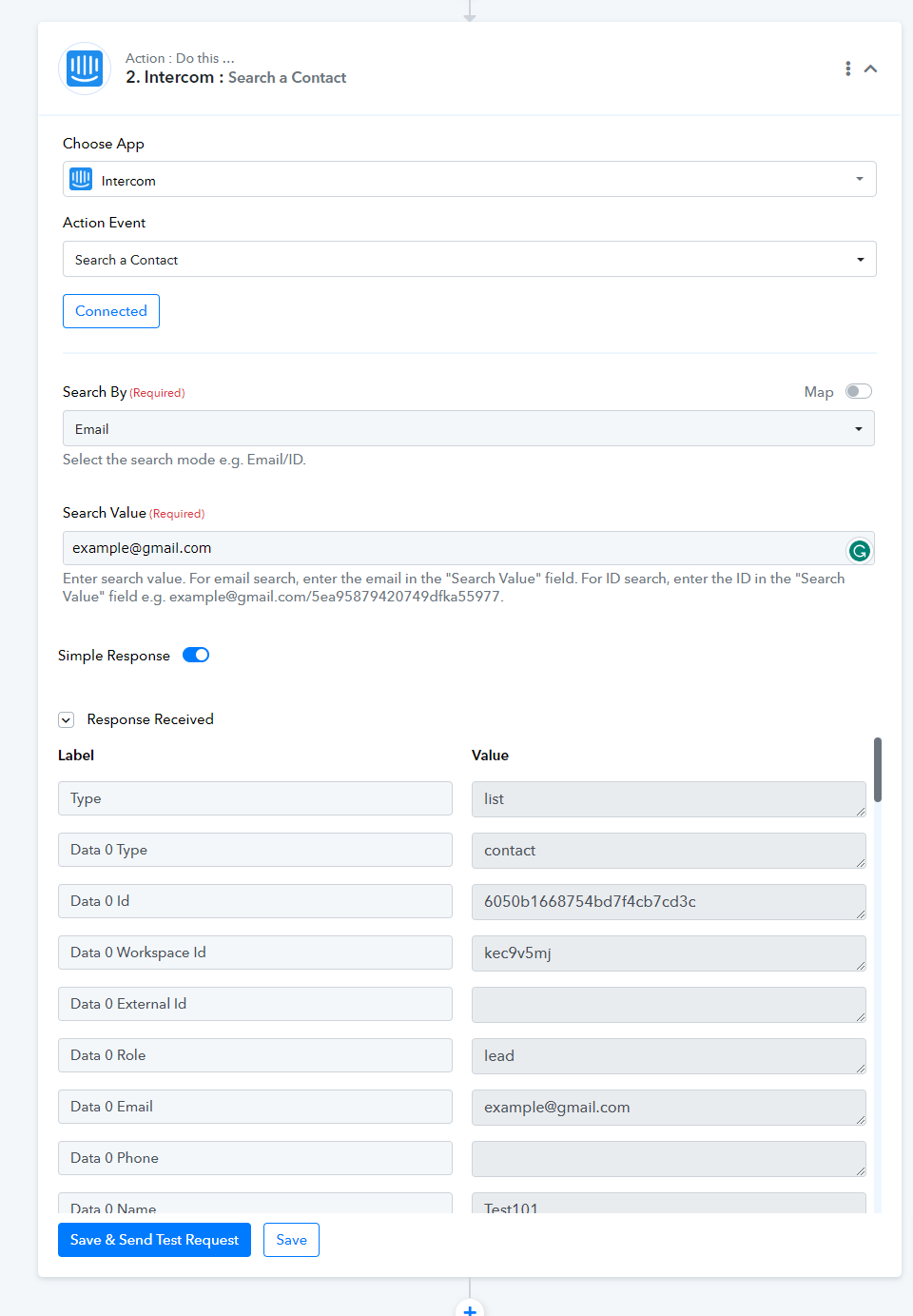
We are working on adding Intercom: Search Contact action event that will help you get the Contact ID, which you can map in your email field. We will let you know once it's live.
Hey @inochi,
In response to your request, we have implemented an action step called "Search a Contact" that allows you to conveniently search for a contact using either their email or ID. We kindly request you to review this feature and inform us promptly if you encounter any difficulties or require further assistance.
Best Regards,
Pabbly.com
Attachments