SendinBlue contact attributes missing in Pabbly Connect
Status: Closed · Asked by dittdesign on · 0 views
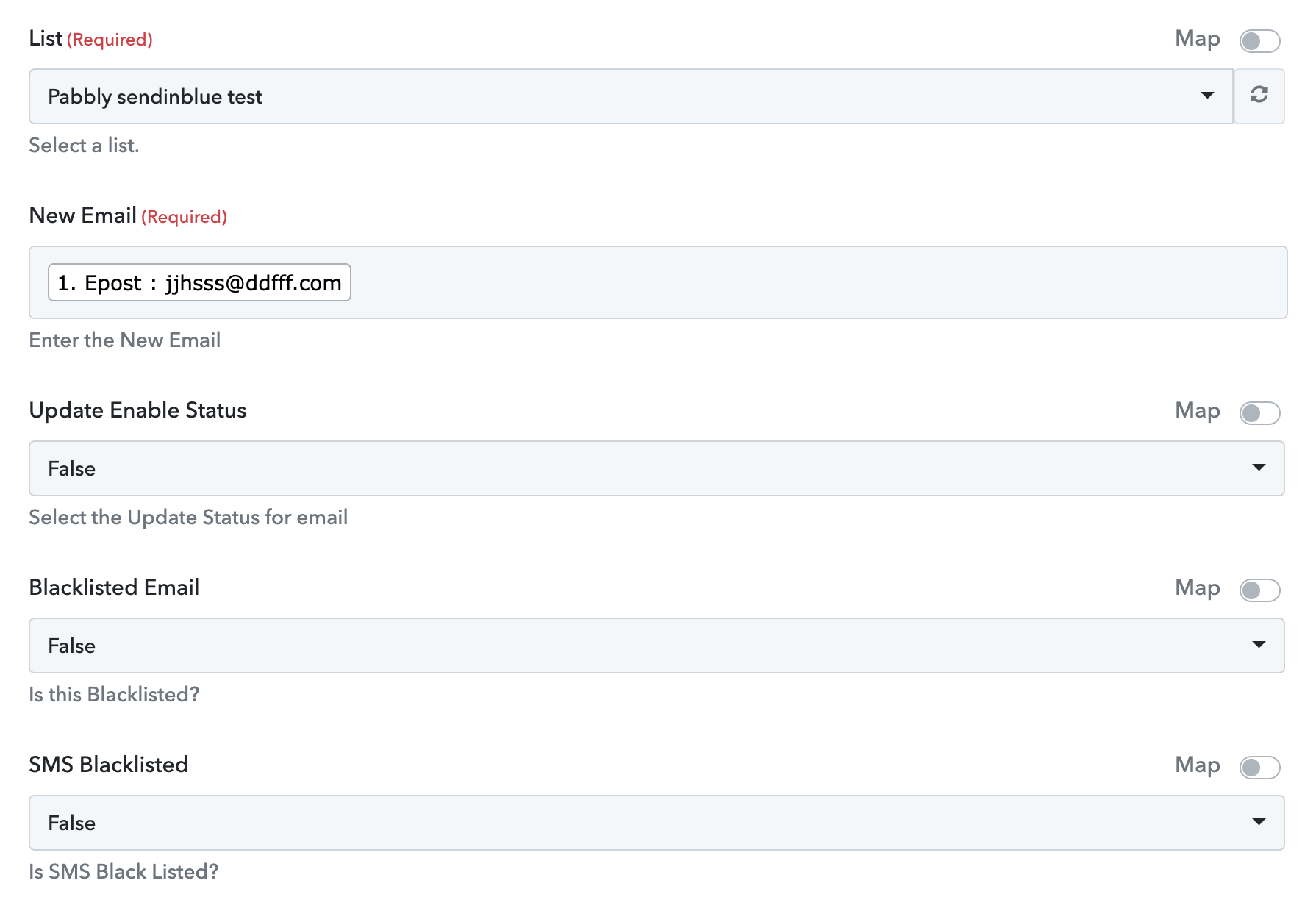
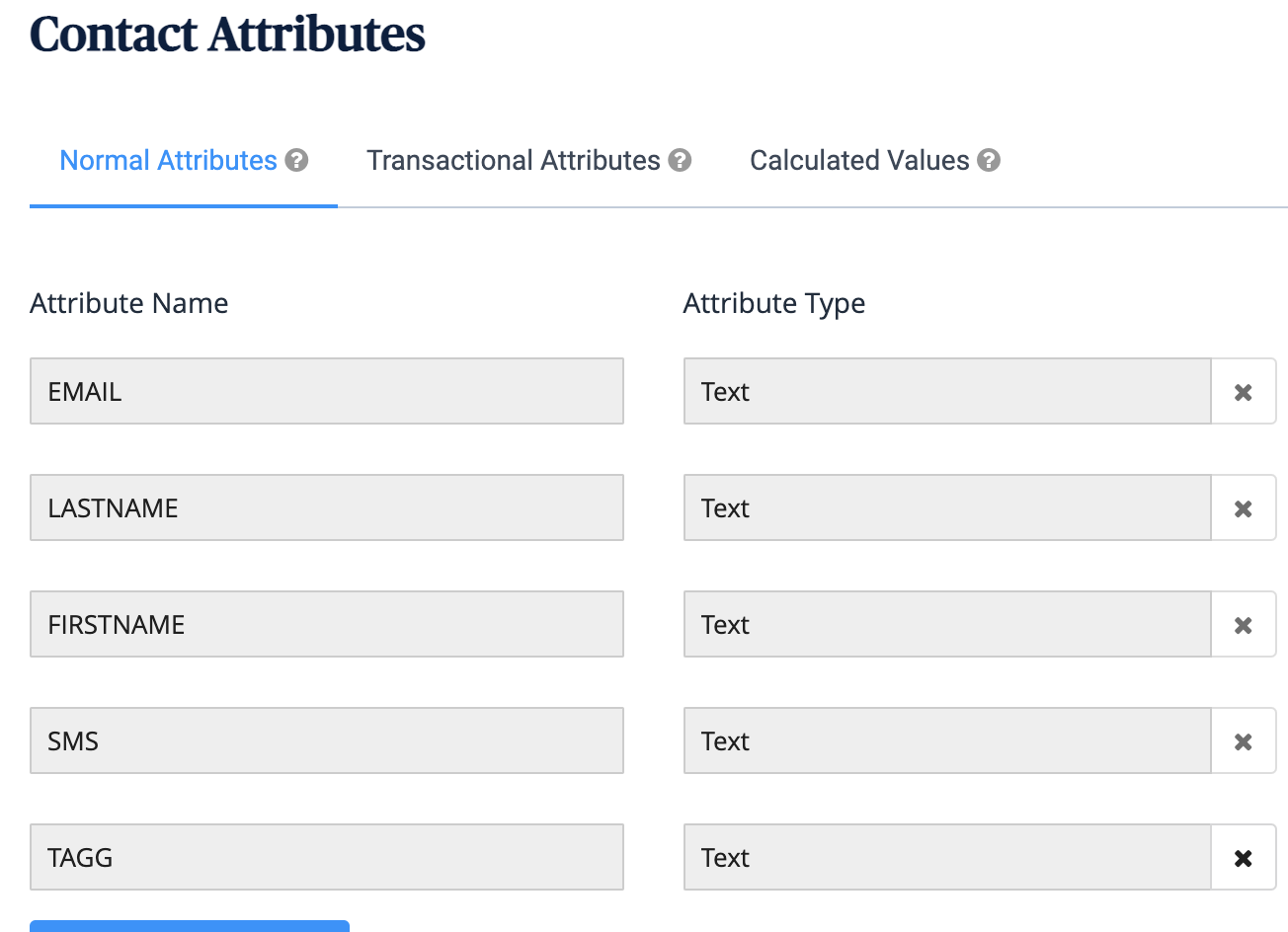
When I try to add, or update a contact in SendinBlue, the only attribute that can be added to the user is their email. There is no "name-field" or other fields about the user. There are more contact attributes in the Sendiblue list, but these are not reflected in the Pabbly app.
I have watched the Sendinblue videos on youtube, and in every case, they have more than just the email attribute.
Attachments
Hey @dittdesign
Could you please share the complete name of the attributes which you are having in your SendinBlue? As we can see from your account we cannot see any attributes which are associated with SendinBlue.
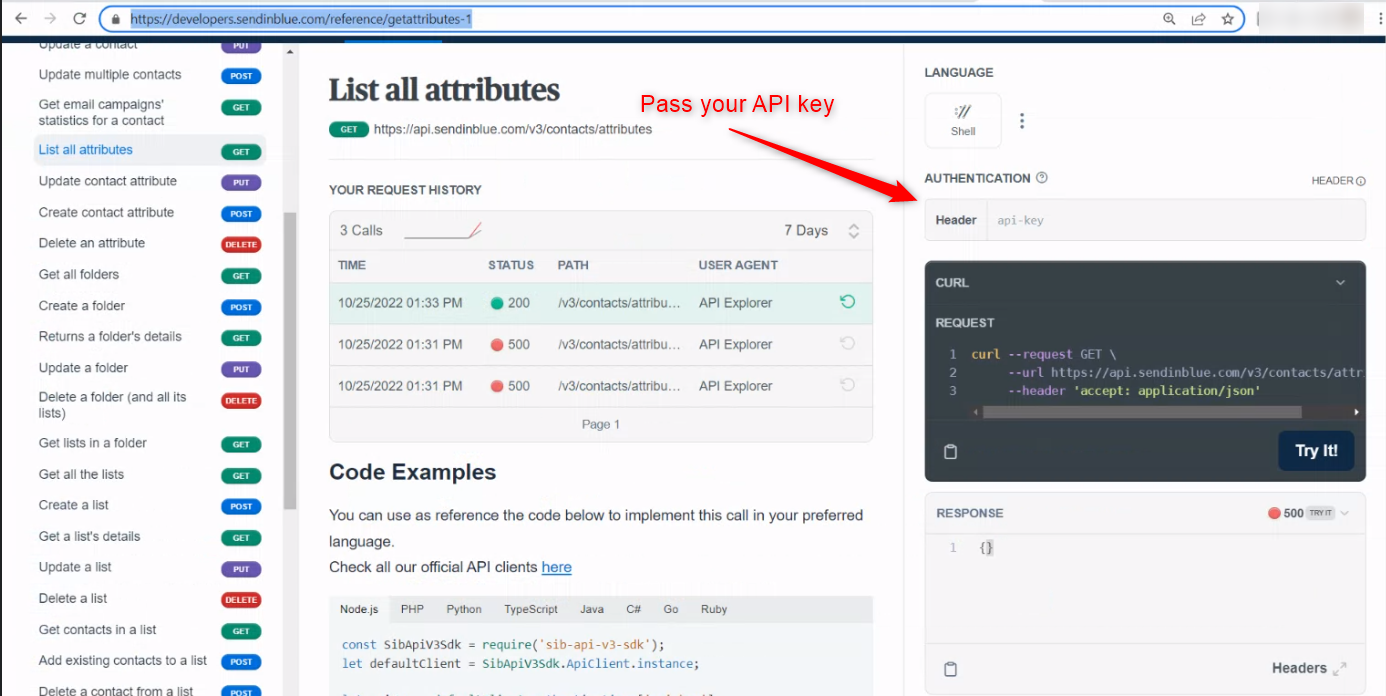
Further, you can check your API key on their API documentation whether is correct or not.
https://developers.sendinblue.com/reference/getattributes-1
In my first message, I shared a screenshot of the attributes.
I have contacted sendinblue regarding the missing attributes.
I got this answer from Sendinblue support. Thanks for the help @Supreme
Hey there!
Thanks for reaching out to Sendinblue.
I'd be happy to assist you with this. It looks like your account was missing some default global attributes that our system expects.
I've added those attributes to your account and also tested this endpoint. It seems to work now!
Sorry for any frustration caused! I hope you have a good day.