Sending a file via WhatsApp contained in a folder on the drive
Status: Closed · Asked by minogig on · 0 views
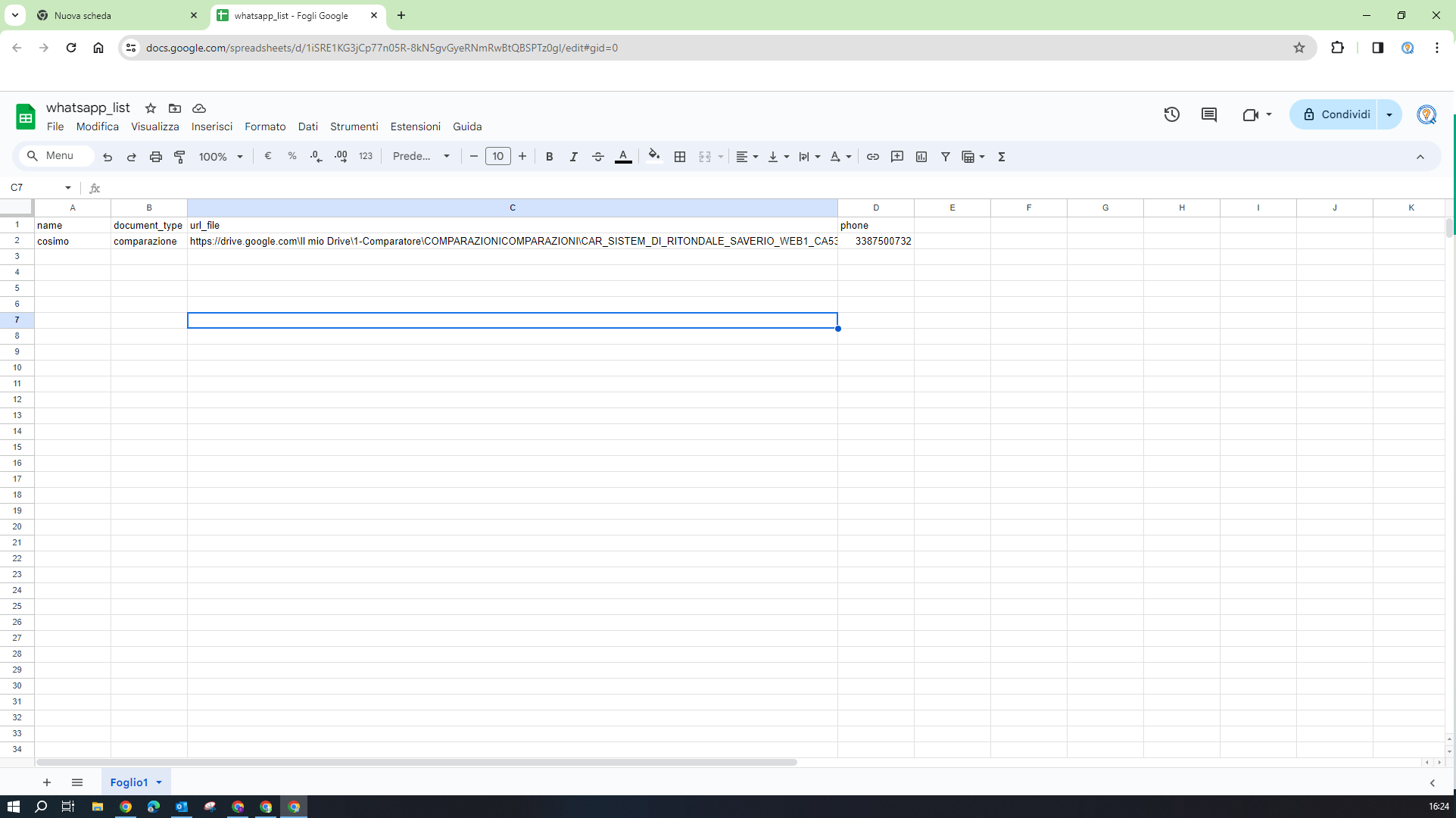
good morning. I need to send a PDF file on WhatsApp via the cloud API. the file is contained in a folder on the drive. I take the path from a google sheet that contains name, cell phone, and path to the pdf file. But I'm getting an error due to an invalid url. How can I solve it?
Attachments
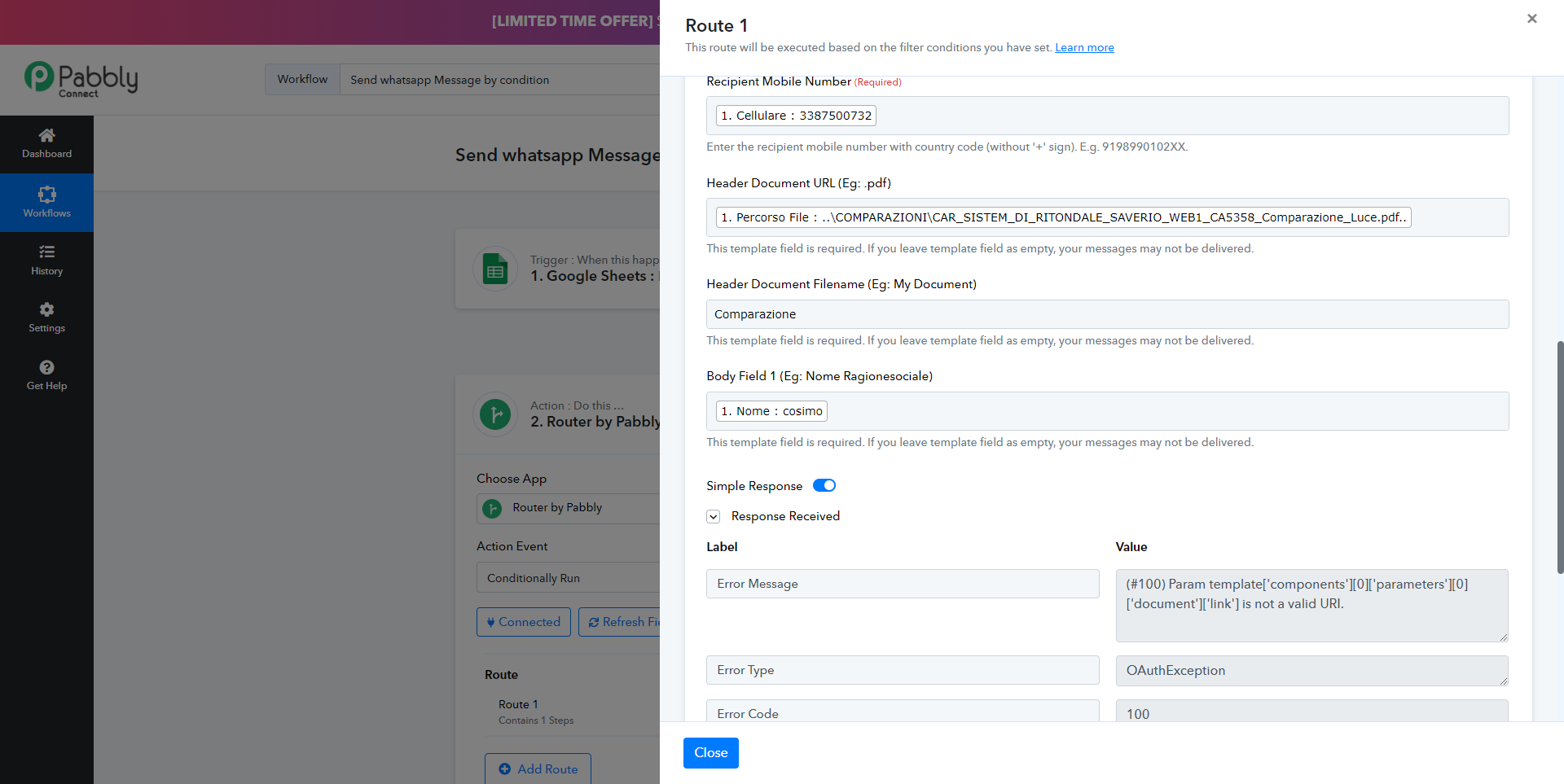
Hey @minogig
Regarding your concern, you need to pass the publicly accessible PDF file URL which can be sent through the WhatsApp Cloud API action step.
Please refer to the following video lesson once on how you can send the direct URL of Google Drive.
Thanks for your reply, but perhaps I didn't explain myself well.
I don't have to send a whatsapp when a file is uploaded. the file is already in a folder on drive.
I have to read a Google Sheet located on the drive which contains a line with the customer name, mobile number and the path to the folder where this file resides.
I have to make sure that the file is attached to the WhatsApp message that the customer receives.
I would like to point out that the folder containing the file is located two levels above the Google Sheet
Attachments
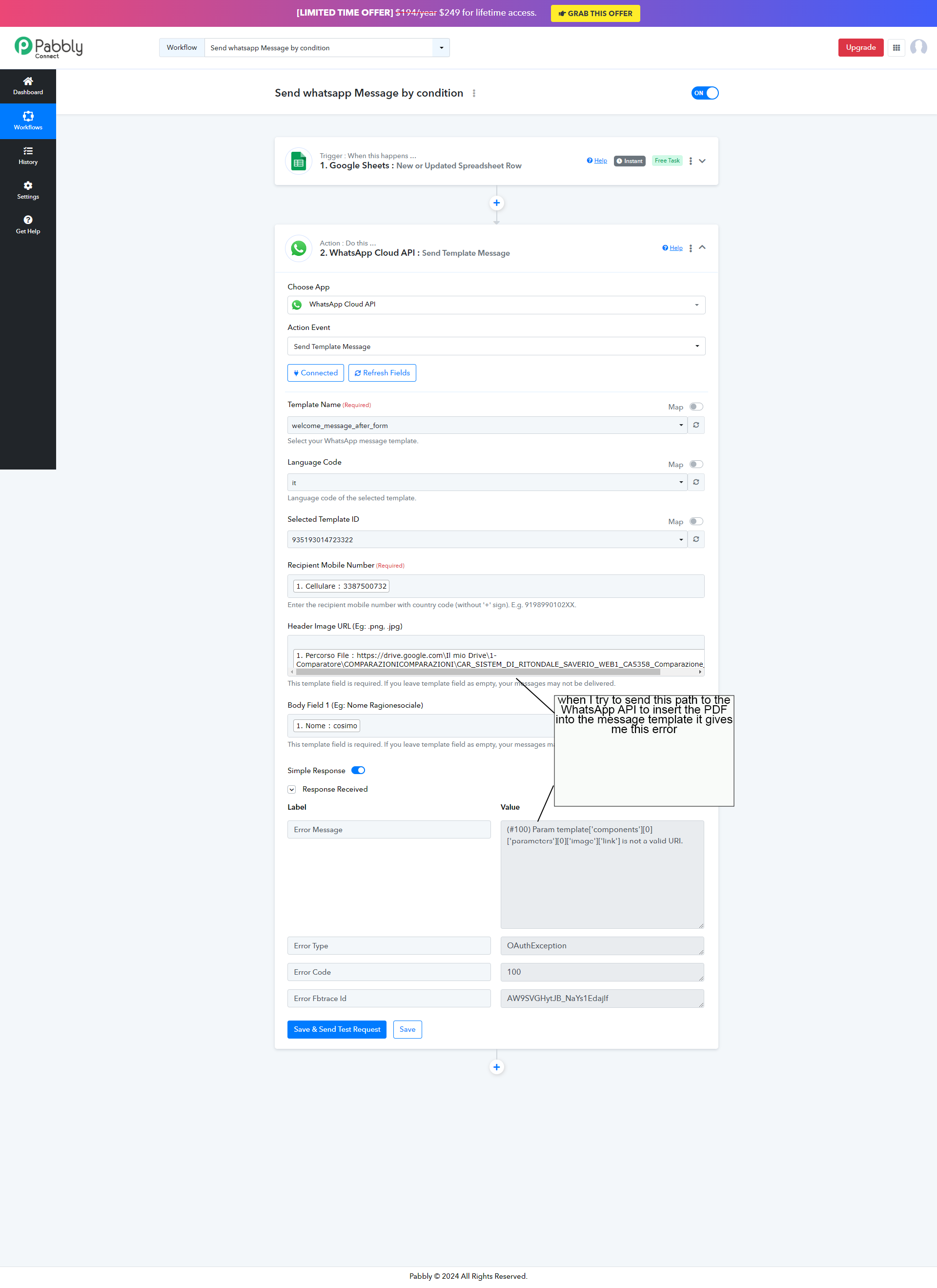
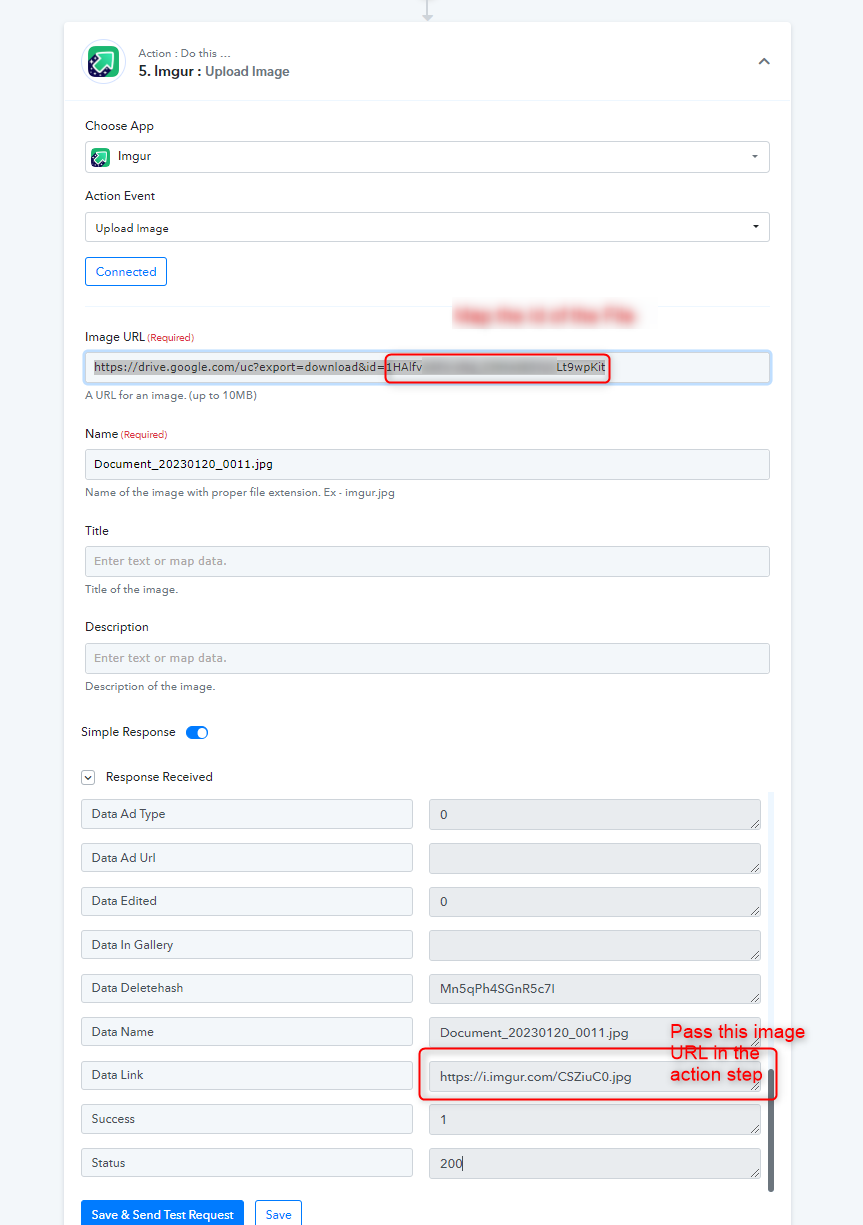
Kindly pass the downloadable link of Google Drive in the Imgur action step which will convert the file to an accessible file which you can pass further in the action step.
Maybe I can't explain myself well. The pdf file is contained in a folder, which is on drive. Using the path contained in the url_file field of the Google Sheet, I have to attach this file in a WhatsApp message. Is it possible to do this?
The pdf file is contained in a folder, which is on drive. Using the path contained in the url_file field of the Google Sheet, I have to attach this file in a WhatsApp message.
If you are trying to pass the PDF file URL then you need to change the field type in the PDF whereas you have selected png and jpg.
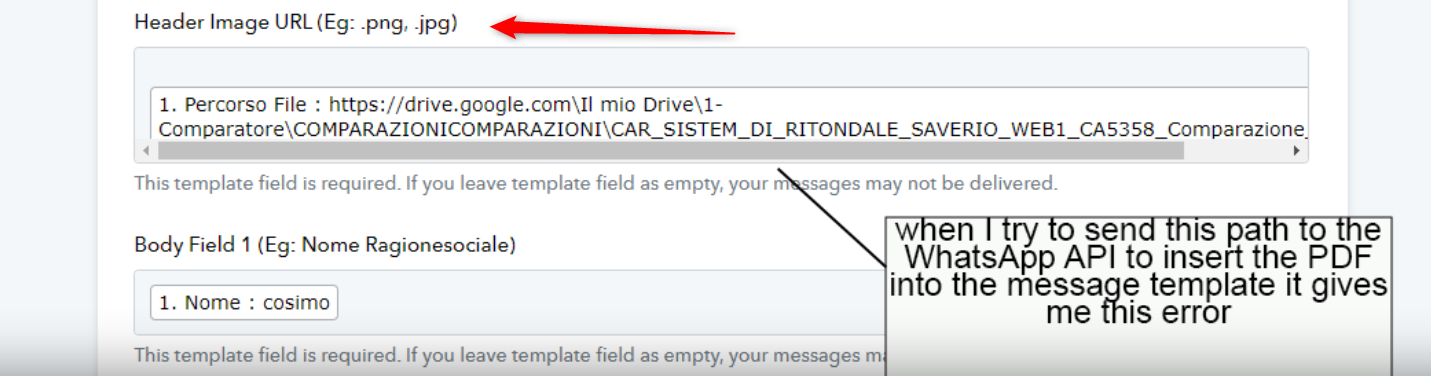
Further, please share the workflow URL once and allow us permission to make the changes with the action step.
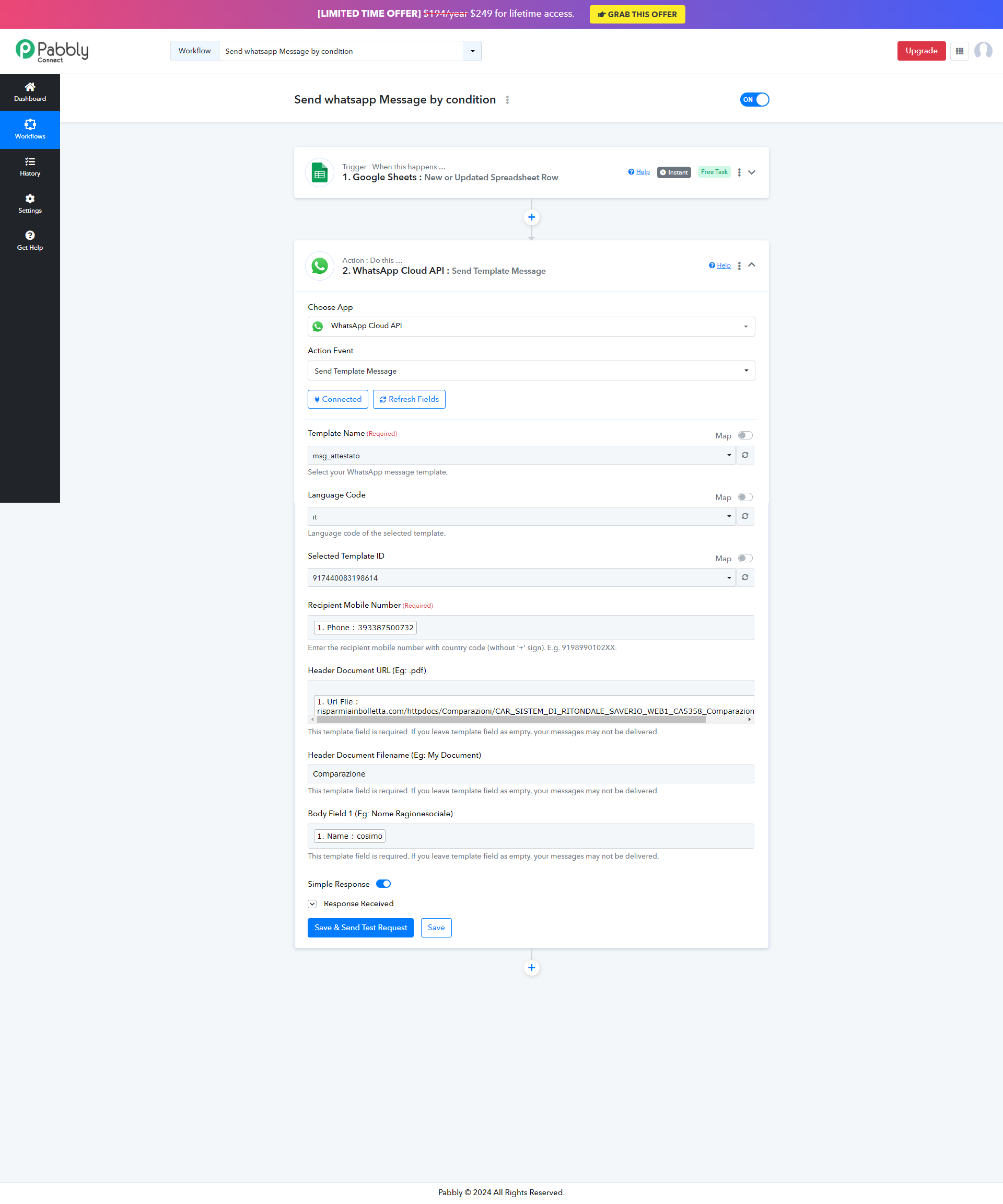
This is the correct WhatsApp message template. sorry, I made a mistake before
Attachments
I solved it thanks. Thank you so much for your patience and support