Sending email from google sheets to gmail is not working, But its working with make.com
Status: Closed · Asked by ahdialagi on · 0 views
i have no problem sending email from google sheets to gmail via make.com.
but its not working with pabbly connect, i looked at my flow & it was a success. I have watched the youtube tutorial multiple times.
This is my screenshot.
Can anyone help ?
Attachments
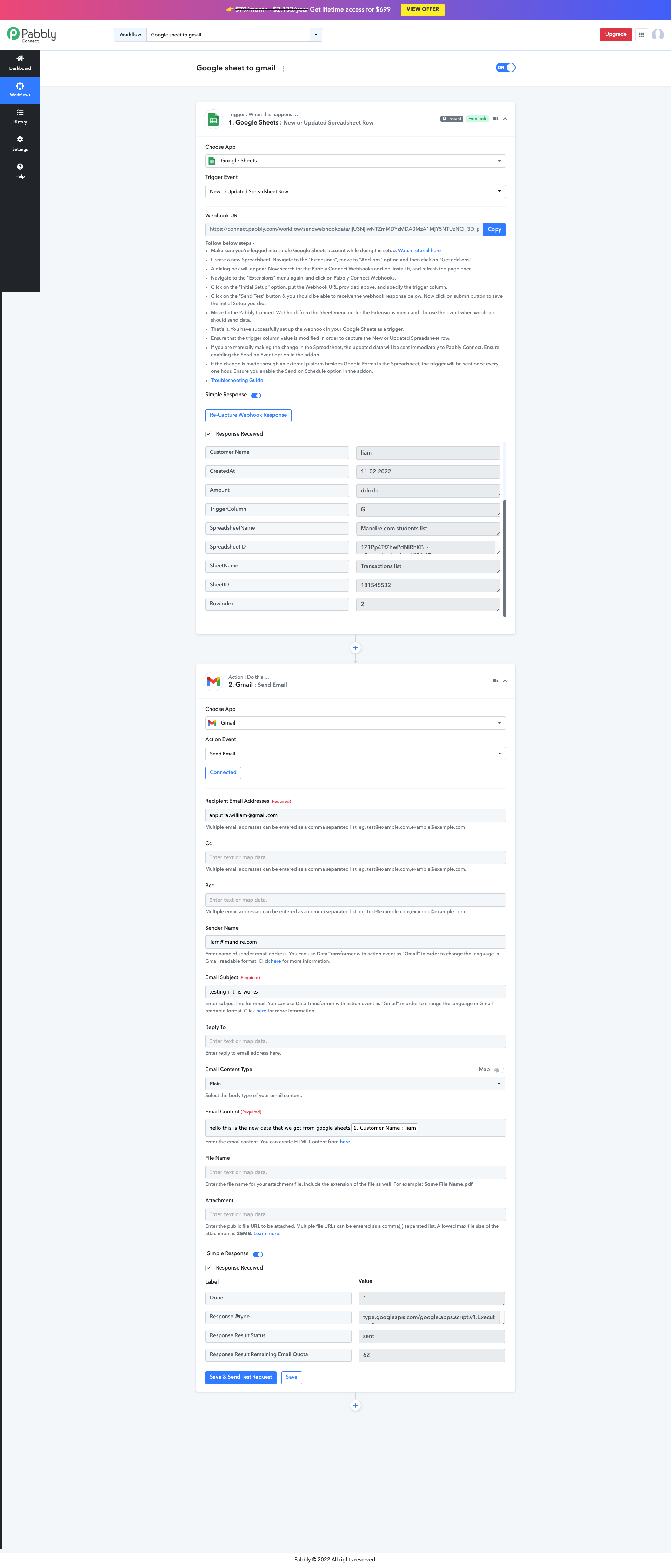
Hey @ahdialagi
While setting up the Google Sheets, if you are getting the data from the Google Application or you are feeding the data manually then you can only use "Send On Event" and if the data is coming from a third-party application then you might need to select "Auto Send On Schedule" and "Send on Schedule" which will take exactly 1 hr to forward it.
Also, check whether the data was getting filled till your triggering column or not.
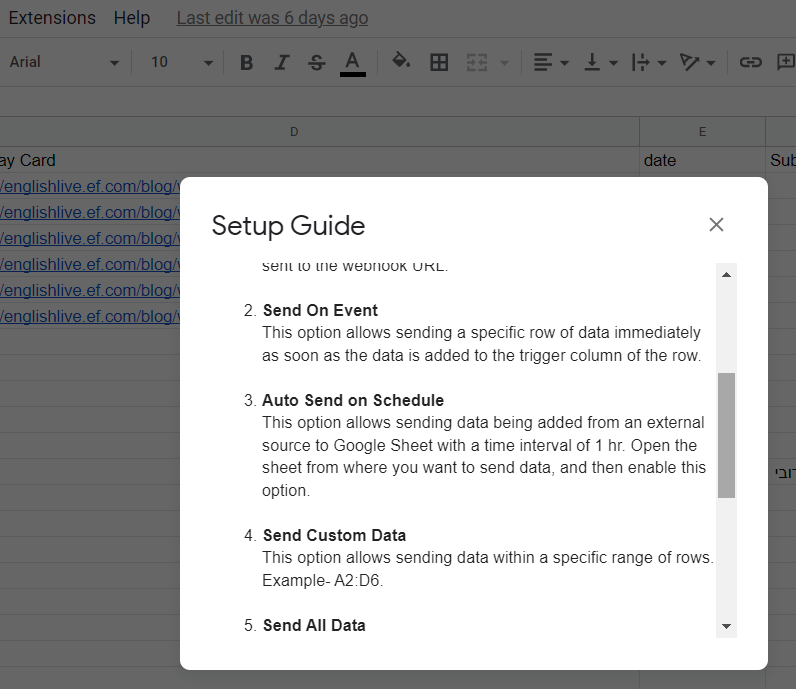
Hey @ahdialagiWhile setting up the Google Sheets, if you are getting the data from the Google Application or you are feeding the data manually then you can only use "Send On Event" and if the data is coming from a third-party application then you might need to select "Auto Send On Schedule" and "Send on Schedule" which will take exactly 1 hr to forward it.
Also, check whether the data was getting filled till your triggering column or not.
i've read this and still not working. i've contacted a pabbly connect expert to assist
Hey @ahdialagiWhile setting up the Google Sheets, if you are getting the data from the Google Application or you are feeding the data manually then you can only use "Send On Event" and if the data is coming from a third-party application then you might need to select "Auto Send On Schedule" and "Send on Schedule" which will take exactly 1 hr to forward it.
Also, check whether the data was getting filled till your triggering column or not.
i've talked to the pabbly expert. He said i've done everything correctly but its strange it didn't work.
This is the video ( PLEASE WATCH )
https://www.loom.com/share/0f513768d9a040348633830919a46ae9
But it worked if i use a different connection gmail. Please help thank you.
Hey @ahdialagi
Could you please tell us from where the data is coming from 3rd party application and to which column you are filling?
Hey @ahdialagiCould you please tell us from where the data is coming from 3rd party application and to which column you are filling?
The actual data will come from 3rd party.
But the issue was it didn't even send during the "Testing" period.
The actual data will come from 3rd party.But the issue was it didn't even send during the "Testing" period.
So, please confirm that you have opted for the "Auto Send On Schedule" option in your Pabbly Connect extension and whether the data is passing until your triggering column.
The actual data will come from 3rd party.But the issue was it didn't even send during the "Testing" period.
Hi there, I think your problem is not about Pabbly, but your email seems to be spam to gmail.
You should check out how to improve the quality of your email to avoid this.
Usually there are some best practice to do with email with custom domain, but with gmail I don't know.
You should try to do a check with this tool: https://www.mail-tester.com/?lang=en
Send an email to the email address of the tool, then check you score and it will tell you what to do to improve the quality.
Hope it will help.