Sending email through office 365
Status: Closed · Asked by Ali Rasouly on · 0 views
I have created a message/email to send through Office 365. The test email goes out very well but the actual email that must go out after submission of a Google Form doesn't go out. Google forms apparently is synced and has no issue.
Here is the message I get: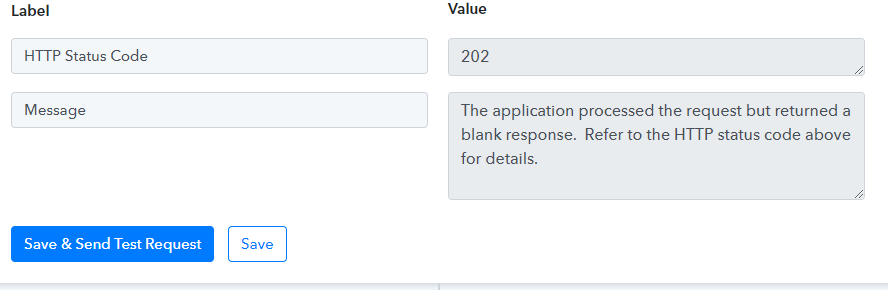
How to fix the issue?
Hey @alirasouly
The status code which you are getting in the API response is a success status of the API call.
Further, this is the status code coming from the API which states that the application has processed your request successfully but is unable to show the response.
The application processed the request but returned a blank response. Refer to the HTTP status code above for details.
But my actual process doesn't work. When someone submits a form, they do not receive any email.
here is the form:
https://forms.gle/BwHjv6FQBbTsrCio6
There are two emails, one who refers and the other one is a referral. Plz help me to solve this.
Hey @alirasouly
As we have checked your " Microsoft Office 365: Send Mail" action and it is sending the emails to the recipients accordingly.
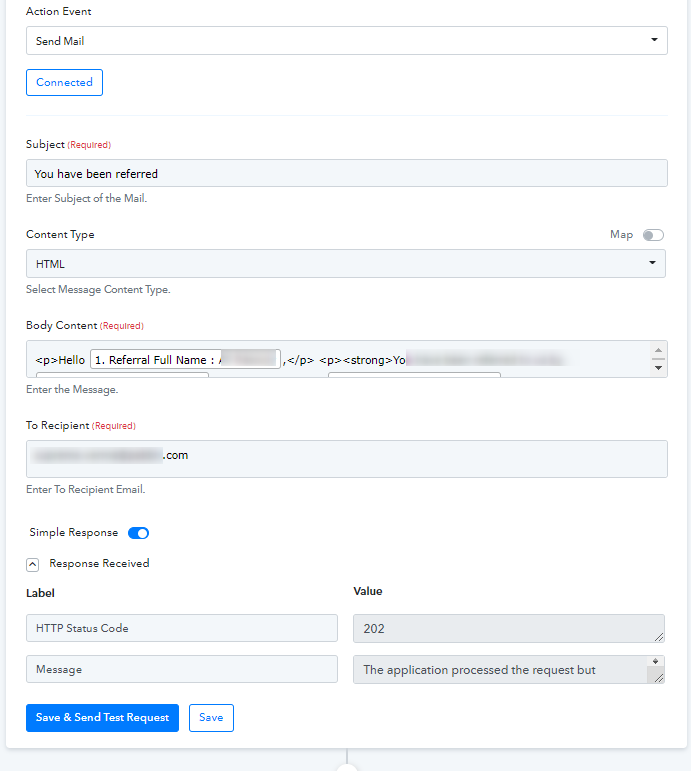
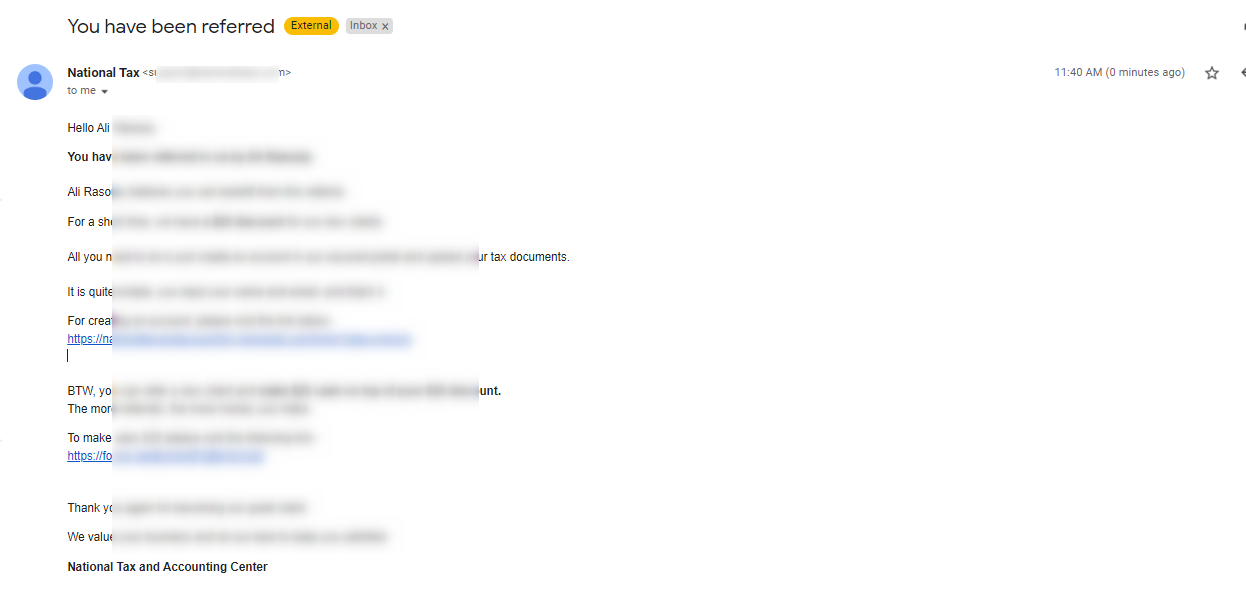
Further, kindly configure your Google Forms trigger event once to make your automation work.
(Please refer to the first part of the video)