Sending to multiple email addresses with Microsoft 365
Status: Closed · Asked by mactech602 on · 0 views
I cloned a workflow so that I could have Microsoft 365 send to multiple email recipients. When I run a test with all the fields required filled out properly I receive an error response and no emails are sent. I have attached a screenshot.
Attachments
Hey @mactech602
As we can see from your workflow you have included double quotes in the content, so we would recommend you pass the single quotes in place of double quotes from the content.
So, as a solution, we would recommend you replace the double quotes with single quotes.
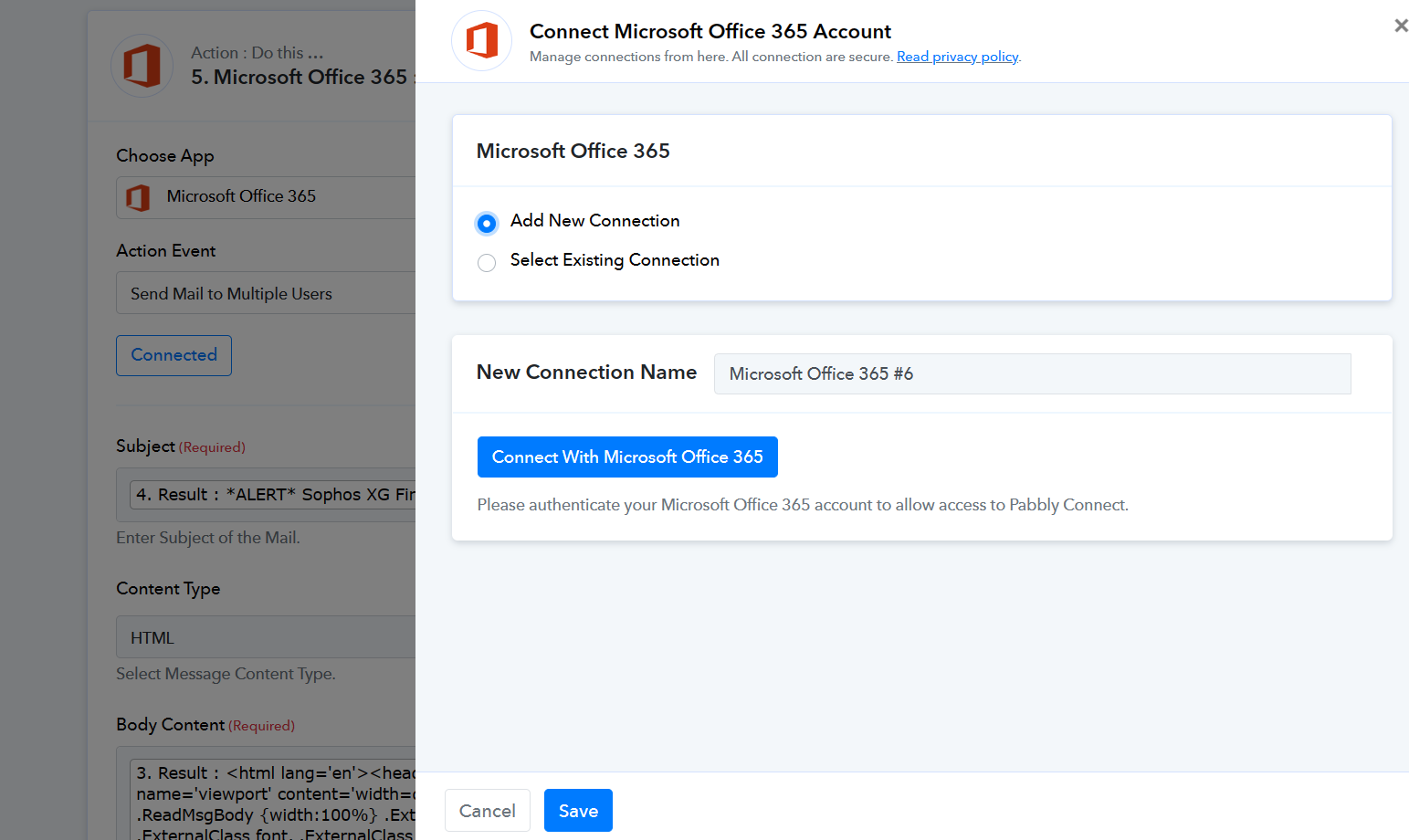
Can you please try making a new connection once and then try again?
I understand what you did and it fixed the issue but I have other workflows that send emails to one recipient with double quotes in the body field and they work fine. I also tried with just plain text before I opened a ticket and it failed with the same error. Thanks you for your help with this.
Just removing the double quotes does not fix the problem. I set up a new workflow and started over and text only works fine. Once I set up the html option and try to include a result from Microsoft 365 it fails even if I remove the double quotes. It will not take the results of the replace text filter. If I copy and past the results in the message field it works as expected. Why won't it work by using the results of the filter?
This is the new workflow with pasted text that works.
https://connect.pabbly.com/workflow/mapping/IjU3NjUwNTZkMDYzNjA0M2Q1MjZkNTUzZDUxMzUi_pc
Hey @mactech602
Thanks for the details and we are aware of the situation. So, kindly allow us some time, we are currently looking into it.