Sending woocommerce abandoned cart messages through wati
Status: Open · Asked by shubhangi on · 0 views
I want to send 3 abandoned cart messages using wati to my customers. I use woocommerce. We tried Shopmagic, Cartbounty and woocommerce abandoned cart but none are working. Can you suggest something else?
Hi @shubhangi,
Please follow the steps given in the video shared below to setup 'WooCommerce: New Carts Abandoned' trigger step.
youtube.com/watch?v=0U3XQiWJJEI
Follow the steps given in this video to set up WATI as your action application for sending messages.
As I said this woocommerce thing isn't working. it is not capturing the data
The webhook trigger used in WooCommerce is descriptive-based and captures whatever data the application sends to us. We do not have any control over the data that WooCommerce sends to Pabbly Connect. Since the data is not being sent from their end, we cannot take any action on it from our end.
Please try testing this on Webhook.site and see if you are able to capture response there or not.
Hey, we tried everything, even tried webhook.site as you suggested.
- Woocommerce is sending out all the data (emails are going out fine)
- Webhook is also working fine
- Woocommerce data is only captured as a simple response despite us switching the toggle off on Pabbly.
- No data security plugins/software blocking the data from the webhook
Can you please create a workflow for us where we are able to send whatsapp abandoned cart messages from Woocommerce via WATI? I've been struggling so much with this
https://connect.pabbly.com/workflow/share/CkJWZAVSBmVVHwVvBlUGIQkdBQFUDVIyUksDEQYJUSlQClY9UxJYMg1BBCZWDVAxAEkEbgVZBz8AFAMHCF4FdlZbU39SUVMpAUwDMFQdADMKVFZ-BWQ#
Here's the workflow we created (we've made so many chnages now to this, I would appreciate starting froms cratch if you could help with that better)
Please click on 'Capture Webhook Response' and abandon your cart as shown in the video shared below. Once you have done so, please let us know.
We've done that multiple times, did that again now
You need to abandon your cart as well, in order to capture the response. Kindly watch the video shared above again to understand how you can do so.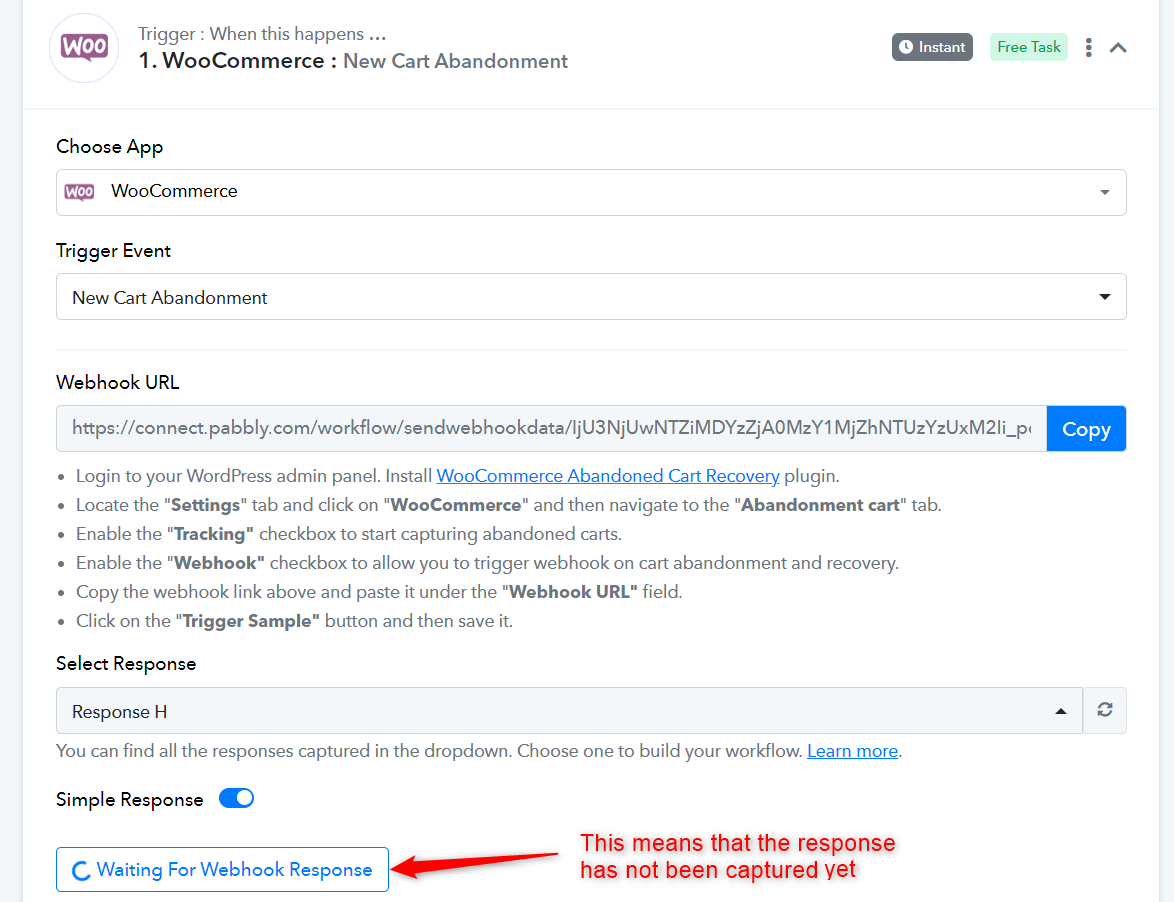
Yes, that is what is happening... Unless I submit a test response from woocommerce backend, it doesn't show up here.
Normally, I had abandoned a cart but it isn't capturing that.
Kindly create a brief video demonstrating how to set up the webhook URL for abandoned carts and provide the checkout page where the carts are being abandoned.