Setup Callpage to Zoho CRM integration
Status: Closed · Asked by Student Relations on · 0 views
I want to use the automation/workflow so that whenever I get a new lead or contact in the Callpage application then it should automatically be registered with the ZOHO CRM as a new lead
This is the call page app I am using: https://www.callpage.io
Hey @Chefiica
You can use the "Webhook By Pabbly" trigger event to capture the data from the CallPage which you can later pass in the Zoho CRM action step.
Steps to Connect
Part 1:
1. Set this webhook URL in CallPage
2. Go to Integrations > Select Outgoing Webhook.
3. Enter a name for the webhook & from Choose Widget and Number dropdowns choose the widget & the number you wish to integrate.
4. Paste the given URL in the URL field.
5. Click on Save to save the integration.
Part 2:
1. Send a test record from CallPage
2. To test the webhook create a sample record and perform the trigger operation to send the latest record to Pabbly's webhook URL.
youtube.com/watch?v=FRkl5R7-Ls0
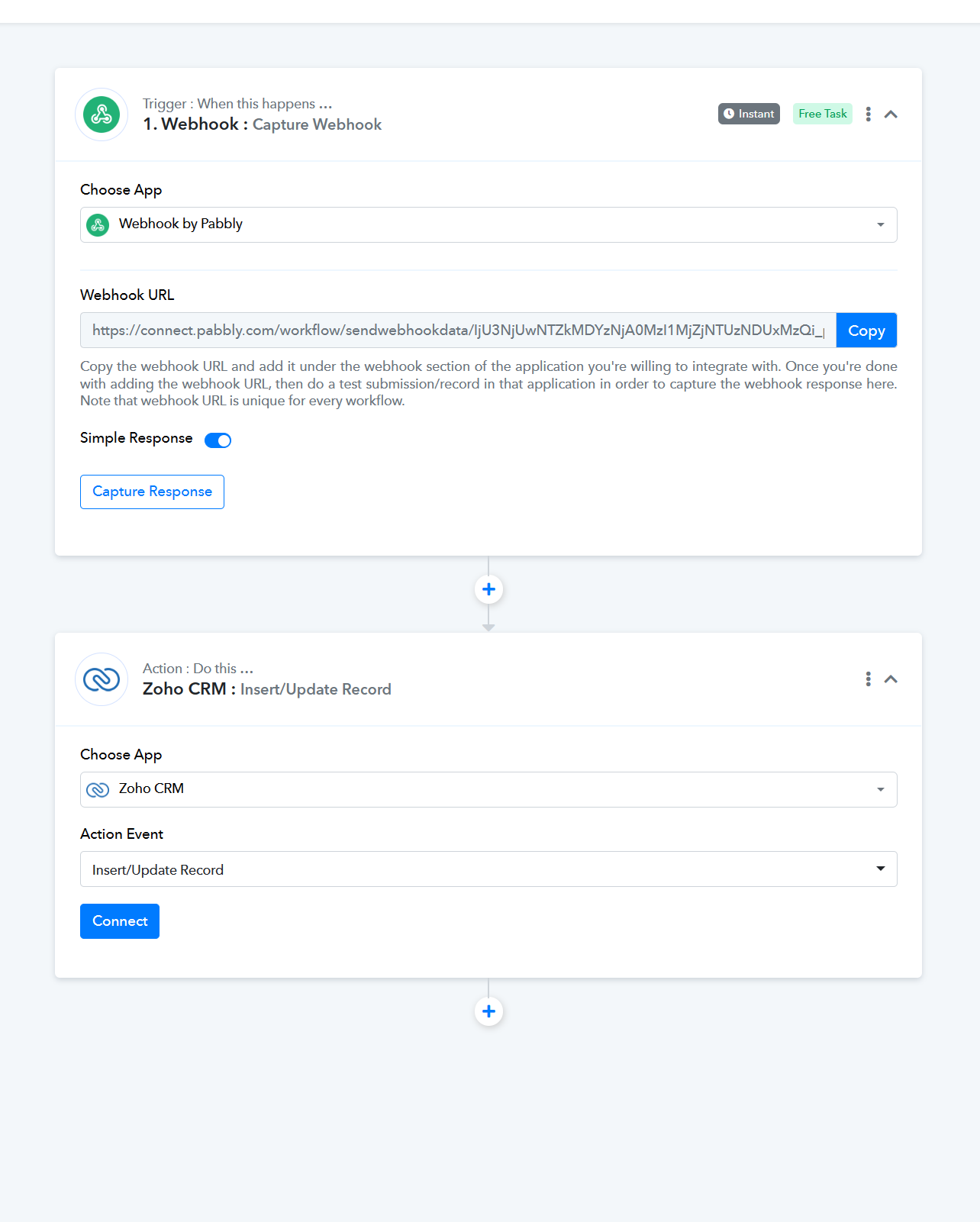
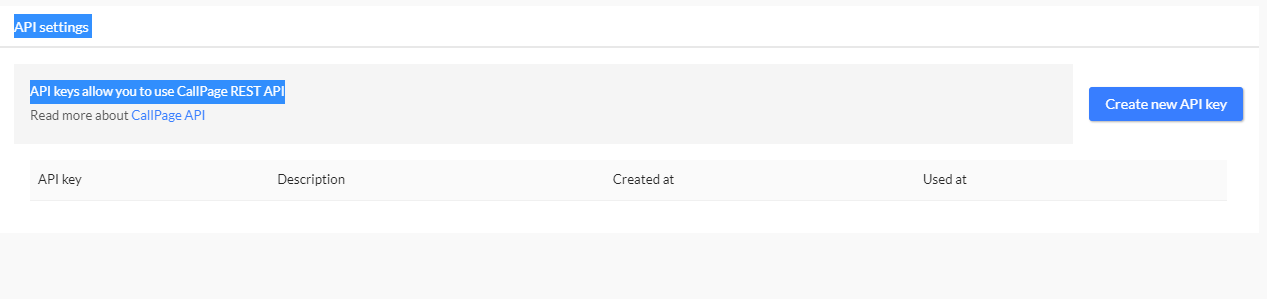
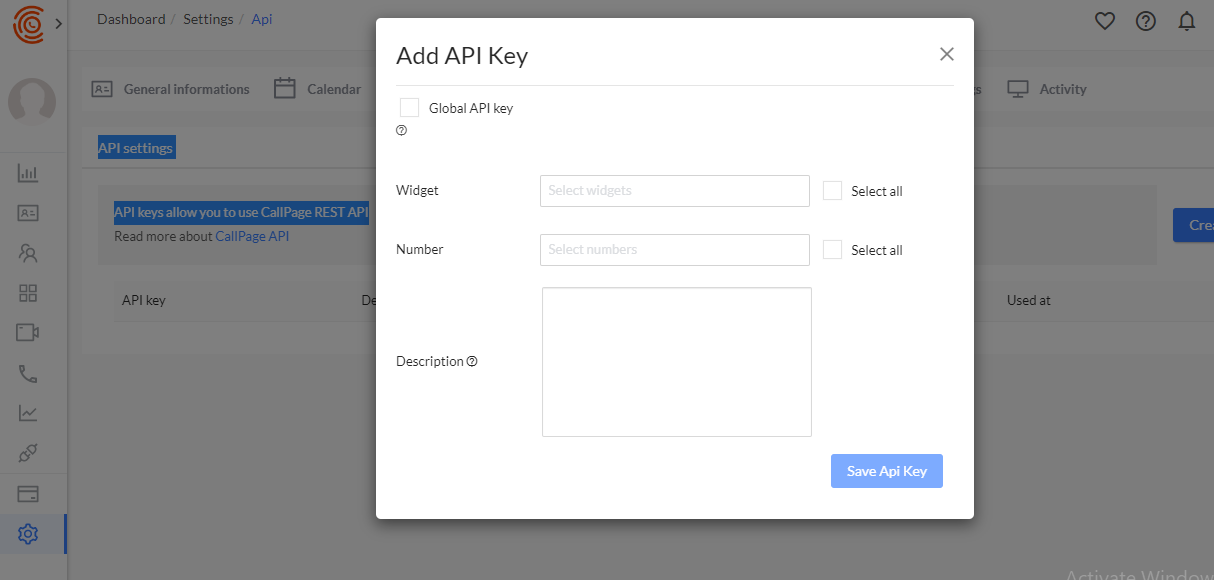
I have tried the solution you have given to me but since there is no option to add any webhook URL in the callpage.io application, I am still not able to integrate it. I am attaching the screenshots of the call page integration page settings for reference.
Attachments
As per the API documentation of CallPage, you might need a professional plan and can follow the steps to do the same.
To create a new outgoing webhook, follow these steps in the Callpage Dashboard:
Navigate to the "Widgets" tab.
Select the desired widget.
Choose "Edit widget."
Locate the "Integrations" tab within the options.
From there, you can create new integrations, including the outgoing webhook.
By following these steps, you will be able to conveniently set up a new outgoing webhook for your desired widget.
https://callpage.github.io/documentation-rest/#webhooks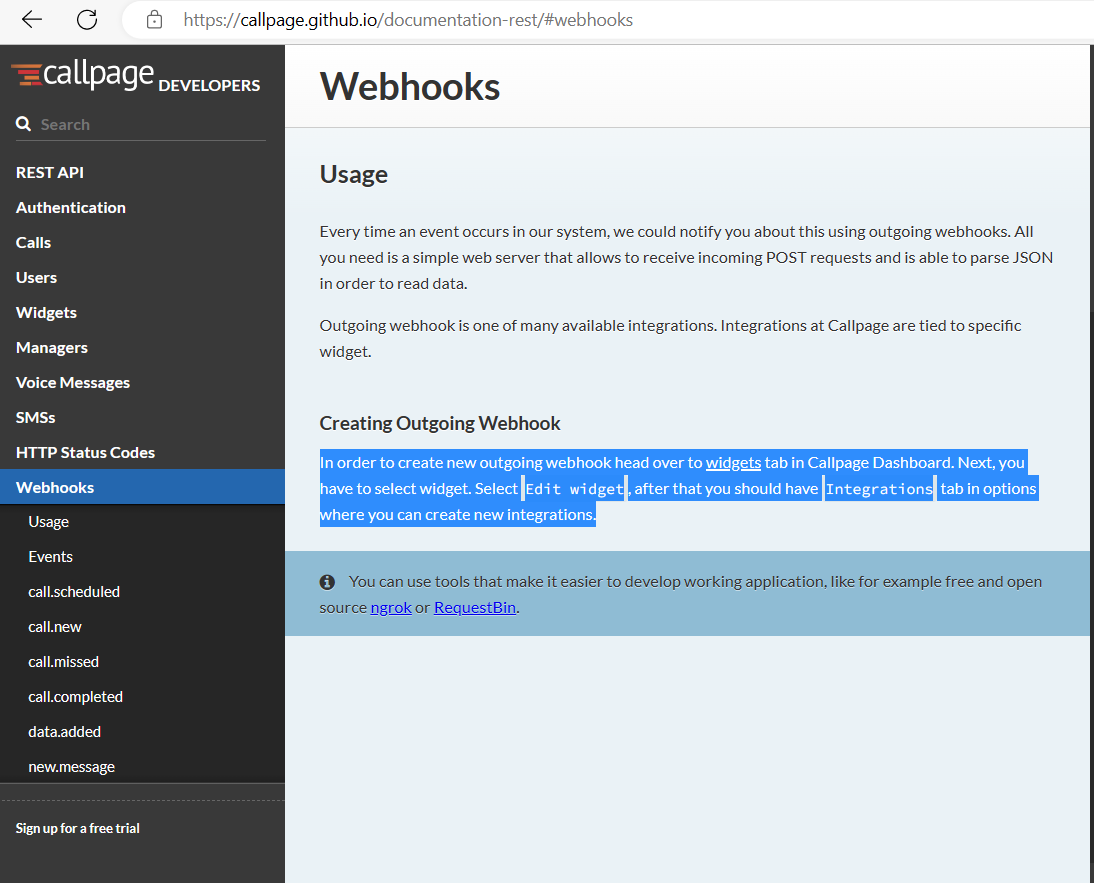
Further, you can post the same for updating any existing integrations with triggers or actions, please send us the request here and upvote it -
https://pabbly.hellonext.co/b/Update-Existing-Application
Our integration team will look into it and if possible we will add it to the action event. Thanks