Share Facebook post to Page
Status: Closed · Asked by Darryl Dahl on · 0 views
So before the latest Facebook Pages trigger, I had the pages I admin in one community setup to automatically share a new post the the local Chamber of Commerce page (which I also admin).
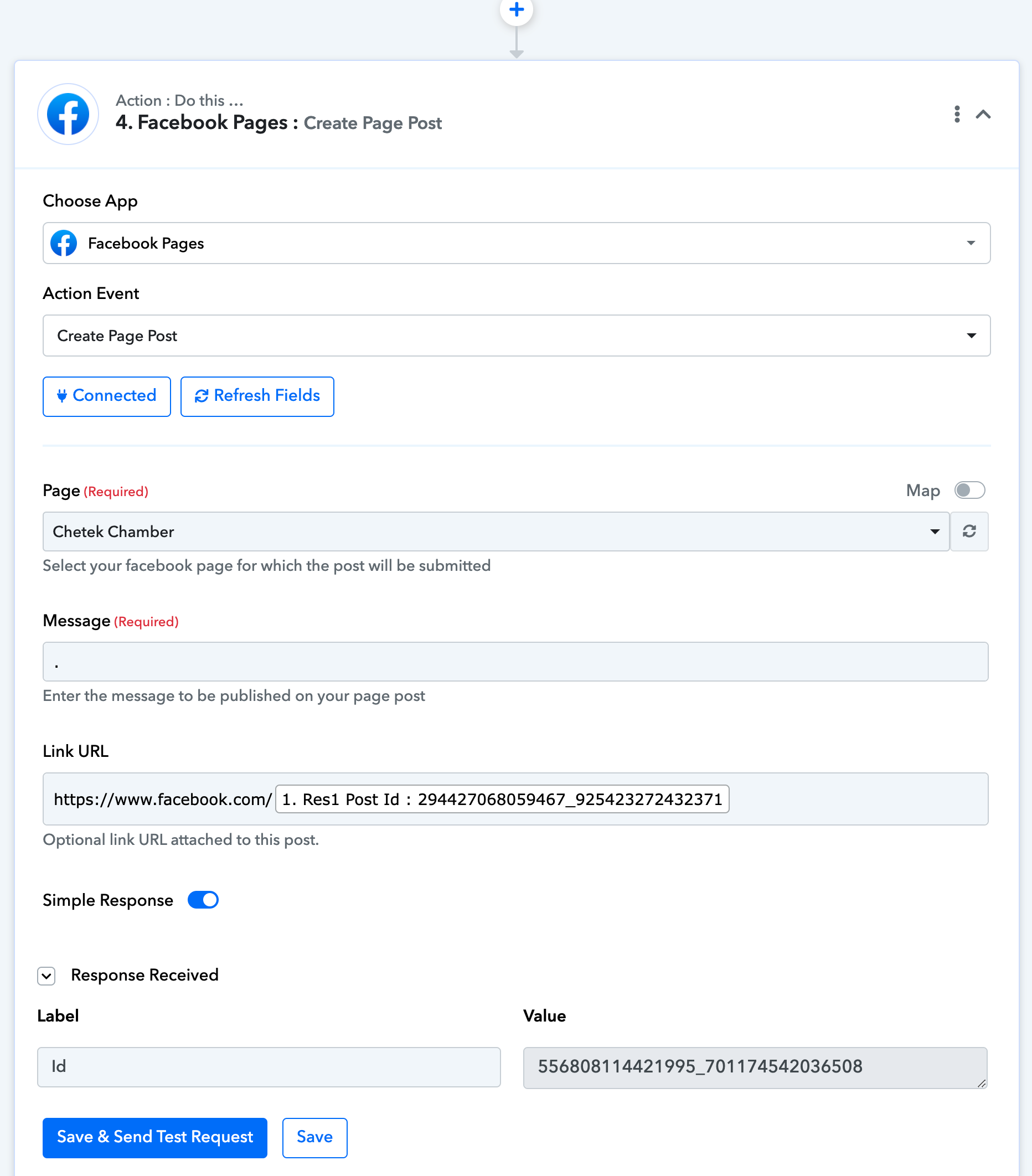
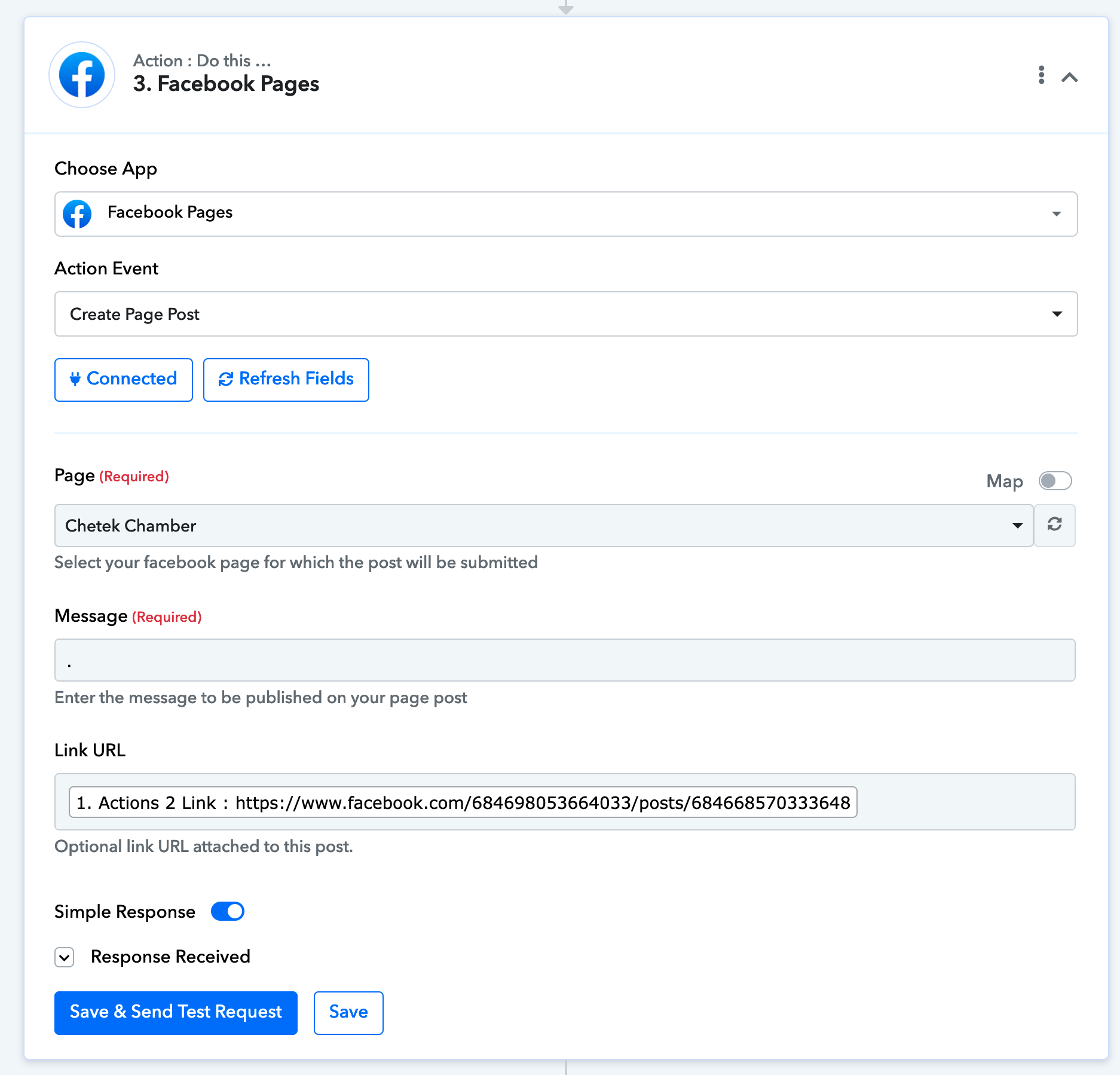
Pages trigger, delay 30 min, create post with original post URL (image 1)
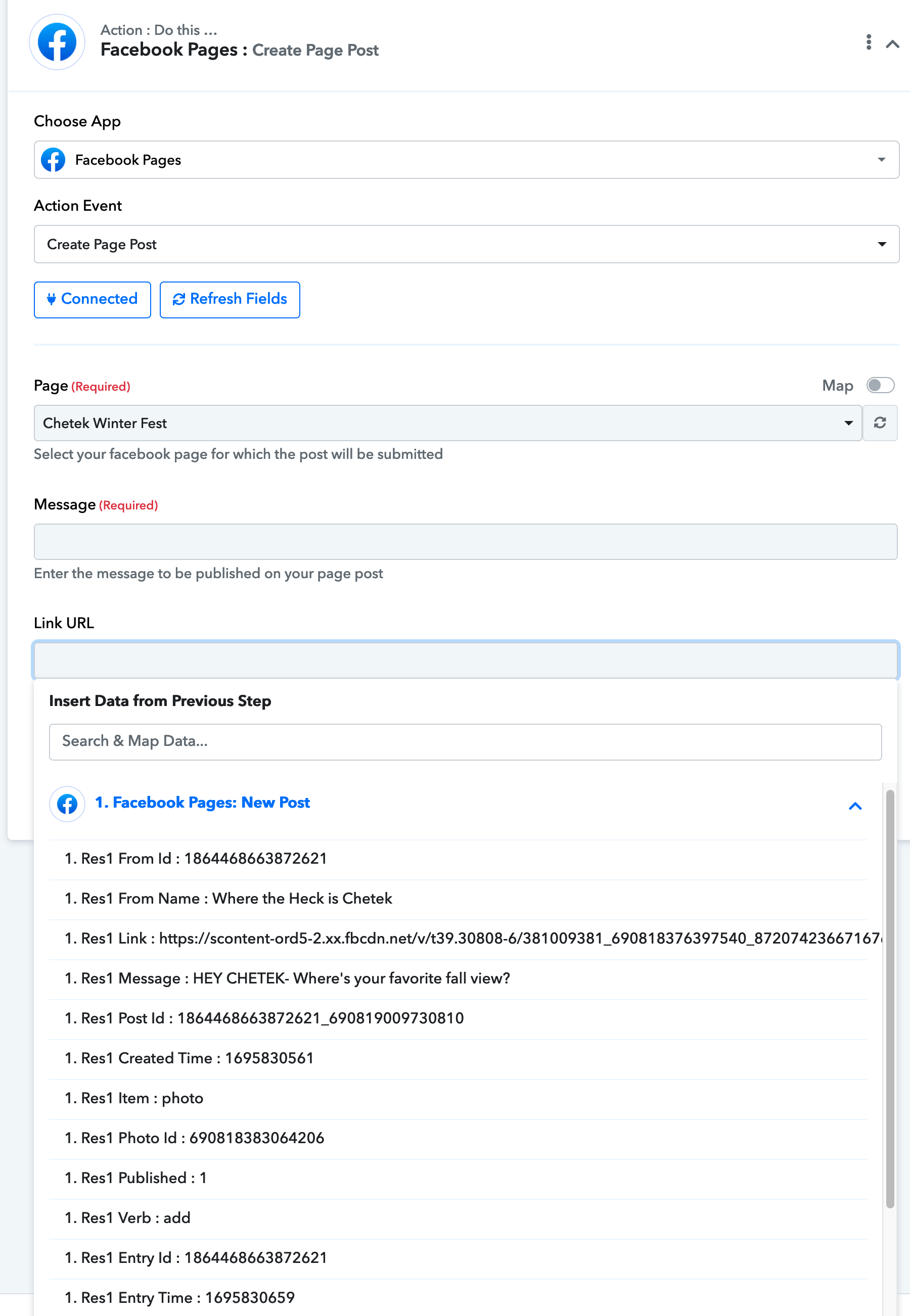
Now, with the new pages trigger, that URL doesn't show (image 2)
And all I can seem to do is create a new page post with no reference to the original page.
Help! This was a great thing for my clients visibility and not having to do it manually was ??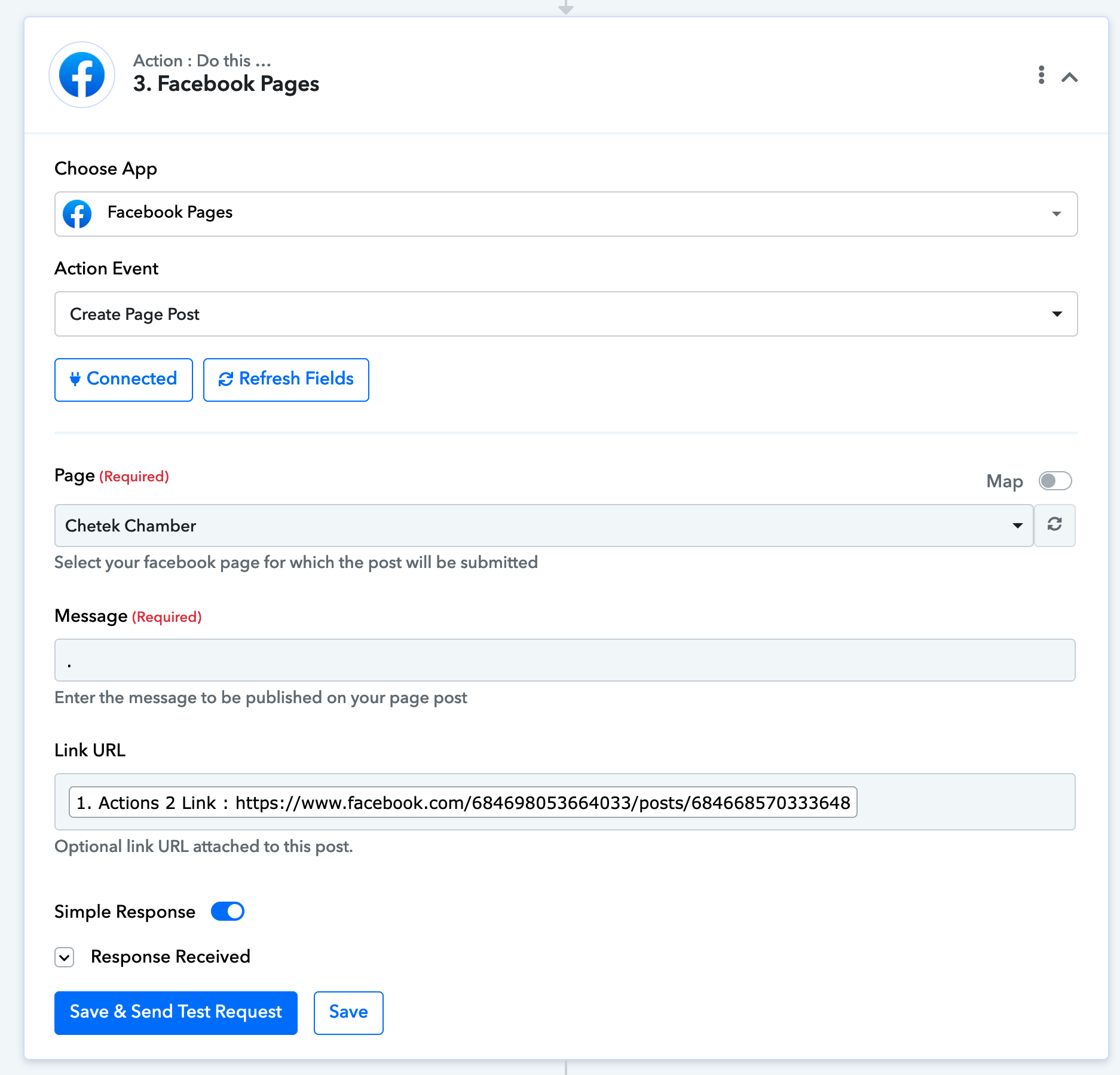
Attachments
Hey @Darryl DHE
Can you please share the workflow URL in which you have tried the same so that we can look into it?
If you are trying to pass the Image to the Post then kindly use the "Facebook Pages: Create Page Photo Post" action step. Since the " Facebook Pages: Create Page Post" action step only posts the link of the content.
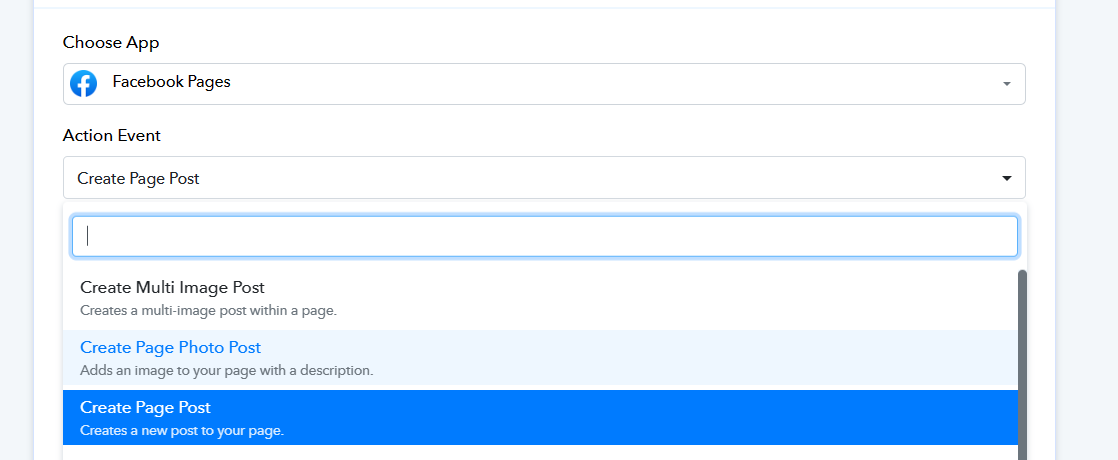
I'm trying to share the post, not create a new post. Making a new post defeats my purpose of promoting the business associated with the original post.
You can try the following action step to share the post to your Facebook page.
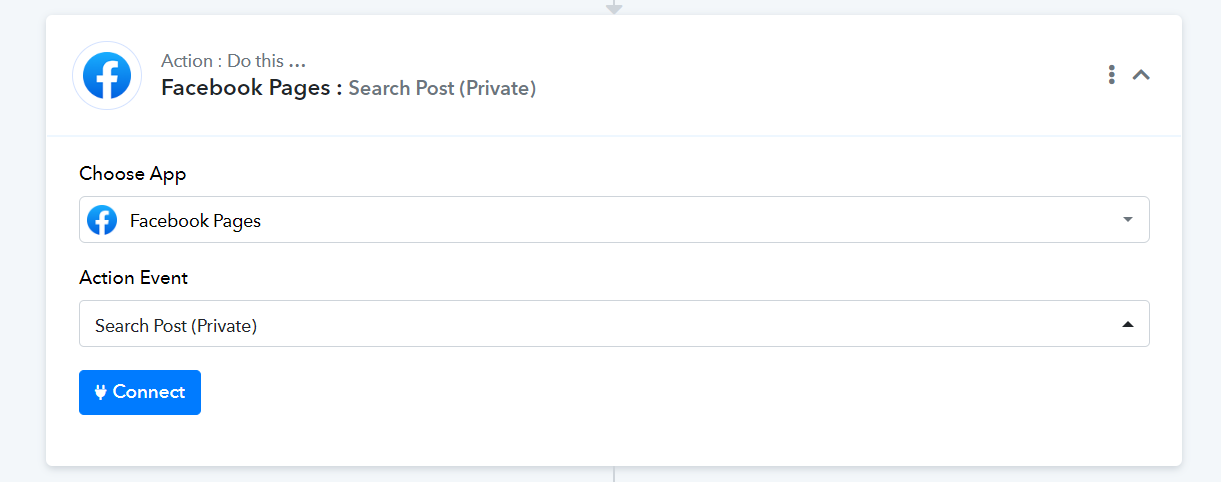
and do what with that?
nevermind- the answer is this