Share PDF File With Anyone has Issue (Intermittent Issue)
Status: Closed · Asked by IChild Company on · 0 views
Dear Support
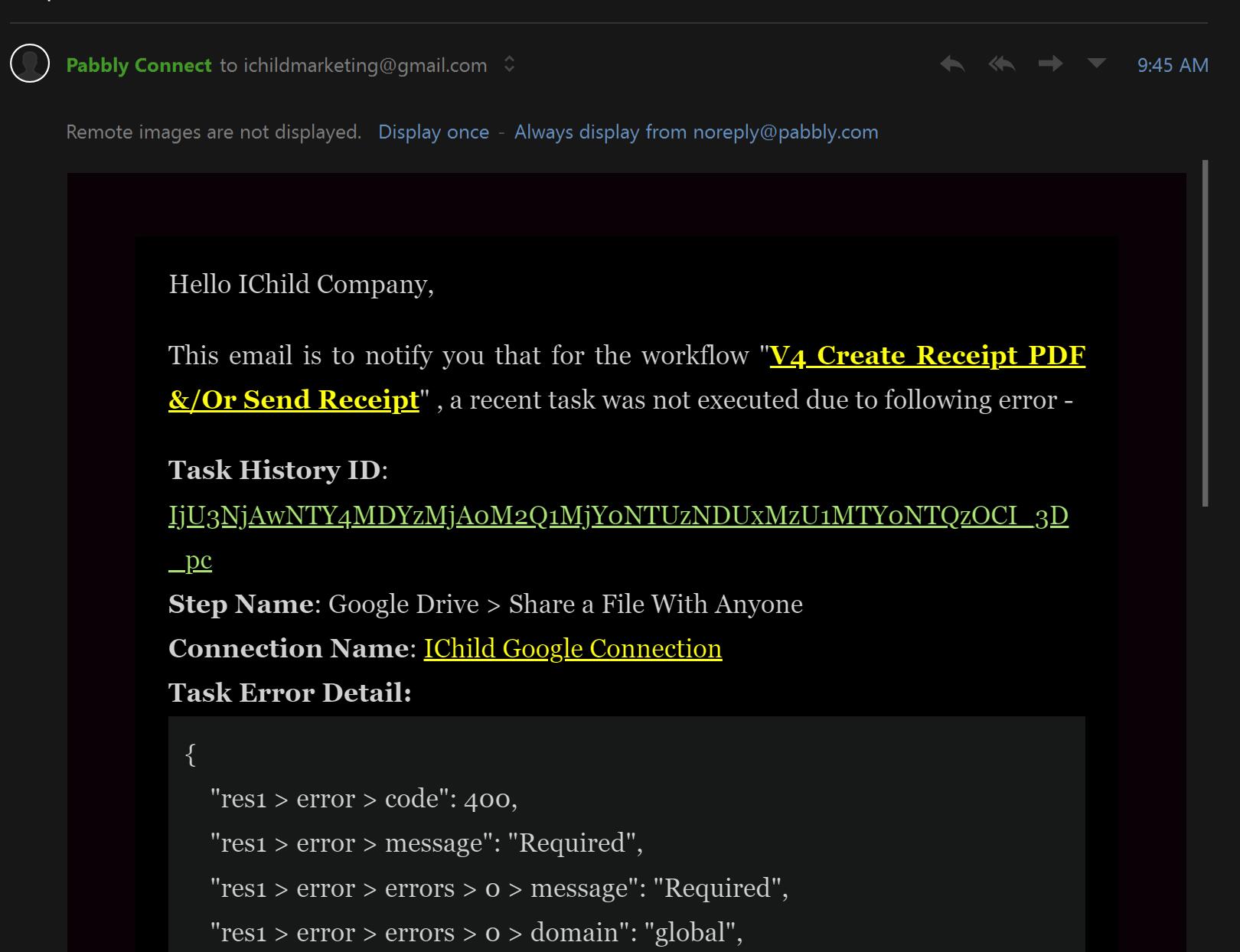
Task ID: IjU3NjAwNTY4MDYzMjA0M2Q1MjY0NTUzNDUxMzU1MTY0NTQzOCI_3D_pc
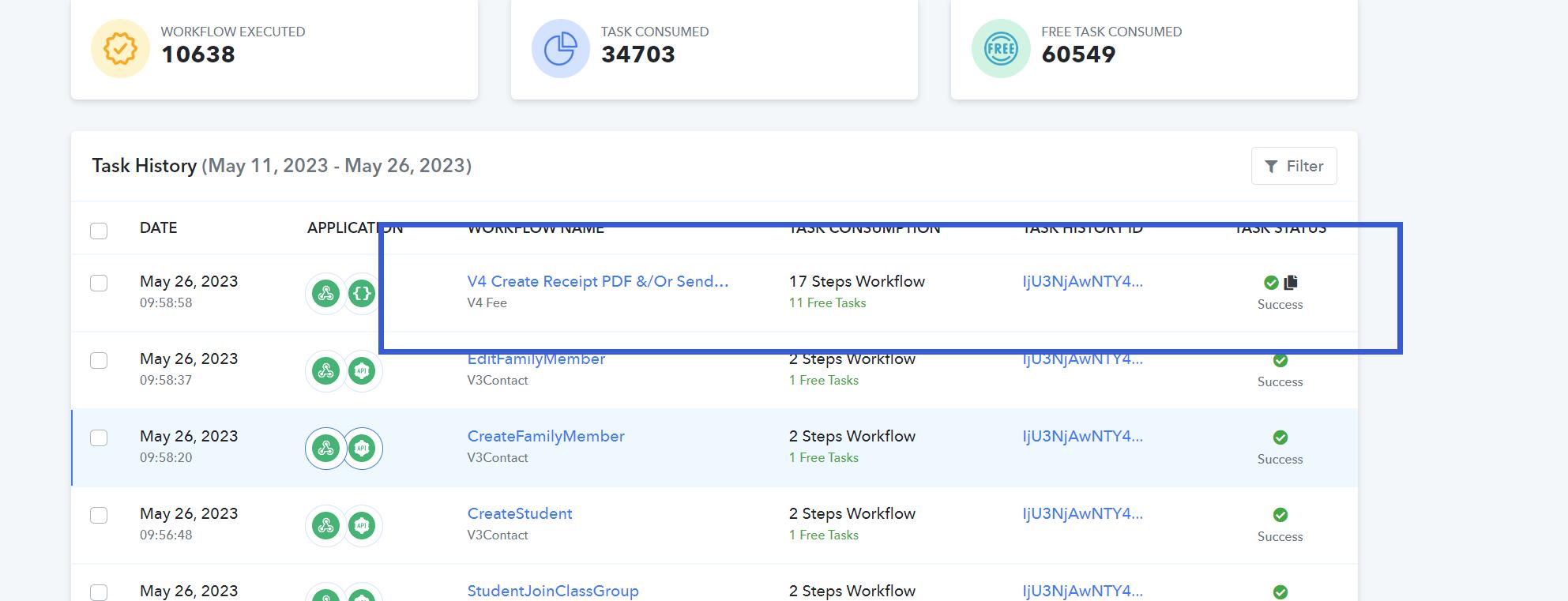
Workflow: V4 Create Receipt PDF &/Or Send Receipt
Problem:
1: Received email regarding error
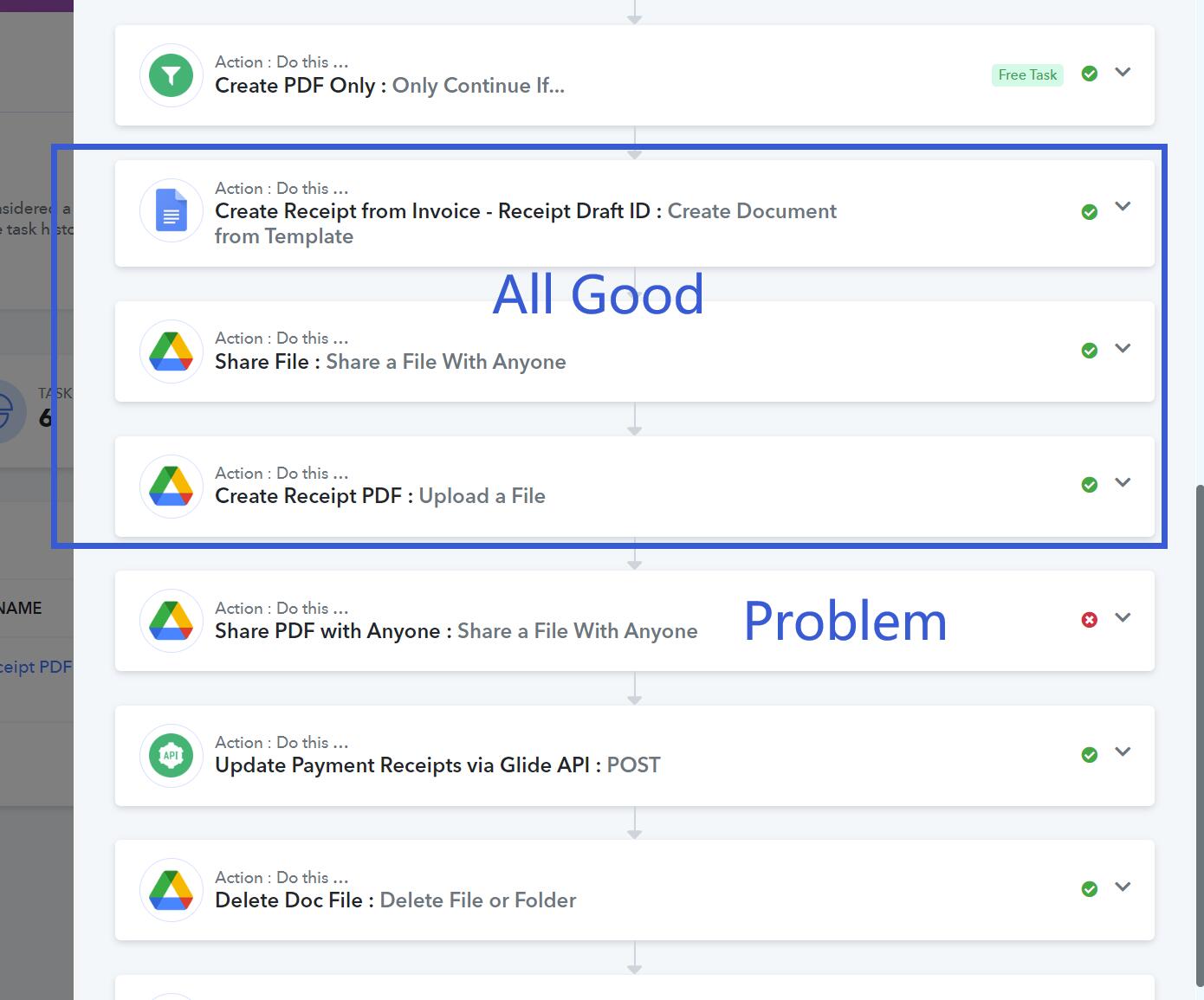
2. Check flow that all process is valid:
- Create Google Doc from Template - Done without Error
- Share Created Google Doc with anyone - Done without Error
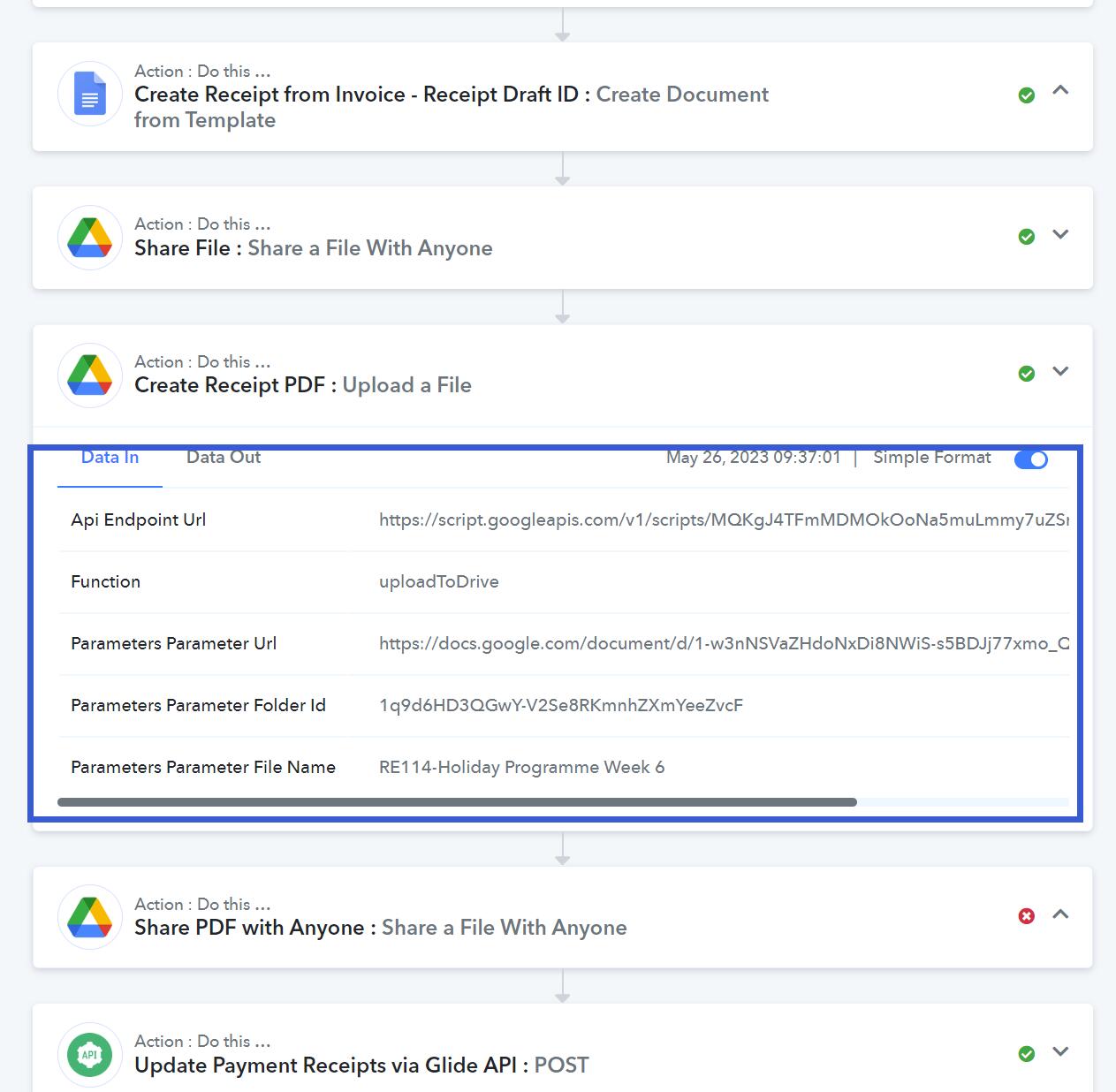
- Upload to Drive and Created Google Doc into PDF - Done without Error
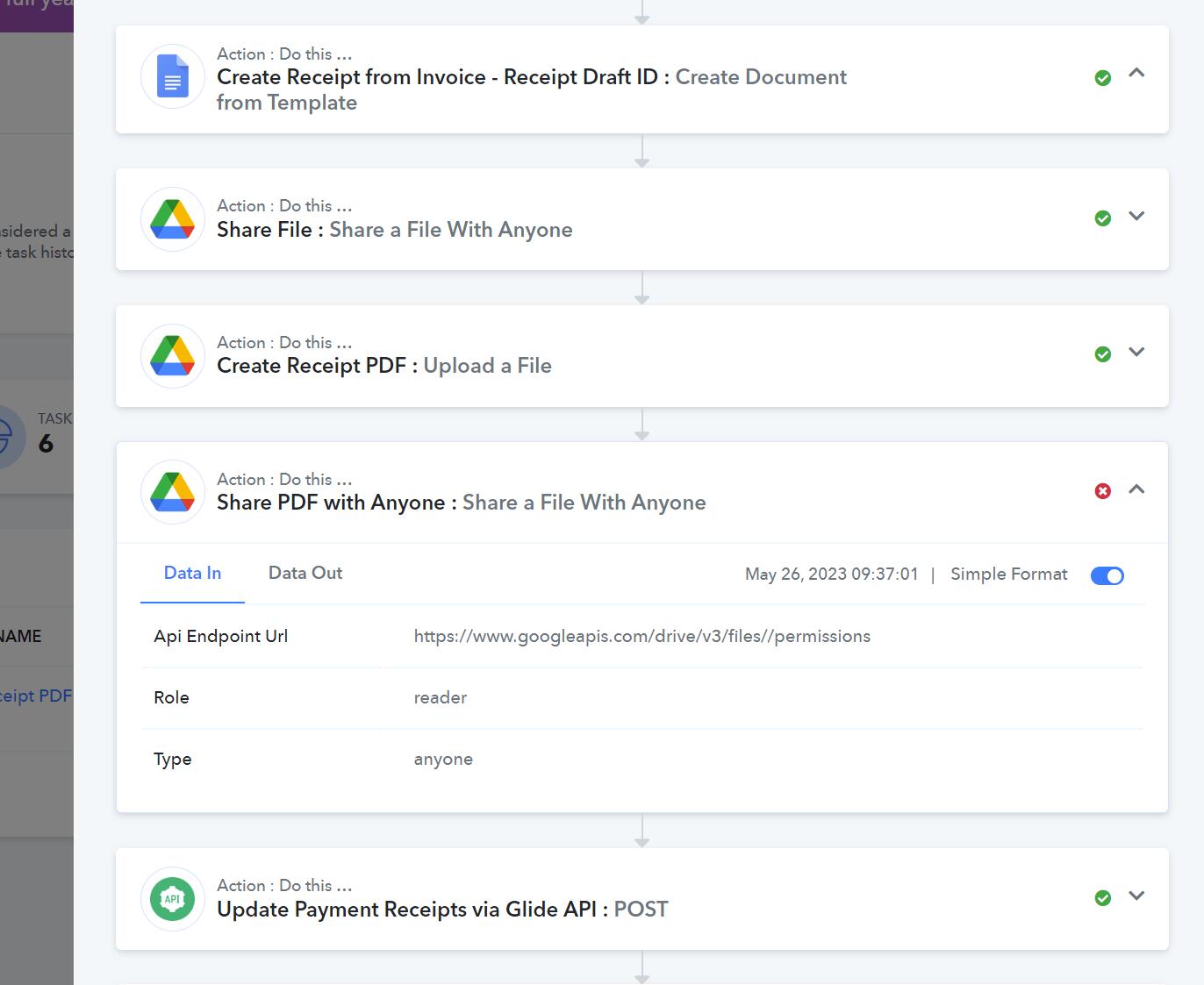
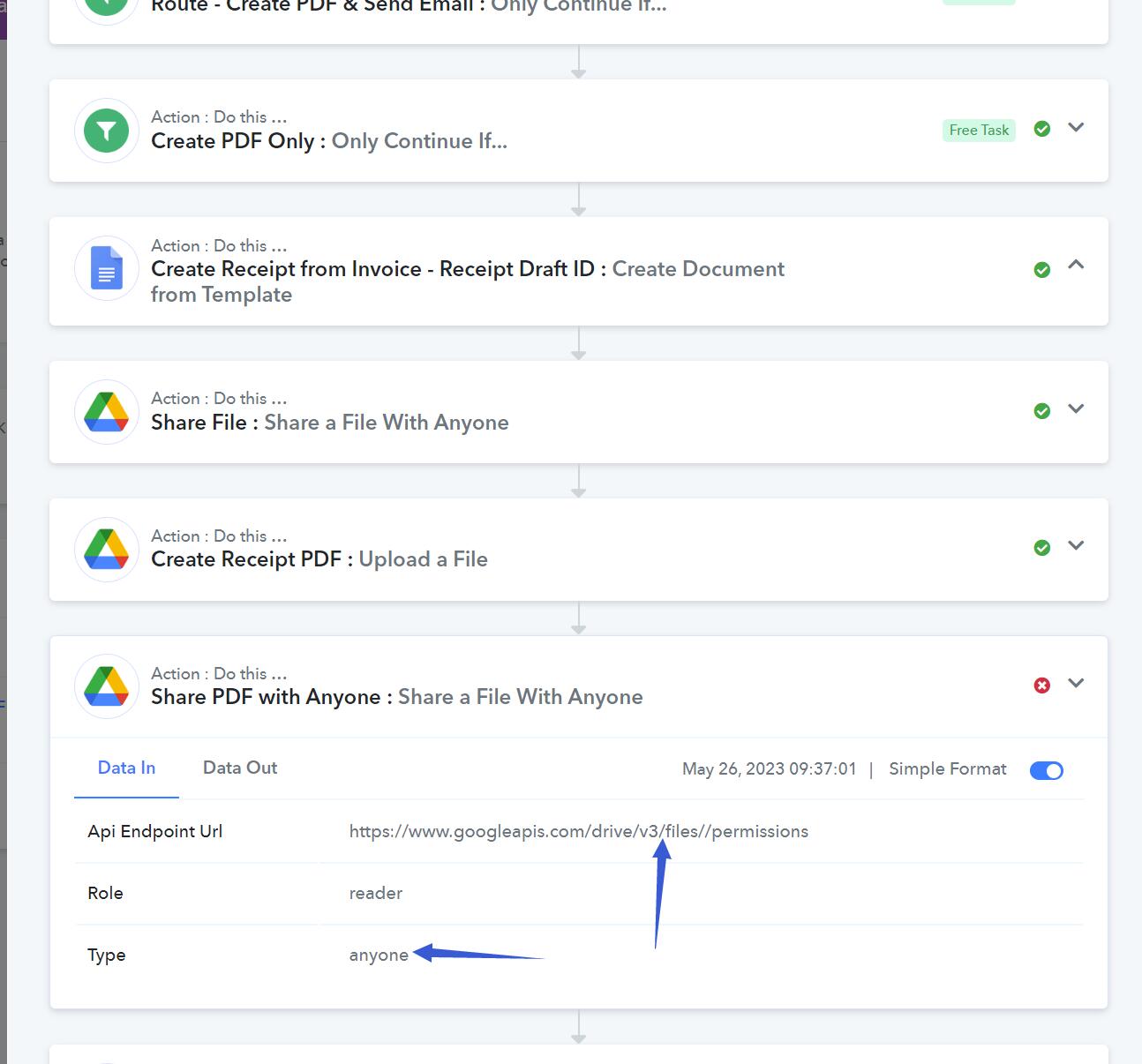
- Share PDF file with Anyone - Done with Error - System indicate no ID given
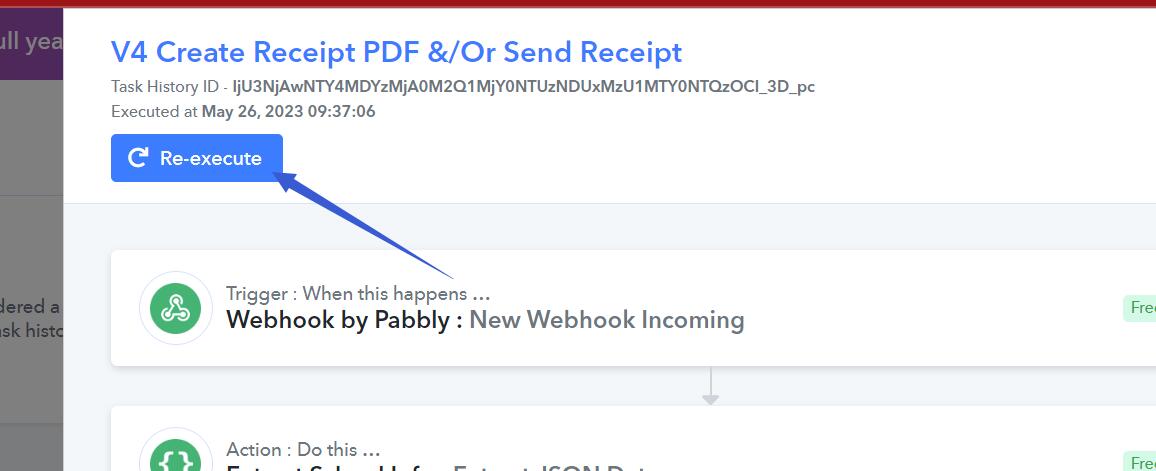
We have since Re-execute the Process and success.
We wanted to find out what could be the reason to prevent this from happening again.
Attachments
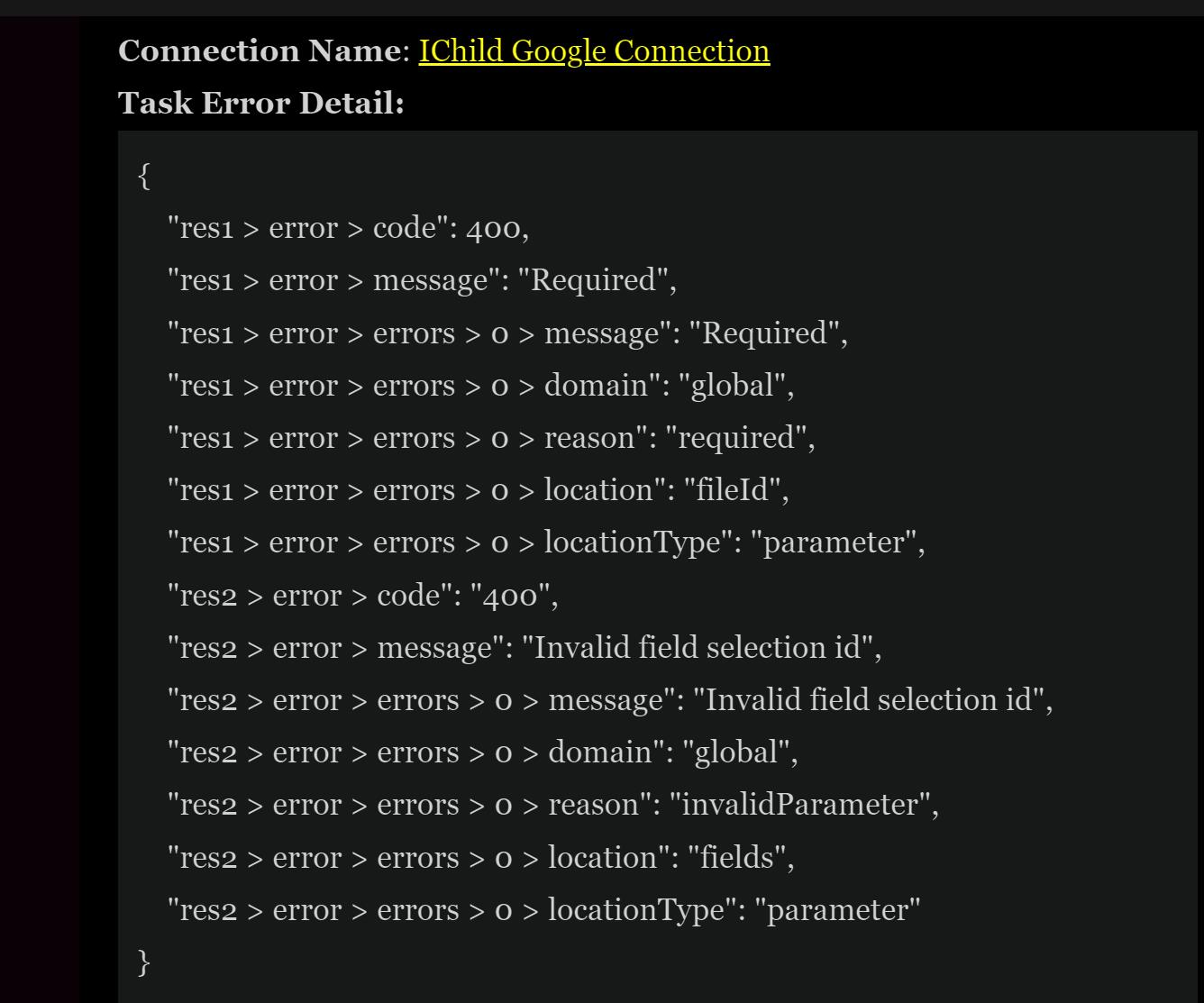
Please allow me some time to check this issue with our team. We will get back to you soon.
Hey @ichilddev
I would like to inform you that the reason why your workflow is not being executed in automation is because of a certain delay between Uploading a file in a google drive and sharing the PDF file with anyone.
Pabbly Connect captures the webhook response and immediately executes the next step. However, it takes some time to generate a PDF and then share that PDF with anyone, resulting in a failed execution.
To solve this issue, you can add a delay of 1 minute to your workflow. This way, Pabbly Connect will wait for one minute before searching and uploading the PDF, giving it enough time to share. Once the PDF is generated, Pabbly Connect will successfully locate it, and your workflow will proceed without any problems.
Hey @ichilddevI would like to inform you that the reason why your workflow is not being executed in automation is because of a certain delay between Uploading a file in a google drive and sharing the PDF file with anyone.
Pabbly Connect captures the webhook response and immediately executes the next step. However, it takes some time to generate a PDF and then share that PDF with anyone, resulting in a failed execution.
To solve this issue, you can add a delay of 1 minute to your workflow. This way, Pabbly Connect will wait for one minute before searching and uploading the PDF, giving it enough time to share. Once the PDF is generated, Pabbly Connect will successfully locate it, and your workflow will proceed without any problems.
Hi thanks for the update and explanation.
Should 15 secs be good? 1 mins seems long and the user could be waiting.
Any better idea how this can be expeditated?
I would like to inform you that the "Delay" module in Pabbly does not support delays in seconds. If you include the delay module in your workflow, please note that the minimum delay you can set is 1 minute