Share PDF in Google Drive Access Right to Non-Downloadable
Status: Open · Asked by IChild Company on · 0 views
Dear Community and Support,
Wondering if there's a way to set the access rights of the PDF file uploaded to Google Drive folder, to
1. Read Only
2. Non-Shareable
3. Non-Downloadable
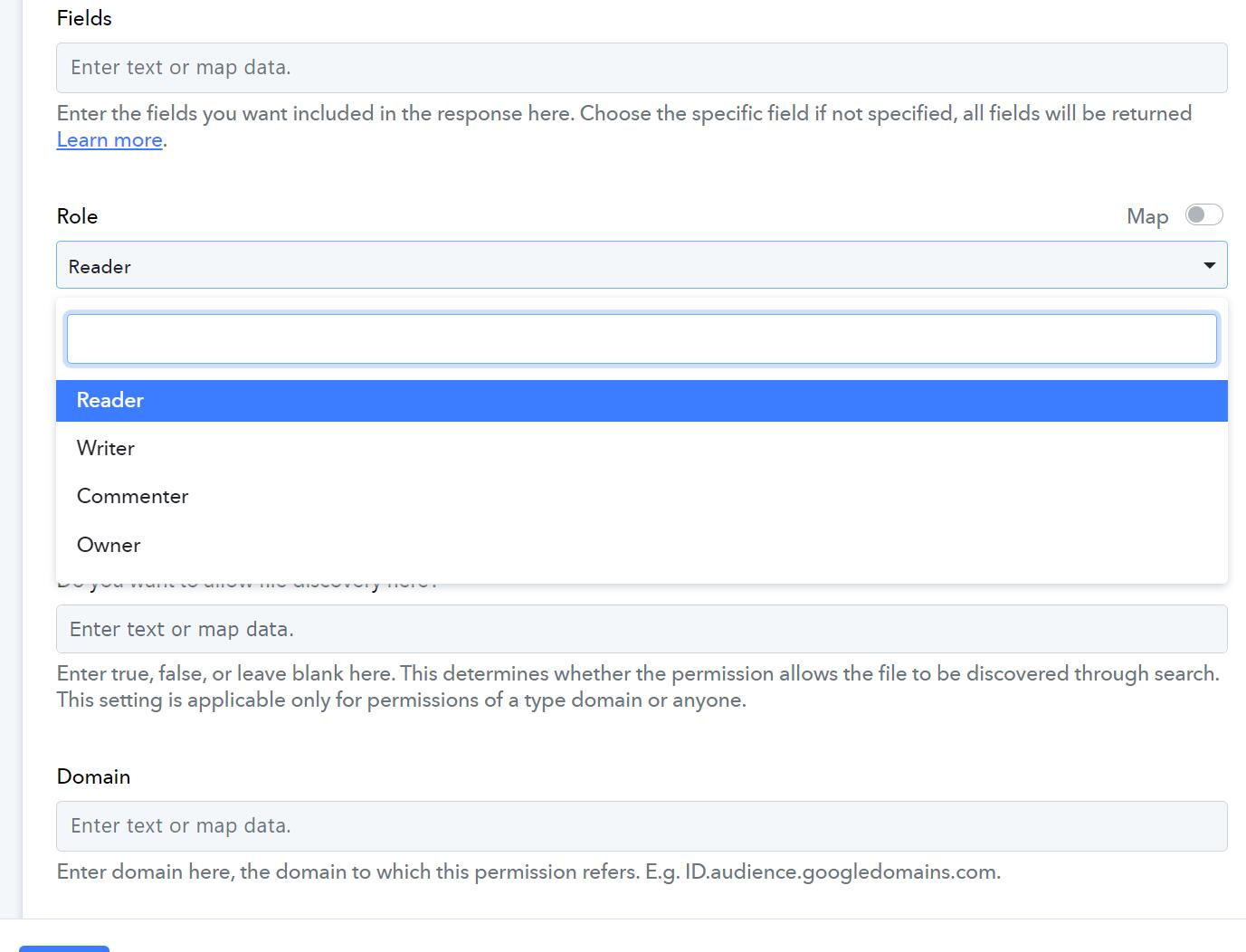
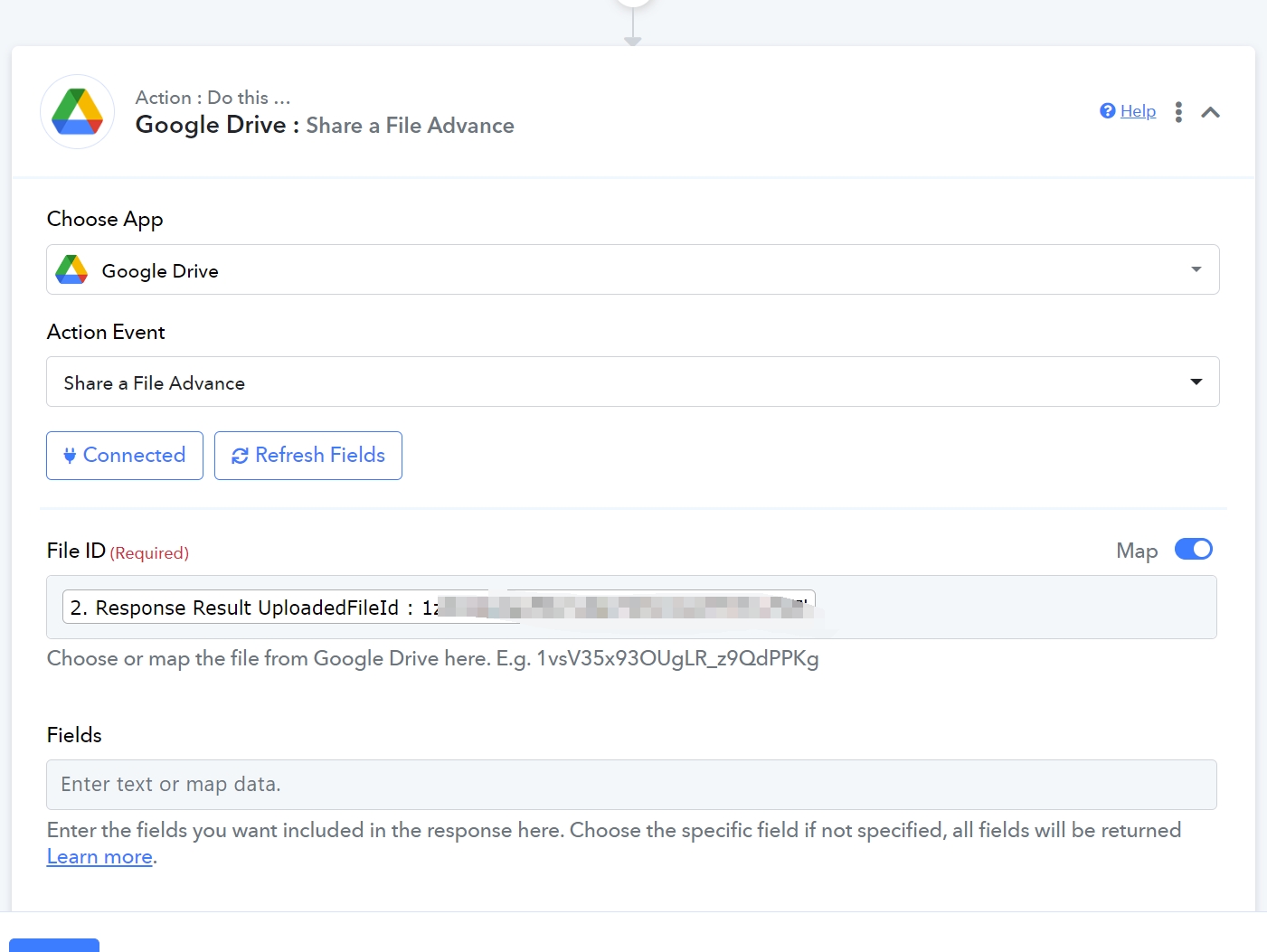
Have tried the follow Function: Share a File Advance but in vain:.
Any advise is deeply appreciated.
Attachments
Hi @ichilddev,
You can choose the 'Reader' option as the role to make the file read-only. However, there is no action event in Google Drive that can make the file non-shareable or non-downloadable.
Thanks for your advise.
We have tried this and it does not serve our purpose.
Thanks for your advise.
We have tried this and it does not serve our purpose.
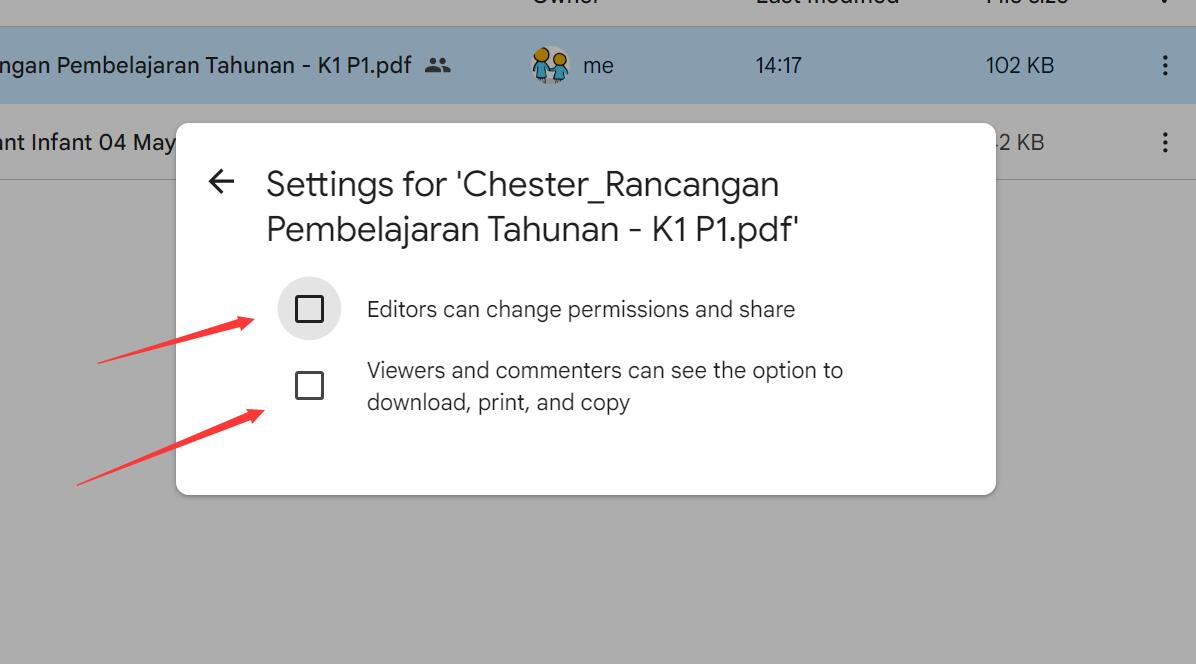
Further to this, how can we use Pabbly to update the access right as such
Further to this, how can we use Pabbly to update the access right as such
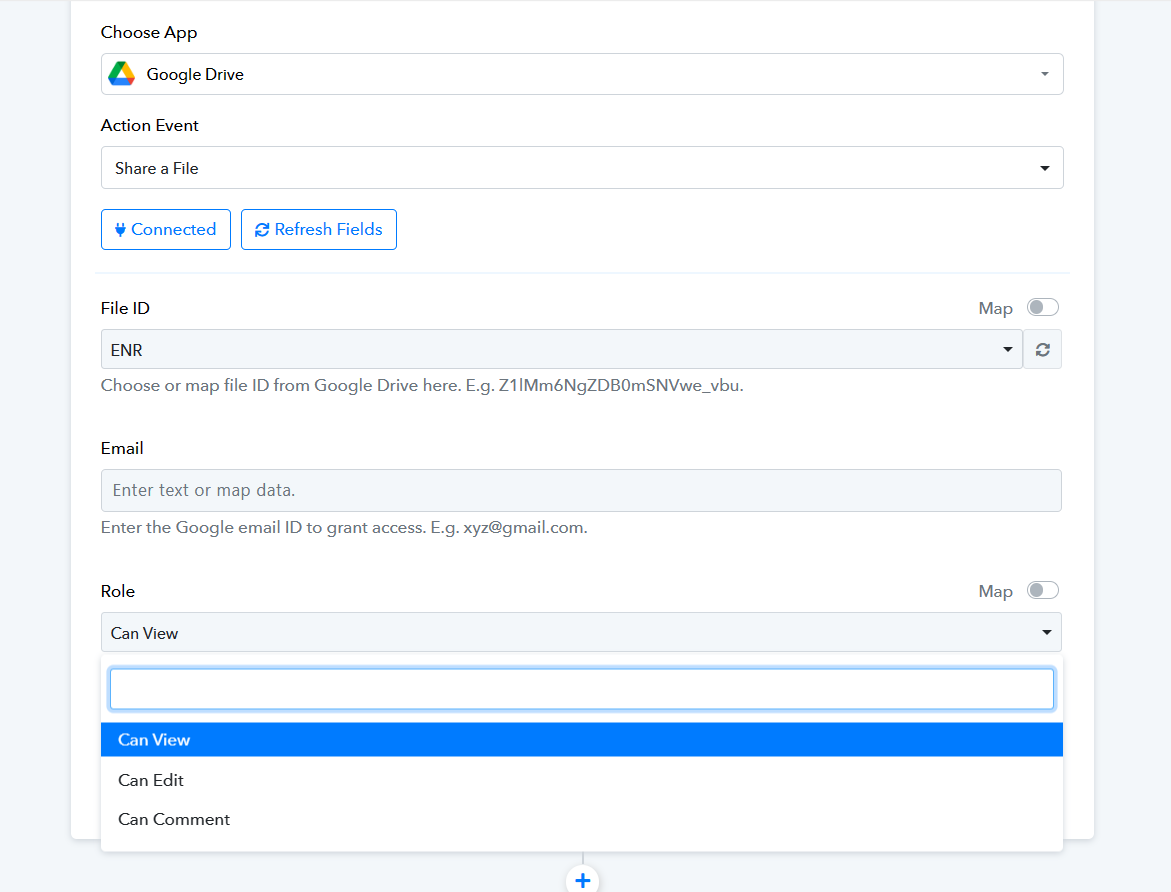
By using the "Share a File" action step, you can easily grant permissions in an efficient manner. Have you tried using this step to simplify the process of granting permissions?
By using the "Share a File" action step, you can easily grant permissions in an efficient manner. Have you tried using this step to simplify the process of granting permissions?
hi thanks for your support and help.
Yes we have been using this. But we need to refrain some pdf to be non-downloadable. This Can View can still be download
We understand further that by removing the file access, viewers cannot download, print nor copy, Anyway we can have such further access right changes?
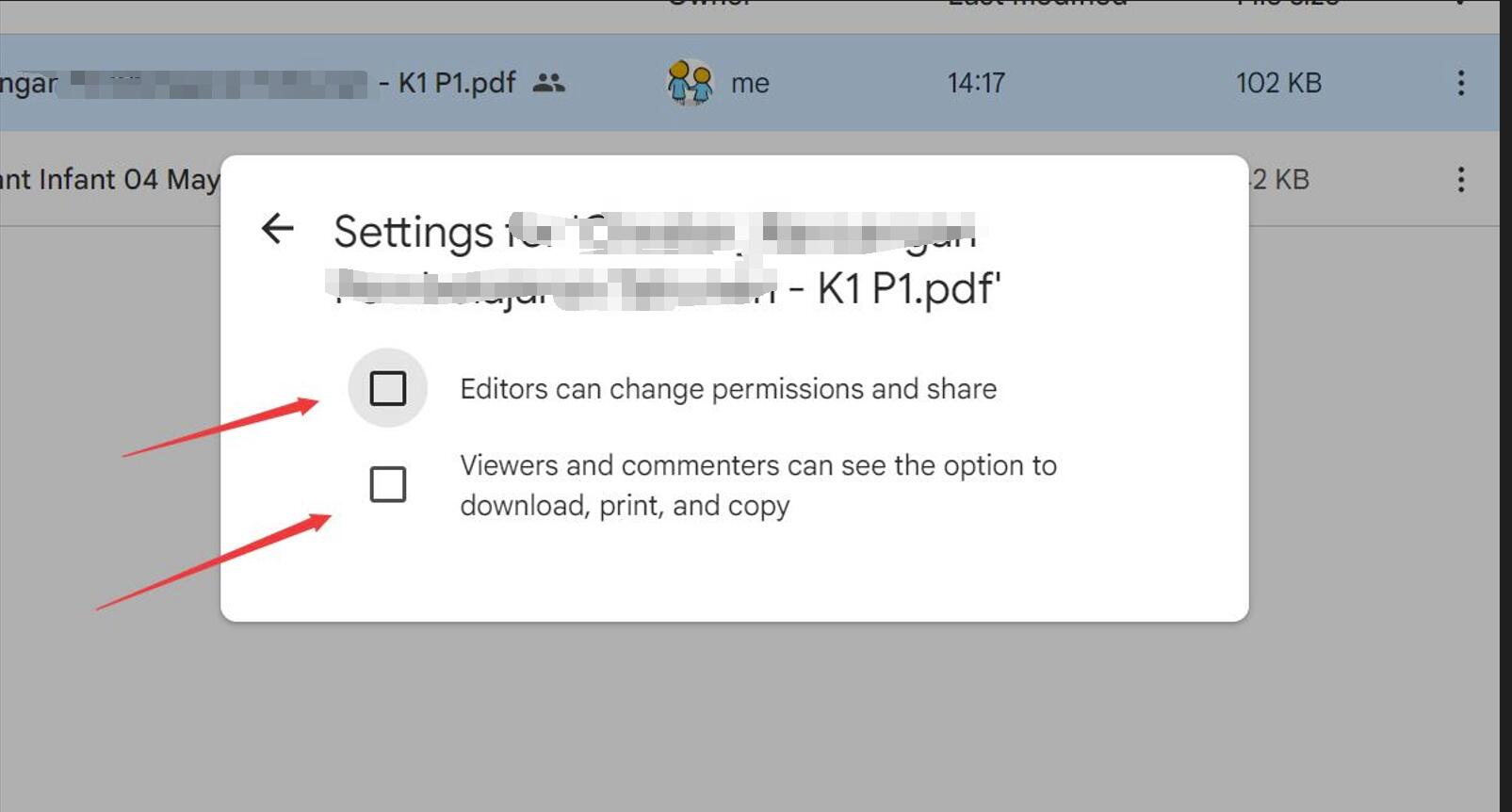
hi thanks for your support and help.
Yes we have been using this. But we need to refrain some pdf to be non-downloadable. This Can View can still be download
We understand further that by removing the file access, viewers cannot download, print nor copy, Anyway we can have such further access right changes?
Currently, we don't have these options for the Google Drive action application. If you would like these options to be added, you can submit your request on our dedicated platform at: https://pabbly.featureos.app/b/Integration-Request
Our integrations team will review your request and, if feasible, incorporate the desired options into the application.