sharing data from spreadsheet to wati chatbot
Status: Open · Asked by Aqib Ali on · 0 views
I
Scenario:
- When a user interacts with our WhatsApp chatbot and provides their order ID, we want the chatbot to retrieve the relevant order status information from a Google Spreadsheet.
- The chatbot should then send this order status information back to the user via WhatsApp.
Key Points:
We are using a 'wait' chatbot approach, where the chatbot awaits user input before proceeding.
The data for order tracking is stored in a Google Spreadsheet. We believe that integrating Pabbly with our Google Spreadsheet can streamline this process and provide a seamless experience for our customers.
Could you please provide us with guidelines on how we can achieve this integration using Pabbly?
Specifically, we need assistance in configuring Pabbly to retrieve data from the Google Spreadsheet based on the user's input (order ID) and send the response back to the user via WhatsApp.
Hi @AQIB ALI,
Please watch the video shared below to understand how you can set up your workflow to create a WhatsApp Chatbot. Only the first and last steps of the video are relevant to your use case.
youtube.com/watch?v=Eepg-riG2ZM
You can use 'Lookup Spreadsheet Rows' action step to fetch the order status information.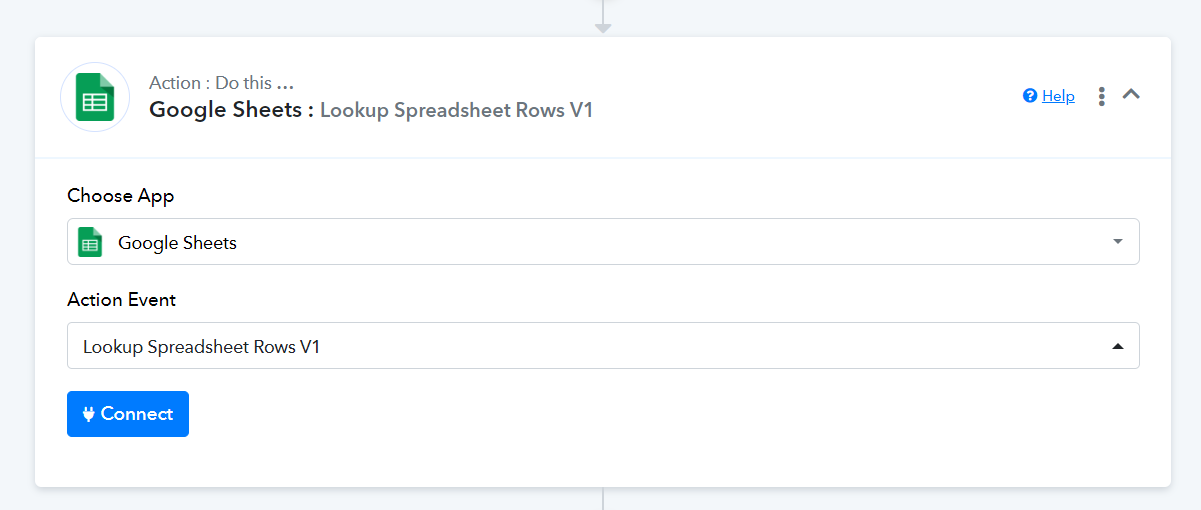
Thanks for your reply can your share me your price if we get lifetime
You can check out our Lifetime plans and the associated benefits here.
https://www.pabbly.com/connect-onetime/