SHEET to GALLABOX
Status: Closed · Asked by arafacreative on · 0 views
how to send image message by gallabox from google spreadsheet?
Hello @arafacreative
In order to successfully send an image to the Gallabox application from a Google sheet, it is important to create a template on the application first.
Gallabox is a cloud-based platform that allows users to safely share and collaborate on files. Once a template has been created, it becomes possible to send the image through the application.
It is advisable to follow this process to ensure that the image is sent correctly and without any issues.
Do let us know if you get stuck in any step, so we can check it for you.
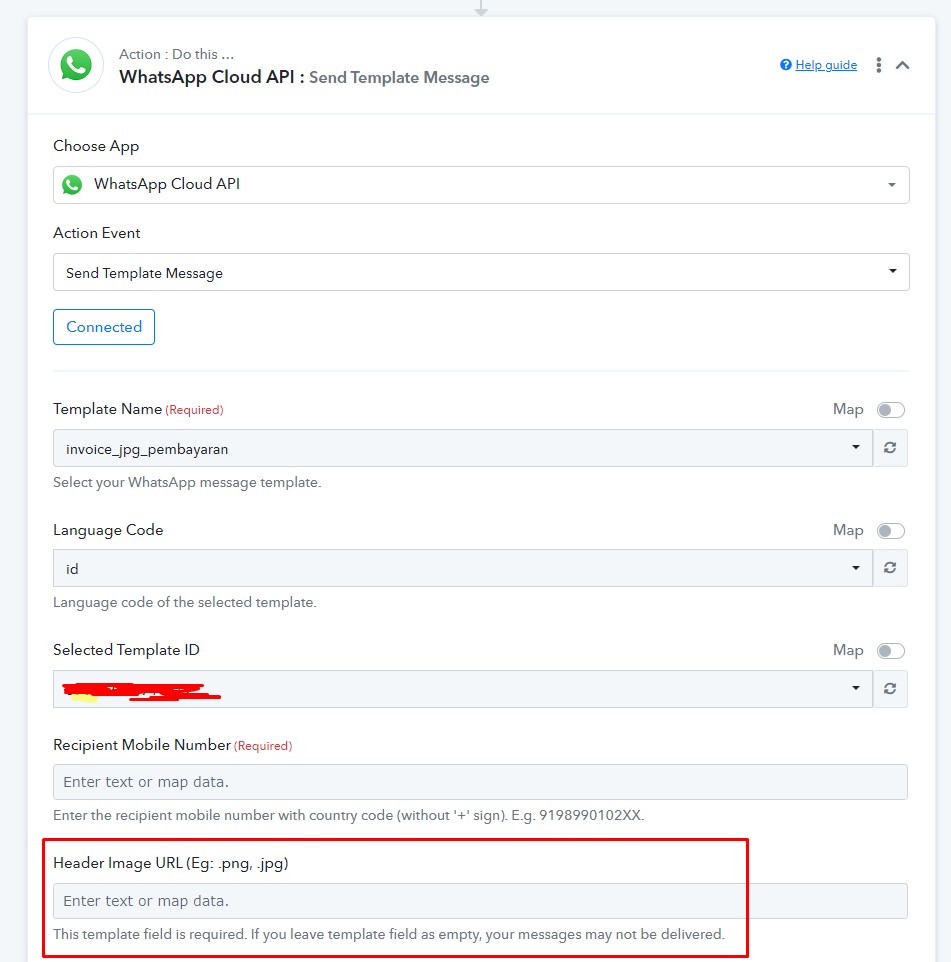
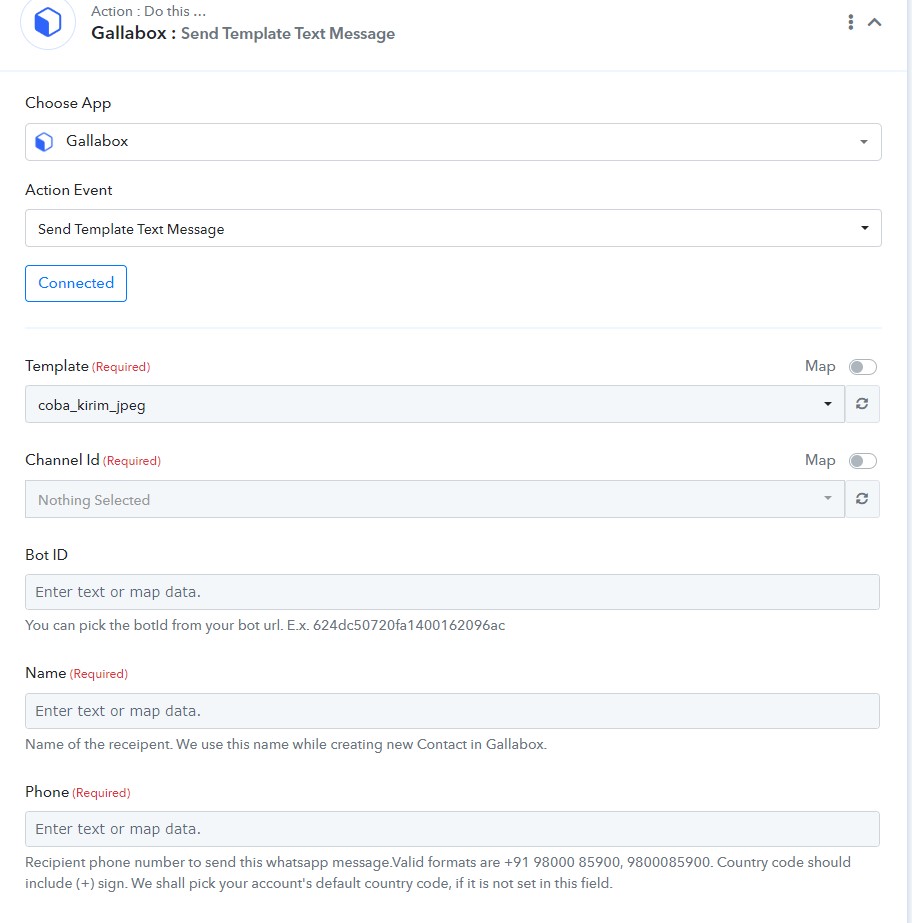
why in gallabox nothing header image URL?
Attachments
Hey @arafacreative
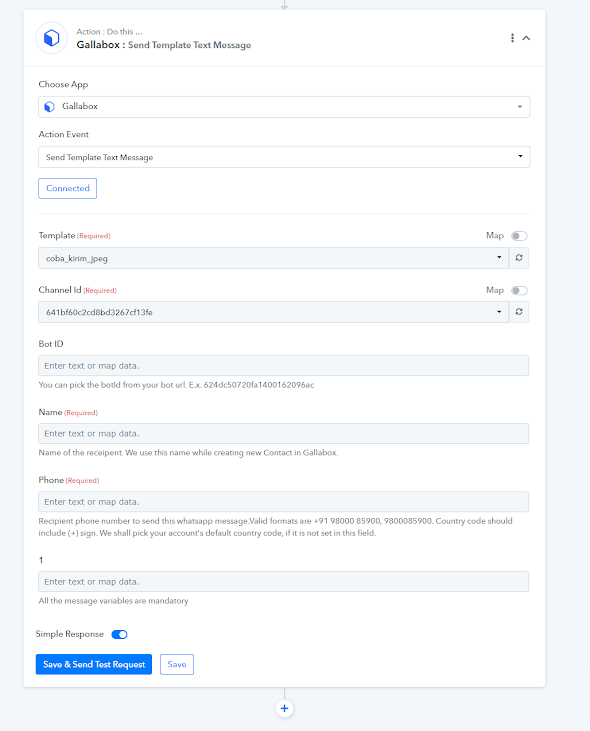
Upon checking on my end, it seems that the header image URL that you have added to your template is only set to "1". This is why you are only able to see one URL.
Attachments
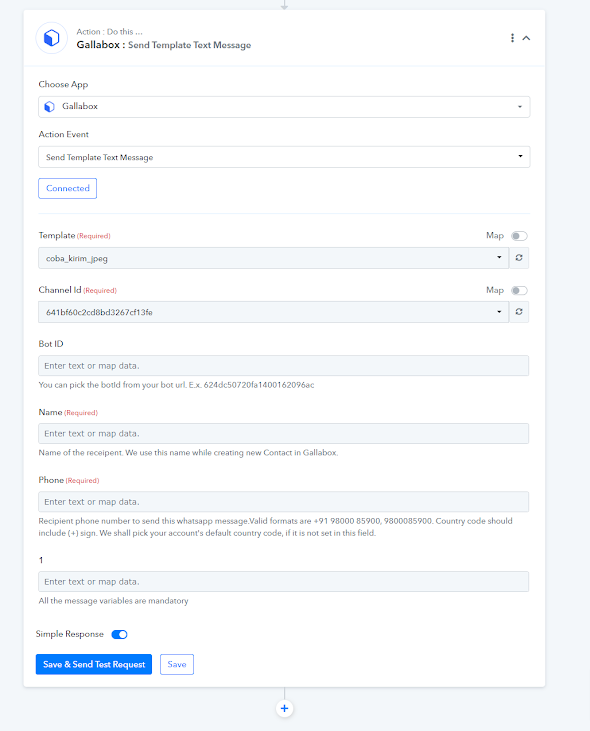
Hey @arafacreativeUpon checking on my end, it seems that the header image URL that you have added to your template is only set to "1". This is why you are only able to see one URL.
Hey @arafacreativeUpon checking on my end, it seems that the header image URL that you have added to your template is only set to "1". This is why you are only able to see one URL.
number 1 is variable (name), i mean how to get url for header image/pdf
Could you please help me with the workflow URL or the workflow name so that I can check and help you?
Could you please help me with the workflow URL or the workflow name so that I can check and help you?
TEST JPEG GALLABOX
It appears that the template you selected for your WhatsApp cloud API action step does not have a Header Image URL.
To fix this issue, please ensure that you have an Image URL in either .png or .jpg format.
Additionally, if you are still facing the issue, I suggest capturing the response once again using a new template that includes an image URL in either .png or .jpg format. This will ensure that the image URL is present in the template you are selecting for the WhatsApp cloud API action step.