Sheets data spacing issue after automation
Status: Closed · Asked by IT Malsar on · 0 views
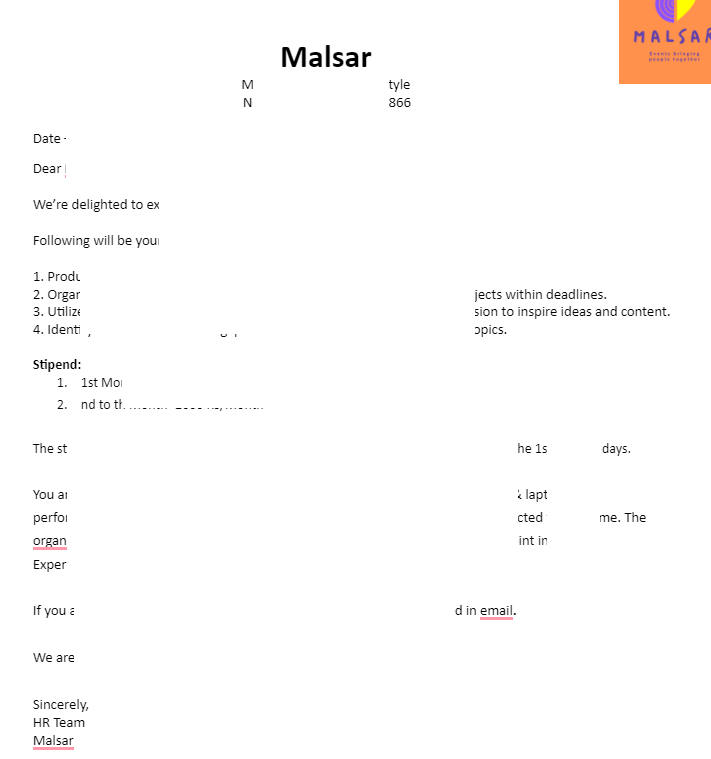
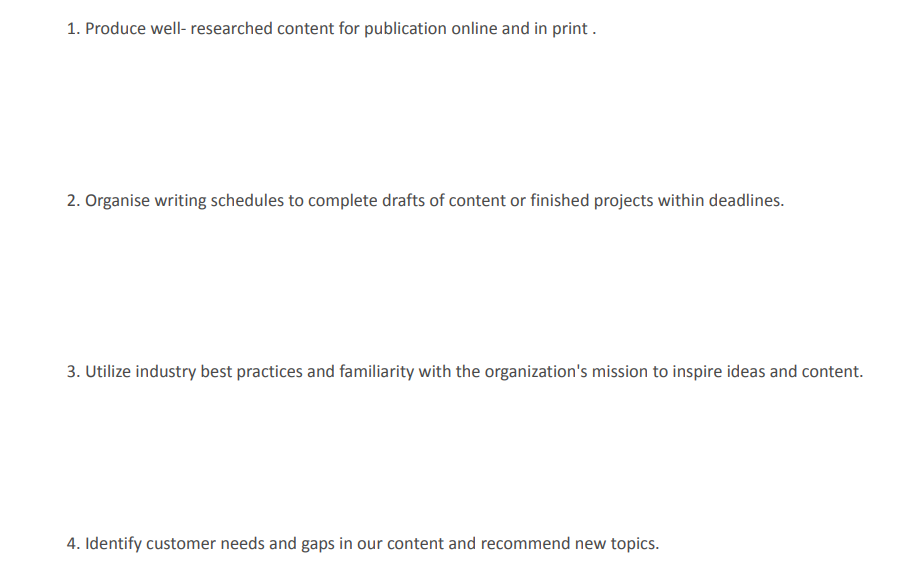
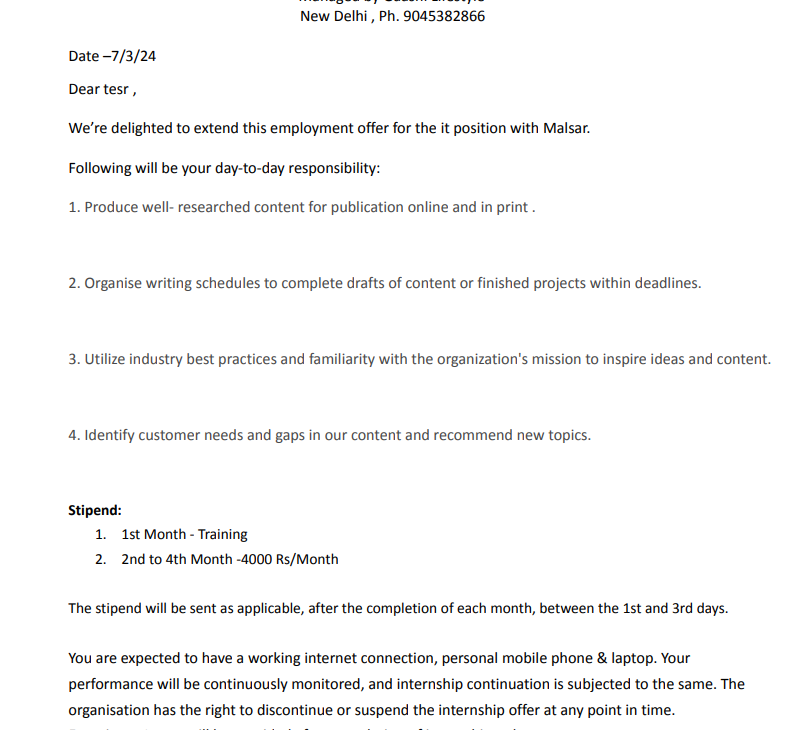
When the sheets data is forwarded in document where we need that field . I have added 3 to 4 lines of data in sheets but after automation extra spacing is added automatically in the document. Here are the attached screenshots.
Attachments

Hey @itmalsar
Can you please share the workflow URL once in which you have experienced the same?
yes
https://connect.pabbly.com/workflow/mapping/IjU3NjUwNTY4MDYzZjA0MzM1MjY4NTUzMzUxMzAi_pc
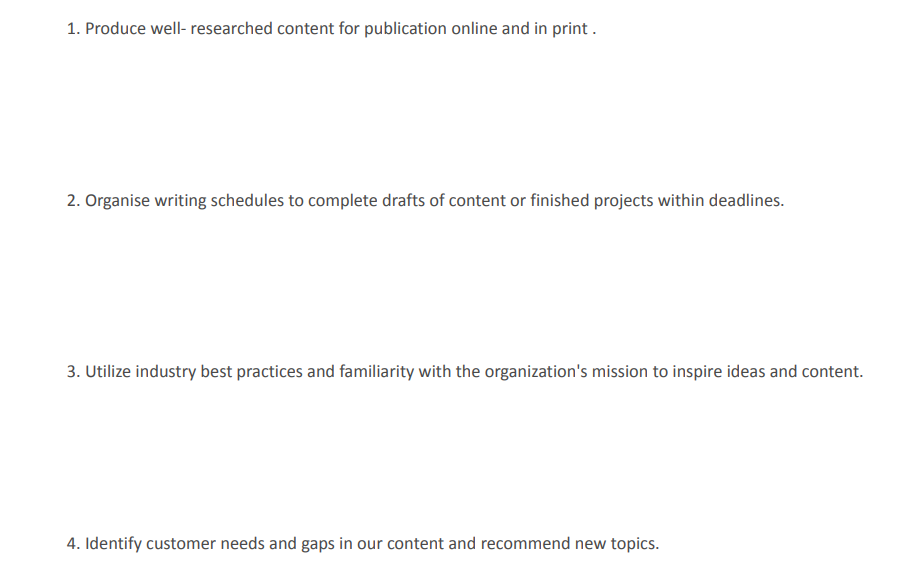
i will be explaining you in detail first screen shot is from sheets from responsibility column where data is gonna reflect in docs after automation. Data i have entered in sheet with proper spacing between points but after automation more space is seen between points
Attachments

Hey,
Can you please share the screenshot of your Google doc, "offer letter intern"?
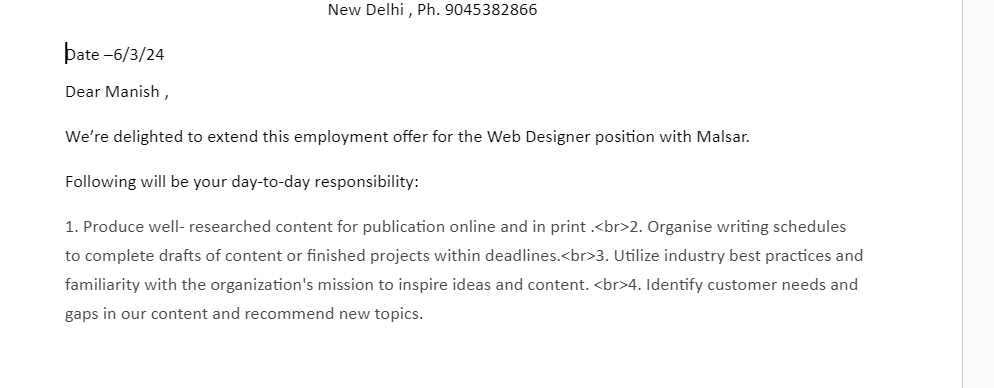
yes i have shared two screen shots one is formatted one other one is automated one
Attachments
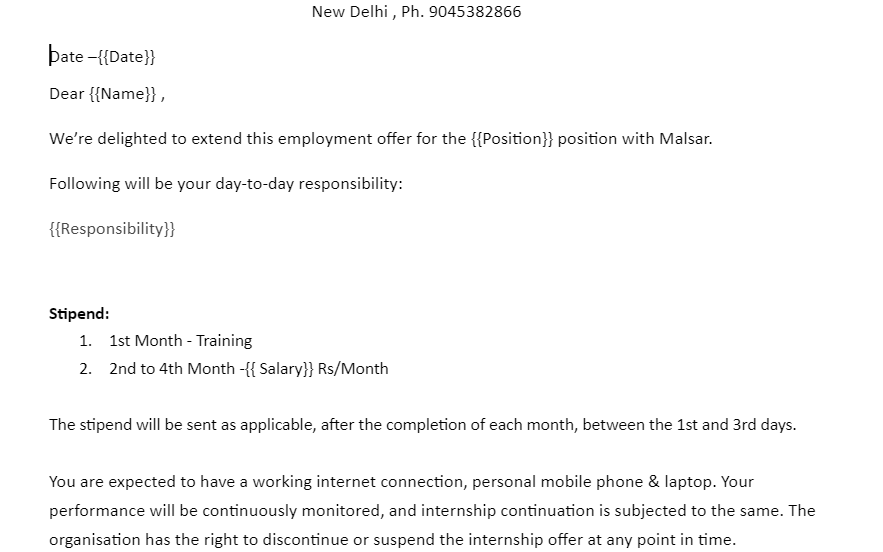
If the three points consistently include the responsibility field, then please generate three additional fields and map the responsibility accordingly.

Still There is issue next point is not shifted on next line
Attachments
Hey,
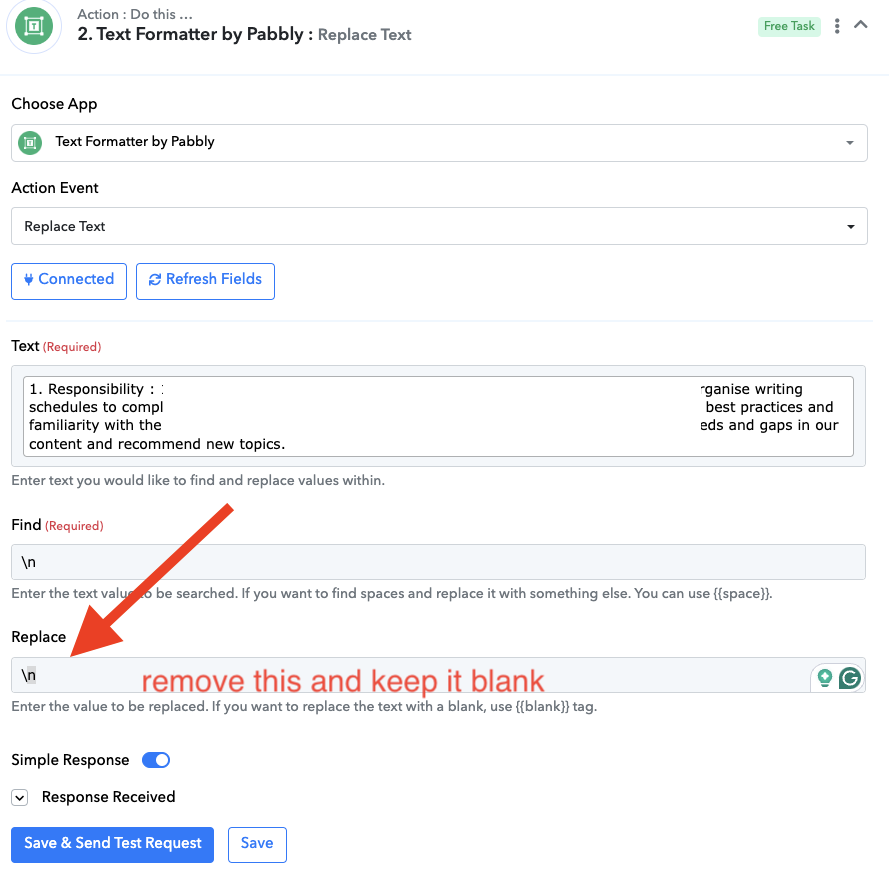
Can you please remove the /n and keep it blank, and check how it is working for you.
Also, do map the result in the following steps
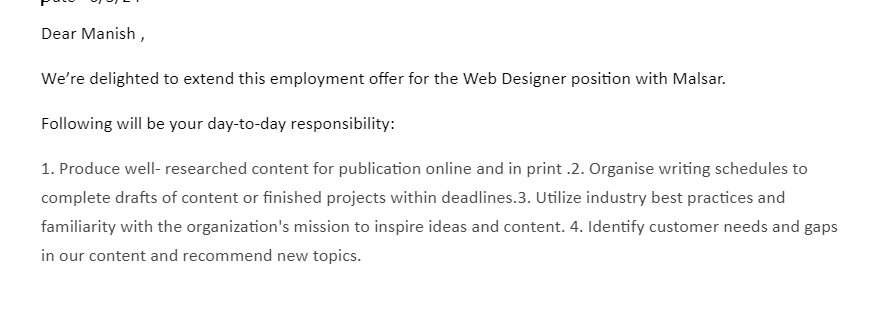
This is the result after removing \n
Attachments
I'll check with the technical team and let you know.
Also, please share the access of google sheet, and google doc main template on support@pabbly.com
okay
Please let us know the details once shared
Yes, Shared the details
Hey,
Thank you for sharing the Google sheet, however, to assist you in a better manner we need the Google doc {the main template} as well
okay i have shared the doc
Hey, there was extra spacing in your google doc, we have rectified the error in the document itself.
Please make a few test submission and let me know if the issue persits.