shipstation order error
Status: Closed · Asked by a6488 on · 0 views
Hi team,
My test about googlesheet connection with shipstation keep giving" the request is invalid" when the shipstation created orders. please see the screenshot. I have multiple items in the one rows. a few days ago the connection is still all good.
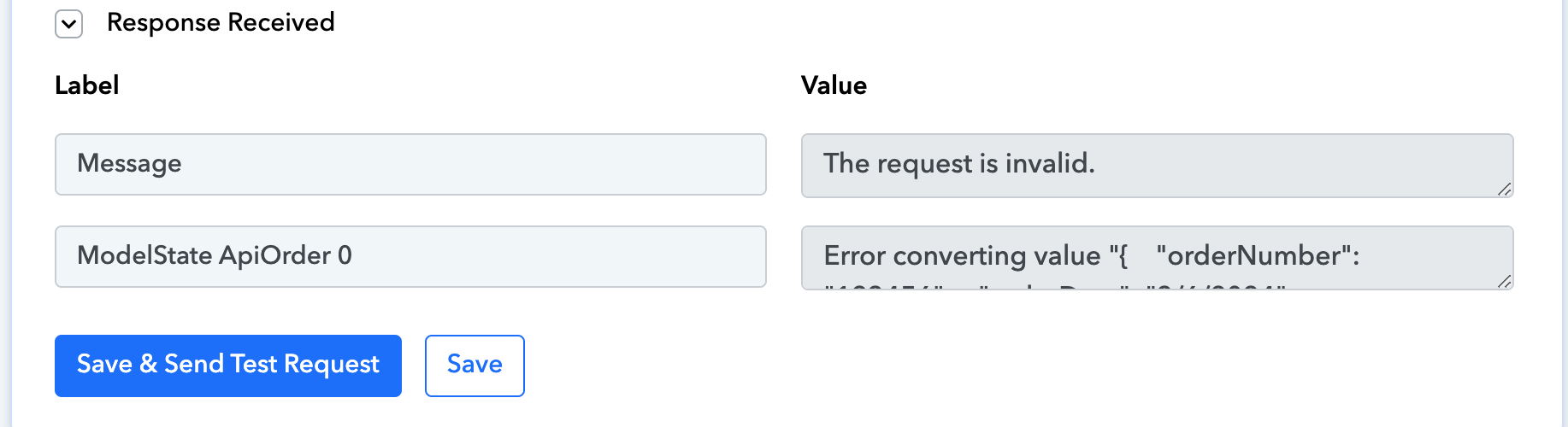
Hey @a6488
It appears that the key values you have mapped in the Shiprocket action step are no longer present in the live execution. Due to their absence, the action step does not receive the proper line item.
Therefore, please cross-check the Google Sheets column and the values you have used, and recapture the webhook response again.
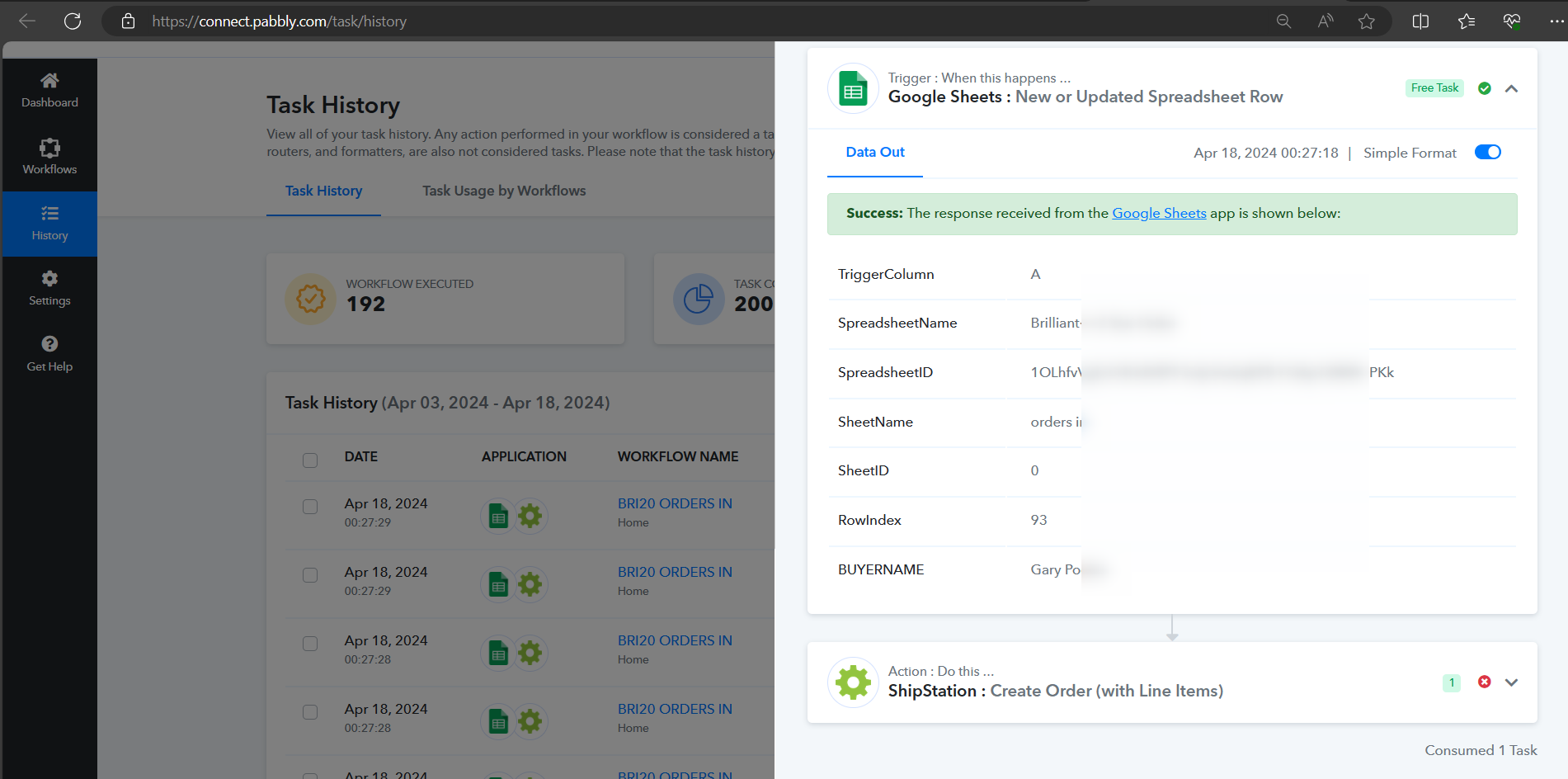
Further, to pass the proper line item in comma comma-separated manner kindly use the Line Itemizer action step.
Hi, team,
sorry the problem still there, now I am using different account ([email hidden]) to check it, can you please use this history id: IjU3NmMwNTZmMDYzNjA0MzM1MjY0NTUzNzUxMzY1MTYwNTQzMiI_3D_pc to check what happened?
I have tried just created one order, or different actions, but the shipstation keeoing back to request invalid message.
I also tried Line Itemizer action, but the items in my form are independent, in different cloumns but the same row. so i think it not good for me.
thanks
Hey @a6488
Please refrain from passing currency in the amount field and ensure that you pass all the unit items.

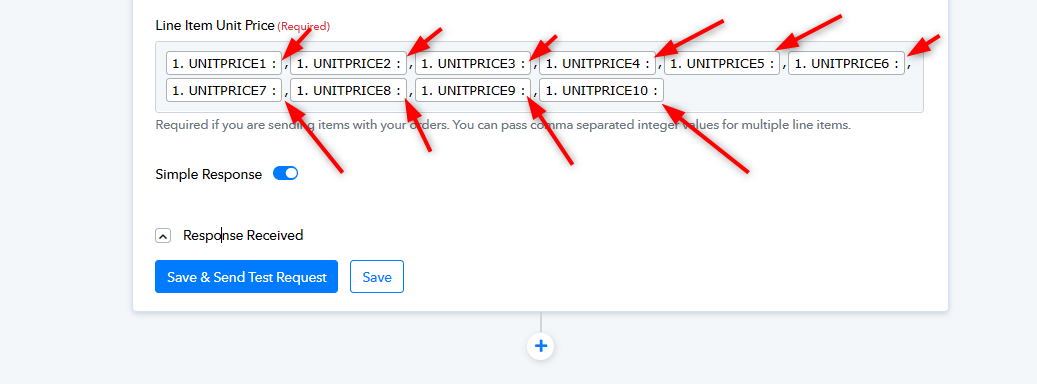
Hi, team,
i have tried again this morning, no surprise. every itesm have value. you can check my test with this idIjU3NmMwNTZmMDYzMjA0Mzc1MjZlNTUzNDUxMzM1MTYwNTQzMSI_3D_pc
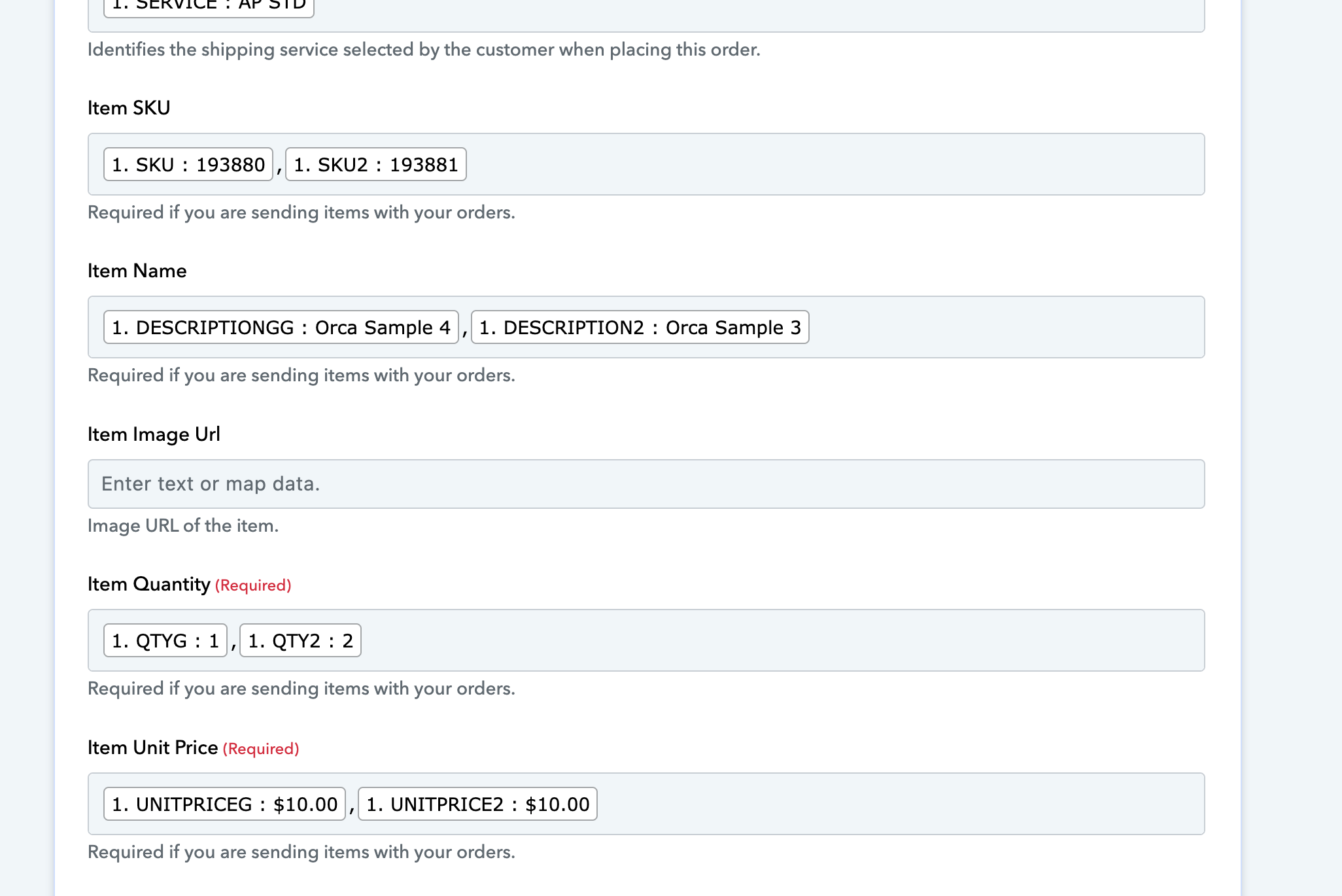
Hey @a6488
Can you please try the Create Order(With Line Item) action step to create an order with a line item?
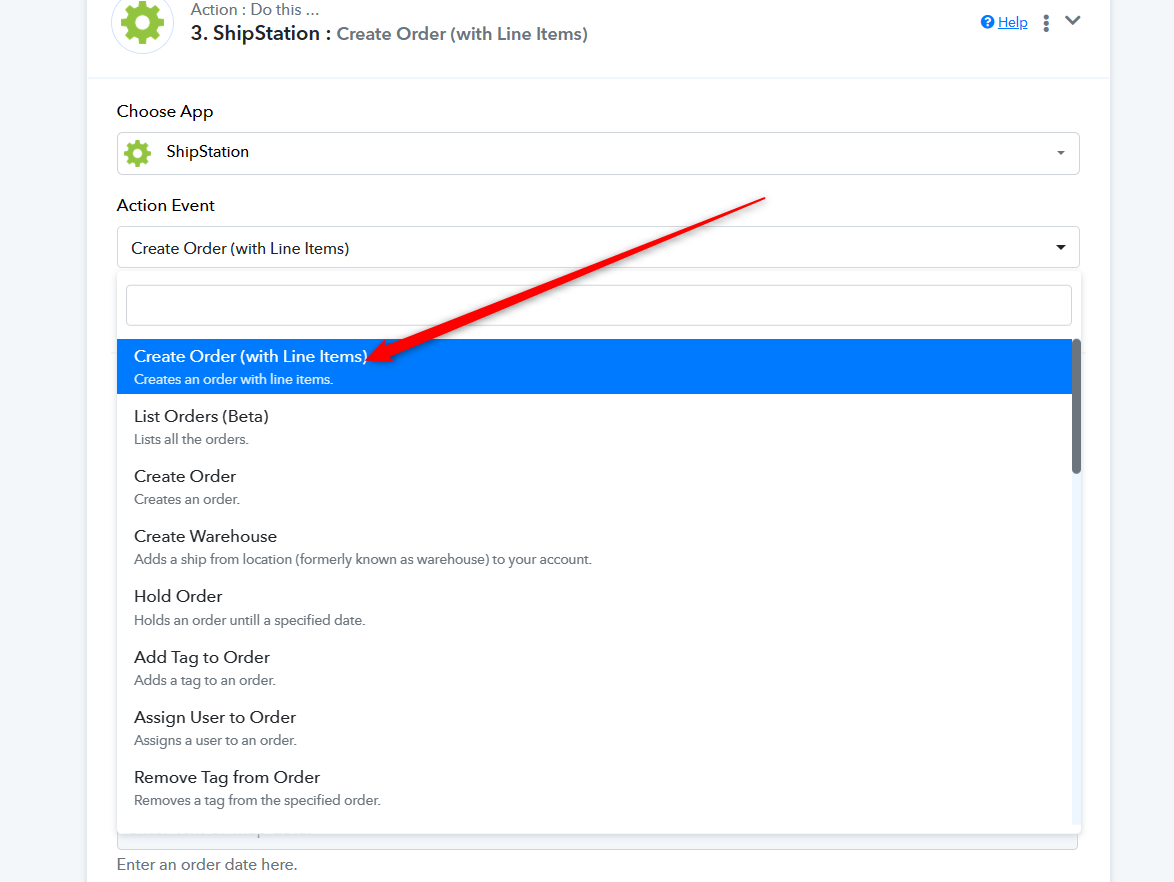
Hi team,
I forgot I have changed the action for testing only one item (which is also failed). I have changed back to lines items, still no luck. please use the ID to check: jU3NmMwNTZmMDYzMjA0Mzc1MjZlNTUzNDUxMzM1MTYwNTQzMSI_3D_pc
Thanks!
Please share the complete task history ID.
Hi team,
sorry, this is correct one:IjU3NmMwNTZmMDYzMjA0Mzc1MjZlNTUzNDUxMzM1MTYwNTQzMSI_3D_pc
thanks
the problem is sovled, thanks
the problem is sovled, thanks
Thanks for the update, could you please share the correction you have made in your Shipstation action step that worked for you?