Shopify Update product (no weight section and no multiple image option)
Status: Closed · Asked by Shahidul Islam Pranto on · 0 views
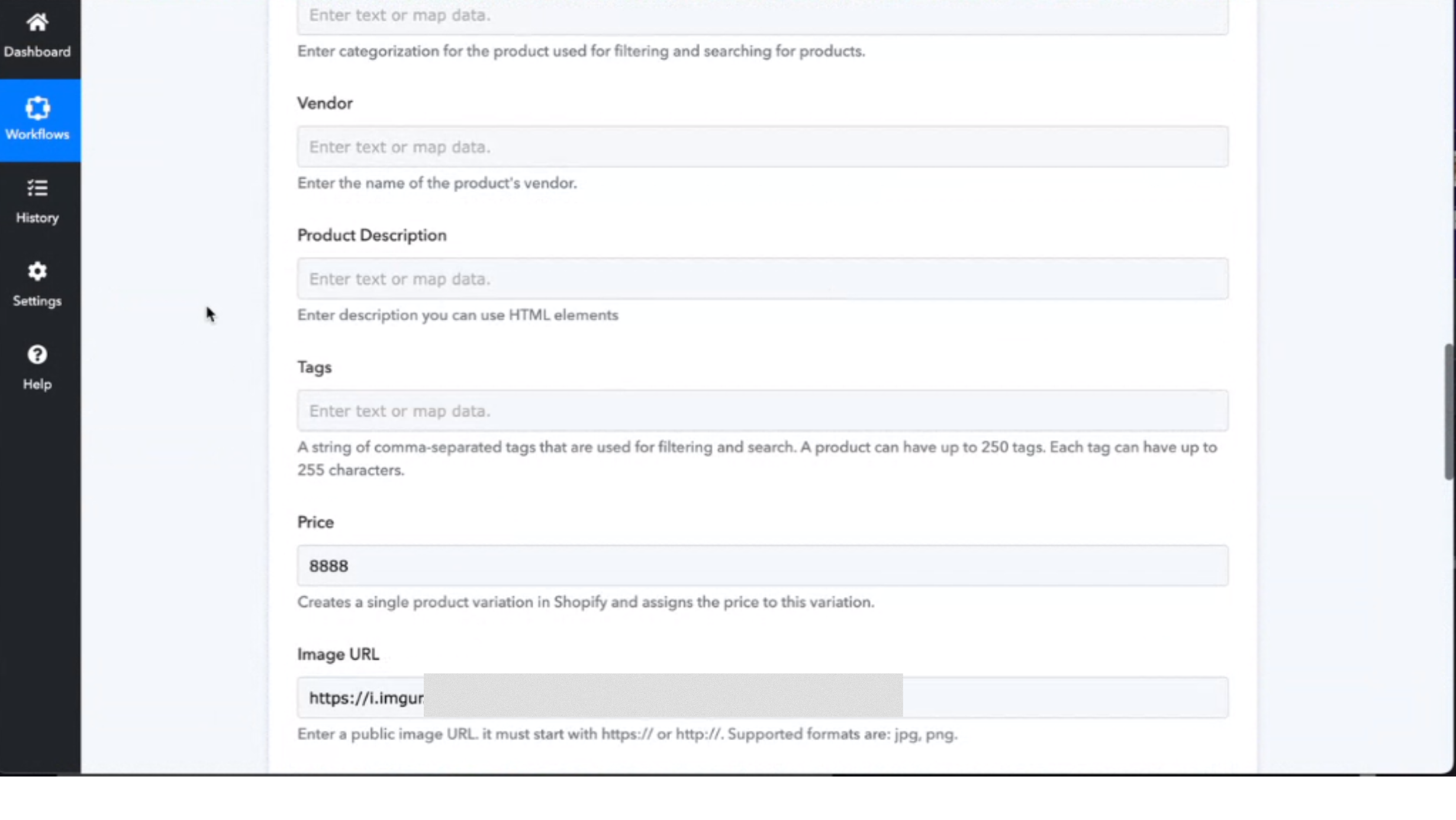
I wanted to update Shopify product information when there is a trigger. I could update most of them like, title, price, and quantity.
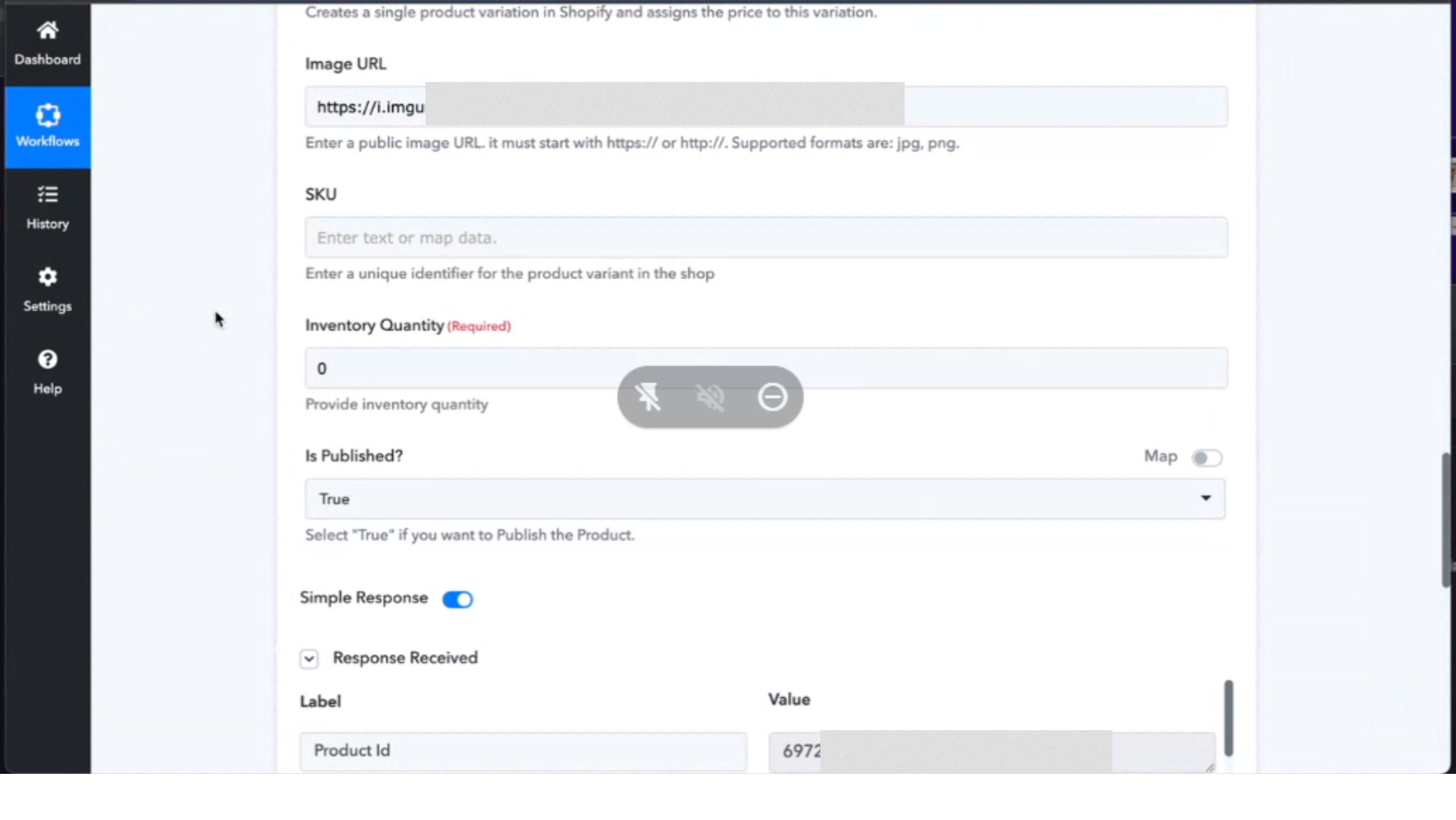
However, I could not see any weight section. So, what happens is, that when there is any trigger, the weight of the Shopify product becomes zero.
Also, in the image URL section, I could update only one image. But how do I upload multiple images for one Shopify product
Here are the images of the workflow.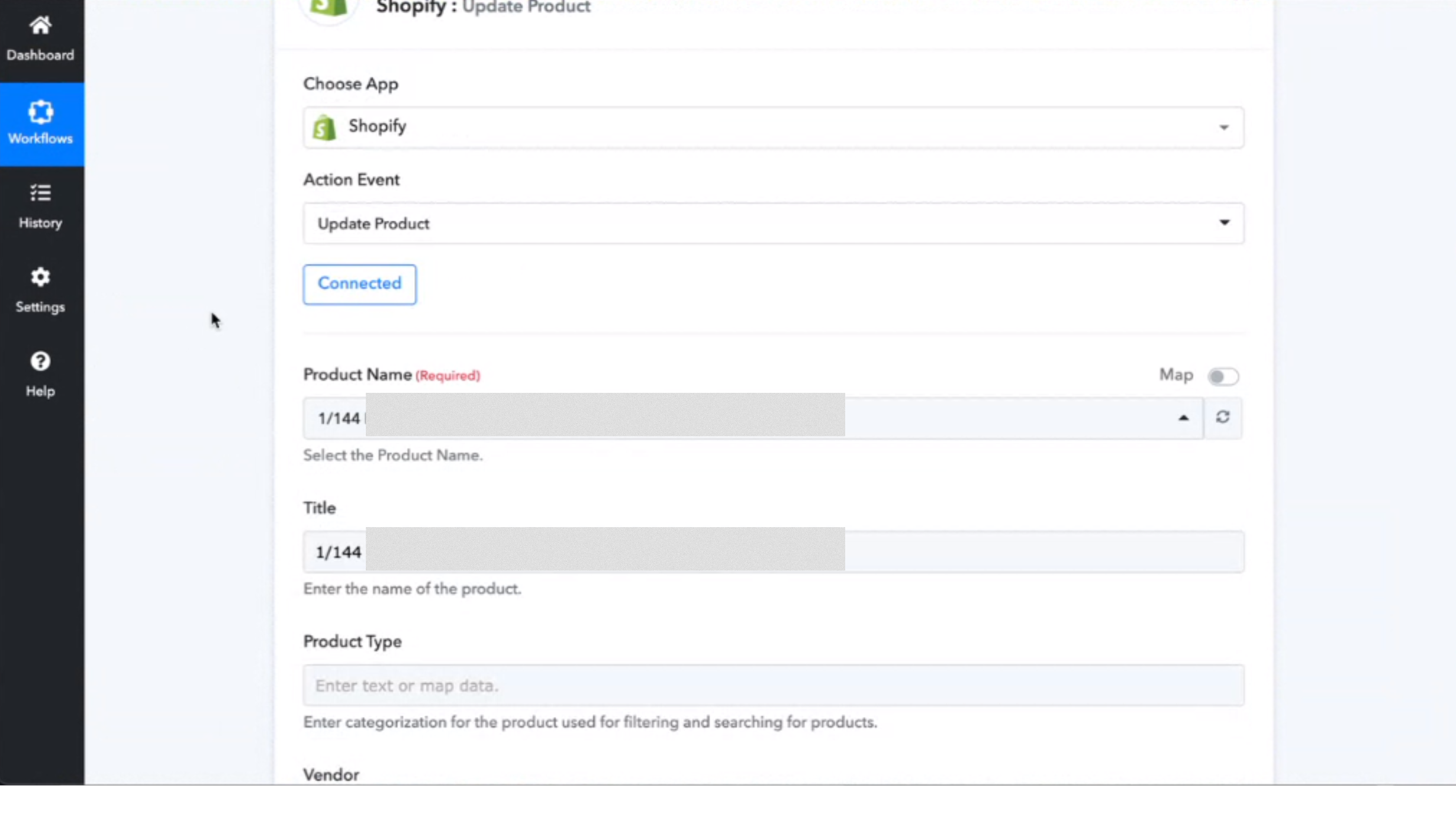
Hey @shahidul islam pranto
Please allow us some time, we are currently looking into it.
ok
Hey @shahidul islam prantoPlease allow us some time, we are currently looking into it.
Well, how much time would it take to fix
Question, how to upload multiple images
Hey @shahidul islam pranto
If you want to pass the weight in the action step you need to use the "Shopify: Create Product Variant".
Question, how to upload multiple images?
As of now, you can only pass one image at a time and for passing multiple images then our tech team is currently checking on it. Shall notify you with an update soon.
Hey @shahidul islam pranto
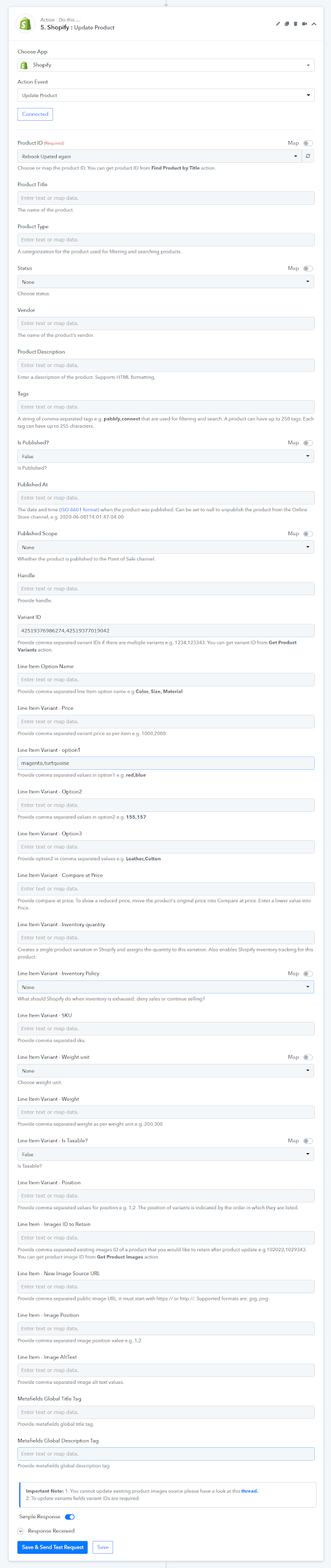
We have updated the action event of Shopify and added the weight field, you can also add the image file in the existing product.
Thank you.