Slack - Create Channel
Status: Closed · Asked by LarryHickman on · 0 views
I am getting the message "invalid name specials" when trying to create a Slack Channel.
The channel should be named according to the client's company name that is collected in a prior step.
I have tried the text formatter to make it all lower case and remove white space (both independently and together); though neither works.
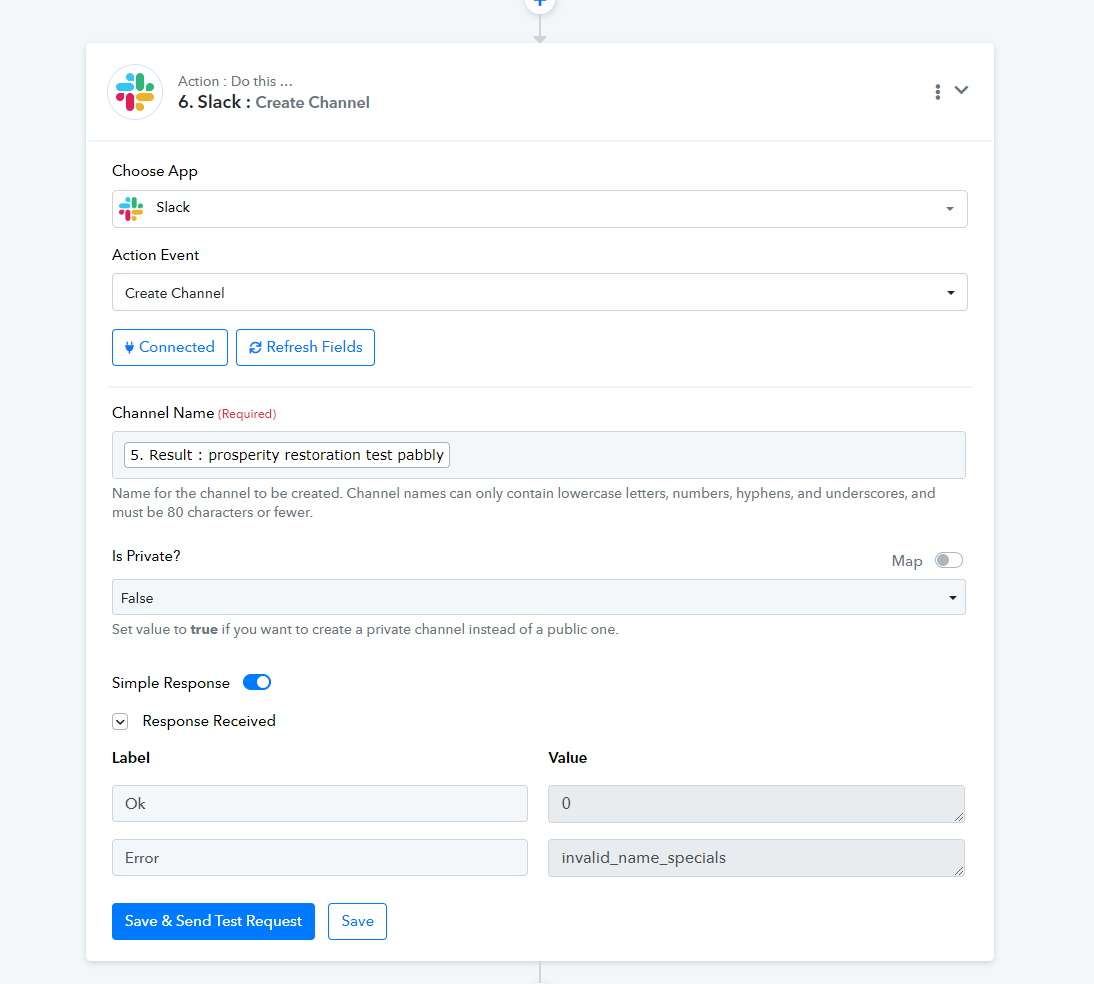
Hey @LarryHickman
In the "Slack: Create Channel" action step you need to pass the channel name which only contains lowercase letters, numbers, hyphens, and underscores in place of space, and must be 80 characters or fewer.
Whereas previously you were passing uppercase letters as well. We have made such changes in your workflow which can change the letters to lowercase and then pass the name accordingly.
Kindly try this at your end and let us know if that works for you.
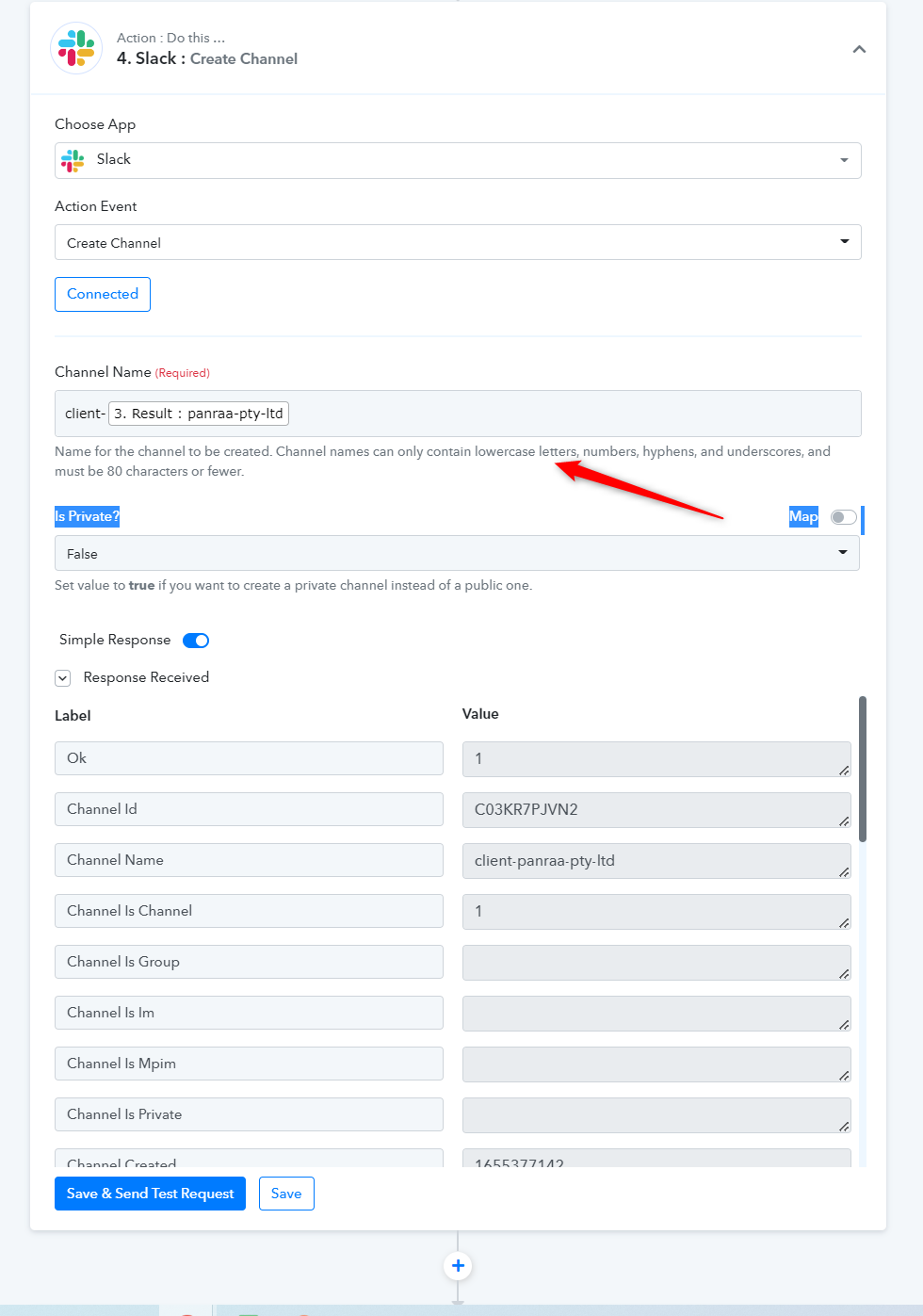
How would I reformat the text to use hyphens instead of spaces?
The data is coming from our CRM which the spaces are allowed and is normal way of formatting how this text string is gathered.
As a note, as stated above, I have used the lowercase text formatting option and I still received the same error message.
Hey @LarryHickman
Kindly share the workflow URL once in which you have tried the same.
How would I reformat the text to use hyphens instead of spaces
The data is coming from our CRM which the spaces are allowed and is normal way of formatting how this text string is gathered.As a note, as stated above, I have used the lowercase text formatting option and I still received the same error message.
Use Text Formatter - Replace Text action to replace spaces with - in the text.