SMTP step fails with "Required field Body missing." - but the Body has content?
Status: Closed · Asked by Anders Nielsen on · 0 views
Hi,
Please see this: https://share.getcloudapp.com/E0uykly9.
What is causing this? A similar SMTP step in the flows that comes just after works just fine?
Would it fail if a value does not have content? Like this:
https://share.getcloudapp.com/04uQBryO
This might happens because sometimes customers don't fill out certain details, but I guess the email should still send - just with broken references inside - correct?
It is urgent because around 25 leads have been lost since yesterday. Also this step have started to fail out of the blue since yesterday in two flows. Nothing has been touched. They have just started failing?
Is this a Pabbly issue?
Can you check the flows:
https://connect.pabbly.com/workflow/mapping/IjU3NjcwNTZlMDYzZjA0M2M1MjZhIg_3D_3D_pc
and
https://connect.pabbly.com/workflow/mapping/IjU3NjcwNTZlMDYzMzA0M2M1MjZhIg_3D_3D_pc
Hey @apps
We looked into your Pabbly account and we couldn't find any workflow which you have shared.
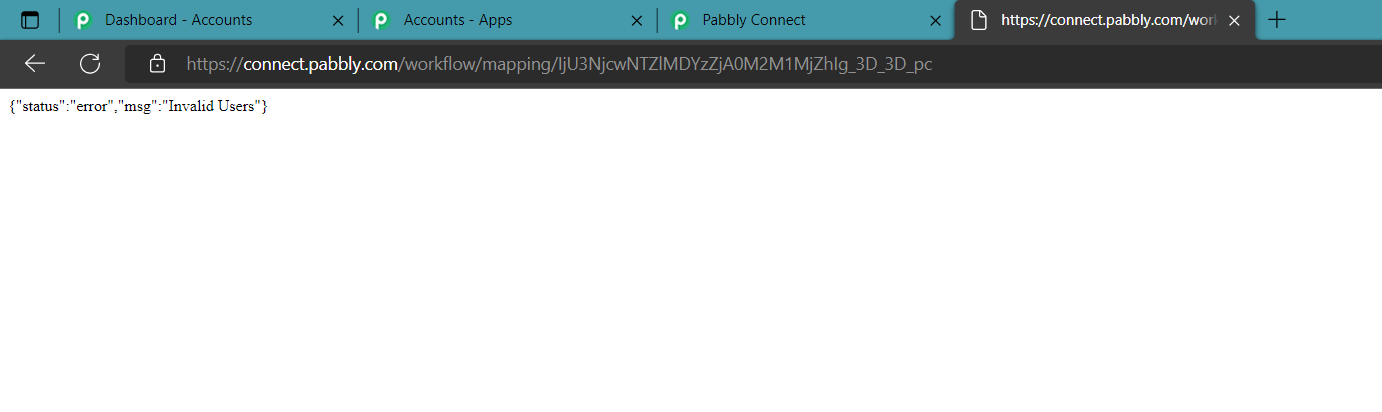
No it is a different account. Can I share it privately?
See this thread please for account email where I have shared it privately: https://forum.pabbly.com/threads/following-up-on-smtp-step-fails-with-required-field-body-missing-but-the-body-has-content.7520/
Hey @apps
Kindly reconnect the 2nd step of SMTP and remap all the values then try again.
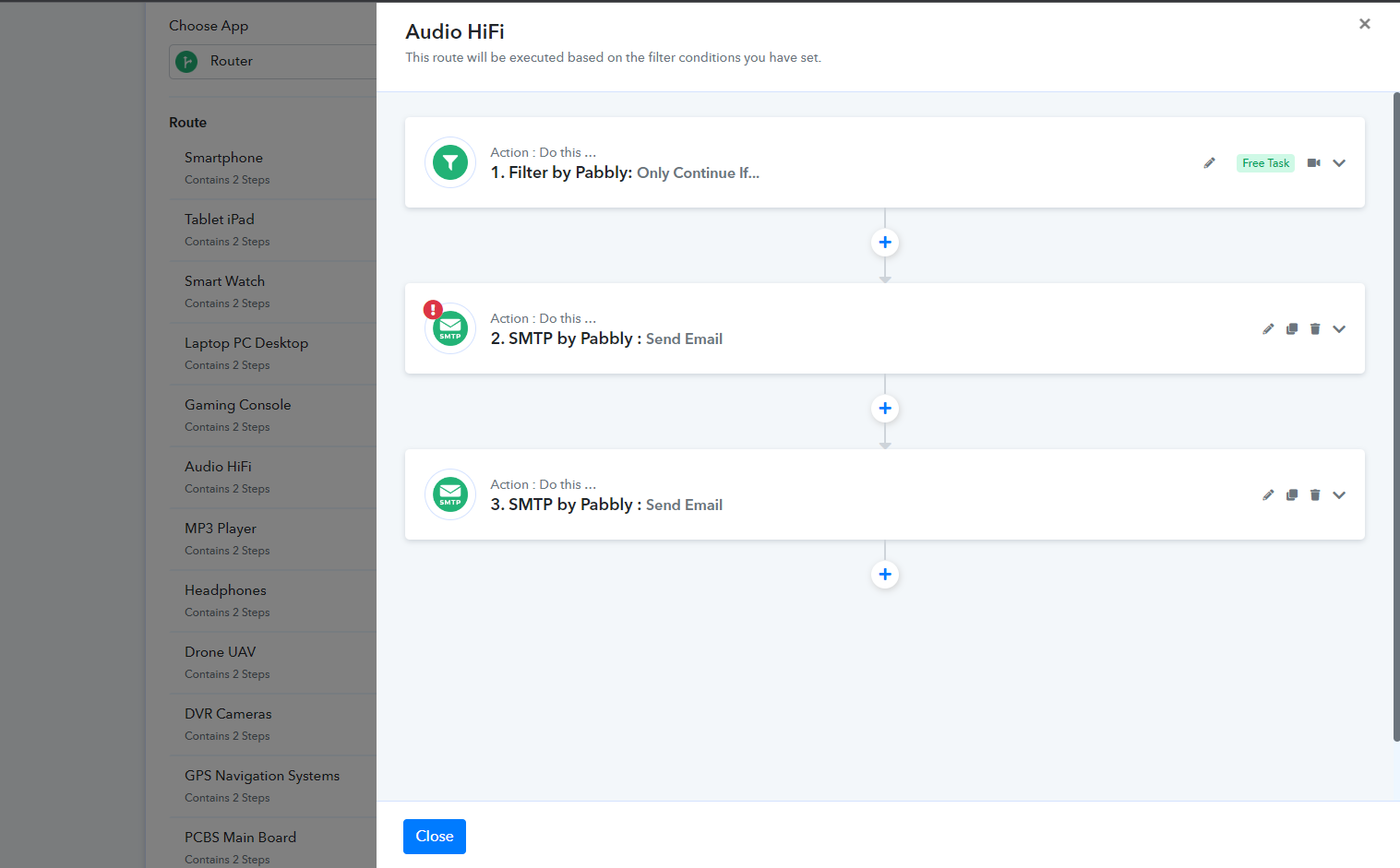
Hi, reconnecting does not work. It seems the behaviour of the SMTP step has changed. Before the SMTP email could send if not all fields were filled. Now it gives this error every time. It happens across multiple flows :-O
So how can I make it so that if the user does not fill a field, it insert a default blank value instead so the flow continues instead of failing?
So how can I make it so that if the user does not fill a field, it insert a default blank value instead so the flow continues instead of failing?
Read the section "3. Use a Text Formatter step" which might help you - https://forum.pabbly.com/threads/how-to-fix-required-field-is-missing-errors-in-pabbly-connect.7488/#post-34872
Hi,
The principle could work yes IF you had a few fields, however the problem is I have 10 variations of the same form with around 20 fields in each. So I have to make 20*10 =200 Text formatter fields for each field individually - 200! :-O
This is not a scalable solution and will be impossible to maintain. There must be a more efficient way of setting fallback values for many fields at once?
How can that be done?
Hey @apps
We have made some changes in the interaction from our end, so kindly reconfigure the action step and try again.
Wow, that's a pretty nonchalant way of letting me know. A lot of your customers' flows must have gone down due to this. My client lost customers due to this. I really hope you'll be more careful when you mess with actions like that.
Also I spent hours trying to troubleshoot this for my client, which was a waste of time.
An apology to those affected would kind of be the least to expect :-/