Source Column Start Index is not in valid format
Status: Closed · Asked by e0979d on · 0 views
I'm getting this message "Source Column Start Index is not in valid format" when using Google Sheet Copy Data, but instructions are not that clear to me.
Is there any tutorial for this?
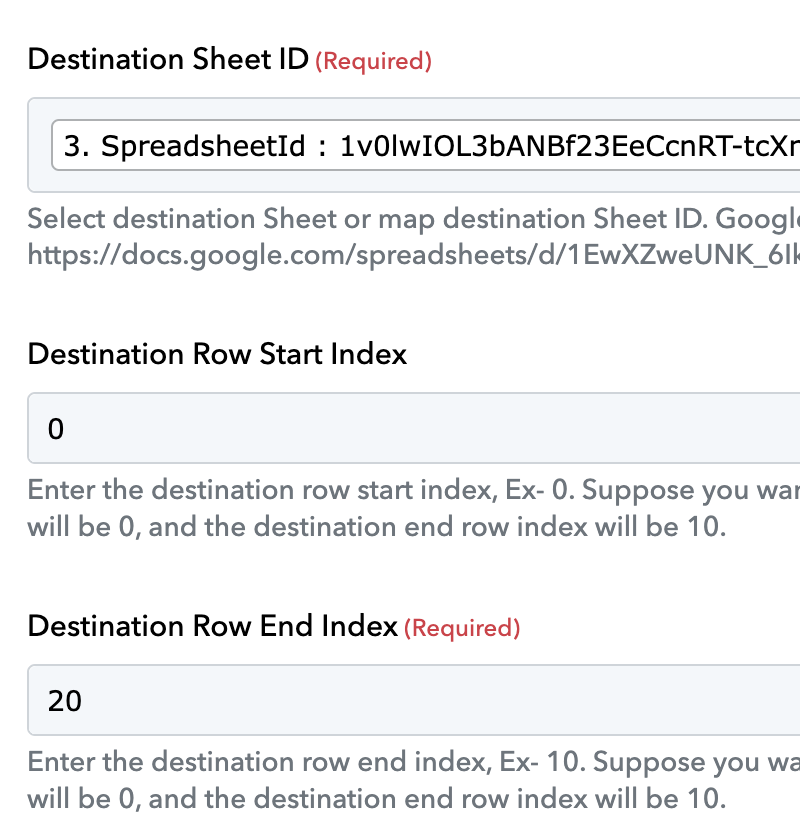
Hey @e0979d
Can you please share the workflow URL in which you have tried the same?
Thank you, I figured it out I think, but Now I'm stuck in not being able to update cell value, so please check.
https://connect.pabbly.com/workflow/share/D0cDMVMEAWJVHwBqAFNWcQ8bVlIHXlQ3V04EFlJdAXlQHQN4UxINZwhEU3EHRFU0VRxXPQFdVm0IHFBUBVMEd1VPBytWVVUvUB0JclcWWmkPUQMrUzI#
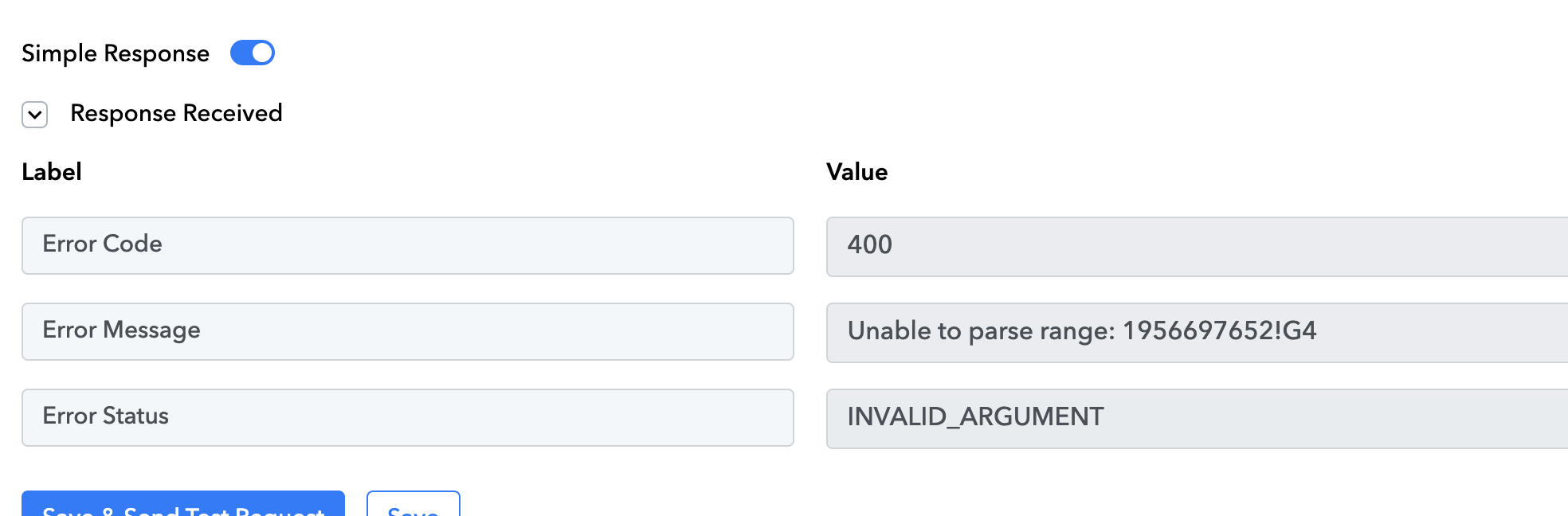
Hey @e0979d
Have you tried the "Update Row" action step to update the row's cell value with the all-given column?
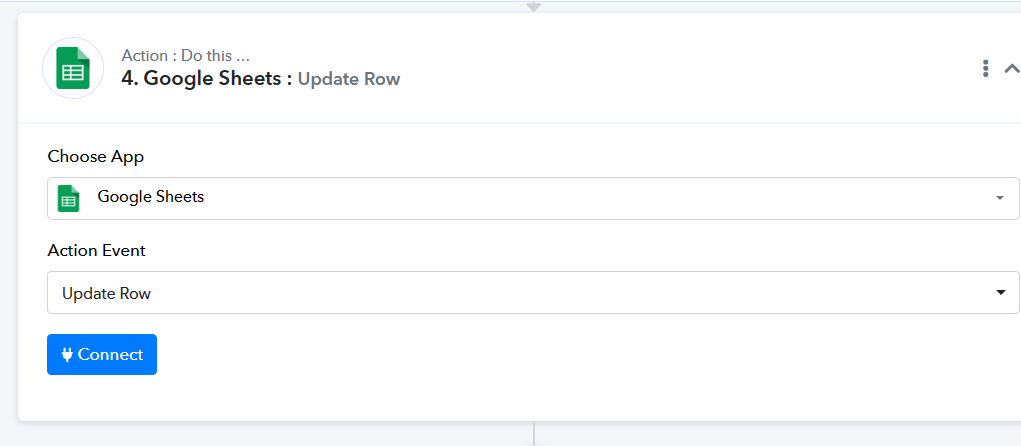
It triggers the same error, what could it be? "INVALID ARGUMENT"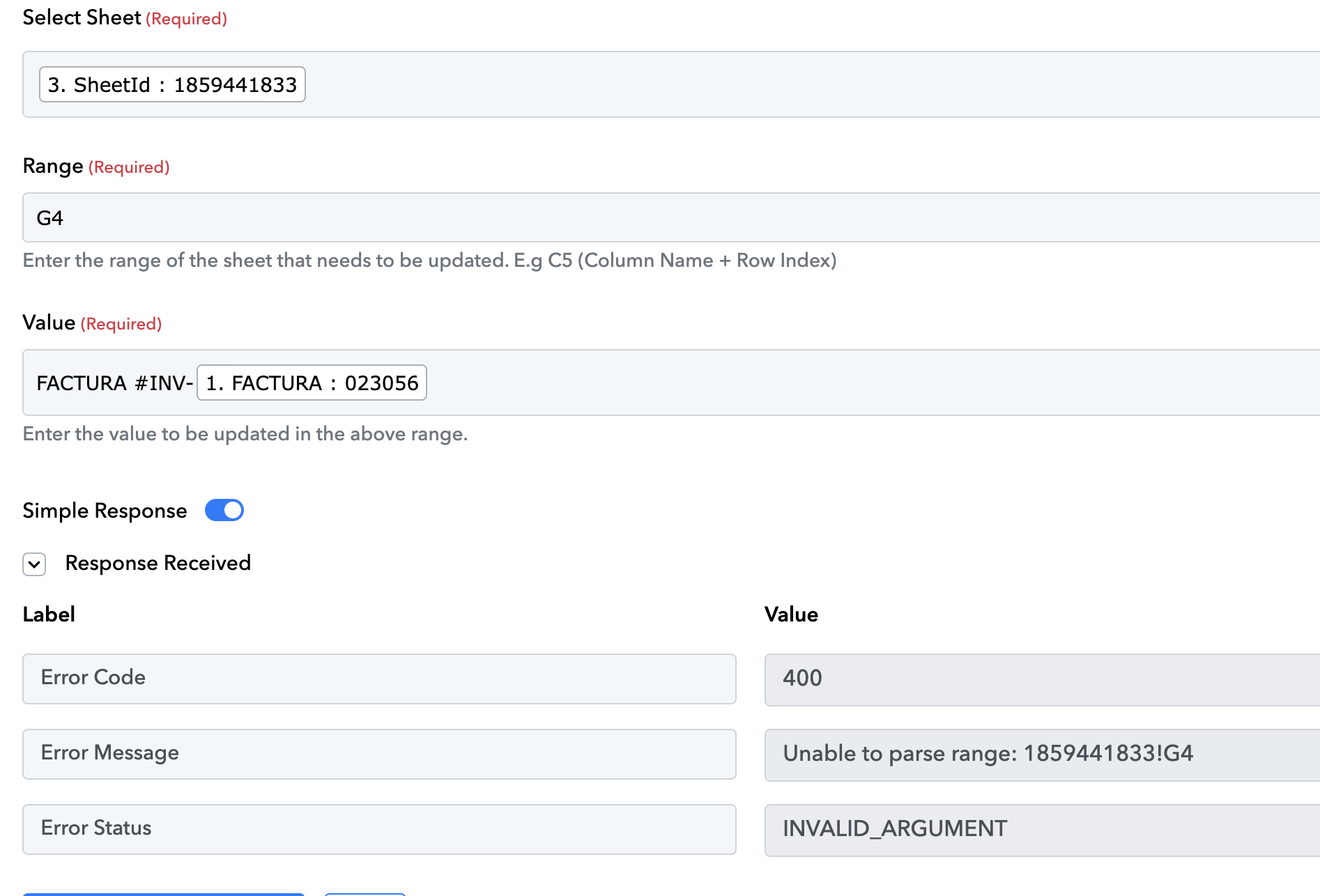
Hey @e0979d
In the "Google Sheets: Update Cell Value" action step you were supposed to pass the name of the Sheet instead of the Sheet's Id.
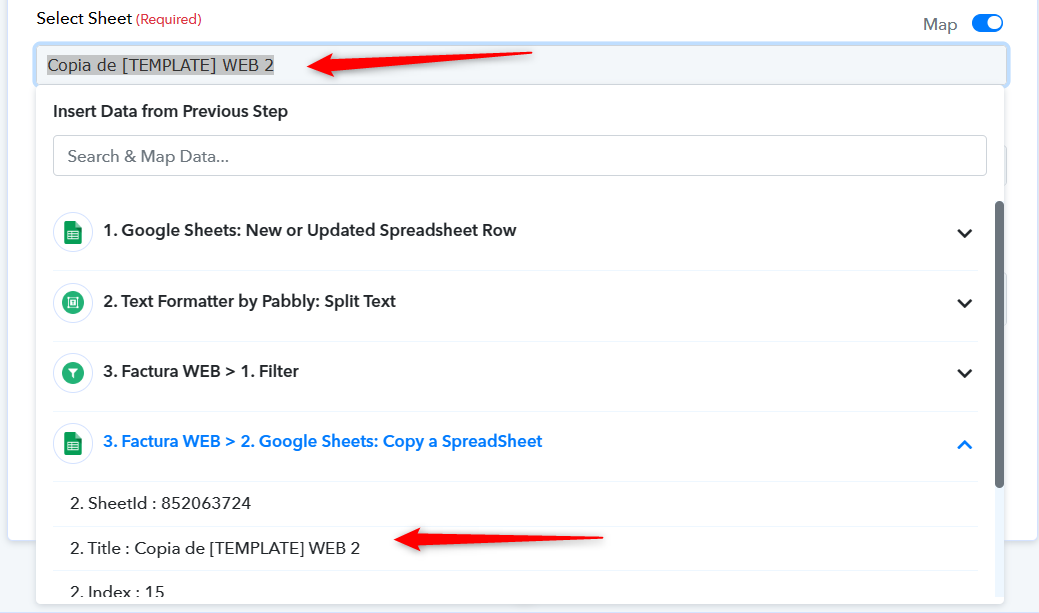
awesome! now it works, thank you. Question: is there an action to change or update the Sheet name?
Currently, it is not available but you may post the request to add the action step to rename the Google Sheets here - https://pabbly.hellonext.co/