Spreadsheet numbers returns null after math operation
Status: Closed · Asked by metheor on · 0 views
I'm pulling two numbers from Google Sheets and I want to perform a math operation on them (Add).
When running the workflow, one of the numbers is always null.
I've tried this with Spreadsheet Formulas as well with no luck.
In the previous steps where I pull the numbers from the spreadsheet I receive the original numbers. But when I try to add them together one of them is null.
Hey @metheor
The "Null" response from the app likely indicates missing arguments, such as the 2nd or other required fields, possibly due to an empty field mapping in the Number formatted action step.
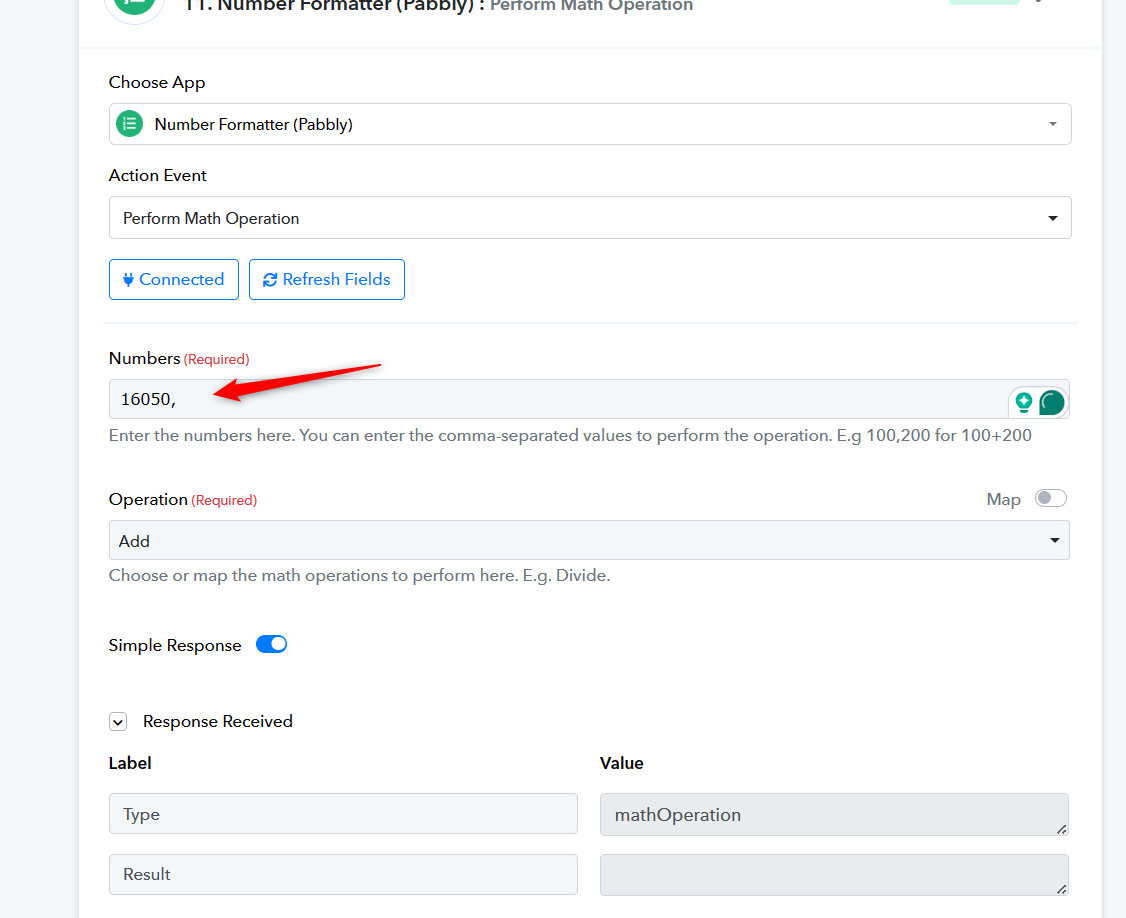
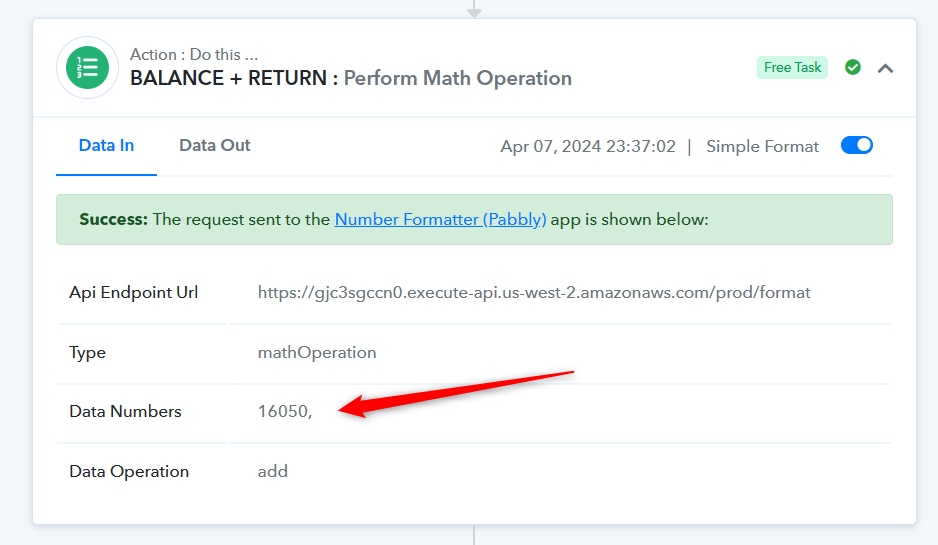
Hey @Supreme
They are both mapped from the previous steps where I use GET ROW function.
The issue is when I try to actually running the workflow and not when testing it.
When I test the steps everything works fine, but when I try to actually live running it one field is always missing.
Yes, but if you check your history log closely, the mapped value in missing at the time of execution from your Google Sheets, and because of that the error message has occurred.
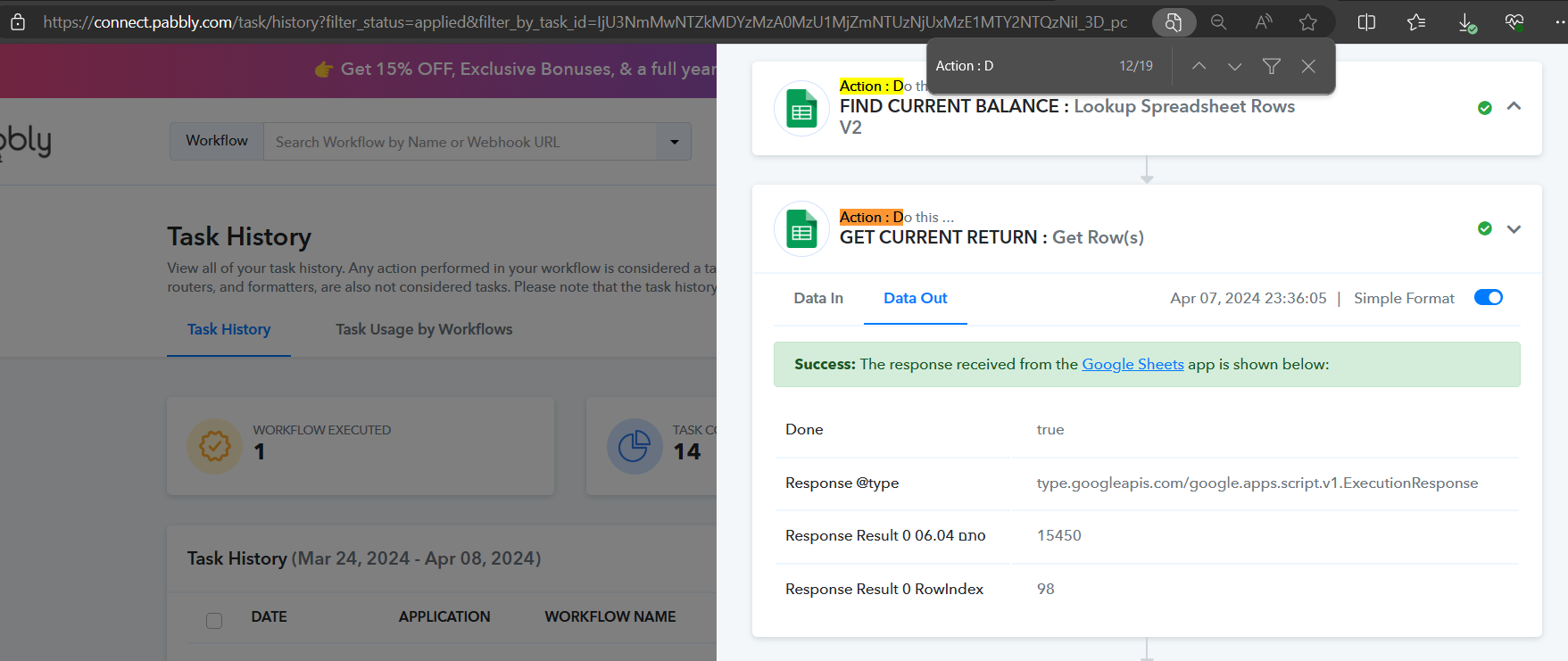
I found the issue, because the column header was dynamic it was changing all the time and couldn't fetch it correctly