Square appointment does not display the service name
Status: Closed · Asked by adan tom on · 0 views
hi support
I use connection from square to get information from appointment booking
The "service" information field does not display the name but the id code. How can I map the service id in the appointment to a simple service name?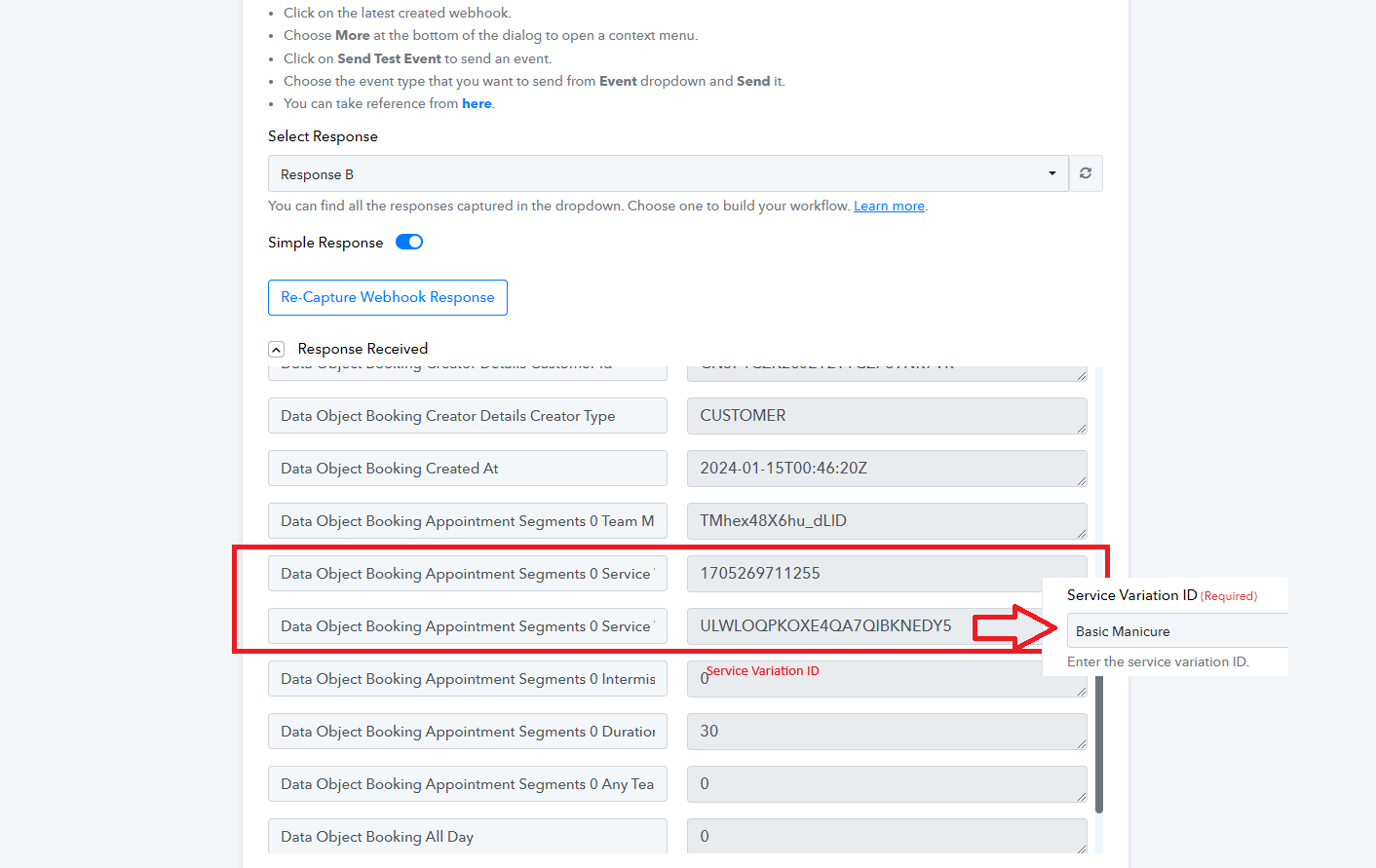
When using to create a new booking, the service information field appears
and Square actions: Get Order by ID, Retrieve Booking, Get Customer by ID,...
The required information fields for an appointment are not currently available
customer name
customer phone number
customer email
Appointment service name
appointment time
Please add the information field about square appointment for me
thank you
best regards
Attachments
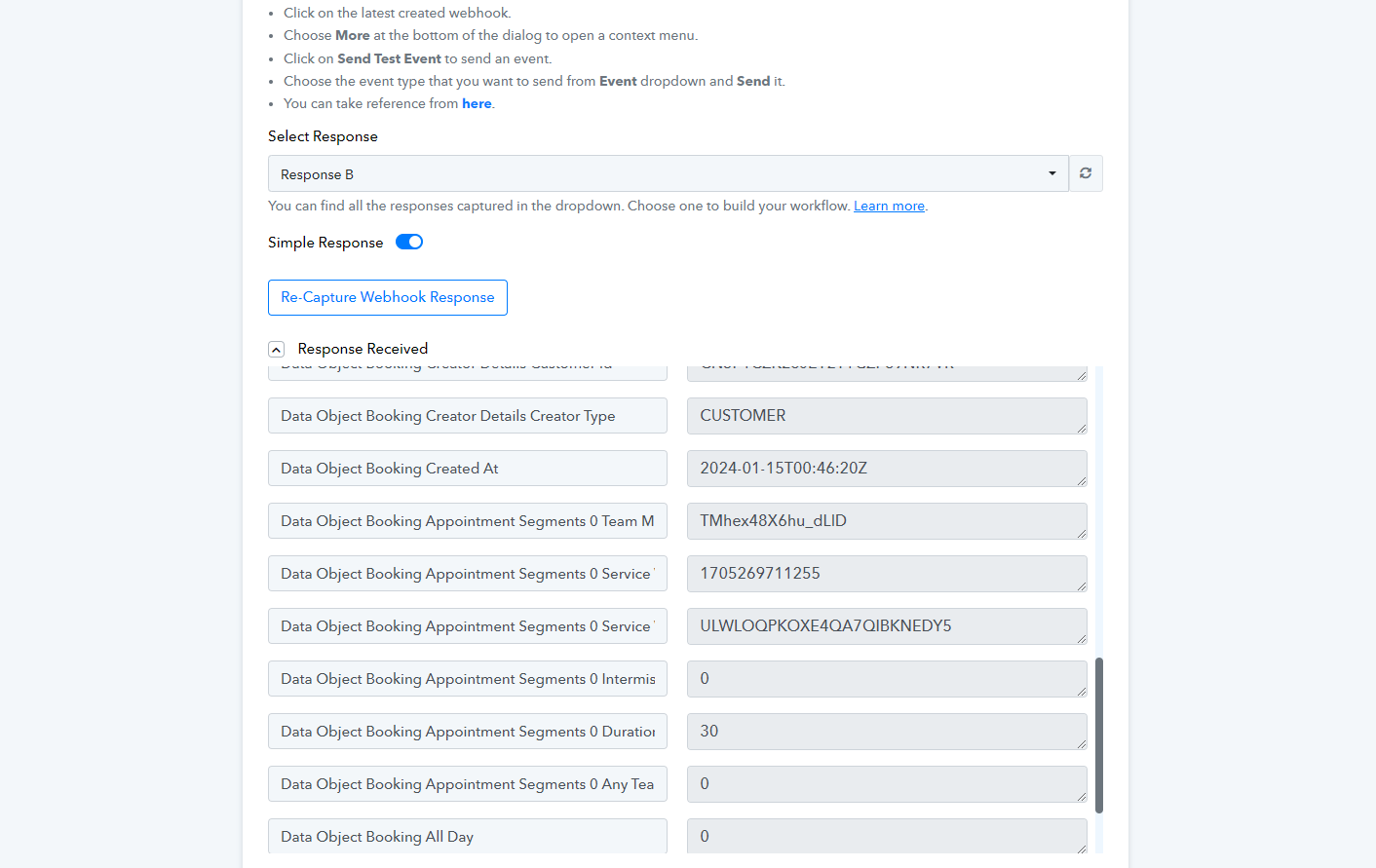
Hey @kimlong067
To map the ID to the service field, kindly enable the map option and proceed to map the ID from the above-mentioned application.
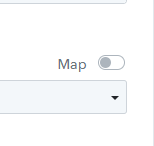
When I receive the data fields as described in the photo attached, I still cannot turn on the map fields function as the photo you sent to me
Kindly provide us the workflow name in which you are getting issue.
So we can check on it and guide you further.
I'm not currently receiving appointment information through Webhooks
I need the information fields of the appointment process
Response Received
customer name
customer email
Staff
I'm not currently receiving appointment information through Webhooks
https://connect.pabbly.com/workflow...bBjxdSVJWBFJRIlVMBysDAFwmUB1TYABFX2wMUlV9A2I#
I need the information fields of the appointment process
Response Received
customer name
customer email
Staff
Kindly provide us the workflow name in which you are getting issue.So we can check on it and guide you further.
To enter the Service Variation ID in the "Square: Create Booking" action step, turn on the map option in the action step and map the ID from the above application.


Additionally, please confirm that you want the following details from the trigger response (Square: Configure Webhook application):
Customer name
Customer phone number
Customer email
Appointment service name
Appointment time
So that I can check and help you.
The appointment process through the API is not informative enough
when receiving data
I got it from phone number {phone number}
I use the action search phone -> name
The current service outputs the code "Service Variation ID". What action should I use to get the specific service name? For example, "nail service" 40 minutes
or from service information
Customer name [ok]
Customer phone number [ok]
Customer email [ok]
Appointment service name ?? id not name ??
Appointment time [ok]
Please allow us some time to check this with the technical team to see if it's possible to receive this information from the trigger response. I'll provide you with an update once I have more information.
Hey @kimlong067
Thank you for your patience. After reviewing your query and the Square application's API documentation, we couldn't locate any action related to searching by a specific service name. It's recommended to simply unmap the service variation ID and select the service instead.
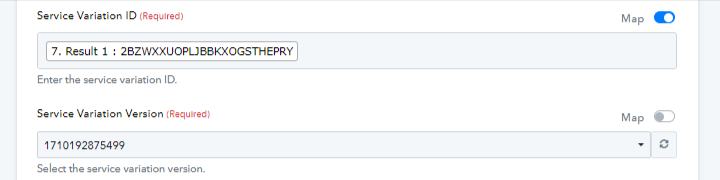
Additionally, regarding the details from the trigger response (Square: Configure Webhook application), it appears that you've added another action step and are no longer using the Square: Configure Webhook application.