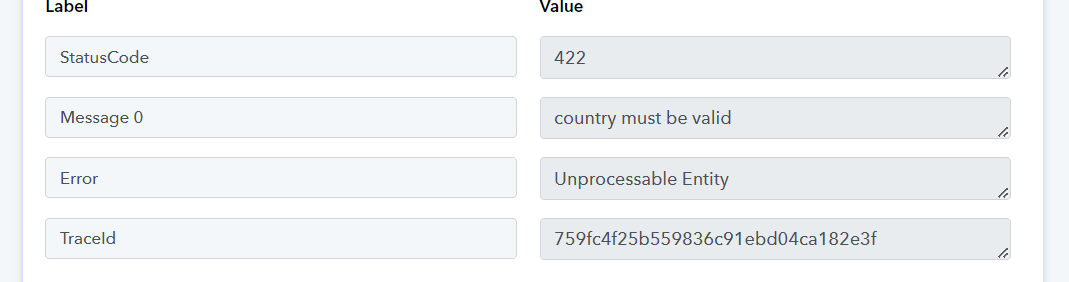
Status Code 422
Status: Closed · Asked by AnnaLauraHr on · 0 views
The country must be valid.
Hello! In my lead connector action once I click on save and send a test request. This error appears.
Those any one knows what to do to fix this?
Attachments
Hi @AnnaLauraHr,
It seems like the issue has been fixed, and you are no longer getting an error.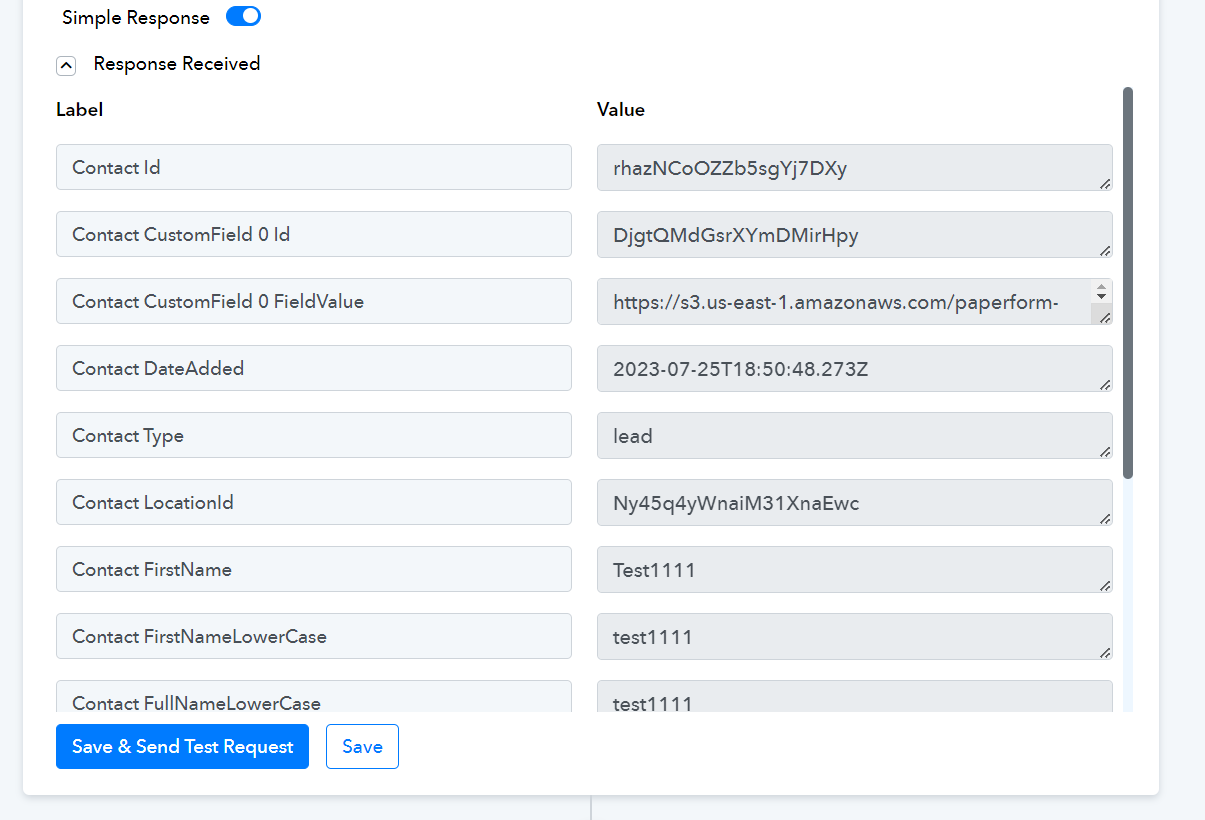
I am also facing same issues in my account? Any idea how to fix this please
Attachments
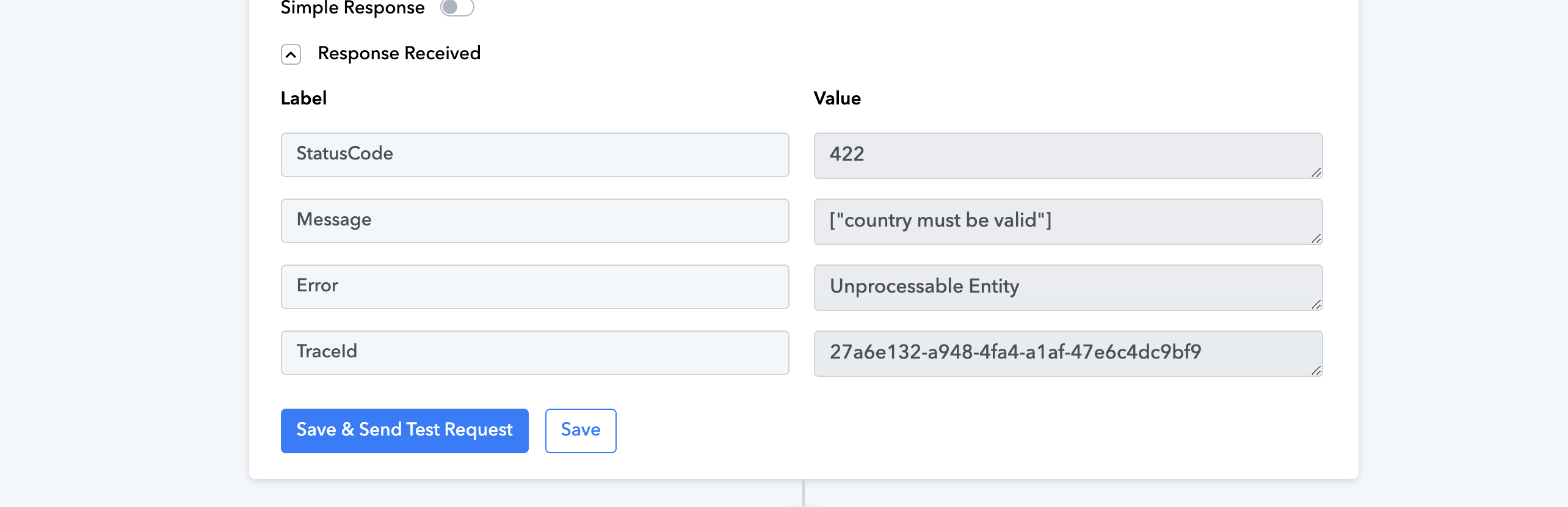
Could you please share the Workflow URL in which you have this concern?
Arshil, workflow URL https://connect.pabbly.com/workflow...dUWhYTAAEBFIJegYcBztUV1AqUx4CMQdCATINUwMrA2I#
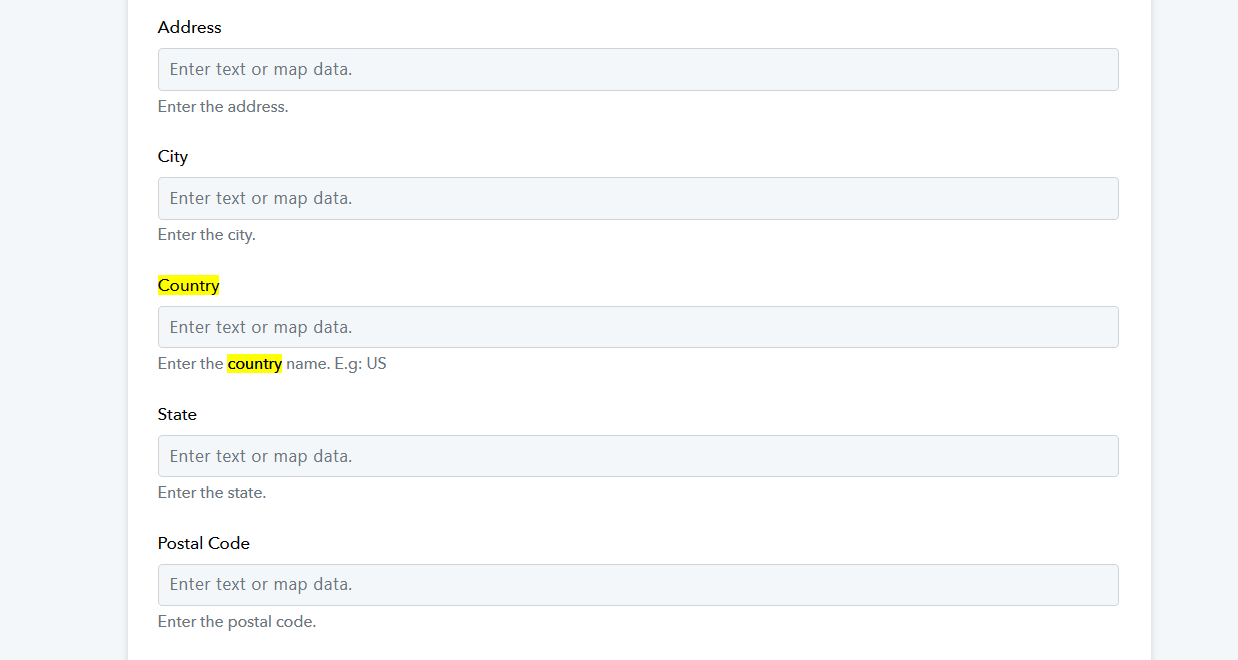
Can you please try passing the fields and then try again -

Arshil, workflow URL https://connect.pabbly.com/workflow...dUWhYTAAEBFIJegYcBztUV1AqUx4CMQdCATINUwMrA2I#
Can you please try passing the fields and then try again -
Still does not work.....What could be the problem?
Attachments
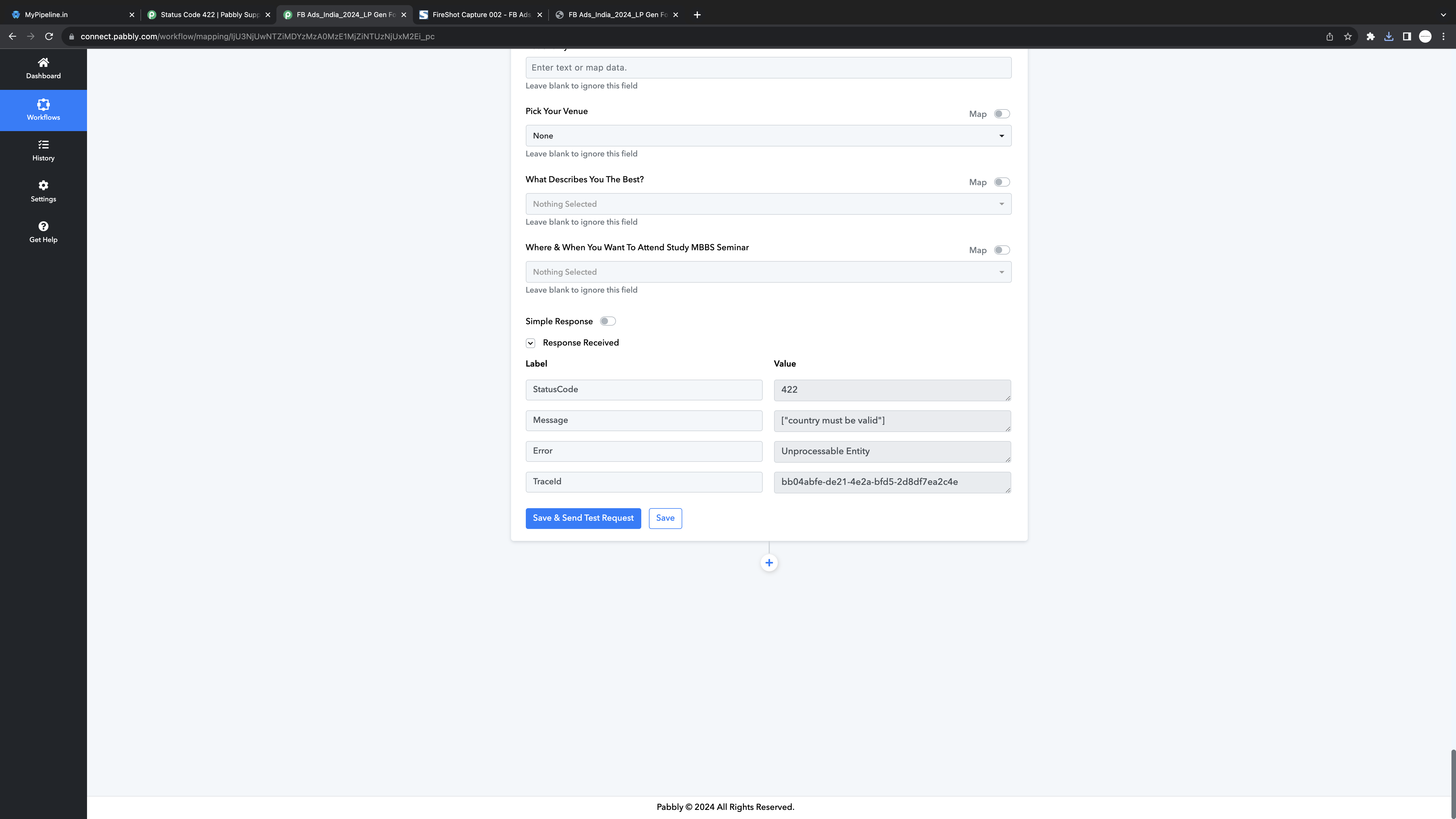
Still does not work.....What could be the problem?
Please inform us of the fields you have marked as required from your end and ensure that you pass these required fields accordingly.
Since city and country is creating issues, I am only passing Full Name, Email, Phone Number. Even passing theses 3 fields is throwing the same error.
Ideally would want to pass 4 fields i.e including City or Country details from Facebook Instant Forms to Mypipeline.
Attachments
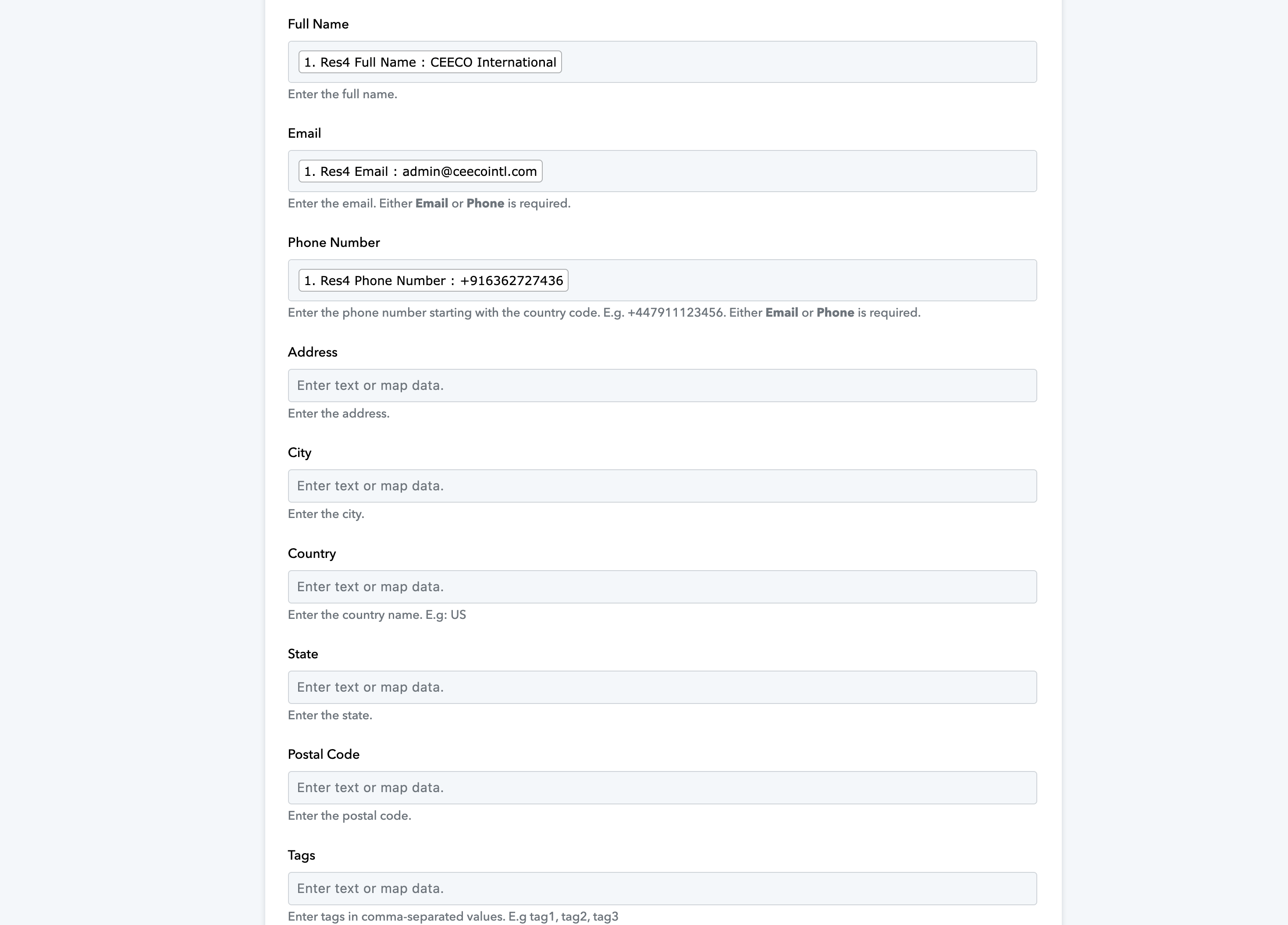
Since city and country is creating issues, I am only passing Full Name, Email, Phone Number. Even passing theses 3 fields is throwing the same error.Ideally would want to pass 4 fields i.e including City or Country details from Facebook Instant Forms to Mypipeline.
It seems like you weren't passing any data in the Country field because of which you were encountering the error. We entered the Country code manually and it seems to have resolved the issue.
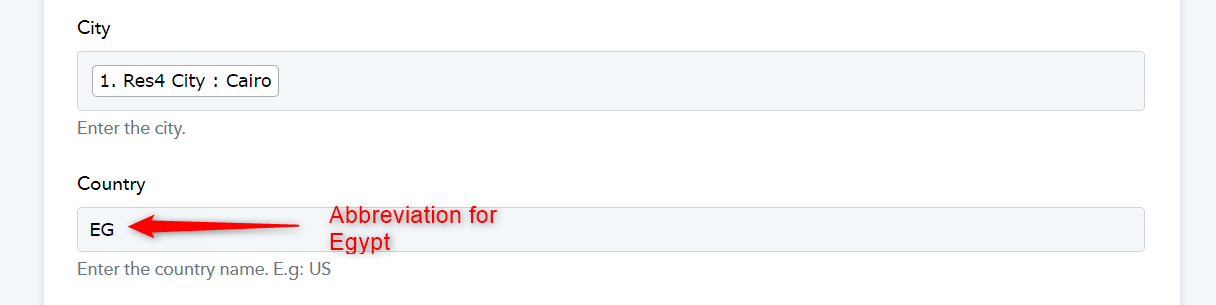
Thank you Arshil and Supreme...its working fine now. Appreciate your help in making it work.