Stopped Working - Instagram For Business - Post Photo
Status: Open · Asked by christopherhussey on · 0 views
Hey Team
This issue is also being discussed here :
https://www.facebook.com/groups/pabbly.connect/posts/1527698974676386/
We had a successful flow that stopped posting to Instagram.
We are pulling the image from Google Drive.
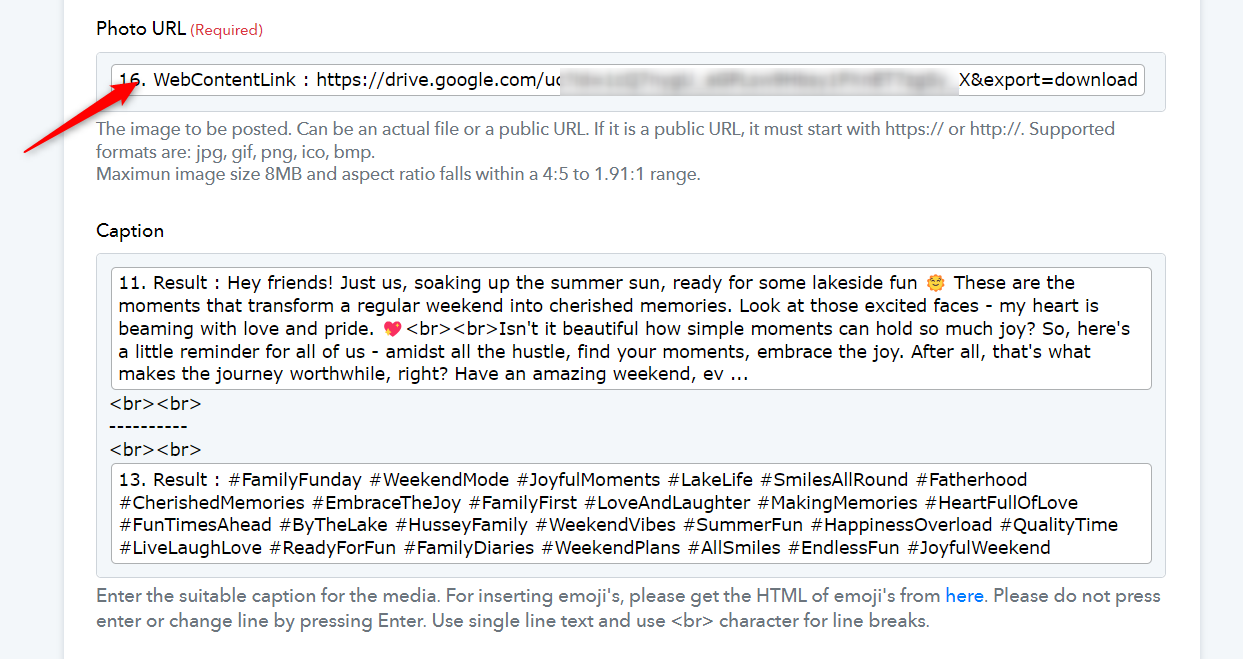
Based on the suggestion of Fagun in the facebook thread, we updated the url configuration, which made sense and should have worked bettter.
However, once updated, we began receiving an additional error.
Based on that error, we deleted the action and rebuilt it, however, the error remains.
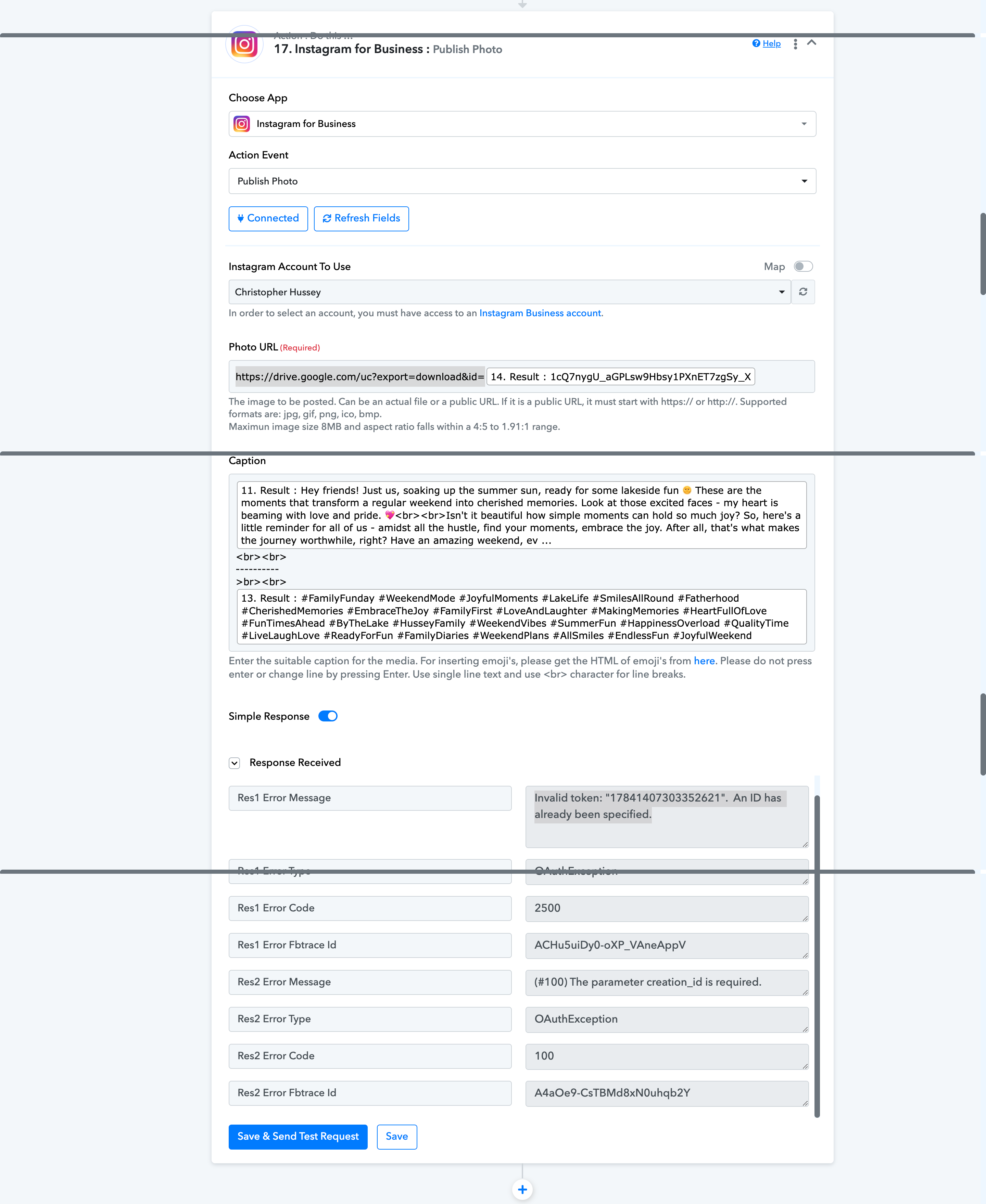
Invalid token: "17841407303352621". An ID has already been specified.
I have attached an image of the action and results.
Attachments
Hi @christopherhussey,
Please establish a new connection with your Instagram account and see if that fixes the issue for you.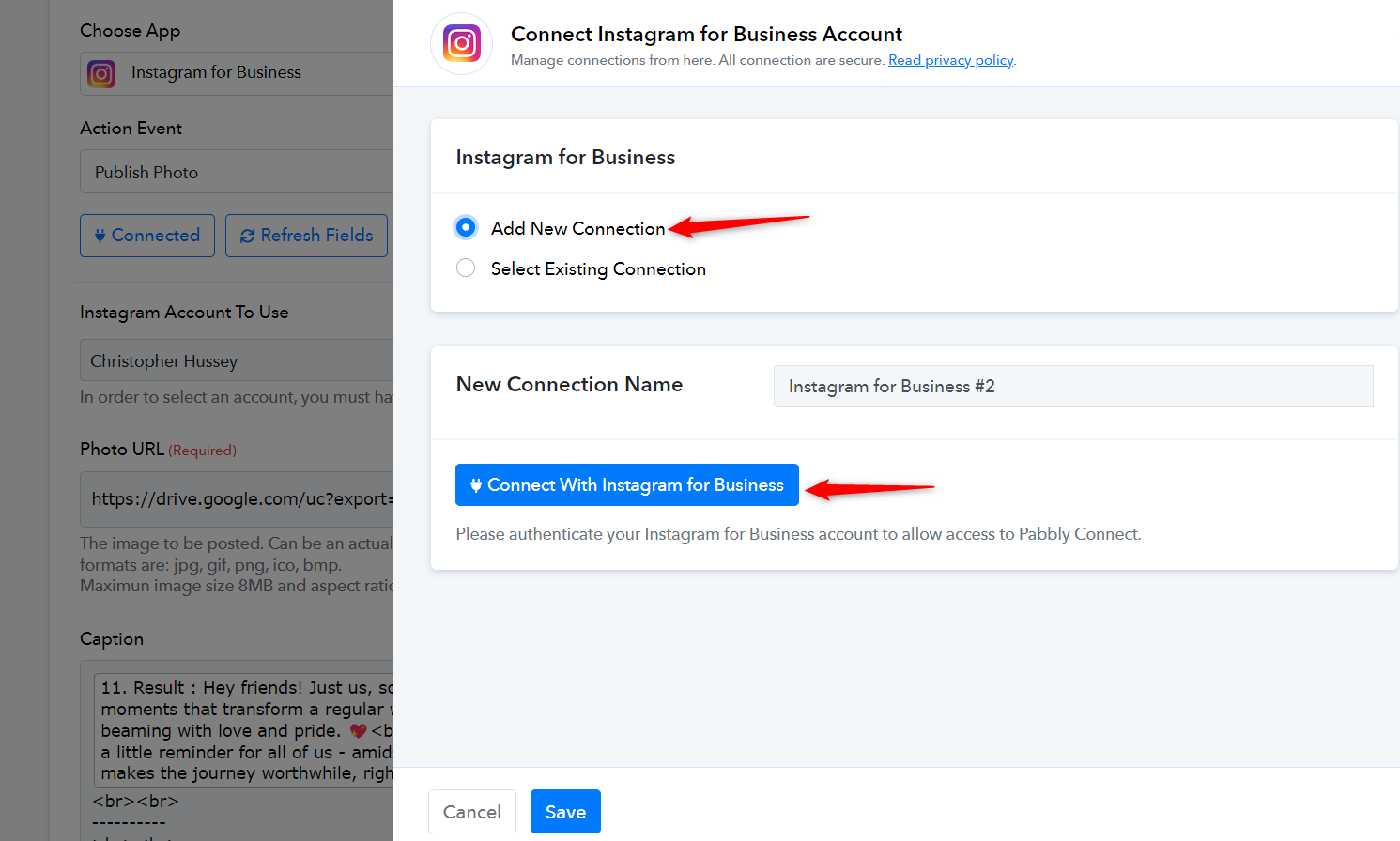
OK Team
I deleted the current connection as well as the steps in the flow ( and other flows, as I could not delete the connection while they were there ).
I then recreated the trigger and the new connection.
However, the result was the same.
I got the same error.
Christopher
I have added a Google Drive action step to your workflow and mapped the WebContentLink URL to the Photo URL field, which seems to have fixed your issue.