Subtracting numbers between worksheets
Status: Closed · Asked by Carlos Melo on · 0 views
Hi guys,
In a workflow, is there any way to subtract phone numbers from one worksheet that are present in another worksheet and then be able to use the remaining phone numbers?
On the image below I want to subtract phones from 7 that are present on 6.
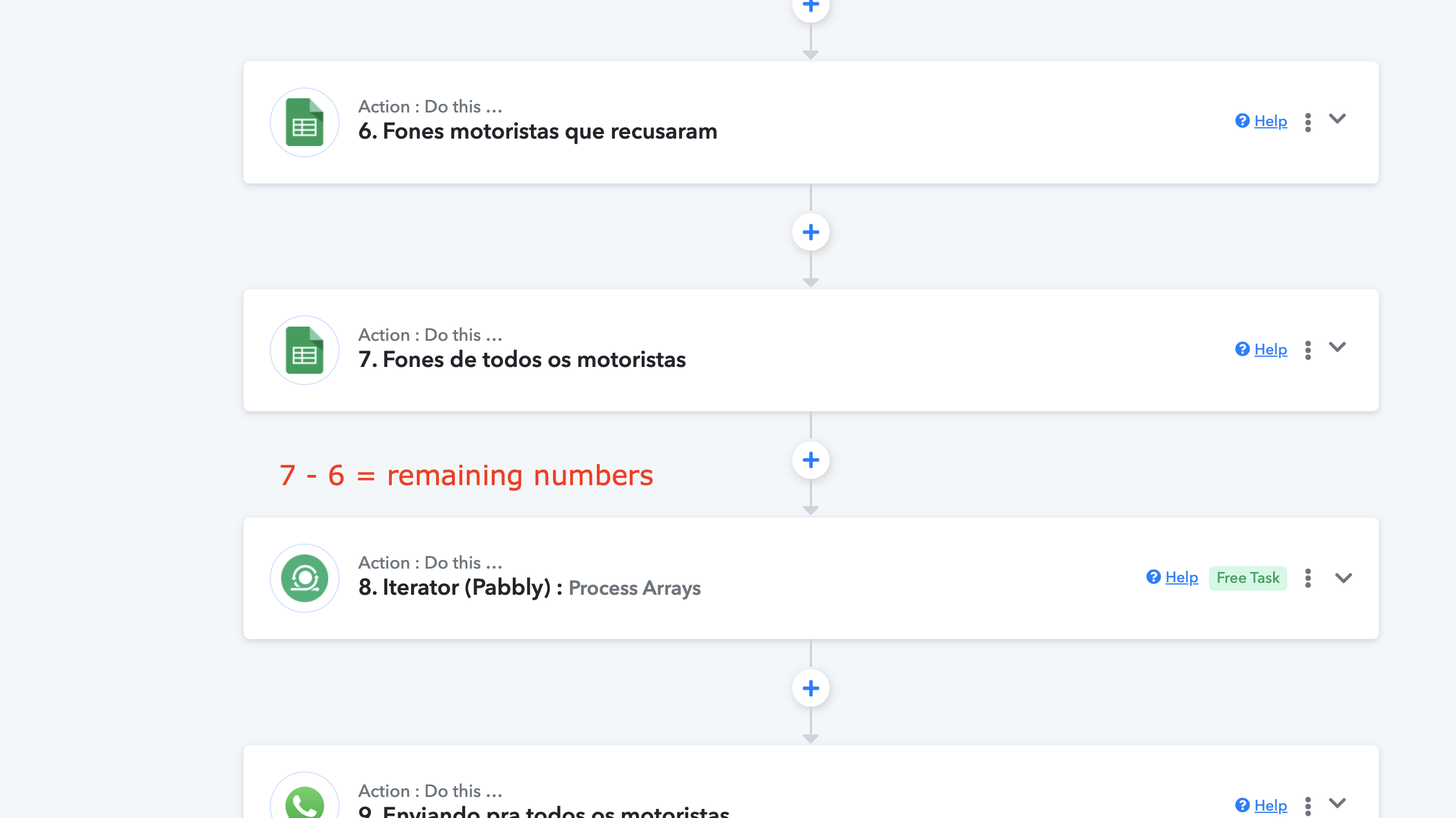
Please, any tips on how can I do it.
Thanks.
Hey @Carlos Melo
Could you please provide more details by recording a short video? It's not very clear.
Ok Supreme,
There are phone numbers in the spreadsheet of step number 7 and there are the same phone numbers in the spreadsheet of step number 6, but always less than in the number 7.
What I need is to get the phone numbers from number 7 minus those present in number 6 and then send a message template to those that are left.
I think about using Iterator in both steps and then doing a simple subtraction between them. It is possible ?
Or do you have any other solution for me?
I think about using Iterator in both steps and then doing a simple subtraction between them. It is possible ?
I'm sorry to say, but I couldn't find a method to combine those steps for processing.
Ok, no problem.
Thank you.
Ok @Supreme , how about this ?
I got the phone numbers from spreadsheet using Text Formater step, so I have this below:
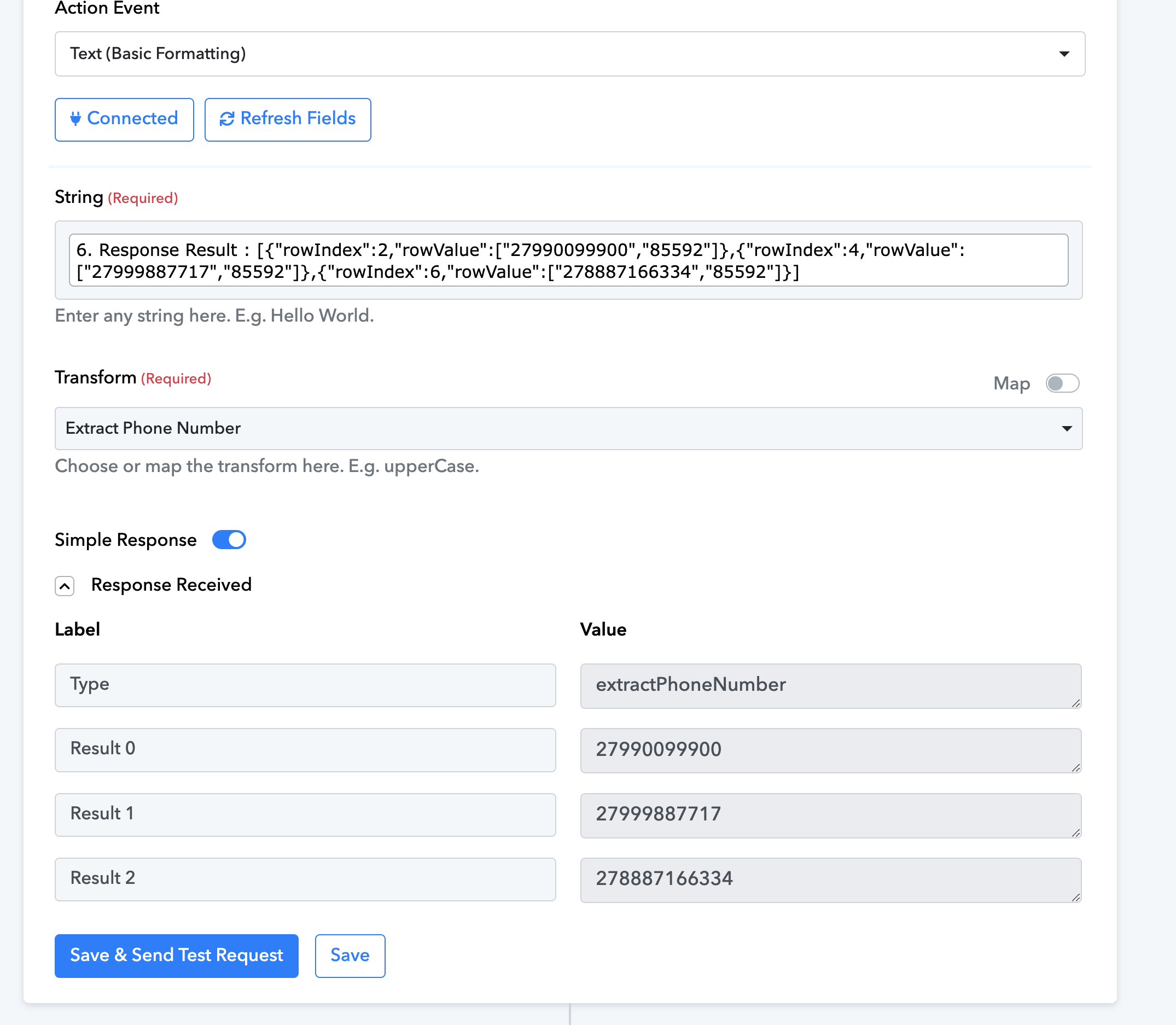
And then, I got the phone numbers from the other spreadsheet using the same process. So what I have now is two steps with phone numbers:
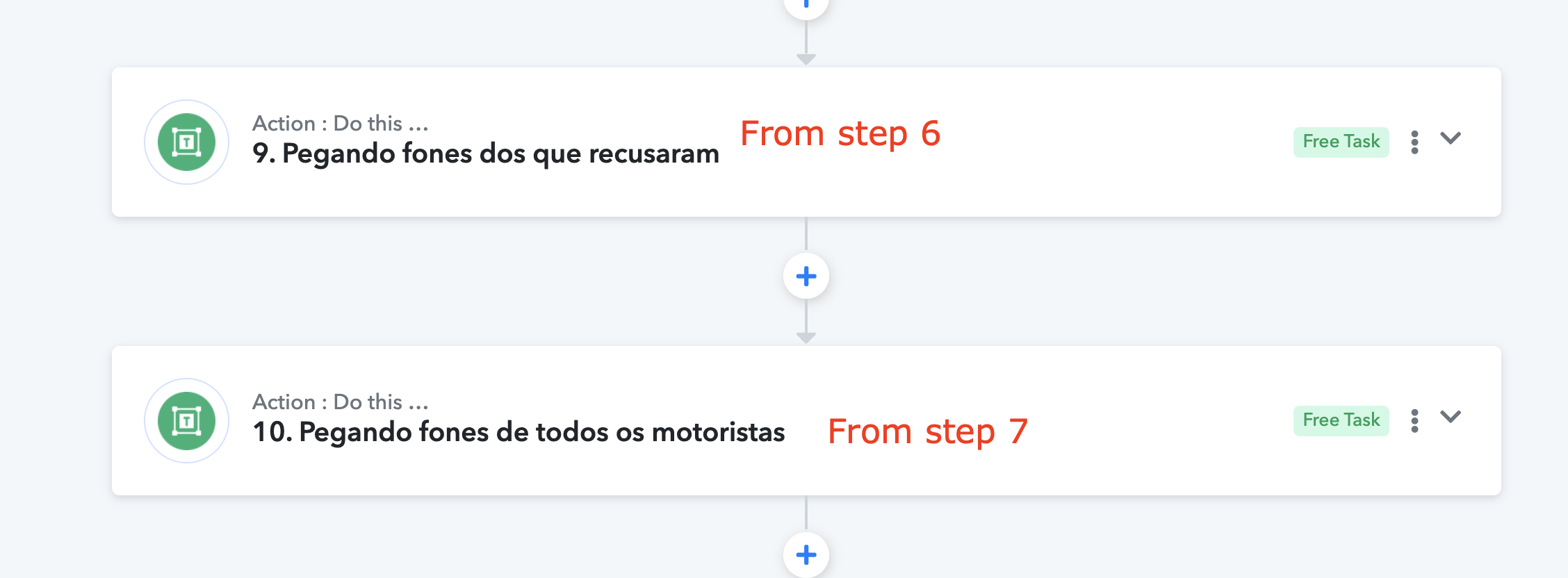
Step 10 has all the phone numbers and step 9 has some of them.
What I need now is gathering the numbers from step 10 minus the numbers of step 9.
So please tell me how I do that subtraction in order to have the remaining numbers I need.
Please take a look at my workflow to better understanding it:
https://connect.pabbly.com/workflow/share/CEBQYlEGAGNVHwBqUgEEI1hMBgIIUQNjVUxWRFJdXSUBTwdCBURdNwtHBScHZgZnVRxSOANfUWsIHAYCAlQAc1ZbVnpWVQJ4AE0GfQRdCzgIVlB4UTA#
Step 10 has all the phone numbers and step 9 has some of them.
What I need now is gathering the numbers from step 10 minus the numbers of step 9.
Which of the three numbers do you want to subtract from step 9 and with a number from step 10?
Which of the three numbers do you want to subtract from step 9 and with a number from step 10?
Hello,
Well, those numbers from step 6 are dynamic, otherwise I wouldn't need those steps in the workflow.
My intention is not to send a message template to people who have already declined the service once (spreadsheet of step 6), and to send it to everyone who has not yet declined.
So people who decline are unpredictable.
Hey @Carlos Melo
Regarding your concern, you can refer to the following JavaScript code on Code by Pabbly. Please give it a try. It should provide the phone number which doesn't appear.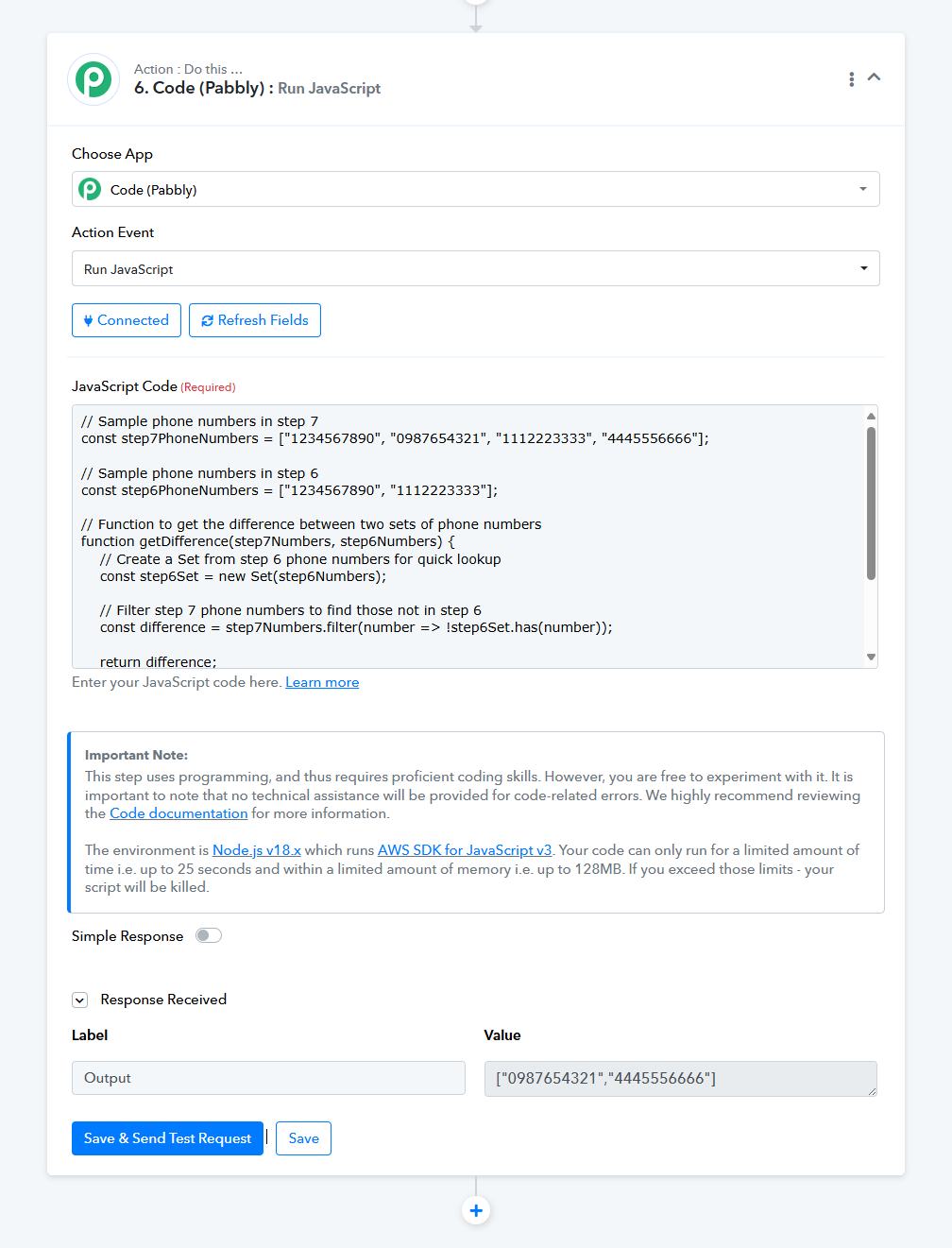
Nice Supreme.
Are you going to sending me the code ? Because I just see an image in your post..
Hello @Supreme.
I can't take your code because you have sent me an image.
So please, send me the code so that I can set the step.
Thank you.
Nice Supreme.Are you going to sending me the code ? Because I just see an image in your post..
Please refer to the following code regarding your use case -
// Sample phone numbers in step 7
const step7PhoneNumbers = ["1234567890", "0987654321", "1112223333", "4445556666"];
// Sample phone numbers in step 6
const step6PhoneNumbers = ["1234567890", "1112223333"];
// Function to get the difference between two sets of phone numbers
function getDifference(step7Numbers, step6Numbers) {
    // Create a Set from step 6 phone numbers for quick lookup
    const step6Set = new Set(step6Numbers);

    // Filter step 7 phone numbers to find those not in step 6
    const difference = step7Numbers.filter(number => !step6Set.has(number));

    return difference;
}
// Get the phone numbers in step 7 that are not in step 6
const result = getDifference(step7PhoneNumbers, step6PhoneNumbers);
console.log(result); // Output: ["0987654321", "4445556666"]
Ok @Supreme , I'm trying to insert the code into the Code (Pabbly) step but I'm getting an error when I test the step.
In fact, looking at your code in more detail, I didn't quite understand how the remaining numbers will come after the output brackets, on the last line. Output: ["0987654321", "4445556666"]
Maybe what I tried to do was not exactly what should be inserted in that output bracket.
So I would need some tips about that.
Please check the code in your workflow now, I have corrected it.
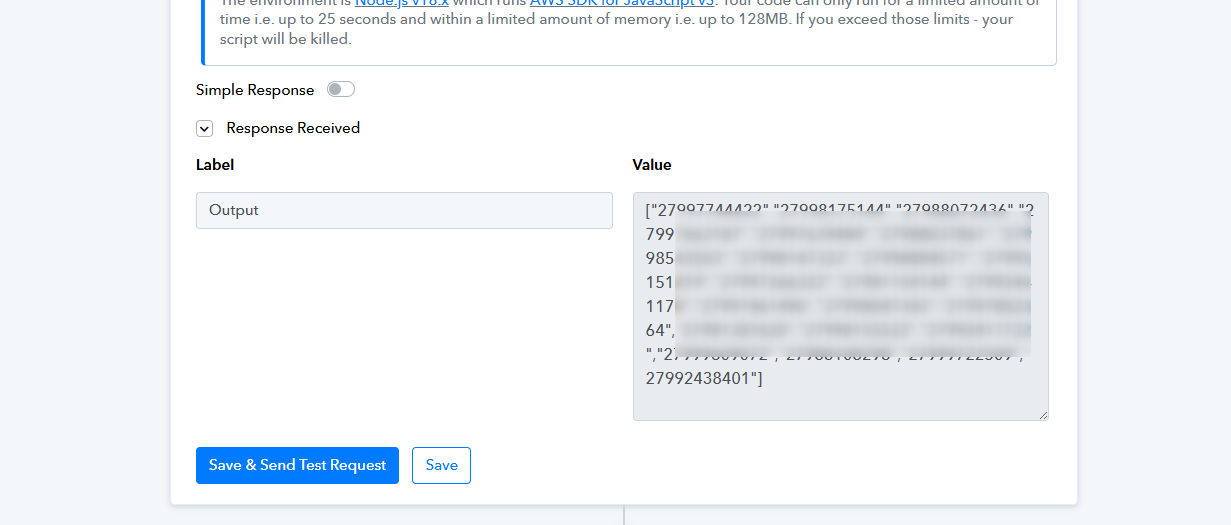
Great!
One more thing, shouldn't Iterator on step 11 to choose array from step 10 instead from step 7 ?
Not sure about the logic you added in those steps but try adding the Iterator step from where you want the further steps to be processed as many times as you want it to be iterated.