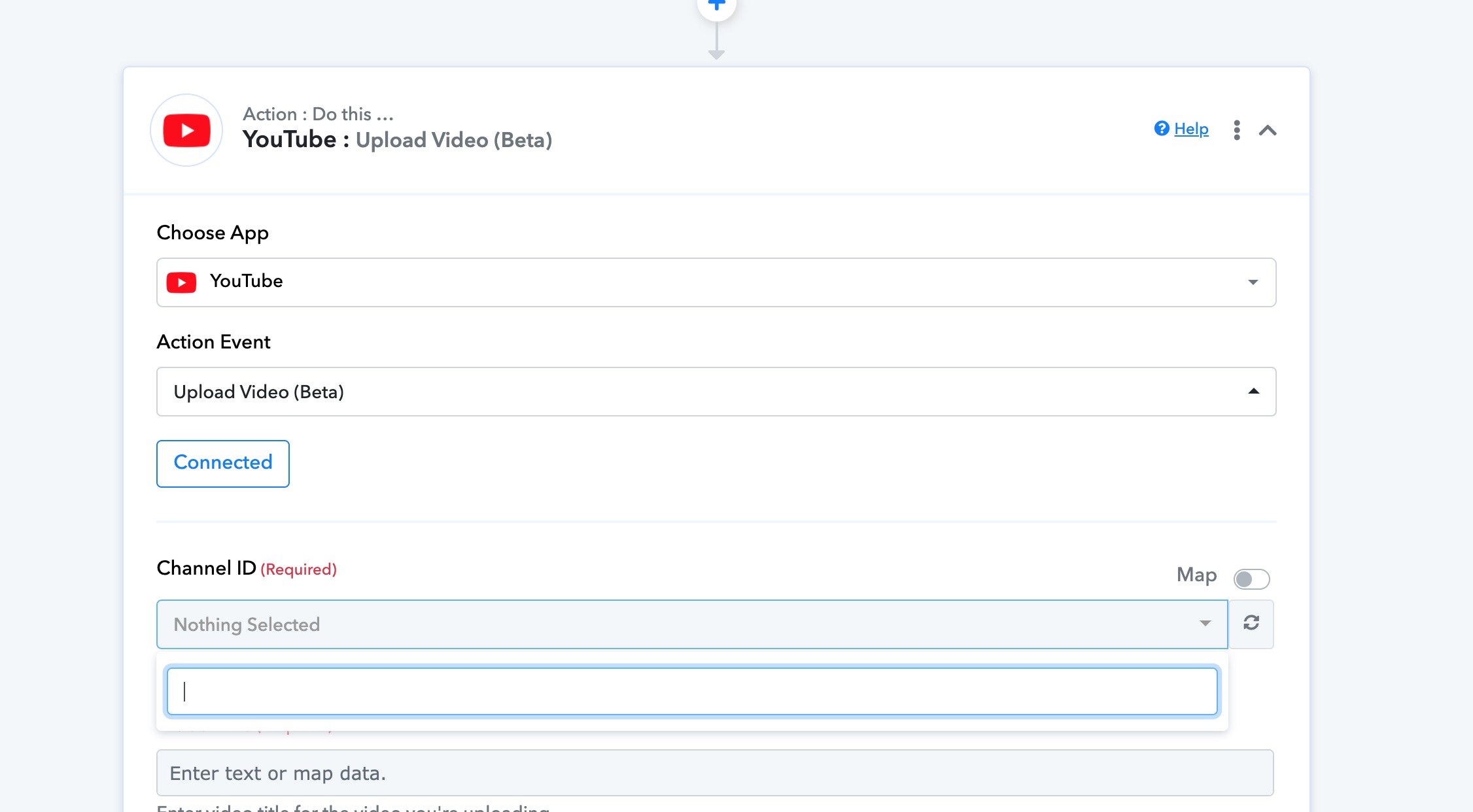
Successfully authorised youtube but could not detect Channel ID
Status: Closed · Asked by sssss on · 0 views
Hi so I tried to create an automation to upload video to Youtube.
I have successfully add connection to my Youtube channel but it wont detect my Channel ID. Any solutions?
Hey @sssss
If the YouTube channel ID is not displayed when attempting to connect your YouTube channel to Pabbly for automatic video sharing, you can try the following steps:
1. Go to your YouTube channel's homepage. Click on your channel icon or profile picture in the top right corner.
2. Select "Settings" from the dropdown menu.
3. In the left sidebar, click on "Advanced settings."
4. Scroll down to the "Channel settings" section.
5. Look for the "Channel ID" field. If it is not displayed, click on the "Show" button or link next to it.
6. The Channel ID should now be visible. It typically starts with "UC" followed by a combination of letters and numbers.
7. Copy the Channel ID and use it to connect your YouTube channel to Pabbly for automatic video sharing.
If you still cannot locate the Channel ID using the above method, you may need to reach out to YouTube support for further assistance.
I am also facing the same issue. pls help
I am also facing the same issue. pls help
Please provide a concise explanation of your concern and specify the workflow in which you are experiencing this difficulty.