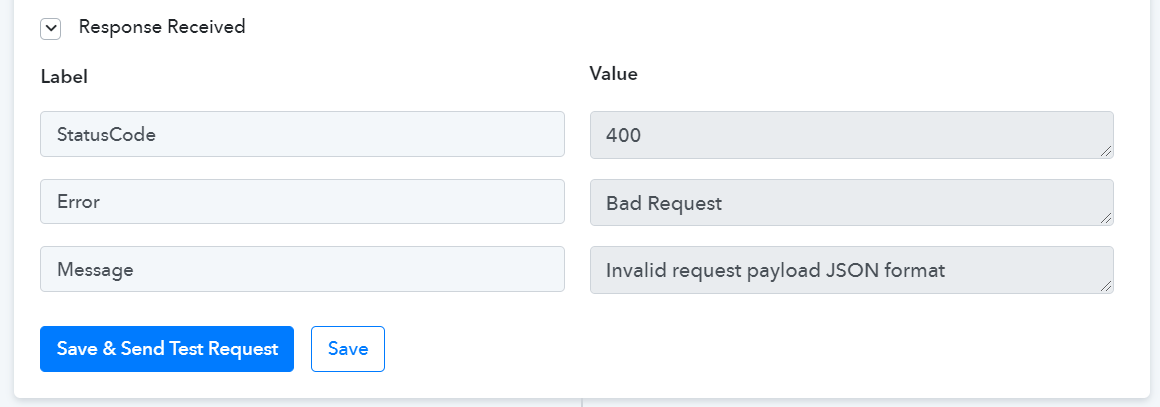
SurveySparrow Connection Broken - Error 400, Bad Request: Invalid request payload JSON format
Status: Open · Asked by AaronH on · 0 views
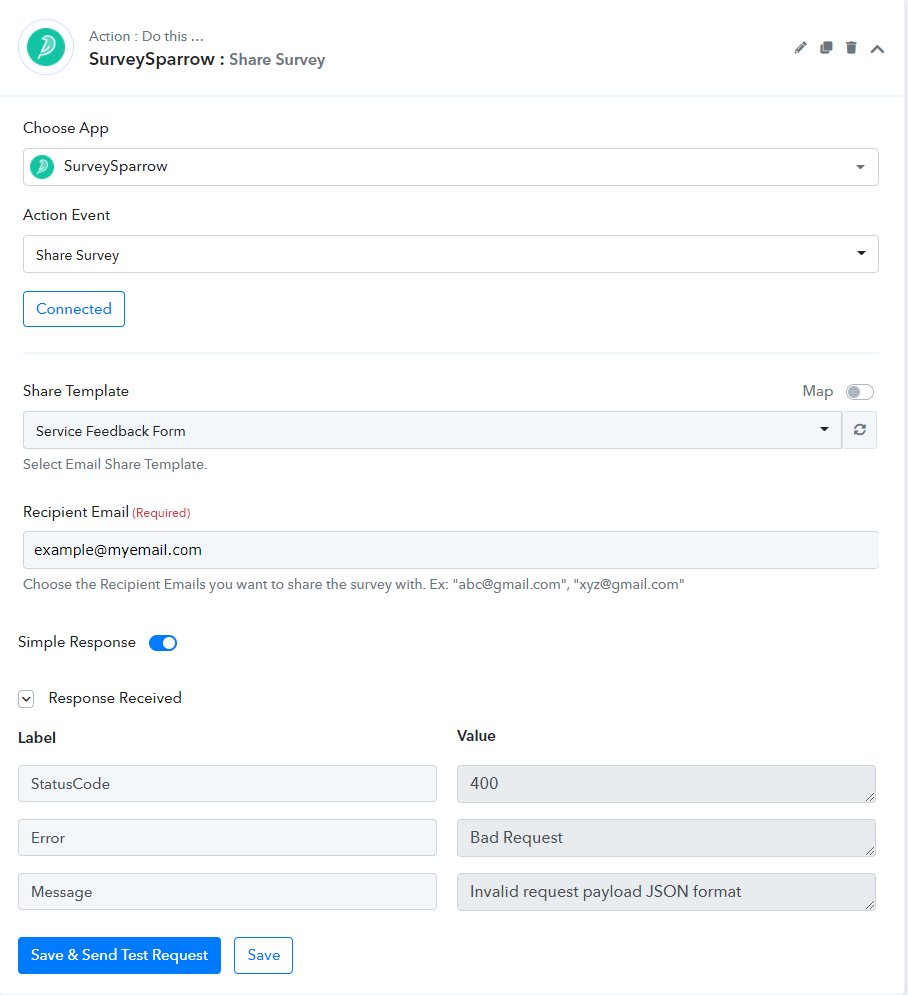
When attempting to send data to SurveySparrow, this is the error I receive. I've modified my data to ensure it is not an issue with previous Connect tasks and I have tried various email addresses, but still cannot get this integration to return anything other than Error 400.
Screenshot below:
Did you try writing emails in double quotes as seen in the instructions?
For example:
"[email hidden]"
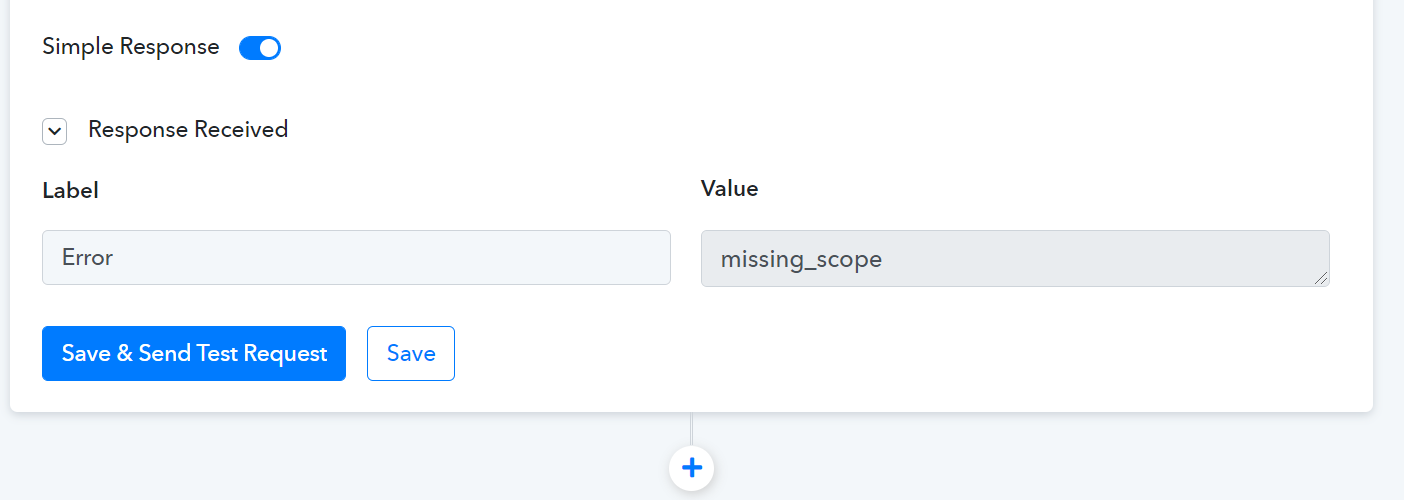
This is the error I receive if I use quotes. "missing_scope"
Hey @AaronH
Could you please try again by re-authenticating the "SurveySparrow: Share Survey" action step, since it seems like your token has expired.
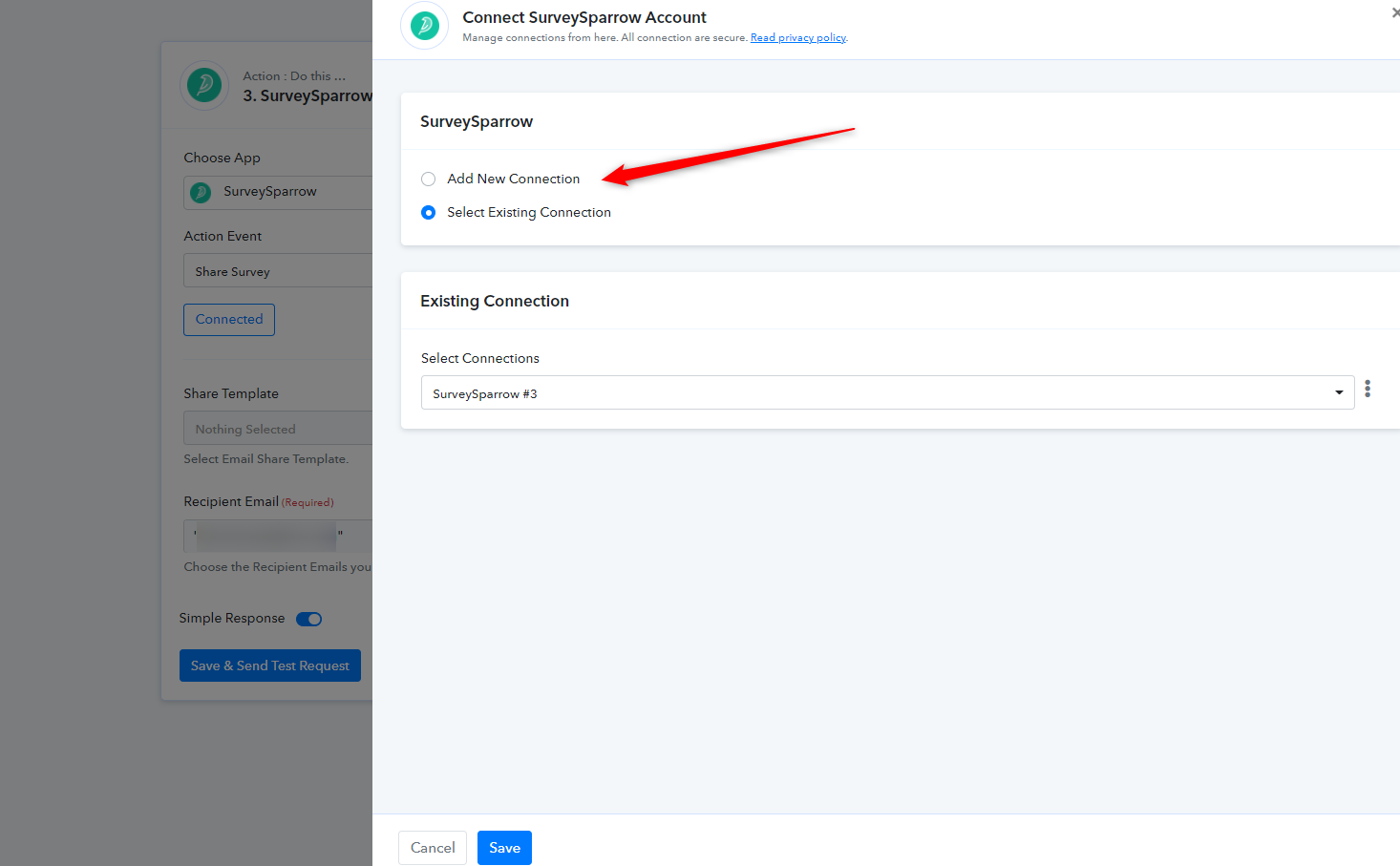
This is not an authorization error. I have previously received authorization errors from this connection and they show a different error code. Can this issue not be recreated on Pabbly's side? I am only having issue with this single integration. It is getting very frustrating. Any help would be greatly appreciated!
I've re-authed as requested and am still having the issue outlined in my first post. No change at all.
Hey @AaronH
It seems like the issue is originated from the SurverySpparow end and we have to contact their support team for the same.
Kindly allow us sometime, we will get back to you soon.
Hey @AaronHIt seems like the issue is originated from the SurverySpparow end and we have to contact their support team for the same.
Kindly allow us sometime, we will get back to you soon.
I have this same error with Salesflare, I asked a quesiton, please help.
Hey @SebasRodWFG
We have responded to your query on another thread, kindly check that out.
https://forum.pabbly.com/threads/pabbly-connect-salesflare.3843/
Hello! Do you have any updates on this by chance? Thank you!
Hey @AaronH
We have made some changes at our end and it is working now. Kindly re-connect the action step and then try again.
Let us know if that works for you. Awaiting your response.
Same error as before. No change. I've re-authed then tried to send a form to my own email and received the same JSON error.
Hey @AaronH
Regarding your concern, we have contacted their support team so that we can inspect the issue and resolve it.