Table Range en webhook - Google Sheet
Status: Closed · Asked by Juve Hernandez on · 0 views
Hello:
I am doing a webhook in Google sheet where the table handles several columns (A1:BJ2). When I make the connection it reads all the columns (TableRange) and after doing a test all the data appears in (webhook: Capture Webhook), where I have problems is that the columns from AZ4 are not listed, from what I noticed that the UpdatedRange goes from A3:AZ3 leaving the rest undisplayed (image attached).
What should I do to be able to complete the range of the columns of this table to complete its information?
Thanks
Attachments
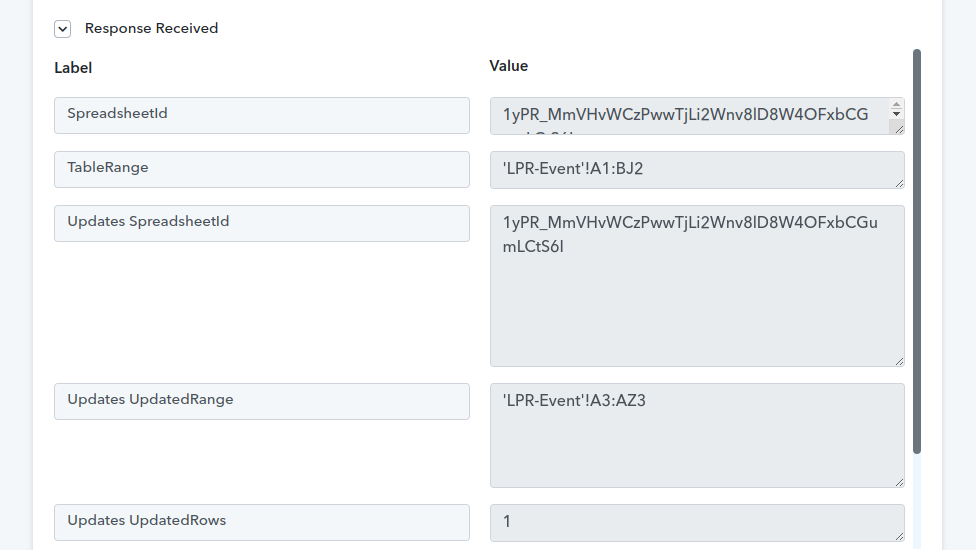
Hey @Jjuve Hernandez
If you want to pass more than 52 (Column) cell data in your Google Sheet's row then kindly use "Google Sheets: Append Values". Since Google Sheets: Add New Row can only fetch up to 52 columns.
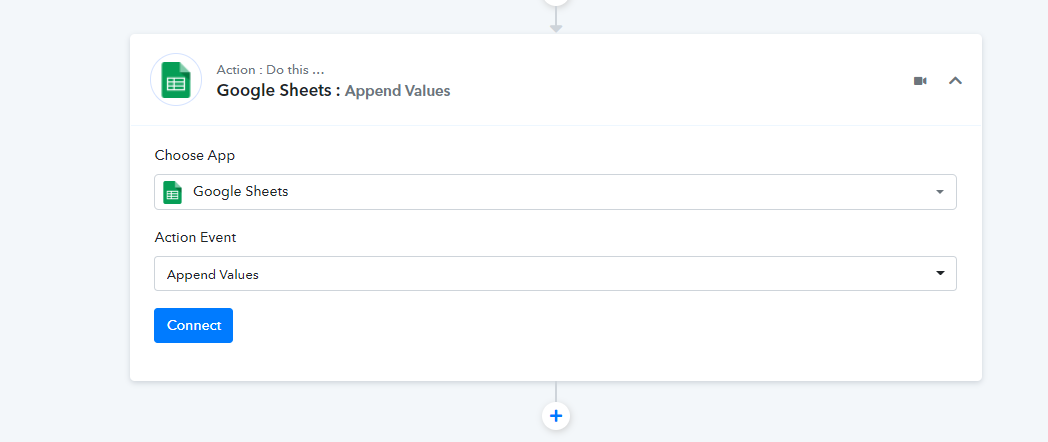
You can also refer to the following video tutorial on how you can use the Append Value action event in your workflow. Kindly try this at your end and let us know if you get stuck at any step.
(Watch the second part of the video)
Hello... thank you very much for the support... problem solved and everything works very well. Greetings and thanks again