Tally to sendinblue integration
Status: Open · Asked by Celine on · 0 views
Hello
I cant seem to be able to get a webhook response from tally on my scenario, it just keep turning. What can I do ?
Also, the form in Tally generates a score for 12 profiles. I would like to only import the higher one (which can vary) and to import that into Sendinblue. How can I do ?
Thank you !
Hello
I cant seem to be able to get a webhook response from tally on my scenario, it just keep turning. What can I do ?
Please follow the steps given in the video attached below to create a connection with your Tally account.
youtube.com/watch?v=HthK0yQqd4o
Also, the form in Tally generates a score for 12 profiles. I would like to only import the higher one (which can vary) and to import that into Sendinblue. How can I do ?
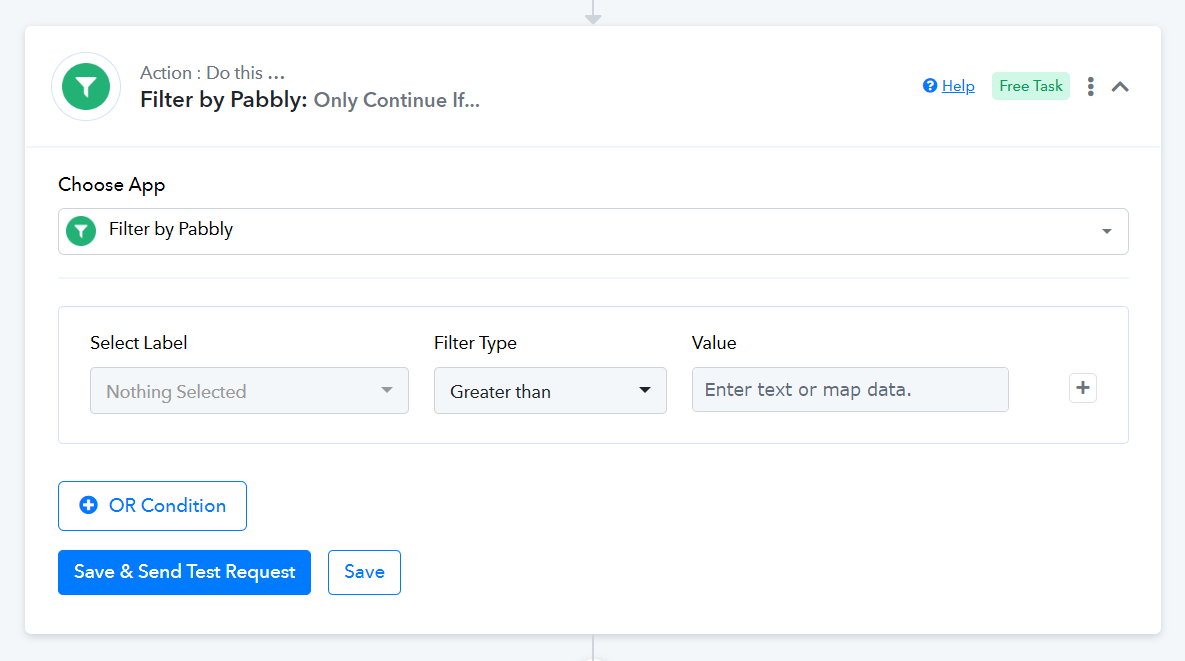
I would appreciate it if you could elaborate a bit more on this use case. As far as I understand, if you want to add contacts to Sendinblue based on their score, you can incorporate a Filter into your workflow. This will ensure that only profiles with a score above a certain threshold are added to your Sendinblue contact list.
Hello Thank you for your answer.
I've already connected to Tally with any problem but I changed the form in Tally and now I get any webhook response even though i deleted everything and started over. 
To elaborate a bit more on my workflow, the test would give you a score for each profile. For exemple one might get :
A : 5 points
B : 0 points
C : 1 point etccc until L : 1 point
I would like to import into send in blue not the score, but the name of the profile (A, B, C ...) with the highest score. In the exemple, that would be A.
However, depending on the respondent answer, it could be any profile from A to L. How can I make sure that I get the name of the profile with the highest score ?
Does it make more sense ?
I also thought of going through notion or google sheet to make the filter but it doesn't seem to have instant triggering. Is it ?
Thank you
Hello Thank you for your answer.I've already connected to Tally with any problem but I changed the form in Tally and now I get any webhook response even though i deleted everything and started over.
Please pause the current workflow and create a new workflow from scratch, following the instructions given in the video shared above.
To elaborate a bit more on my workflow, the test would give you a score for each profile. For exemple one might get :
A : 5 points
B : 0 points
C : 1 point etccc until L : 1 pointI would like to import into send in blue not the score, but the name of the profile (A, B, C ...) with the highest score. In the exemple, that would be A.
However, depending on the respondent answer, it could be any profile from A to L. How can I make sure that I get the name of the profile with the highest score ?
Does it make more sense ?
Unfortunately, this use case is not possible.
Is there a way to have an instant upload from a database that is automatically updated ? Like Notion or Google sheet or any other ?
The tricky part lies in determining the highest score. You will need to somehow update the trigger column in your Google Sheets with the highest score, and when the data in that column gets updated, we can then capture it using the Google Sheets: New or Updated Spreadsheet Row trigger event. But I am assuming even this won't work for you, as you will be using Tally as your trigger application.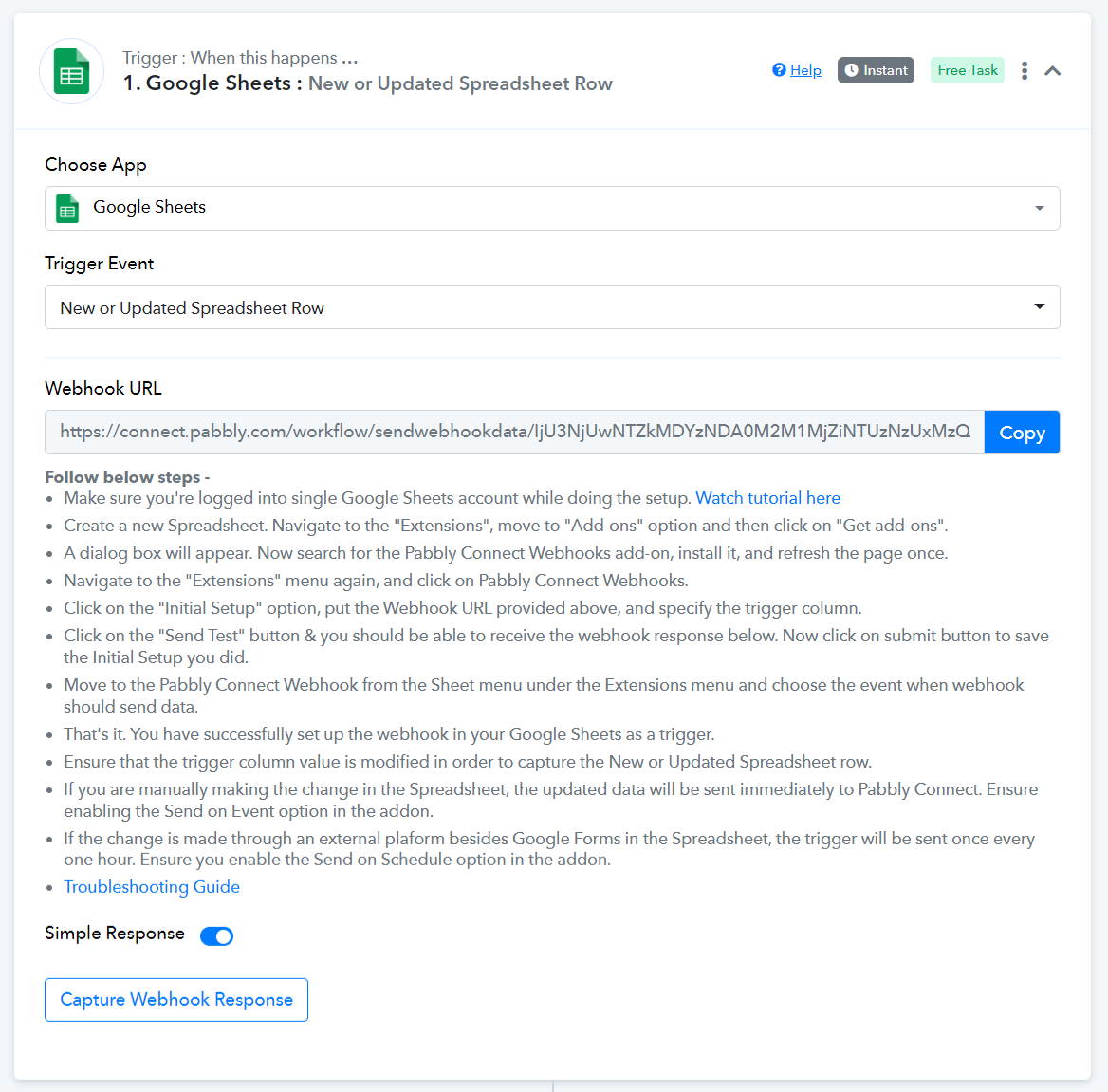
yes the data is uploaded via Tally and then I added 2 columns that calculate the right profile, wich is done kind of mannualy (since it is a formula). Would that work ?
Doing the test it doesn't seem like it
Updating the trigger column using a formula will not trigger your workflow. You either have to manually enter data or use a 3rd party application.