Task History doesn't show the actual status
Status: Closed · Asked by Shreyas Umesh on · 0 views
Any reasons why would this happen?
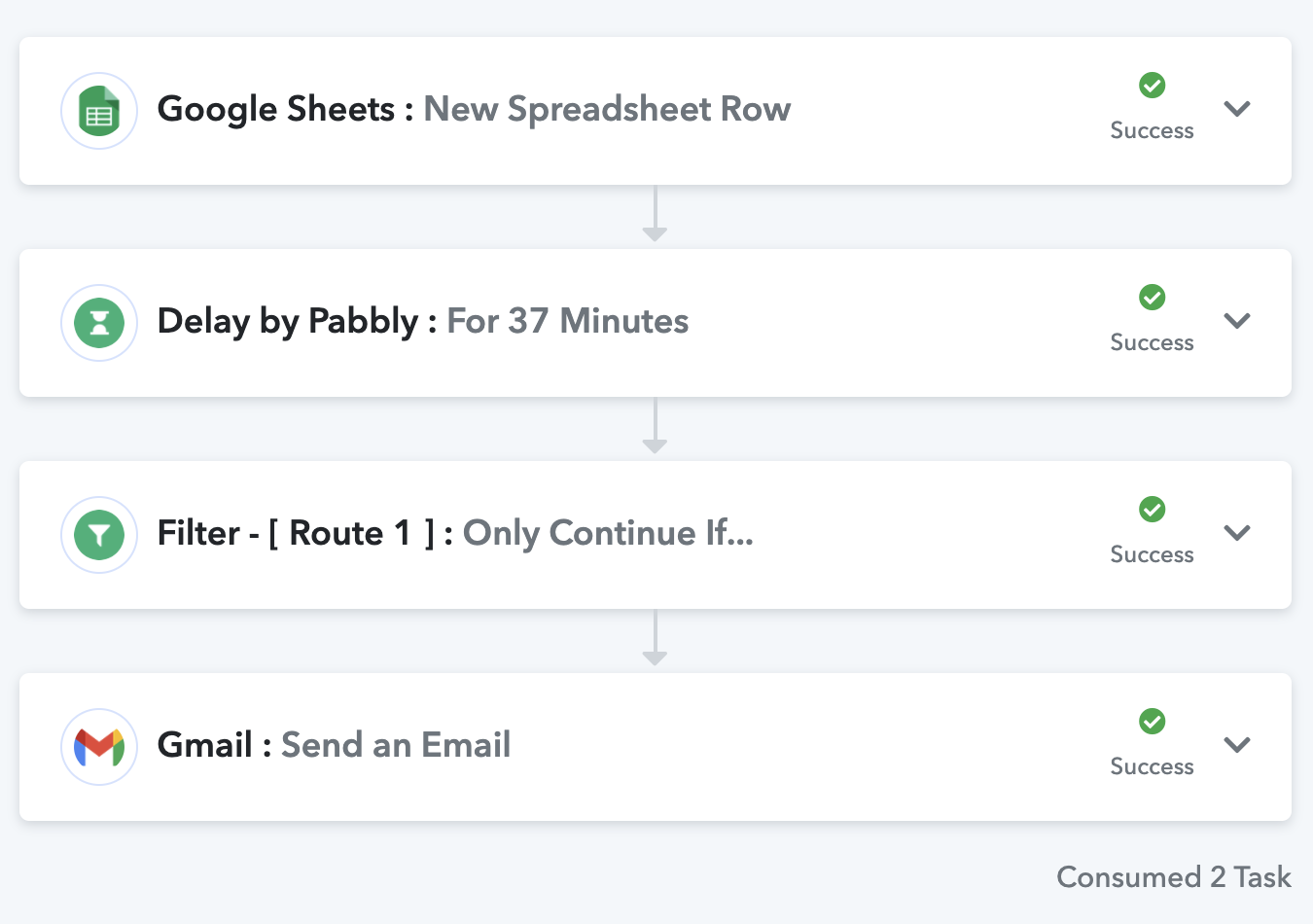
The workflow has 4 steps.
1. Google sheets
2. Delay
3. Router
4. Send email using Gmail.
All workflows have been executed properly except for one. It doesn't show a failure status as well.
I only realised when our customer reached out to us.
Attachments
Hey @Shreyas Umesh
Could you please tell us the name of the workflow in which you are facing such failure in tasks? So in that way, we can assist you accordingly.
Thanks!
Hello Supreme,
Please find the details.
Workflow name: HS Assignment 5 Results
Failed Task ID: IjQ4NzY0NTg0Ig_3D_3D
Hey @Shreyas Umesh
We checked over your workflow, with the respective task id and every step seems fine to us as all the steps executed with the success status as the respective API went without any false response.
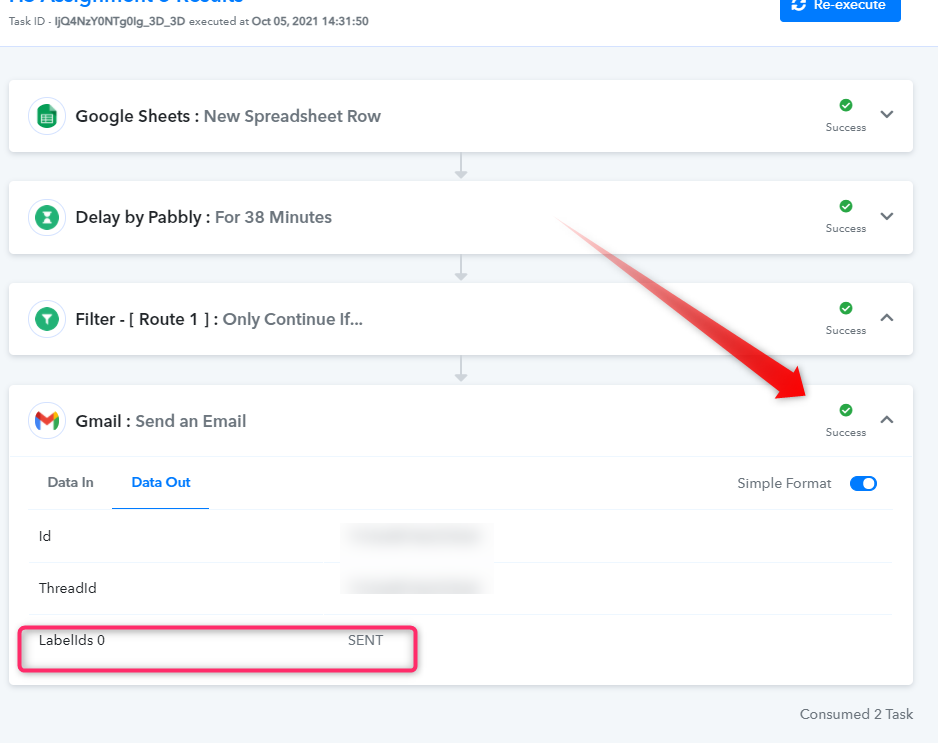
Further, we have also checked the Delay and Gmail Action step at our end which is also working fine. Kindly try again at your end and let us know if you still face any issues with it.
Hey @Supreme Verma!
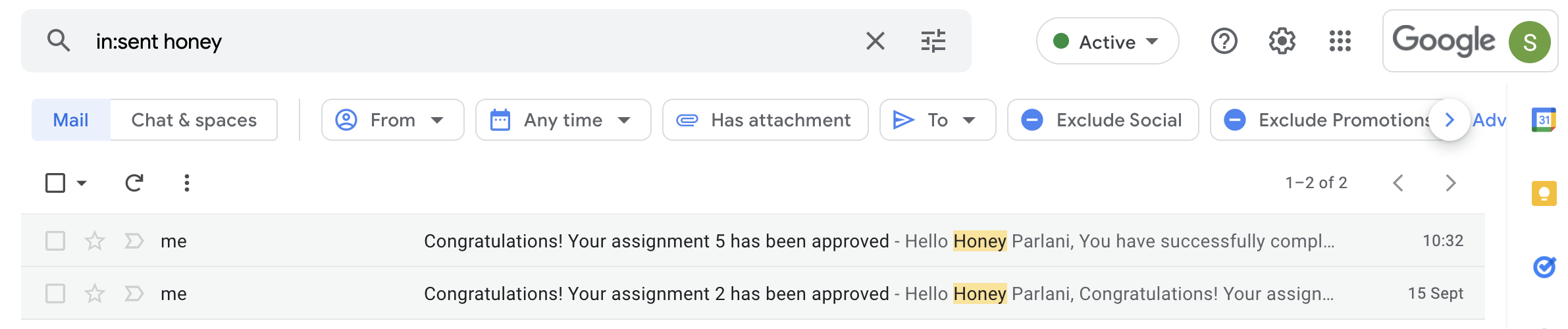
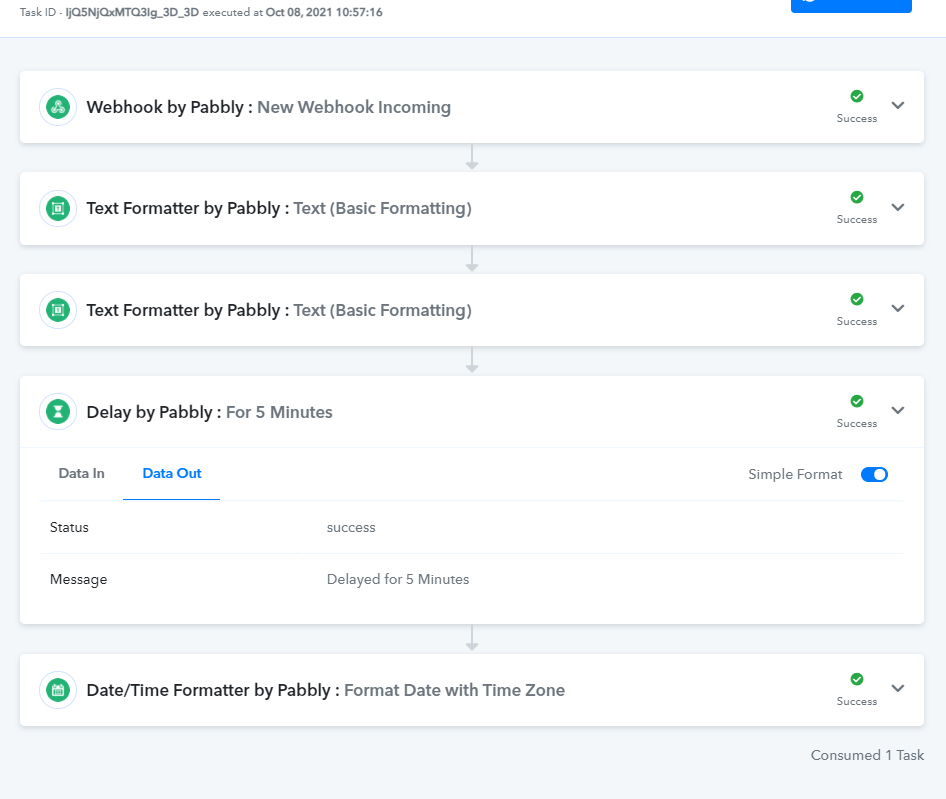
I can see that the task was re-executed today at 10:30 am IST. It's obvious that the workflow was half-cooked until yesterday because it's connected to my Google account and I can't find any email in the sent box w.r. to that particular task.
However, now the issue seems to be fixed as I can see the email in my sent box but I don't think this is the right way to reply back to this issue. If the issue was fixed today it's okay you can let me know because I did try re-executing the same tasks multiple times and it got executed half cooked.
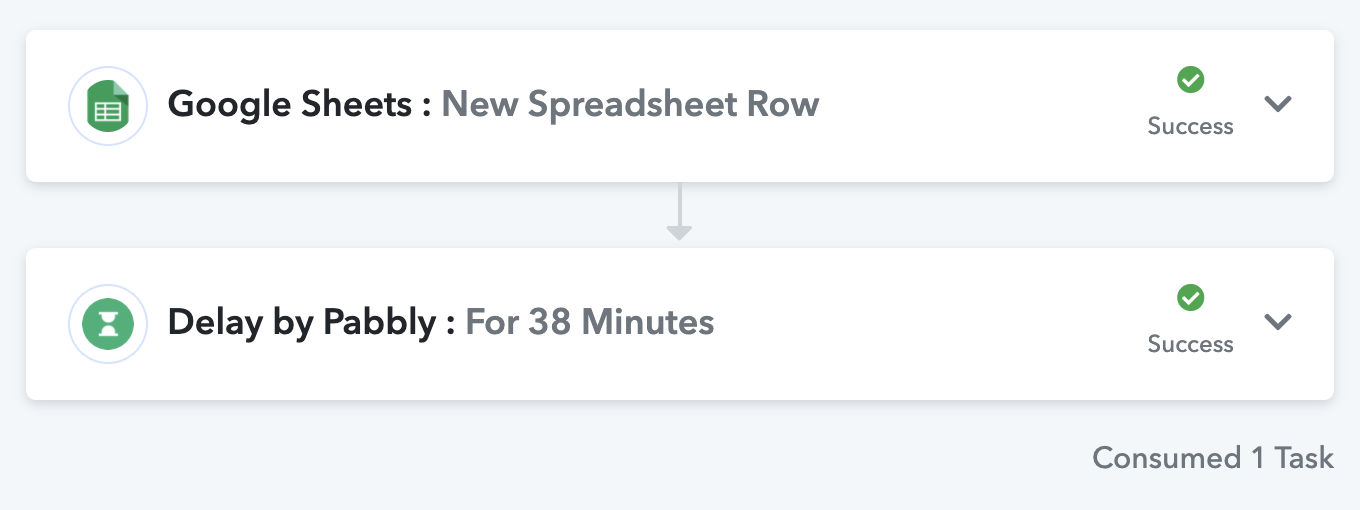
My screenshot clearly shows there was only 1 task executed for that particular task ID, you can also see the text that says 'consumed 1 task instead of 2 tasks'.
Attachments