Telegram bot to Facebook Post with Image
Status: Closed · Asked by shimrannn on · 0 views
1. Telegram working perfectly with text but image is showing in the form of " Id " ,
I tried to add " GET FILE" in 2nd step but it is generating a URL only
so my question is , how can we post telegram post in my facebook page with proper image
2. is there any way by which we can modify the image online for Instagram as Instagram has limitations for image size .
Hey @shimrannn
Have your check the following video tutorial where we have mentioned how you can post the content which is coming from the Telegram trigger event to the Facebook action step.
(Watch the first part of the video)
I already did all these things , my question is how to POST IMAGE from telegram to FACEBOOK POST ,
Text is working fine only images are not being posted.
Then have you tried passing the URL in the "Link URL" field? Because after passing it in the fields it is displaying the image accordingly.
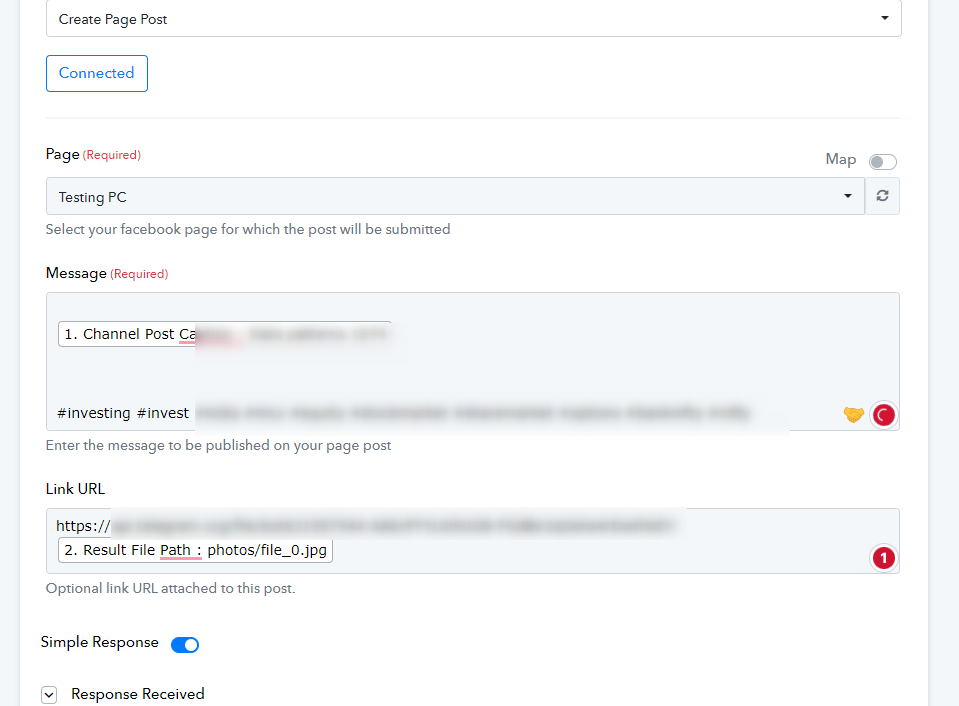
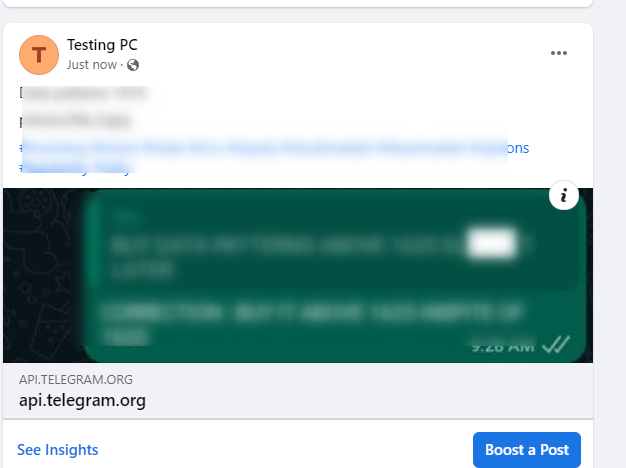
CAN you please tell me how to create the link URL
I tried to make it https://api.telegram.org/file/botAQADrLcxGz4GIFd9/photos/file_2.jpg but it not showing any image
Please check my token if i am putting it right
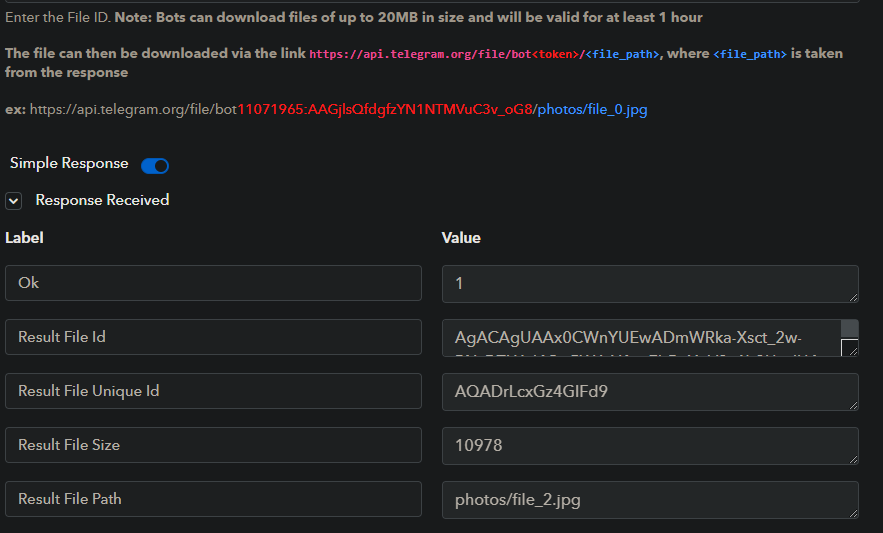
Hey @shimrannn
You may refer to the following video tutorial on your concern -
Hi Thanks for your instant answer , I am now getting the file , but is that possible to convert the file in proper image inspite of using link
I mean to say , we can use GET FILE and then add one more step by which we can post the image directly in FACEBOOK without using link URL.
I will be very thankful to you for your help :)
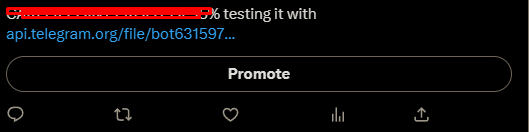
Now the message is Ok but image is not visible in Twitter
and on facebook also
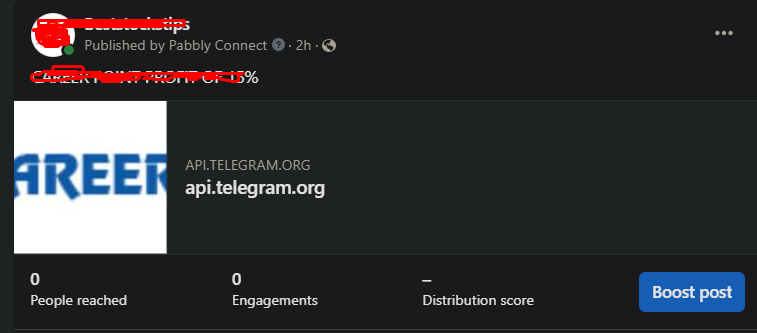
It appears that the webhook response you have captured might be the old one or the image you got from your Telergam is not publically accessible. So kindly check the URL first whether it si publicly accessible or not.
I am now getting the file , but is that possible to convert the file in proper image inspite of using link
In the Facebook action step, you can only send the image in the media URL format. Else if you want to convert the link into file extension format then you can make use of the Imgur action step.