#Telegram Error Code 400
Status: Closed · Asked by R&B Silva on · 0 views
I need to connect Hotmart with Telegram Bot to create a new link for each costumers that buy my product. I plugged the bot with correct Token and I am using the supergroup id -100XXXXXXXXXX (id number), everything seems correct but when testing the error remains. Please help me!
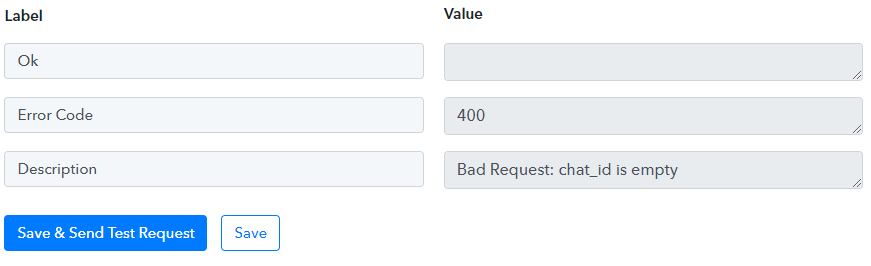
I tried to do it like the video and the problem persist, the first step I put app Hotmart + Webhook in my account and the second step I put this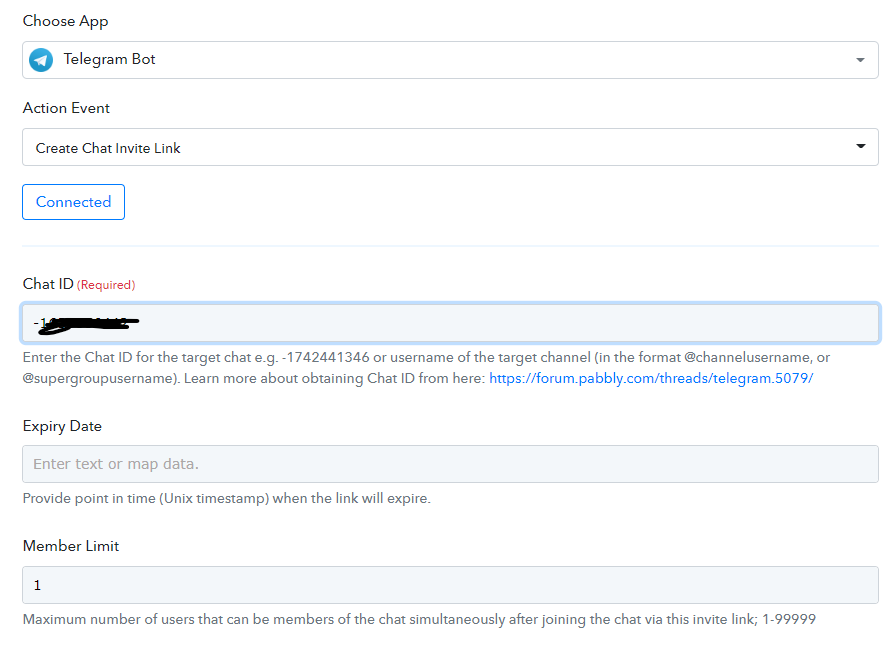
Just following this video ?
Hey @R&B Silva
Could you please check in your supergroup whether the bot is active in your group or not?
And pass the username of the target channel (in the format @channelusername, or @supergroupusername)
(Watch the second part of the video)
I'm doing exactly as in the videos, the bot is added to the group as admin and the error persists.
Because it's a private group, I don't know how to find @channel
I change to public group and I try with @supergroupusername and the error persists. I try to create another bots, I dont know what's the problem.
Hey @Supreme, help-me ?
I need to finish this today or I will do this manually in my product launch ?
? More informations:
When I use the automation to send a text in the group, everything works well, but if I try to create a link... "bad request: chat_id is empty"
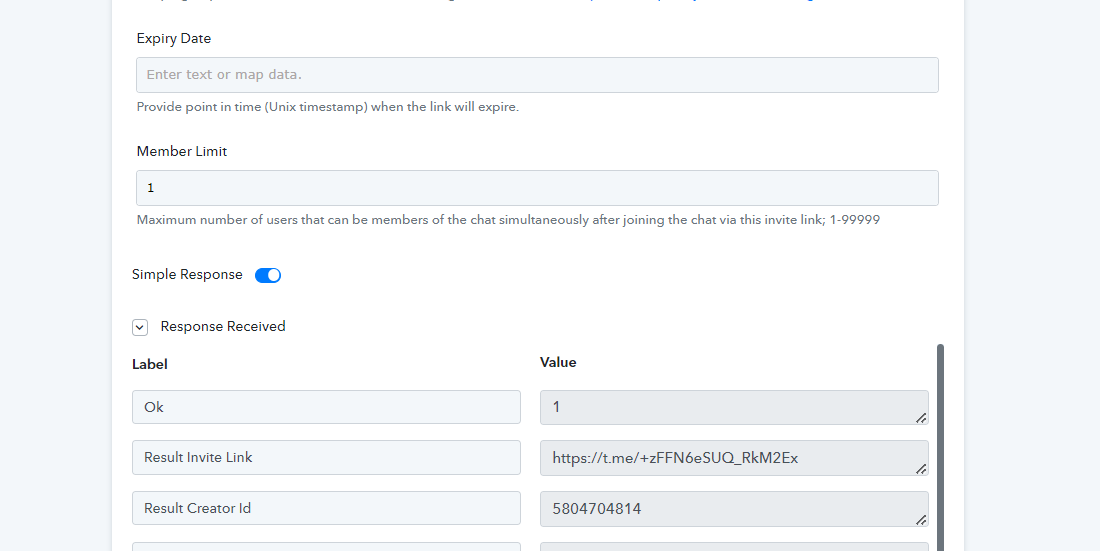
Finally I solve this problem, I need to put a Expiry Data. Can you say if is possible to create a link without expiry date?
Hey @R&B Silva
Finally I solve this problem, I need to put a Expiry Data. Can you say if is possible to create a link without expiry date?
Yes, you can ignore the Expiry date in the action step.