Test/submission in Stripe
Status: Closed · Asked by brainpower on · 0 views
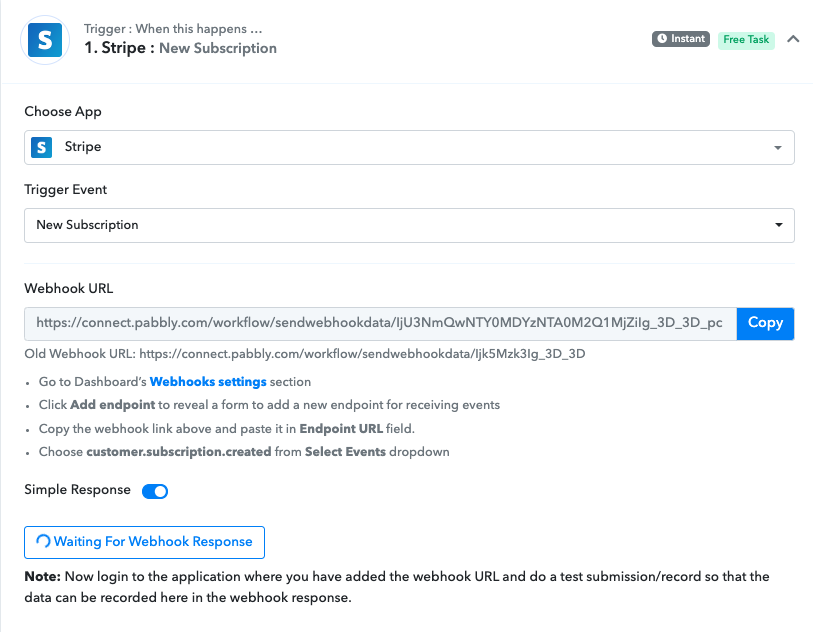
Hi. I already followed the steps to add an endpoint in Stripe, and I selected the events.
Then, I logged in to my Stripe account (in test mode), and I created a new customer with a new subscription, but Pabbly doesn't capture any data. Can you advise on this?
Thanks for your help!
Hey @brainpower !
Can you once make sure that you have followed the help text mentioned below the Stripe Webhook URL-
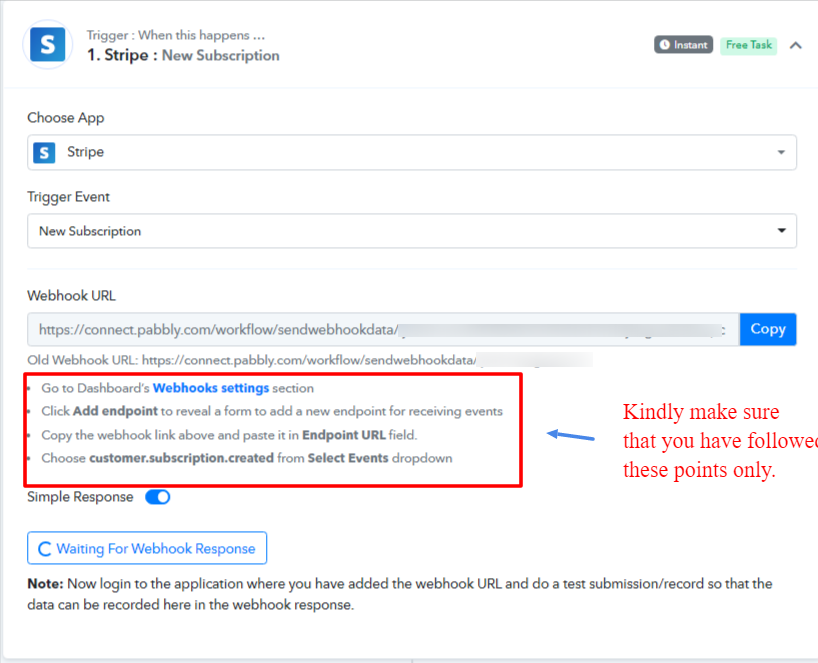
Once checked and made the adjustment, then do a test submission by creating a new Subscription in your Stripe account.
It will work for you.
For reference, you can check on this video tutorial on how to capture data-
youtube.com/watch?v=-t-JFYYHoMA:704
Hope, this works for you.
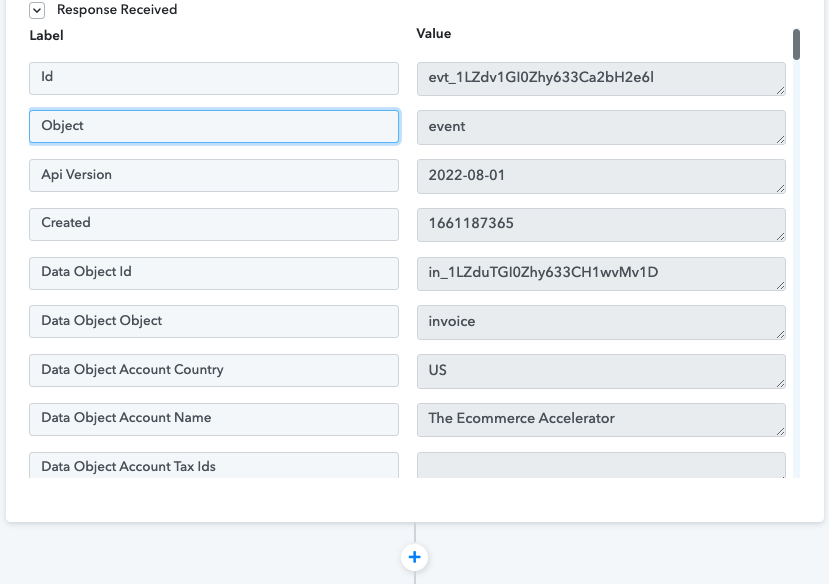
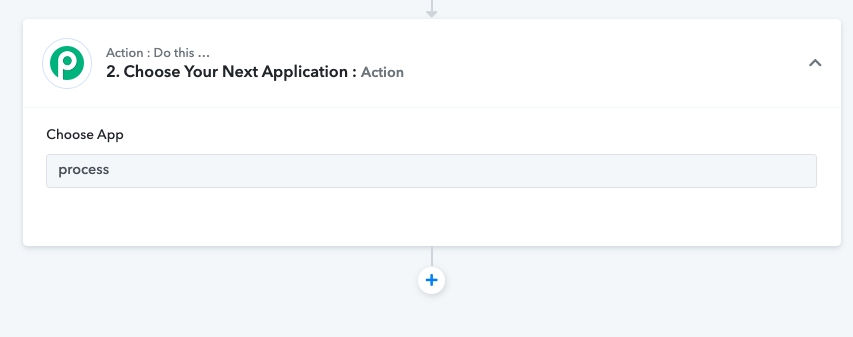
Hi @Subin thank you. I could do it! Now I have another inquiry: The next action is: when an invoice is paid, I need to run a workflow in Process Street. I see you have the connection to Process St but I cannot see it as a second action in this automation: 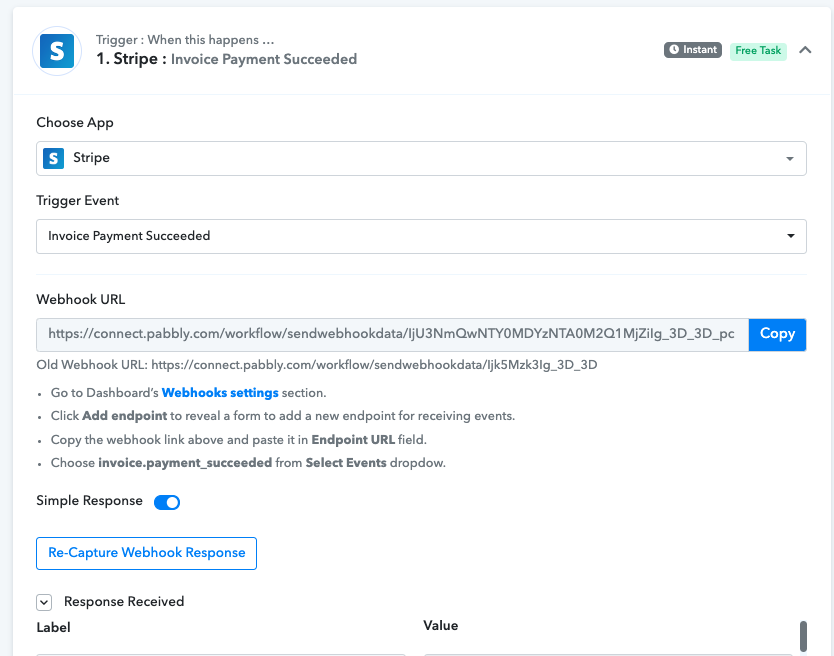
Hey @brainpower
As of now, Process street's action events are not available on the platform but you can post the request to add the action events here - https://pabbly.hellonext.co/