text formatter Internal server error
Status: Open · Asked by dbs00 on · 0 views
hey
check these
How can I prevent this error ? I noticed it a lot lately
check the history, it has multiple different tasks with that error
Hello @dbs00,
The issue occurred because the Code (Pabbly) step (Step 5) was returning a syntax error. Since the Text Formatter step has data mapped from Step 5, it was unable to find the specific mapped key, which caused the error to appear.
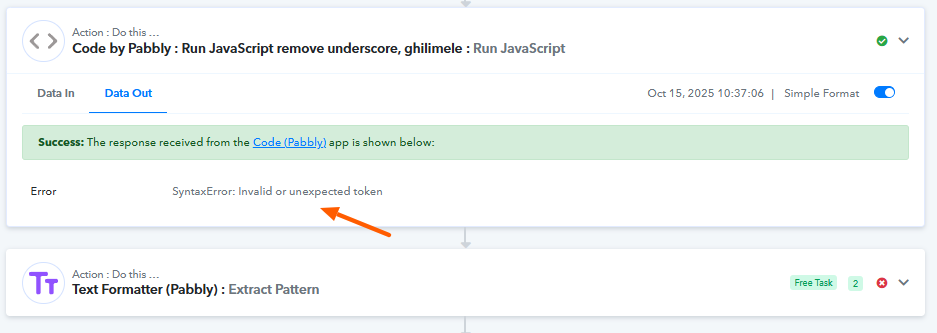
I replaced those text formatter with javascript code
Check the history for that workflow
Hello @dbs00,
Upon checking the task history, it appears there was an internal error. Based on the data available, it seems the issue occurred because the JSON structure was breaking—most likely due to double quotes present within the mapped text.
Since the step has now been deleted, I’m unable to identify the exact element causing the break, but the error was likely triggered by those double quotes in the mapped data.
hehe, that's what I was trying to accomplish, to remove the ""
changed to pabbly code, I'll see if its happening there as well
Okay. Do let us know if you need help with any other issue.