Text / Number formatter function
Status: Closed · Asked by Deepak Dhingra on · 0 views
I have a requirement where I need to extract all the digits (only) from the input field's value while removing all spaces, signs, hyphens, emojis, etc. For example:
Input field value:
77 33 00 - 2013 ?
77 33 00 - 3882
77 33 00 - 4013 Sold
*_77 33 88 - 1522
77 33 88 - 1987 ?
The expected result should be:
7733002013
7733003882
7733004013
7733881522
7733881987
Could you please assist me in achieving this with Pabbly Connect? Any guidance or instructions would be highly appreciated.
Hey @deepak9780097800
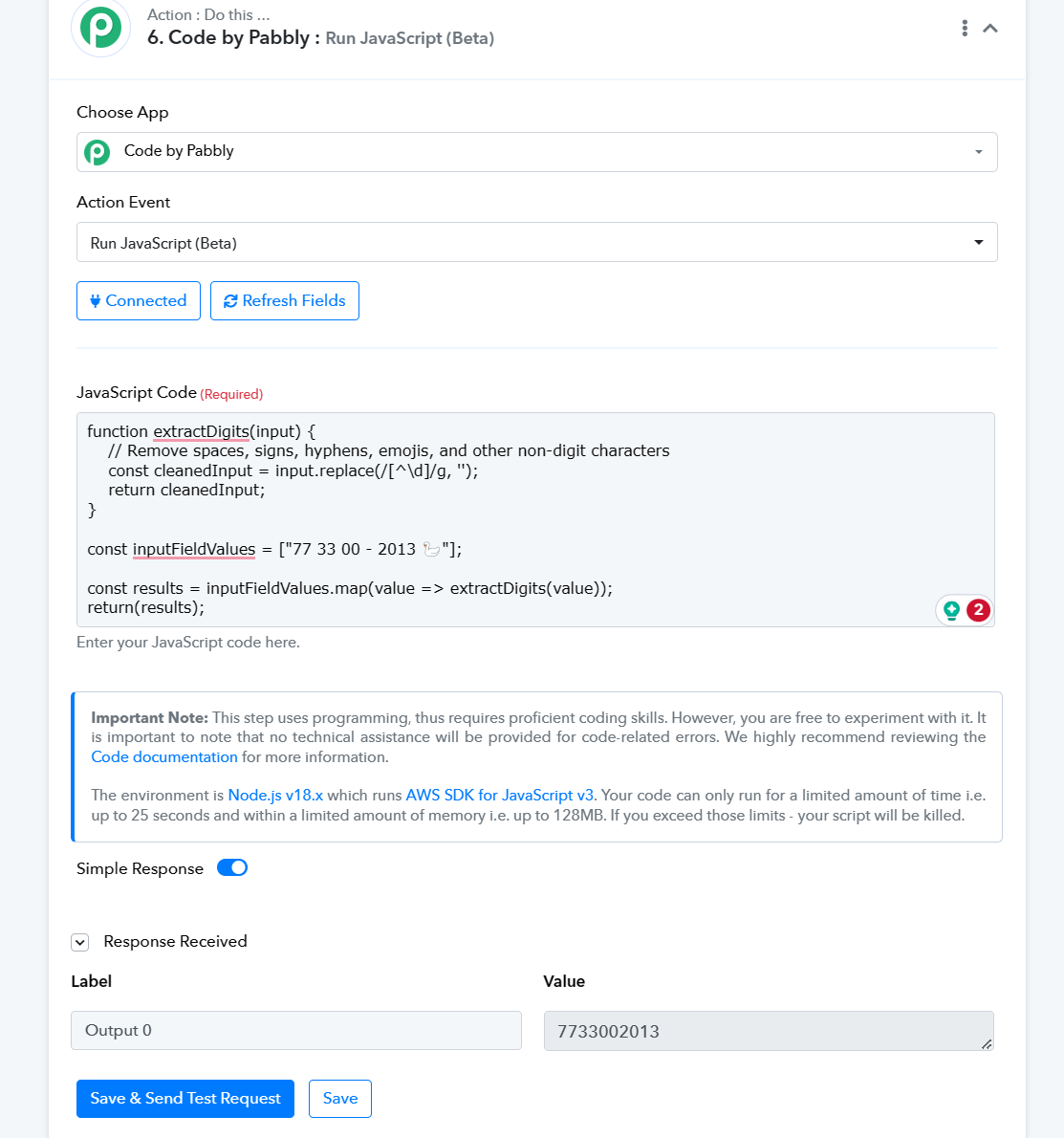
You can make use of the "Code" action step to convert the phone number into a simple phone number.
function extractDigits(input) {
    // Remove spaces, signs, hyphens, emojis, and other non-digit characters
    const cleanedInput = input.replace(/[^\d]/g, '');
    return cleanedInput;
}
const inputFieldValues = [
    "77 33 00 - 2013 ?"
];
const results = inputFieldValues.map(value => extractDigits(value));
console.log(results);