Text Parser - Extract Pattern - Not extracting the values i want
Status: Closed · Asked by nomisite on · 0 views
Hi,
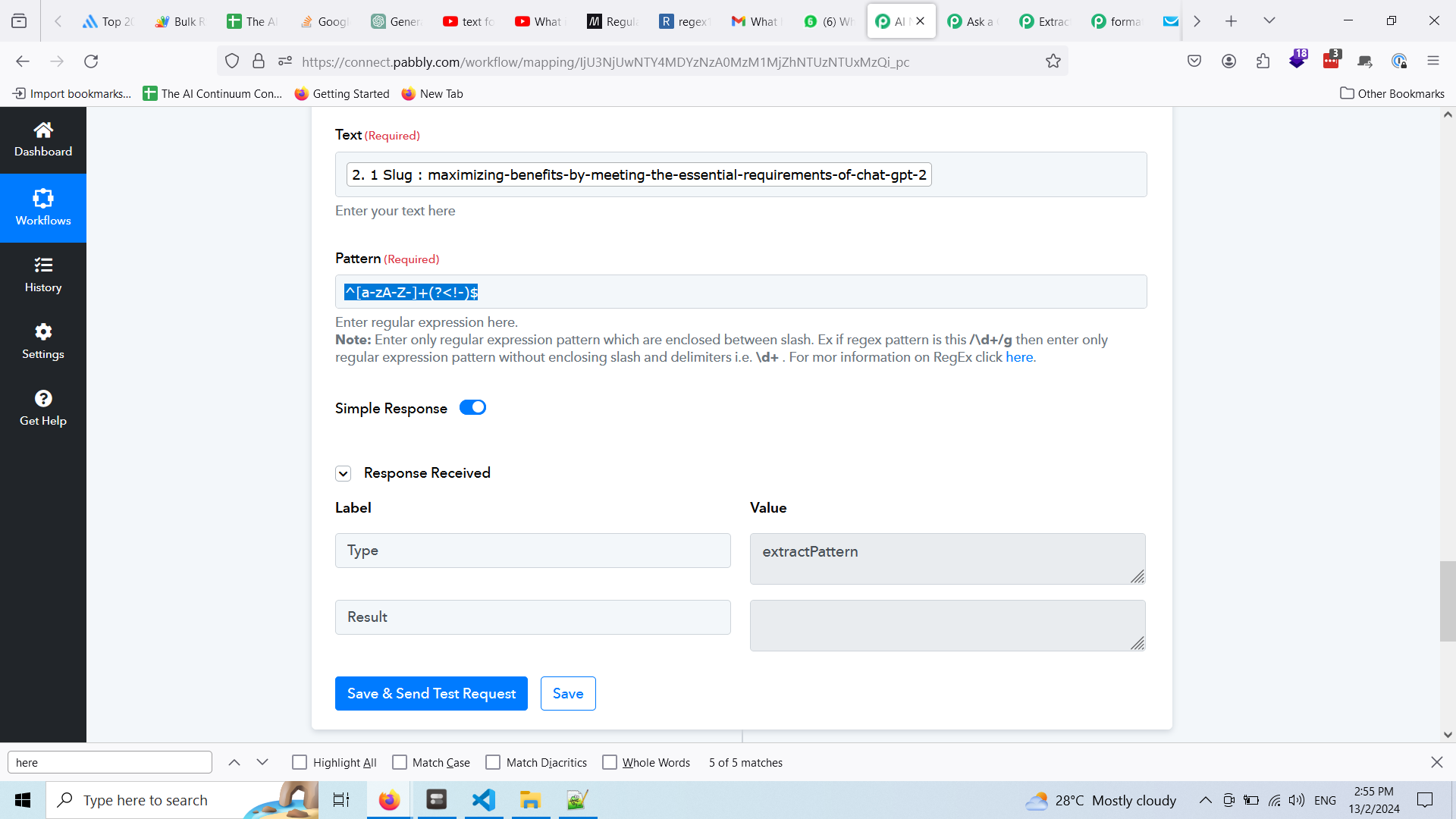
I have tested out my regex with https://regex101.com/ and it works
but when I try here, it doesnt work. What I intend to do is making "maximizing-benefits-by-meeting-the-essential-requirements-of-chat-gpt-2" become "maximizing-benefits-by-meeting-the-essential-requirements-of-chat-gpt"
My regex is as follow: ^[a-zA-Z-]+(?
Can you tell me what went wrong? Thanks:
Hey @nomisite
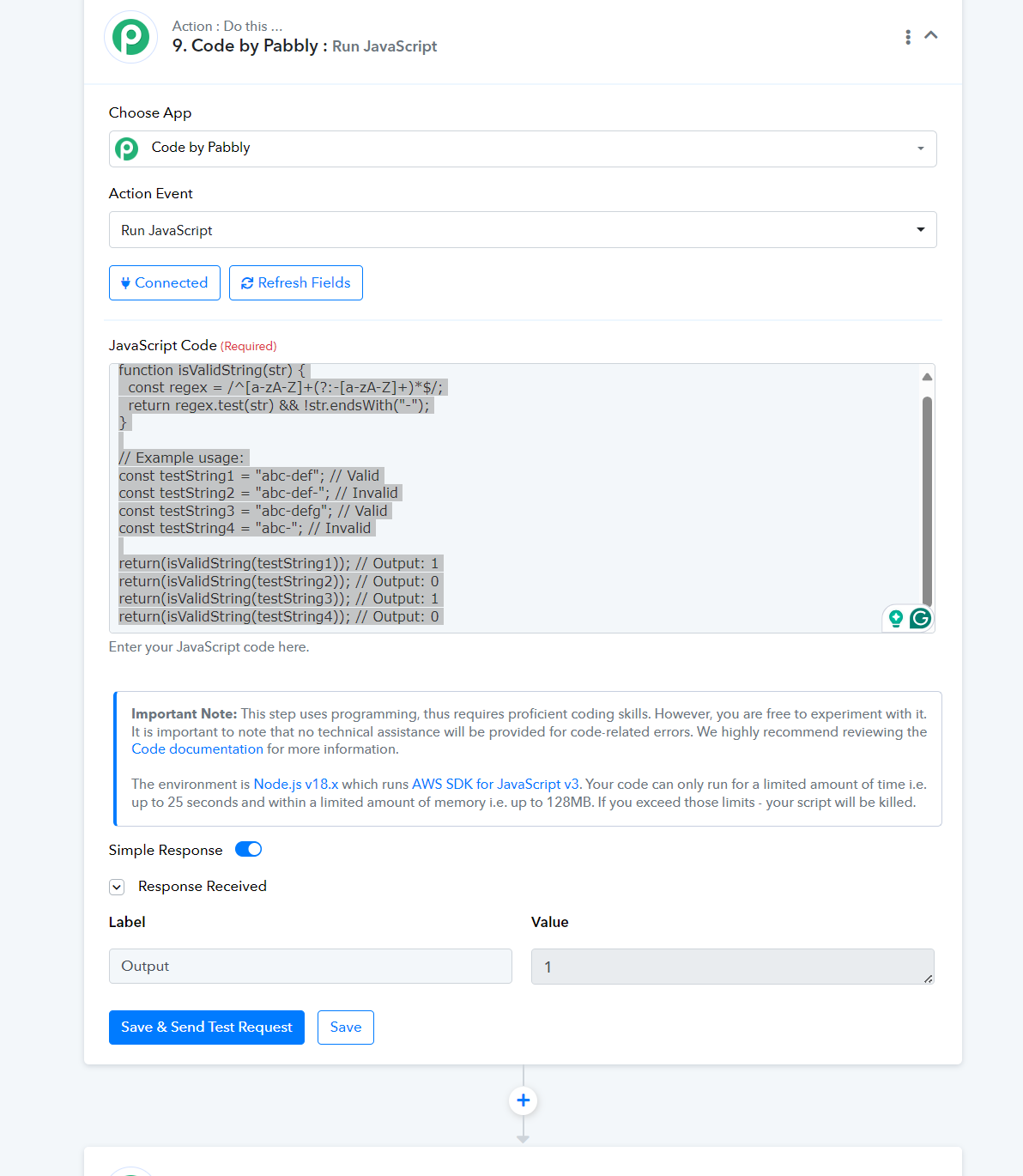
Can you please share the use case that you are trying to perform here, also in place of this regex you can refer to the use Code by Pabbly action step with JS code -
function isValidString(str) {
  const regex = /^[a-zA-Z]+(?:-[a-zA-Z]+)*$/;
  return regex.test(str) && !str.endsWith("-");
}
// Example usage:
const testString1 = "abc-def"; // Valid
const testString2 = "abc-def-"; // Invalid
const testString3 = "abc-defg"; // Valid
const testString4 = "abc-"; // Invalid
return(isValidString(testString1)); // Output: 1
return(isValidString(testString2)); // Output: 0
return(isValidString(testString3)); // Output: 1
return(isValidString(testString4)); // Output: 0
Hi,
I got it already, but i still need some help here~! What I did is like this:
function extractString(inputString) {
// Define a regular expression pattern to match the last dash and number
var regexPattern = /-\d+$/;
// Check if the inputString ends with a dash followed by a number
if (regexPattern.test(inputString)) {
// Remove the last dash and number from the inputString
var extractedString = inputString.replace(/-\d+$/, '');
return extractedString;
} else {
// If no dash and number found at the end, return the original string
return inputString;
}
}
// Example usage:
const testString1 = "2. 1 Slug : maximizing-benefits-by-meeting-the-essential-requirements-of-chat-gpt-2"; // Valid
const testString2 = "2. 2 Slug : character-limitation-in-chatgpt-2"; // Invalid
const testString3 = "2. 2 Slug : character-limitation-in-chatgpt-2"; // Valid
const testString4 = "2. 3 Slug : utilizing-tome-ai-a-guide-2"; // Invalid
return(extractString(testString1)); // Output: 1
return(extractString(testString2)); // Output: 0
return(extractString(testString3)); // Output: 1
return(extractString(testString4)); // Output: 0
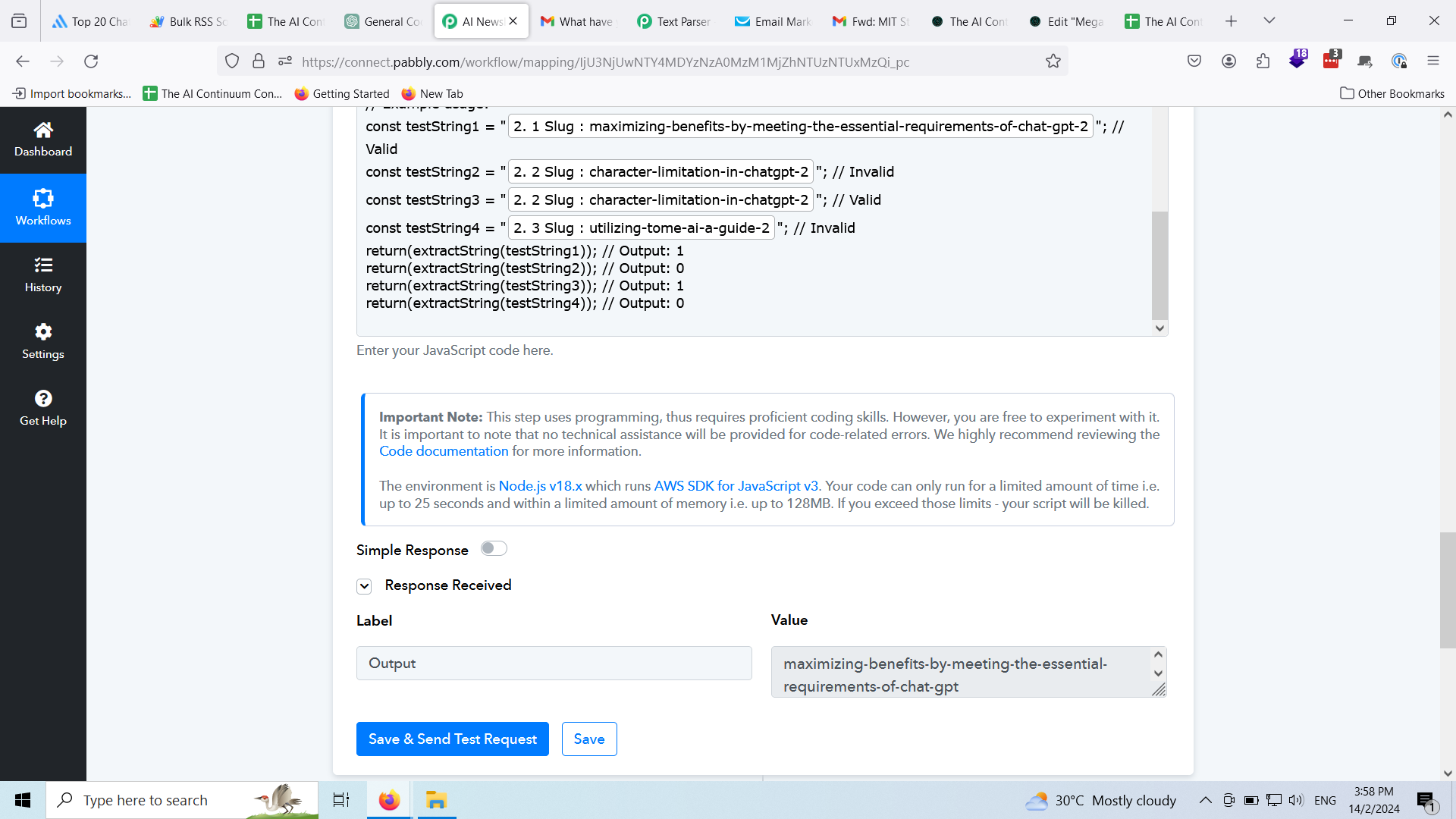
My question is, how can i output all 4 lines here? I only receive one output, just like this screenshot here:
Thanks
Try this -
function isValidString(str) {
const regex = /^[a-zA-Z]+(?:-[a-zA-Z]+)*$/;
return regex.test(str) && !str.endsWith("-");
}
// Example usage:
const testString1 = "abc-def"; // Valid
const testString2 = "abc-def-"; // Invalid
const testString3 = "abc-defg"; // Valid
const testString4 = "abc-"; // Invalid
console.log(isValidString(testString1)); // Output: true
Hi,
What I mean is, I want to have 4 outputs from 4 strings I passed in.
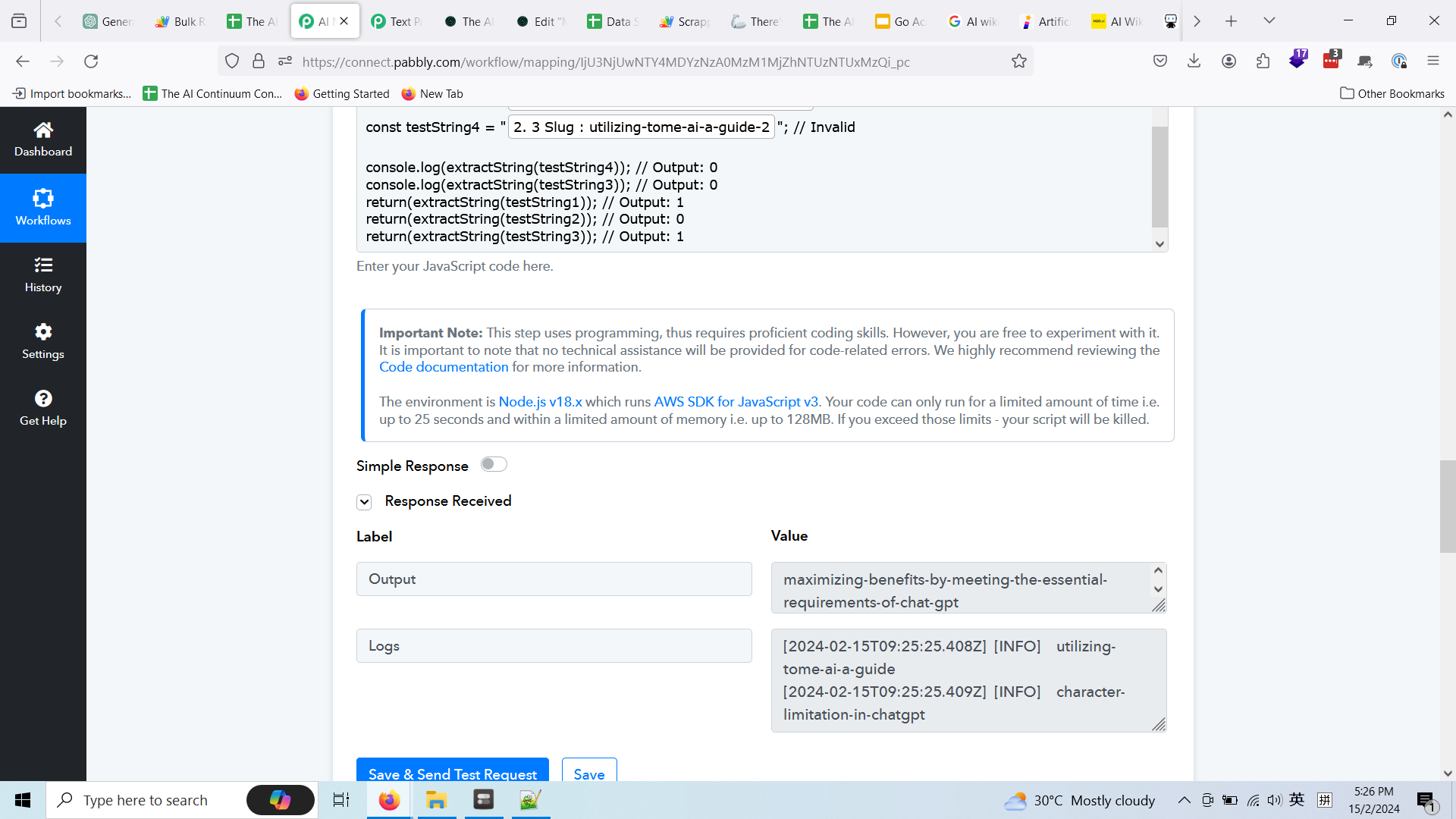
Currently if I put return and console.log, it will give me 2 output. If i put 2 console.log, it will put all output the Value in the same Logs box.
And I cannot select it individually on the next step. Somemore if it is console.log, it has the date and info thingy. I do not want that, i want a clean string like the Value in the Output box.
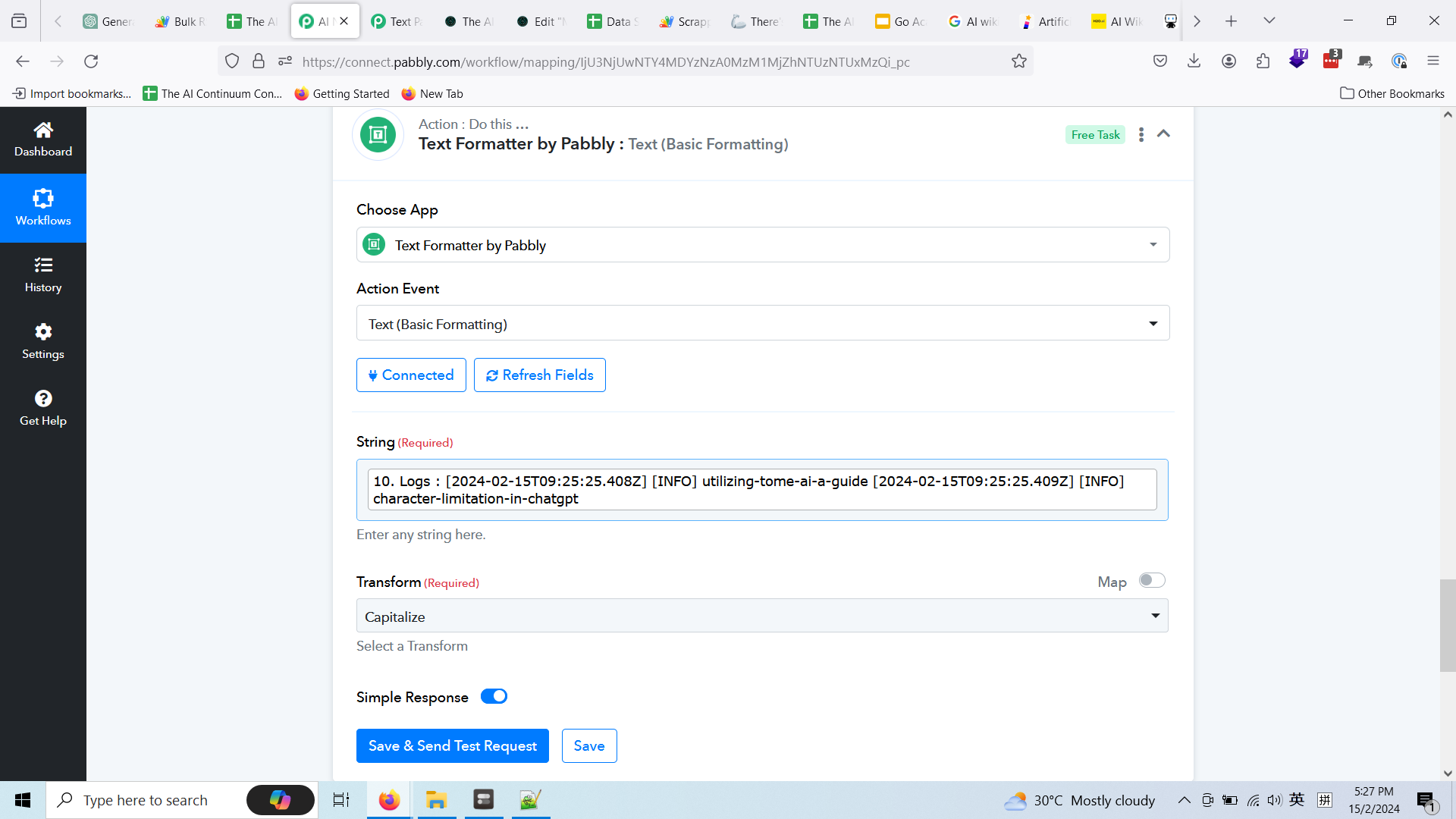
Is this possible? Or do I just need to do this code 4 times in the workflow so that I can get all string cleanly?
Thanks
Hey @nomisite
Is this possible? Or do I just need to do this code 4 times in the workflow so that I can get all string cleanly?
You can use it 4 times for your use case or you can optimize the code on OpenAI according to your customization.
Alright then I will do this 4 times
Thanks