The duedate must be of the format "yyyy-MM-dd" - error when integrating Pabby & Jira
Status: Closed · Asked by magdalena.pietrasz on · 0 views
Hi,
I would like to integrate Pabbly and Jira and I'm having some issues when it comes to the last step. I've followed these steps as in the Pabbly video, here:
and I'm having issues with sending test request to Jira as I'm receiving the following error:
The duedate must be of the format "yyyy-MM-dd", see screenshot https://www.screencast.com/t/t9MJrejRt
The problem is I'm unable to change the format in Jira as some time ago Jira changed their date format to dd/m/yy
Please, see https://jira.atlassian.com/browse/JRACLOUD-68381 by default it is dd/m/yy in Jira.
Is it possible to skip that field somehow in Pabbly so I can continue? Thank you
Hey @magdalena.pietrasz
We have made the changes in the Create Issue field and it is no more required to pass the Due Date Field in the action step.
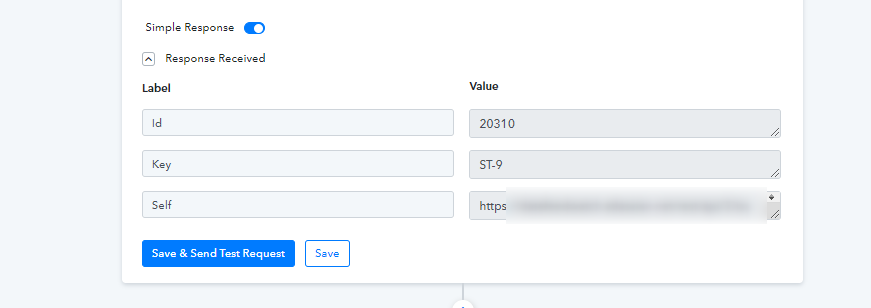
amazing! thank you very much! it is working now