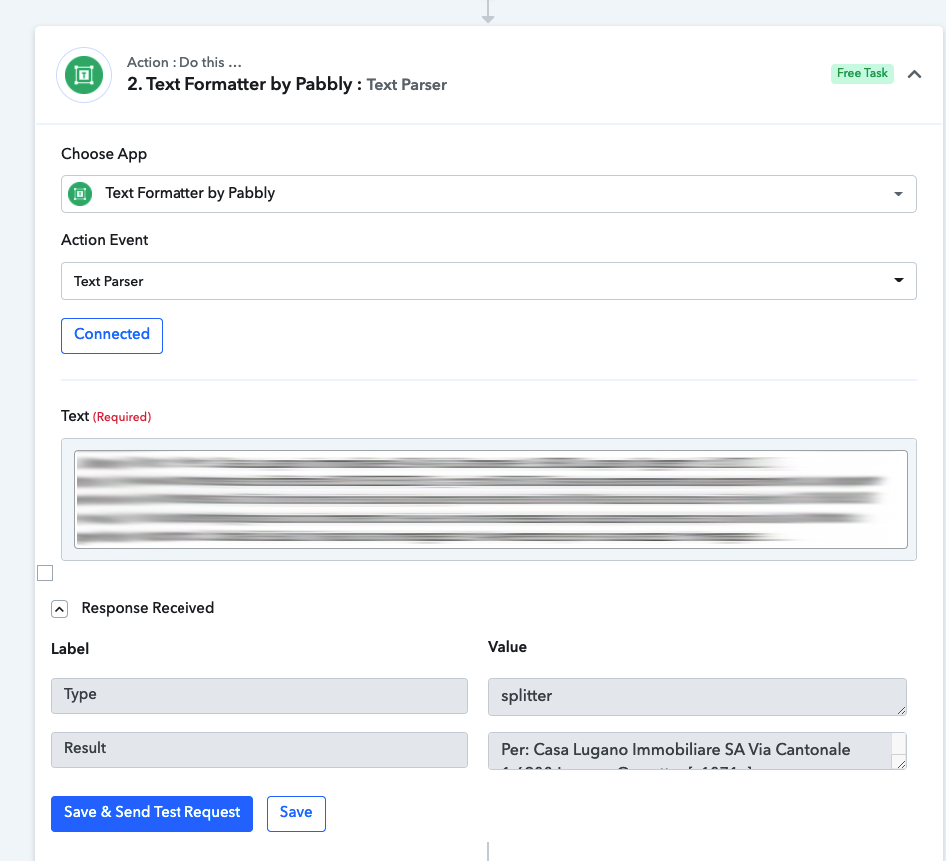
The text formatter has a weird look on Chrome and does not work
Status: Closed · Asked by Mattia Rasulo on · 0 views
I am trying to extract data from my email but it's not working, it looks weird on my computer:
Hey @ZeldOcarina
Kindly clear your browsers' cache memory and then try re-adding the action step in your workflow. As we have tested it is displaying accordingly.
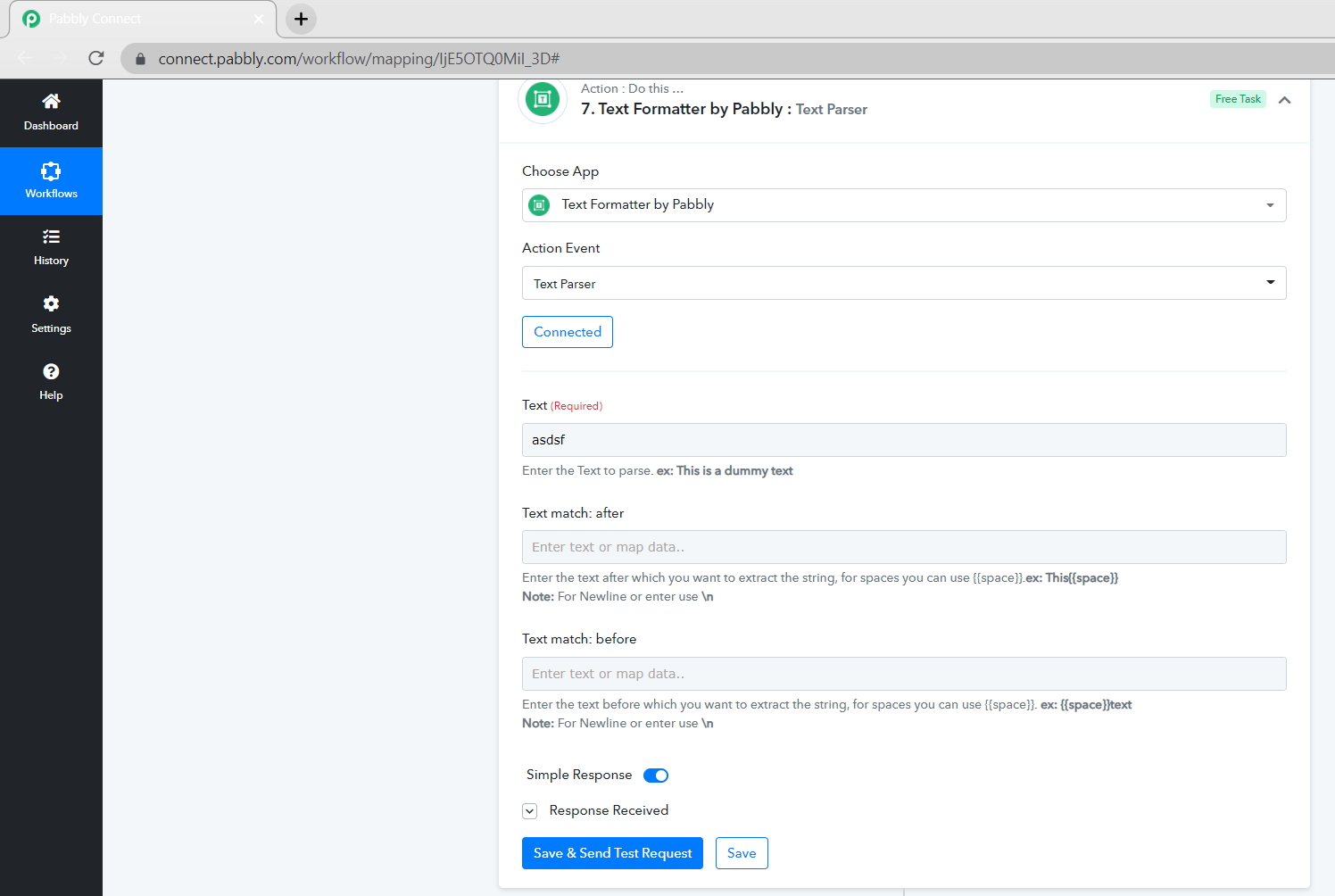
Hi!
I've tried clearing cookies & cache but I still have the same issue. I have tried with an incognito window too!
Hi!
I've tried clearing cookies & cache but I still have the same issue. I have tried with an incognito window too!
We are still working on it and shall update you soon.
Hey @ZeldOcarina
Please check at your end now. It should show properly now. Make sure to clear the browser cache once.
Hey it does thank you so much @Supreme!